 j3ssie/osmedeus
Un moderno motore di orchestrazione per la sicurezza


Osmedeus - Un moderno motore di orchestrazione per la sicurezza





Osmedeus è un motore di orchestrazione dichiarativo orientato alla sicurezza che semplifica l'automazione di workflow complessi in definizioni YAML verificabili, completo di gestione dei dati cifrati, gestione sicura delle credenziali ed esecuzione in sandbox.
Progettato sia per principianti che per esperti, offre un'automazione potente e componibile senza sacrificare l'integrità e la sicurezza della tua infrastruttura.
Consulta la pagina della documentazione per maggiori dettagli.
curl -sSL http://www.osmedeus.org/install.sh | bash
npm install -g @j3ssie/osmedeus
Include binari precompilati per Linux e macOS su x64/arm64.
Consulta Quickstart per una configurazione rapida e Installation per configurazioni avanzate.
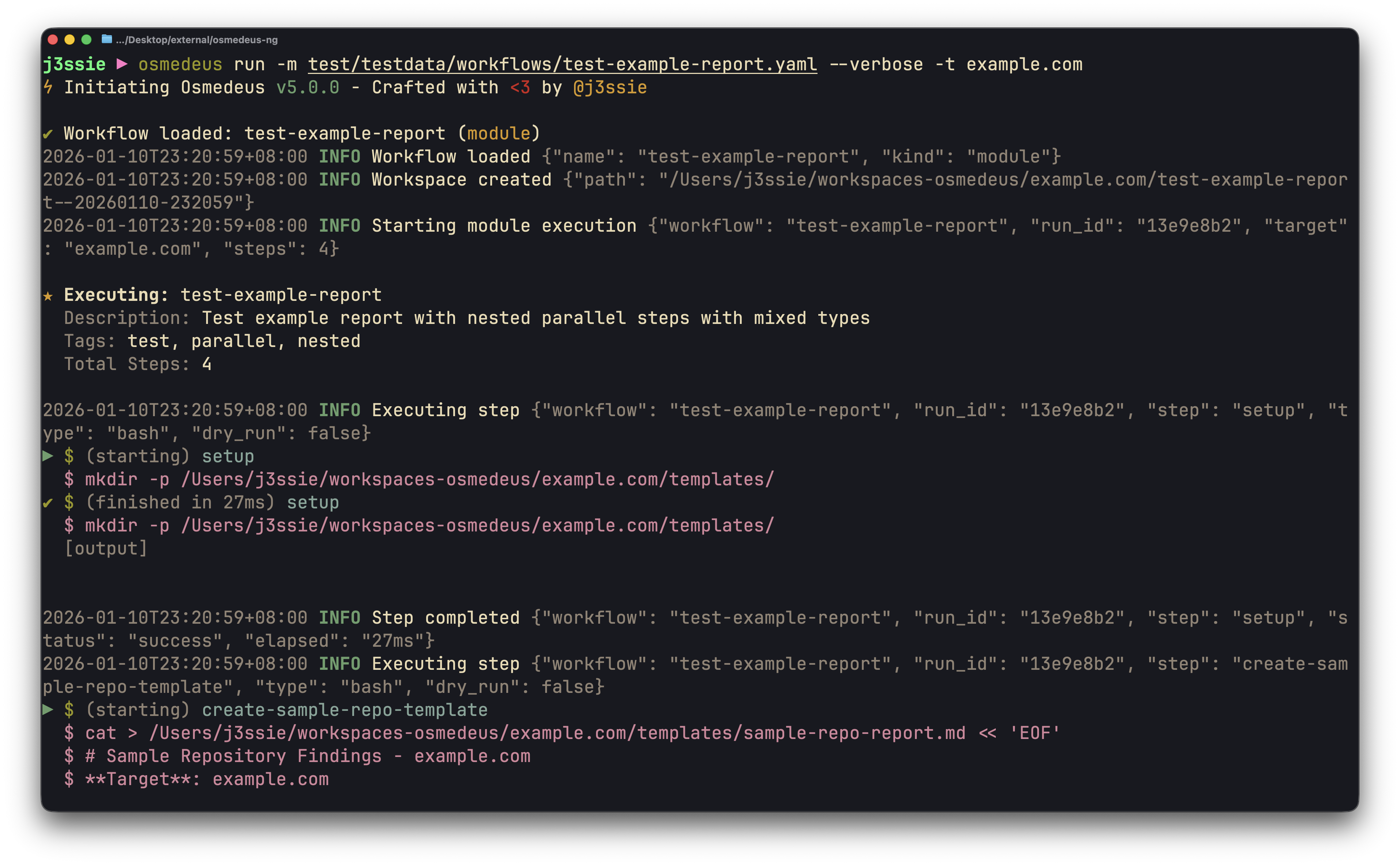
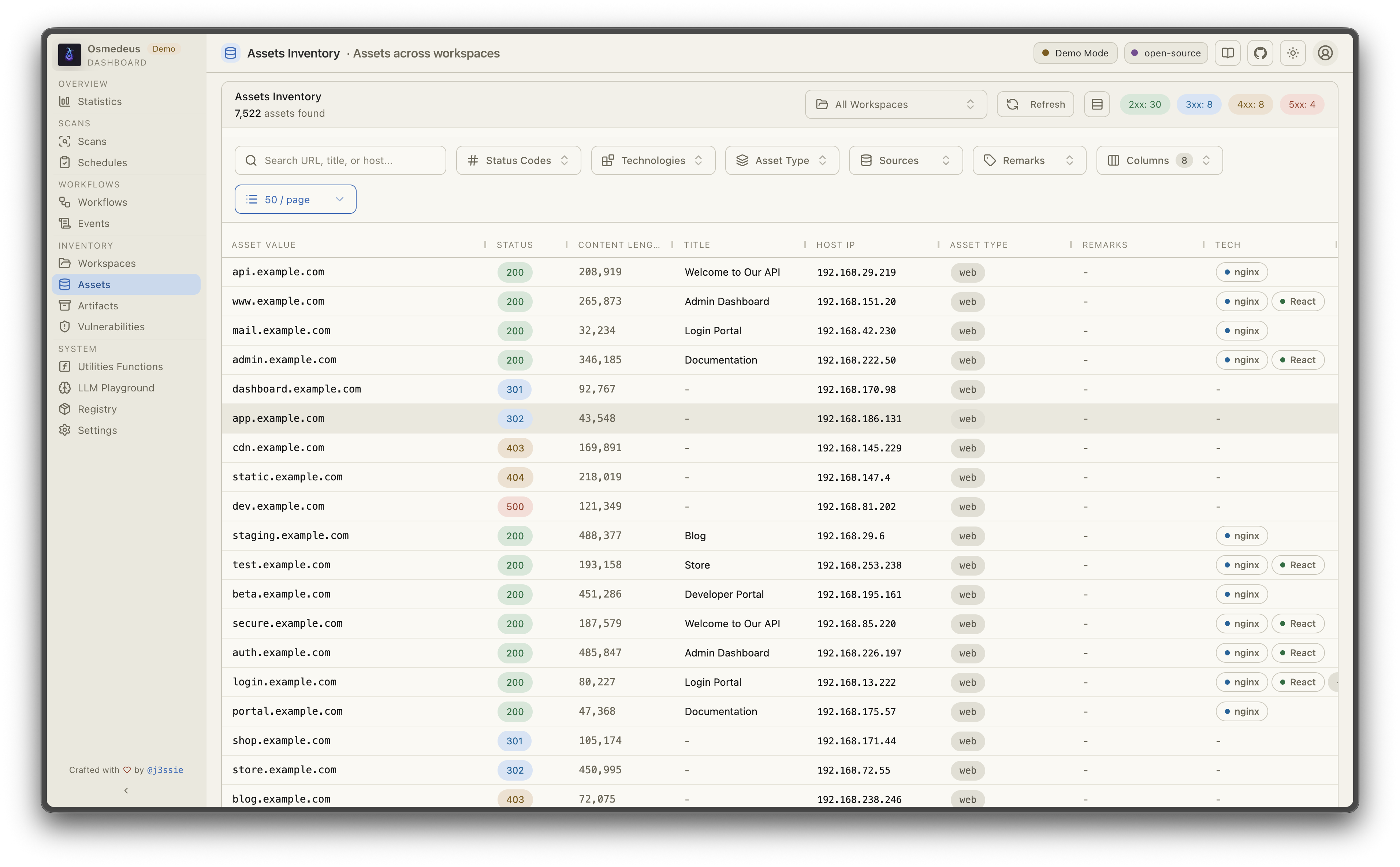
| Utilizzo CLI | Asset Web UI |
|---|---|
 |  |
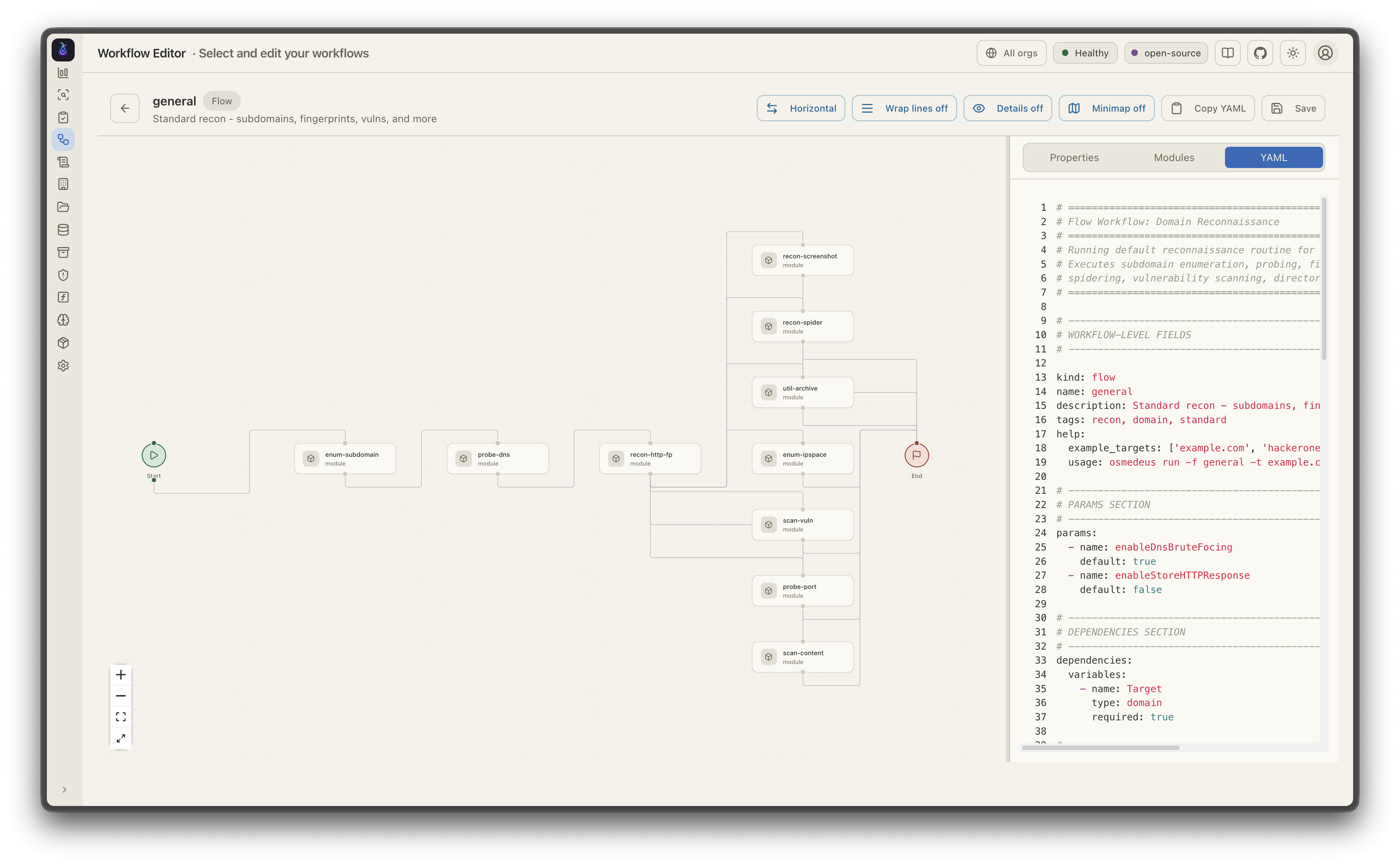
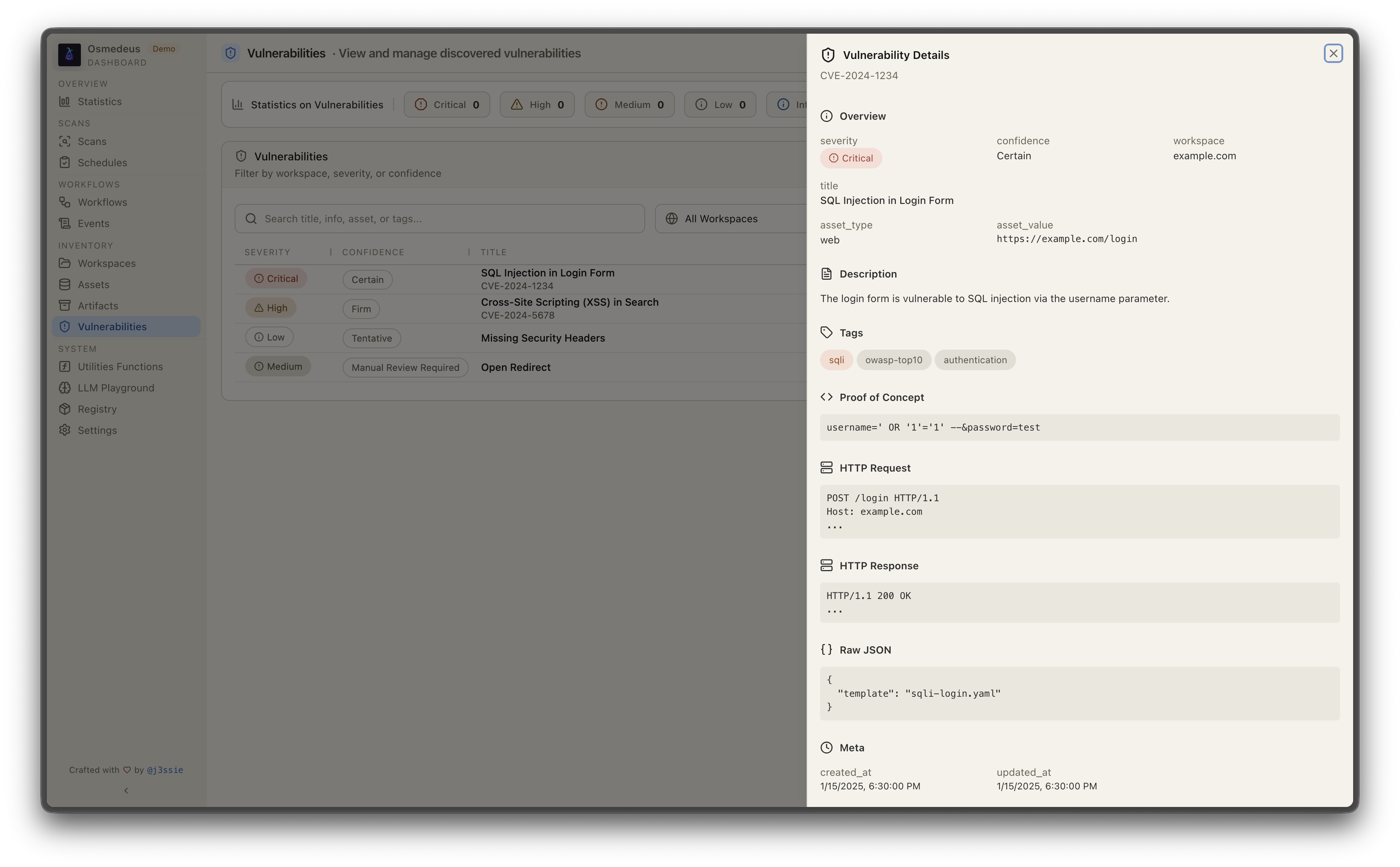
| Visualizzazione del workflow | Vulnerabilità |
 |  |

Automatizzi il recon con Osmedeus? Bloome porta la stessa mentalità di squadra di agenti nel resto del tuo flusso di lavoro: più agenti AI (Claude, ChatGPT, DeepSeek e altri) in un'unica chat condivisa che si dividono il lavoro, si passano i task, si verificano a vicenda e perfezionano l'output finché non è corretto — triage dei risultati, stesura di report ed esecuzione di controlli pianificati insieme. Zero configurazione, nel cloud, su web e mobile, e condivisibile con il tuo team. 👉 Prova Bloome
# Run a module workflow
osmedeus run -m recon -t example.com

# Run a flow workflow
osmedeus run -f general -t example.com

# Multiple targets with concurrency
osmedeus run -m recon -T targets.txt -c 5

# Dry-run mode (preview)
osmedeus run -f general -t example.com --dry-run

# Start API server
osmedeus serve

# List available workflows
osmedeus workflow list

# Query discovered assets
osmedeus assets -w example.com                          # List assets for workspace
osmedeus assets --stats                                 # Show unique technologies, sources, types
osmedeus assets --source httpx --type web --json        # Filter and output as JSON

# Query vulnerabilities, runs, and steps
osmedeus query vulns --severity high --workspace example.com
osmedeus query runs --status running
osmedeus query steps --run <run-uuid>

# Query database tables
osmedeus db list --table runs
osmedeus db list --table event_logs --search "nuclei"

# Evaluate utility functions
osmedeus func eval 'log_info("hello")'
osmedeus func eval -e 'http_get("https://example.com")' -T targets.txt -c 10

# Platform variables available in eval
osmedeus func eval 'log_info("OS: " + PlatformOS + ", Arch: " + PlatformArch)'

# Install from preset repositories
osmedeus install base --preset
osmedeus install base --preset --keep-setting   # preserve existing osm-settings.yaml
osmedeus install workflow --preset

# Exclude modules from flow execution
osmedeus run -f general -t example.com -x portscan
osmedeus run -f general -t example.com -X vuln    # Fuzzy exclude by substring

# Worker queue system
osmedeus worker queue new -f general -t example.com   # Queue for later
osmedeus worker queue run --concurrency 5              # Process queue

# Worker management
osmedeus worker status                          # Show workers
osmedeus worker eval -e 'ssh_exec("host", "whoami")'  # Eval with distributed hooks

# Run an ACP agent interactively
osmedeus agent "analyze this codebase"
osmedeus agent --agent codex "explain main.go"
osmedeus agent --list

# Cloud infrastructure management
osmedeus cloud create --instances 3                    # Provision cloud machines
osmedeus cloud setup 1.2.3.4 5.6.7.8                  # Setup existing machines
osmedeus cloud list                                    # List active infrastructure
osmedeus cloud run -f general -t example.com --instances 3

# Show all usage examples
osmedeus --usage-example
# Show help
docker run --rm j3ssie/osmedeus:latest --help

# Run a scan
docker run --rm -v $(pwd)/output:/root/workspaces-osmedeus \
    j3ssie/osmedeus:latest run -f general -t example.com
