 habanada/nativemirror
Native Delphi implementation of PE-sieve functionality with a reusable library, CLI, and PE-sieve-compatible DLL for HollowsHunter integration.
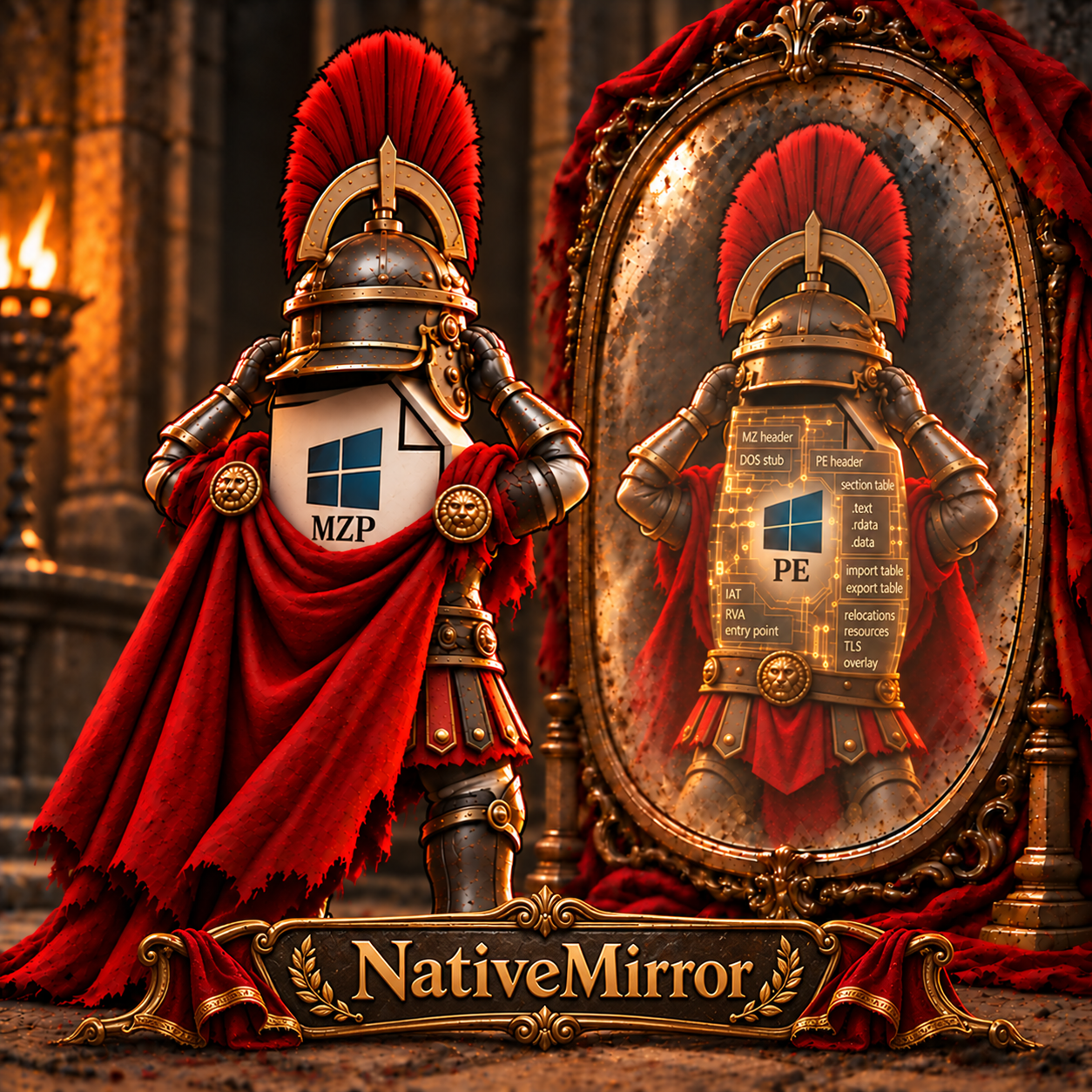
NativeMirror is an independent Object Pascal implementation of PE-sieve functionality, adapted from PE-sieve by hasherezade. It scans process memory, detects modified or injected code, and dumps PE files.
The implementation uses Delphi-native APIs and NativePe as its PE engine. It can be used directly as a Delphi library, through its CLI, or through a PE-sieve-compatible DLL interface. All three share the same scanner core. The compatibility target is the externally observable behavior of PE-sieve 0.4.1.5; full behavioral equivalence has not been established.
The binary comparisons use PE-sieve 0.4.1.1 (pe-sieve64.exe for the Delphi investigation; the HollowsHunter fixture separately uses the bundled 0.4.1.1 DLL). NativeMirror's source reference is 0.4.1.5.
The old 0.4.1.1 relocation code stops processing a block at a padding entry, causing false code-patch findings in the investigated Delphi modules. NativeMirror/NativePe already skip padding correctly, matching the newer 0.4.1.5 reference on this path. The upstream fix is in PE-sieve's libpeconv dependency: commit 610a3e8f204341557dc956b7caa203e08df8d874.
See the relocation analysis for versions, evidence and limits. This establishes the relocation difference, not full scanner or DLL parity with 0.4.1.5; a complete 0.4.1.5 scanner was not run in that investigation.
../NativePe, or adjust the Delphi search paths.NativeMirrorScan.NativeAsm.dproj project enables USE_NATIVEASM. Without it, NativeMirror uses the Delphi/LDE fallback. Adjust the NativeASM search path to your installation.py launcher: required for the DLL post-build step and Python tests. The scripts use the Python standard library.Some project configurations contain local dependency paths. Check the search paths before building on another machine.
Open NativeMirror.groupproj in Delphi and select the required project, platform, and configuration.
| Project | Output |
|---|---|
tools/NativeMirrorScan/NativeMirrorScan.dproj | NativeMirrorScan.exe |
tools/NativeMirrorDll/pe-sieve.dproj | pe-sieve.dll |
tests/ScannerIntegration/NativeMirrorTestTarget.dproj | Win64 test target |
tests/ScannerIntegration/NativeMirrorTestTarget32.dproj | Win32 test target |
tests/ScannerIntegration/NativeMirrorScannerTests.dproj | Win64 scanner test runner |
tests/HollowsHunterIntegration/NativeMirrorHollowsHunterTests.dproj | Win64 HollowsHunter test runner |
Build the CLI and DLL for Win32 and Win64 as needed. Build both test targets before running integration tests. Build the test runners for Win64.
Outputs go to bin/<Platform>/<Config>. The examples below use Debug. Compiler units go to dcu/. Keep executables out of tools/.
Run these commands from the project root. Replace 1234 with the process ID to scan.
.\bin\Win64\Debug\NativeMirrorScan.exe /help
.\bin\Win64\Debug\NativeMirrorScan.exe /pid 1234
.\bin\Win64\Debug\NativeMirrorScan.exe /pid 1234 /json /quiet /ofilter 2
.\bin\Win64\Debug\NativeMirrorScan.exe /pid 1234 /dir output
/ofilter 2 disables dump output. /dir output selects the output directory for reports and dumps. Use the Win32 executable under bin/Win32/Debug when needed. Access to the target process depends on your Windows permissions.
Add src/ and its unit subdirectories, together with NativePe, to your project's search path. Call ScanAndDump with TNativeMirrorOptions. The library is compiled into your application; this usage requires neither NativeMirrorScan.exe nor pe-sieve.dll. Python is only needed for the separate DLL build and Python tests.
This console example scans PID 1234 and prints its report as JSON:
program ScanExample;

{$APPTYPE CONSOLE}

uses
  System.JSON,
  NativeMirror.Core.Types,
  NativeMirror.Core.Options,
  NativeMirror.Core.Engine;

var
  Options: TNativeMirrorOptions;
  Report: TNativeMirrorReportEx;
  Json: TJSONObject;
begin
  Options := TNativeMirrorOptions.Default;
  Options.Pid := 1234;
  Options.Quiet := True;
  Options.OutputFilter := nmOutNoDir;
  Report := ScanAndDump(Options);
  try
    Json := Report.ToJson(Options.ResultsFilter, Options.JsonLevel);
    try
      Writeln(Json.ToJSON);
    finally
      Json.Free;
    end;
  finally
    Report.Free;
  end;
end.
Replace the PID with your target. nmOutNoDir disables report files and dumps. Inspect Report.ErrorReport for scan errors and Report.ScanReport for scan results. The caller owns the returned report and must free it.
Download pe-sieve32.exe and pe-sieve64.exe from the PE-sieve releases. The existing comparison scripts use the v0.4.1.1 executables. Place both in bin/Win64/Debug; the Win64 test scripts look for their reference scanner there. The 32 executable is the original Win32 reference, even though it is stored alongside the Win64 test tools.
A Debug setup looks like this:
bin/
  Win64/Debug/
    NativeMirrorScan.exe
    pe-sieve.dll
    pe-sieve.dll.exports.json
    pe-sieve32.exe
    pe-sieve64.exe
    NativeMirrorTestTarget.exe
    NativeMirrorScannerTests.exe
    NativeMirrorHollowsHunterTests.exe
    hollows_hunter.exe
  Win32/Debug/
    NativeMirrorScan.exe
    pe-sieve.dll
    pe-sieve.dll.exports.json
    NativeMirrorTestTarget32.exe
NativeMirror produces the CLI, DLL, export records, targets, and test runners. PE-sieve and HollowsHunter executables are separate downloads. HollowsHunter is only needed for its integration test or manual DLL use.
Download hollows_hunter64_dll.zip, v0.4.1.1 from the HollowsHunter releases. Use the DLL package. With a matching host architecture and API contract, NativeMirror's finalized pe-sieve.dll replaces the original PE-sieve DLL used by HollowsHunter. The standalone static executable cannot use a replacement DLL. The supplied integration test covers the v0.4.1.1 Win64 DLL host.
For a manual run, copy the package's hollows_hunter.exe into bin/Win64/Debug, beside the NativeMirror-built pe-sieve.dll. Do not copy the package's original DLL over the NativeMirror DLL. Both the host and DLL must be Win64.
.\bin\Win64\Debug\hollows_hunter.exe /pid 1234 /quiet /hooks /ofilter 2 /json /report 7
For the automated comparison, extract the unchanged original EXE and DLL from the same package into:
tests/HollowsHunterIntegration/fixtures/Win64/pe-sieve-C/
  hollows_hunter.exe
  pe-sieve.dll
  manifest.json
Keep the existing manifest.json. It records the expected versions and SHA-256 hashes. The runner checks these files, copies the same host into separate reference and NativeMirror directories, and tests each DLL against controlled test processes. It does not download files or overwrite the build in bin.






