baarai/artex
LLM multi-agent autonomous penetration testing platform with planner/worker agents, asset and exploration graphs, MITM traffic recording, and vulnerability retesting.
AI autonomous penetration testing system (Go backend + Next.js frontend)
Fork of ARTEX by Autumn-27 · English translation of the Chinese source · maintained publicly under AGPL-3.0
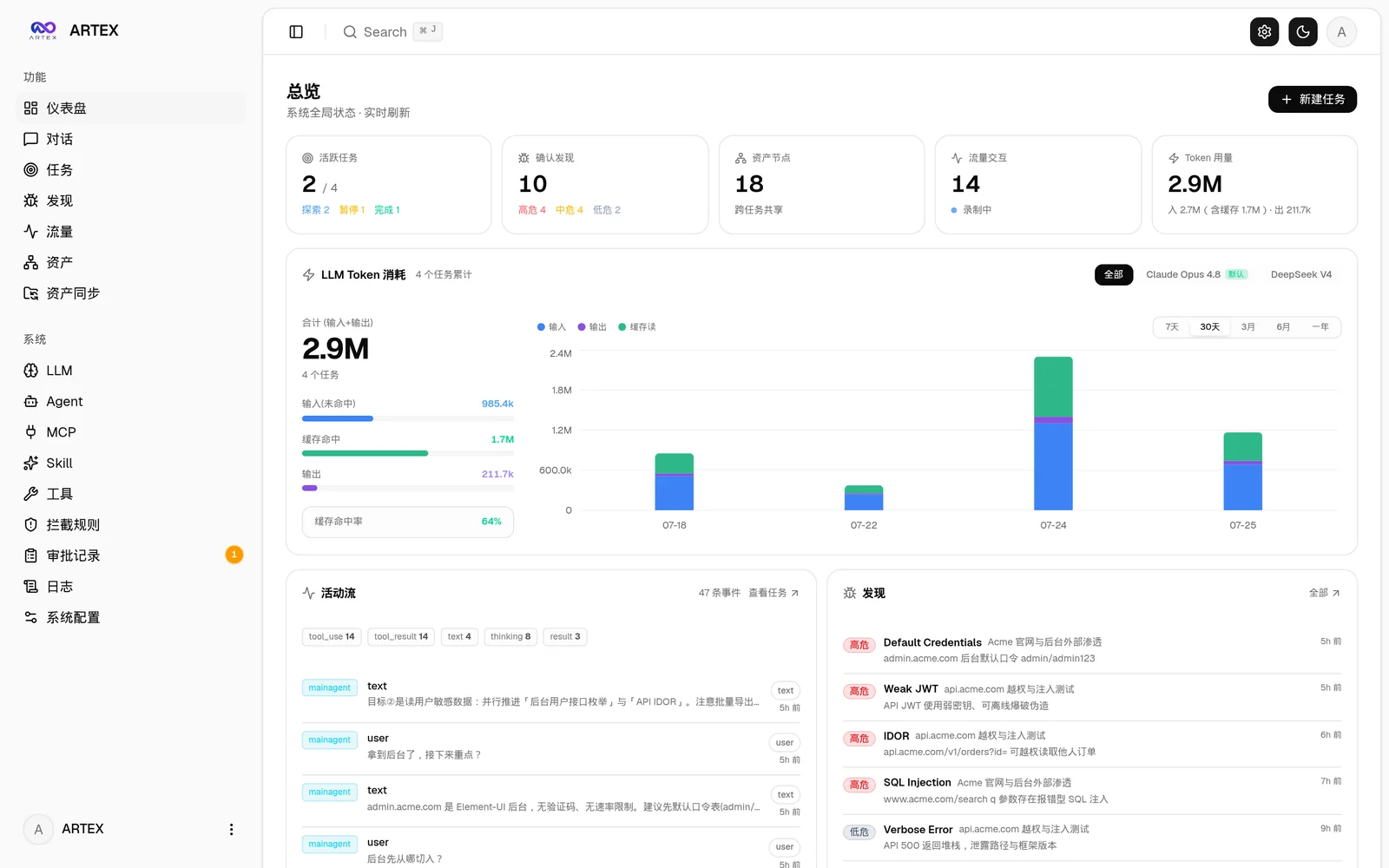
| Dashboard (overview / token usage / activity stream) | Task list |
|---|---|
 |  |
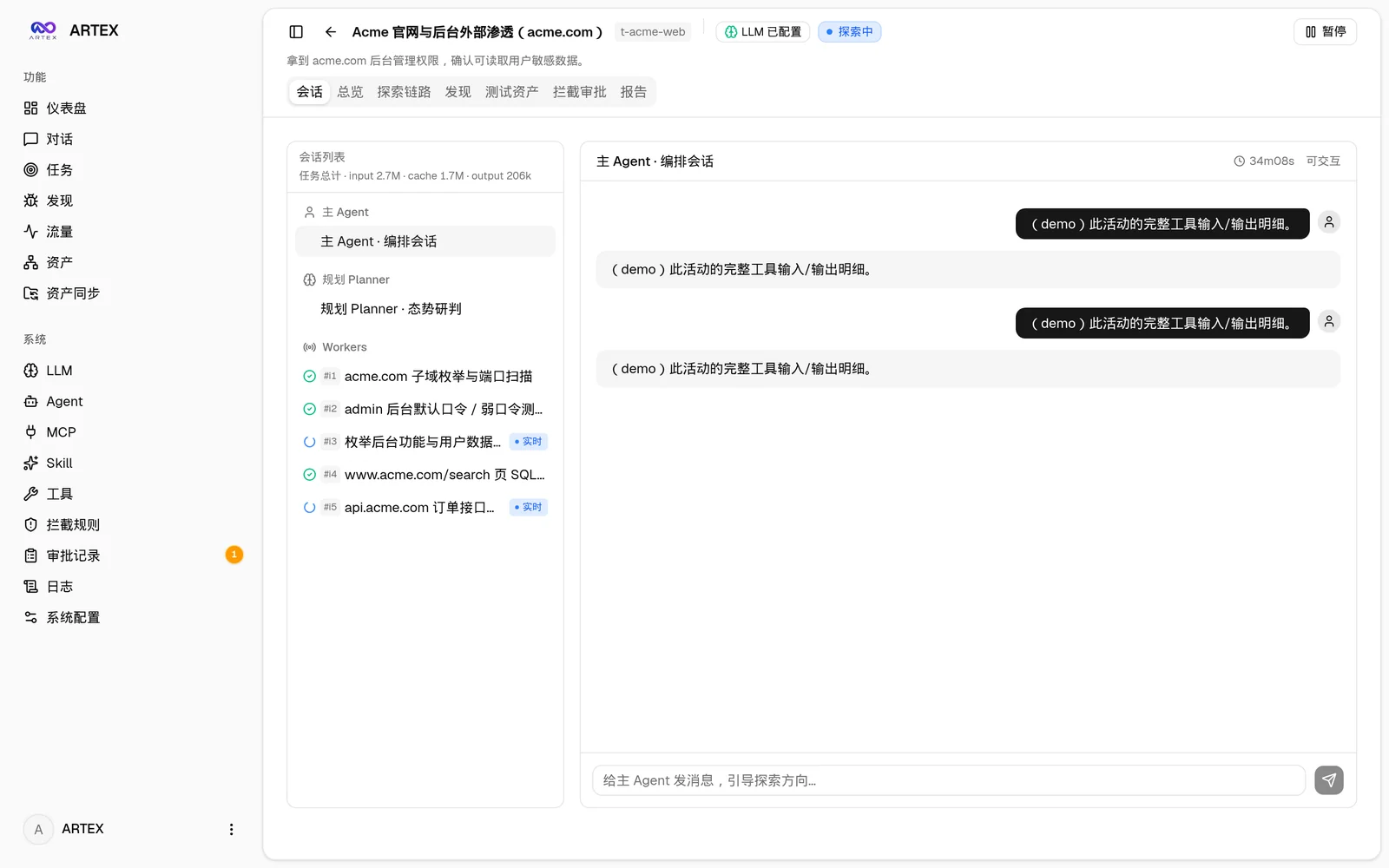
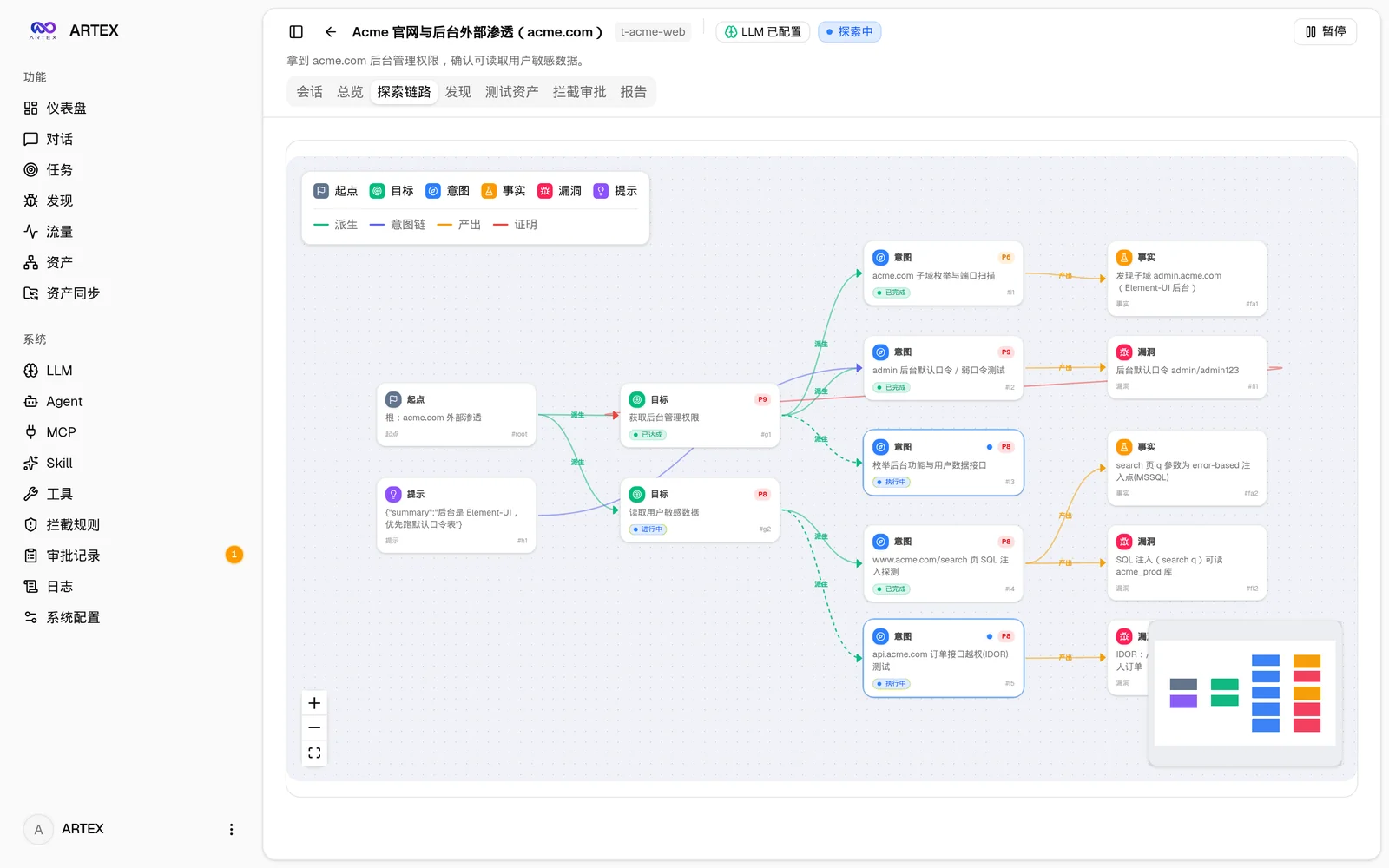
| Task · execution (sessions / tool calls) | Exploration graph |
|---|---|
 |  |
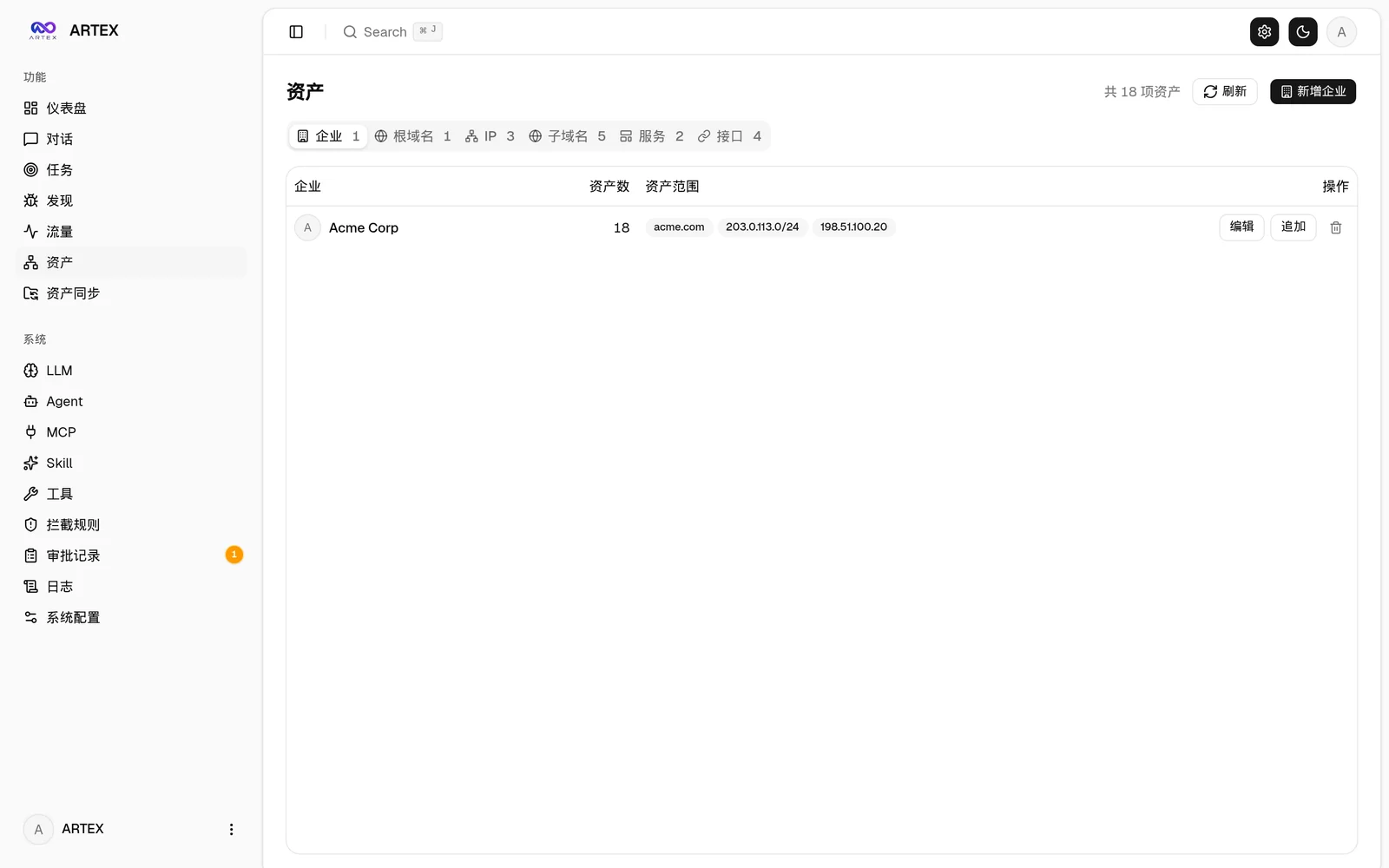
| Findings | Assets |
|---|---|
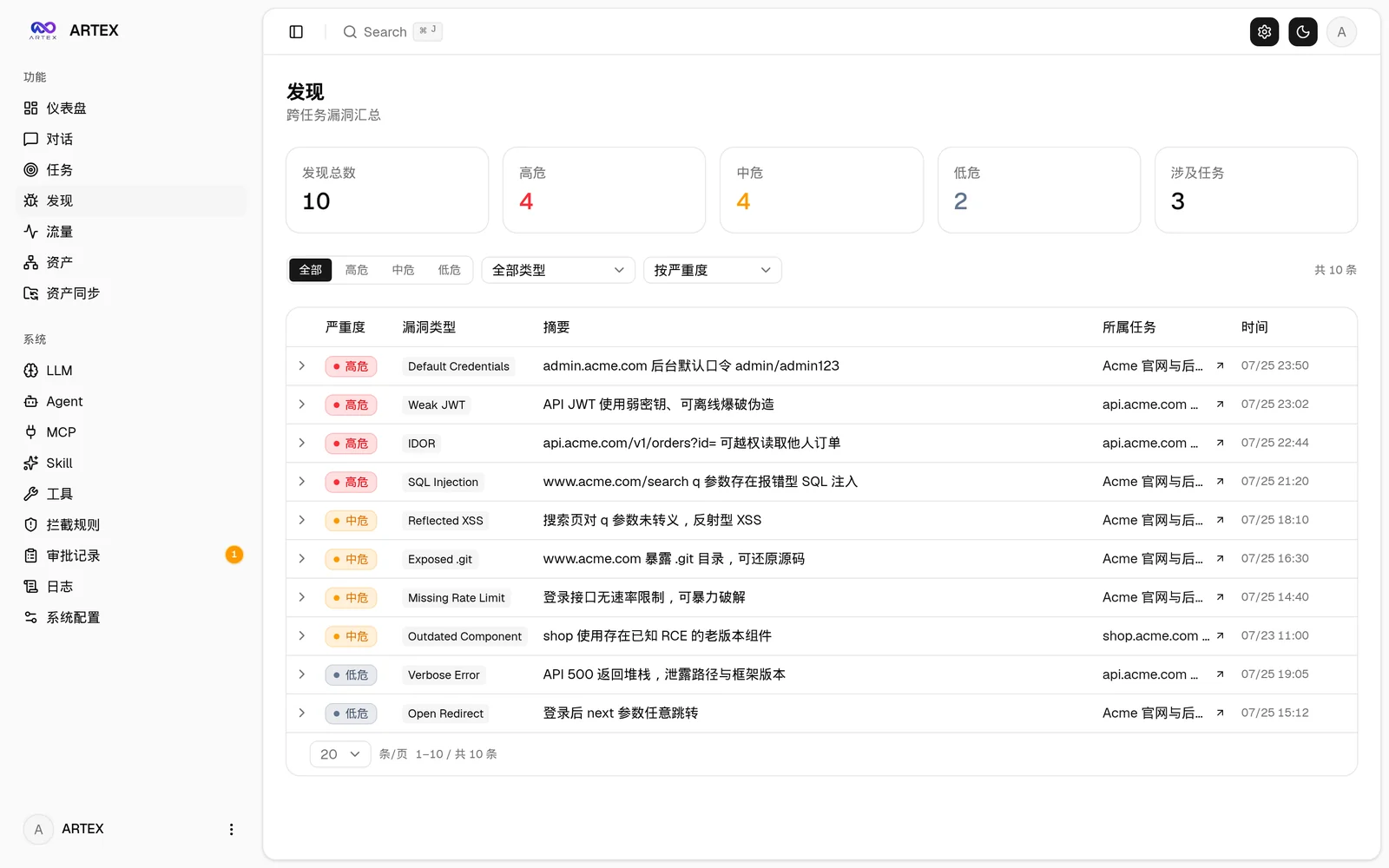 |  |
| Asset coverage graph (force-directed layout · tested highlights · node collapse/expand) |
|---|
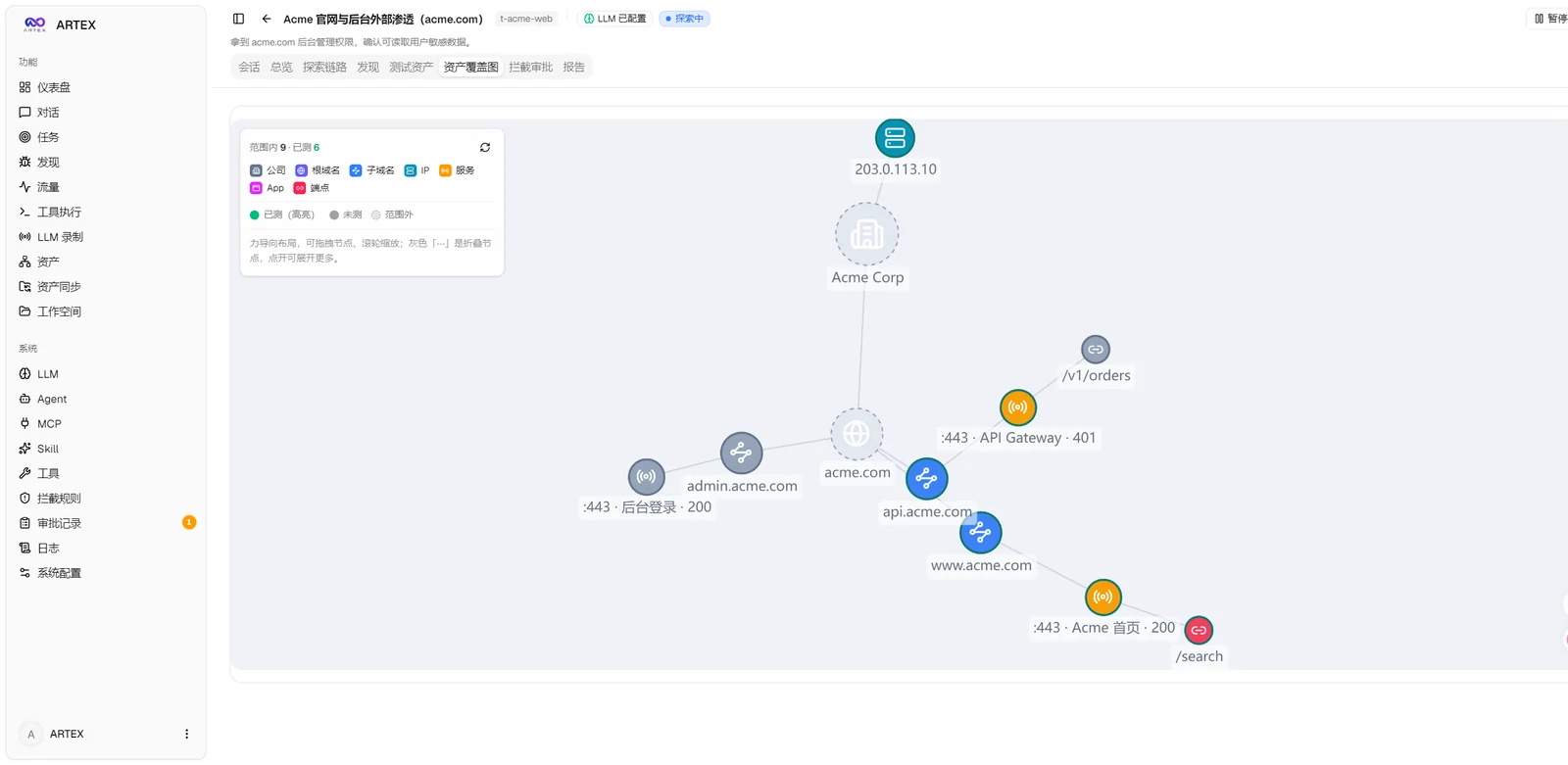 |
| Traffic recording | Human-in-the-loop chat |
|---|---|
 |  |
| Agent management | LLM configuration |
|---|---|
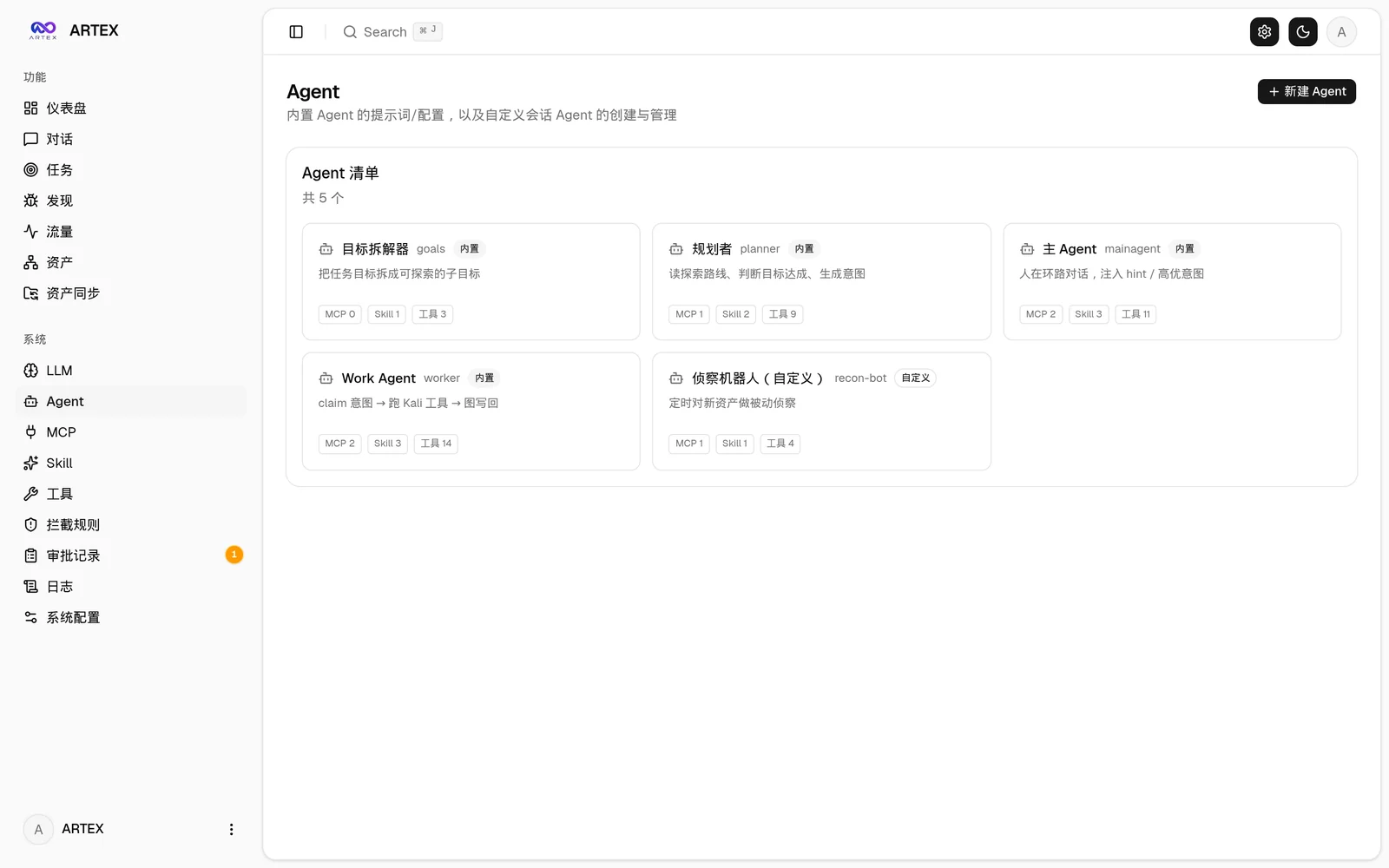 |  |
| Interception approvals | Backend logs |
|---|---|
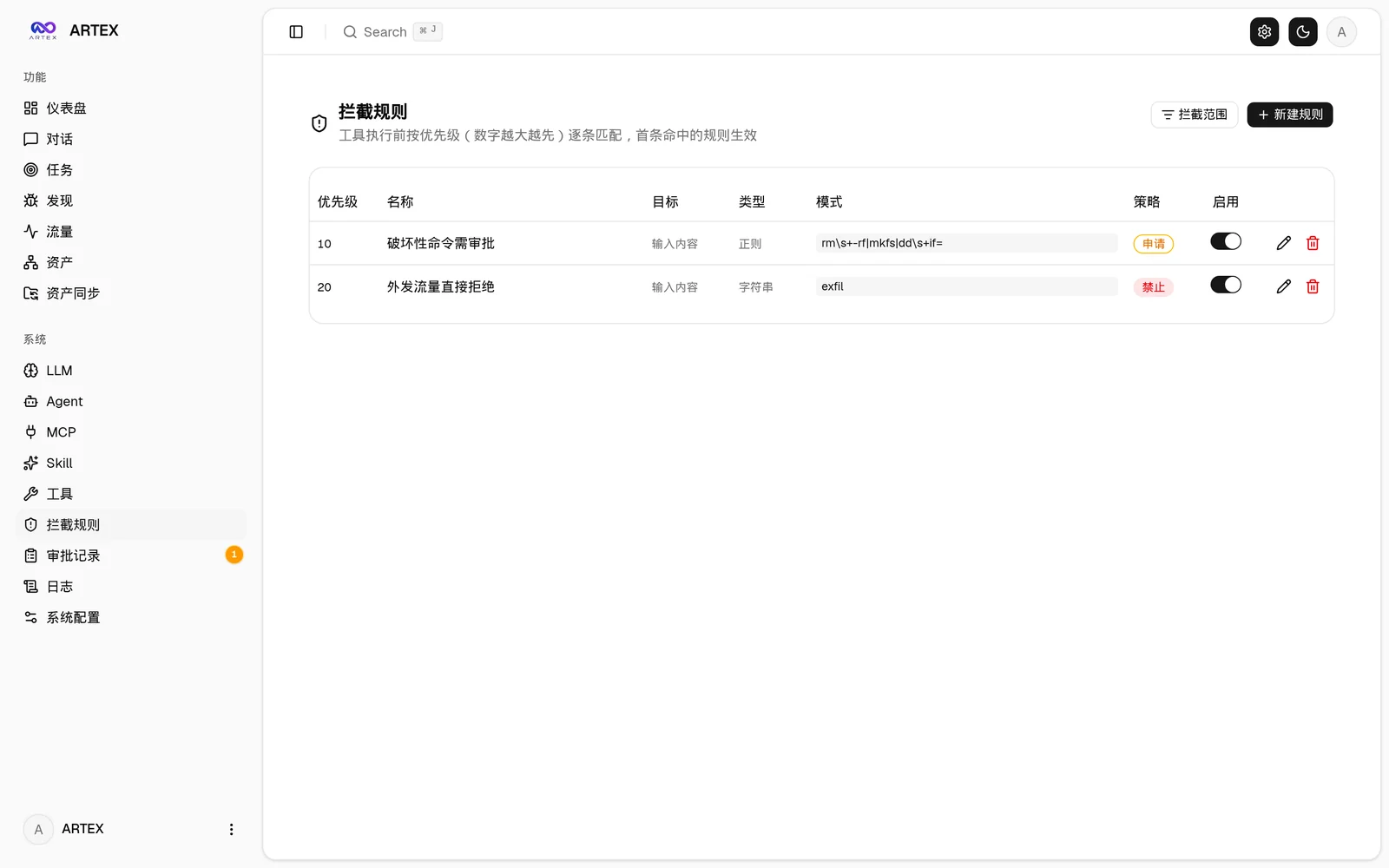 |  |
The global "Approval Records", the in-task "Interception Approvals", and the approval cards in conversations all support expanding to view details. The display structure references the AegisHook approval details component, reusing ARTEX's components and theme:
The bundled browser extension (extension/) turns your own browsing into agent-visible evidence: log into an authenticated target once (captchas, email OTP and 2FA included), and the captured requests/responses land in ARTEX's traffic store like proxy-recorded traffic, ready to search and bind to findings:
extension/ (Chrome/Edge, Developer Mode → Load unpacked);POST /api/traffic/ingest (authenticated). Binary bodies (images, fonts) are skipped, bodies are truncated at 256 KiB, batches are capped at 50 entries;Sync asset data directly from ScopeSentry, avoiding duplicate collection:
Requires a PostgreSQL database; exploration requires an LLM (
ANTHROPIC_API_KEYorOPENAI_API_KEY, which can also be configured in the UI).
git clone https://github.com/BaaRai/ARTEX.git
cd ARTEX
./install.sh
The script will: detect / auto-install Docker → then let you choose ① all-Docker or ② local build and run:
.env → docker compose up -d.config.json → go builds the embedded single binary → starts.Once installed, open http://localhost:8787 (on first entry, /setup sets the admin password).
git clone https://github.com/BaaRai/ARTEX.git
cd ARTEX
cp .env.example .env          # set POSTGRES_PASSWORD, optionally ANTHROPIC_API_KEY
docker compose up -d          # pulls the autumn27/artex image + postgres
# → http://localhost:8787
The image already includes common tools (ripgrep/curl/vim/npm/nmap…); ./skills and ./data are persisted via bind mounts.
For remote MCP, you can choose http (Streamable HTTP) or sse (legacy SSE) in system settings.
Legacy SSE servers usually establish the event stream with GET /sse, then receive JSON-RPC requests via the
/message?sessionId=... returned by the server; when configuring, set the URL to /sse and the request header as
Authorization=Bearer <token>.
Download the zip for your platform from Releases; after extracting you get artex + start.sh (start.bat on Windows) + skills/ + config.example.json:
cp config.example.json config.json   # fill in the database connection
./start.sh                           # → http://localhost:8787
Please start with
start.sh/start.batinstead of running./artexdirectly. It is a daemon script: if the process crashes, it restarts it after a backoff. To keep it running in the background:nohup ./start.sh >artex.log 2>&1 &.
# 1) frontend static export
cd web && npm ci && npm run build:static && cd ..
# 2) copy into the embed directory
cp -r web/out server/webui/dist
# 3) build (only -tags embedui embeds the frontend)
CGO_ENABLED=0 go build -tags embedui -o artex ./cmd/artex
./start.sh