 praetorian-inc/titus
高性能シークレットスキャナ。CLI、Goライブラリ、Burp Suite拡張機能、Chrome拡張機能。487個の検出ルールとライブな認証情報検証。



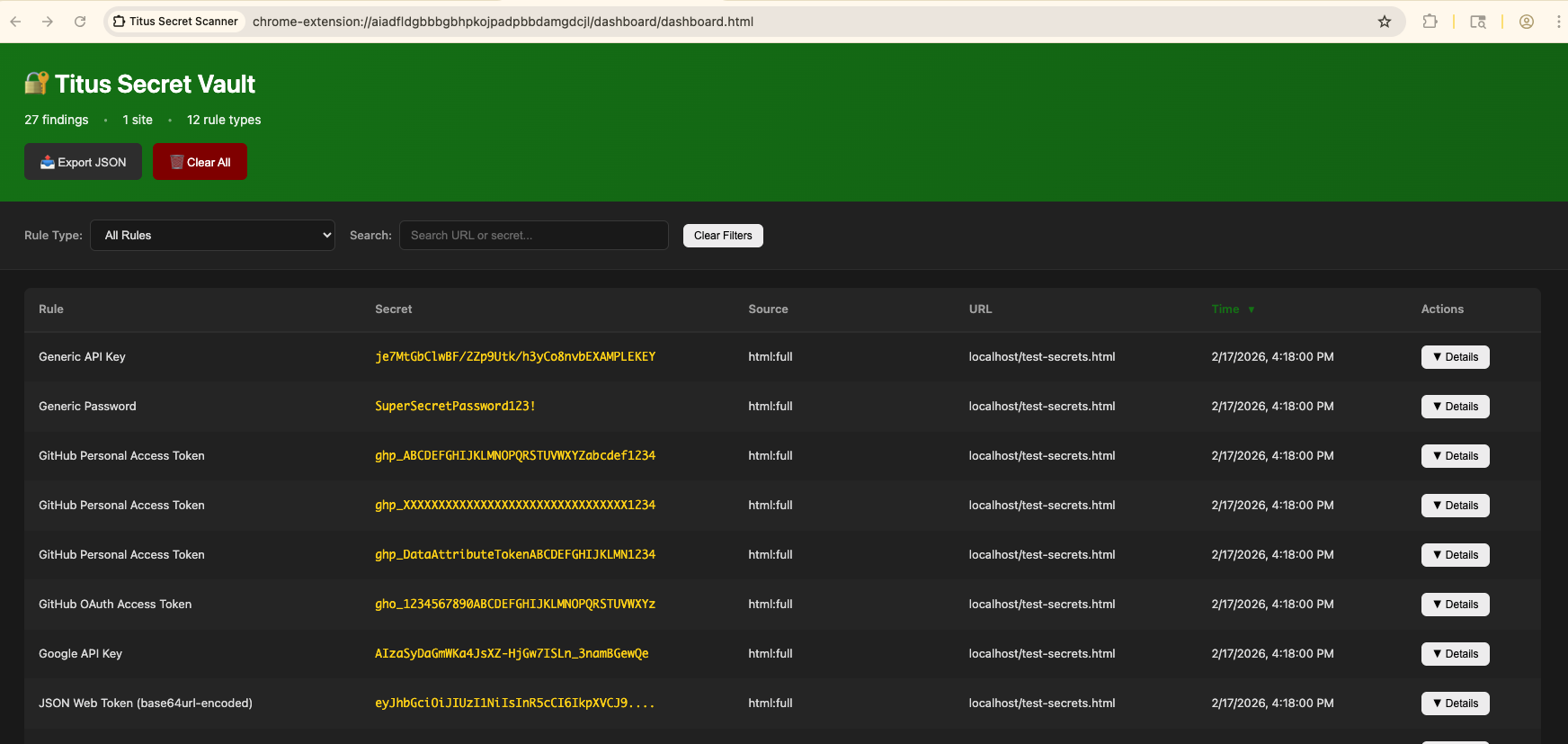
Titus は、ソースコード、ファイル、git 履歴に含まれる認証情報、API キー、トークンを検出する高性能シークレットスキャナです。数百のサービスと認証情報タイプをカバーする 487 個の検出ルールを同梱しており、それらは NoseyParker と Kingfisher から取り入れられています。Titus は CLI、Go ライブラリ、Burp Suite 拡張、Chrome ブラウザ拡張として動作し、そのすべてが同じ検出エンジンとルールセットを共有しています。
セキュリティエンジニア、ペネトレーションテスター、DevSecOps チーム向けに設計された Titus は、Hyperscan/Vectorscan で高速化された正規表現マッチングとライブ認証情報検証を組み合わせ、コードベース全体にわたって漏洩したシークレットを検出・検証します。
Releases ページからビルド済みバイナリをダウンロードするか、ソースからビルドしてください:
make build
バイナリは dist/titus にあります。
# Scan a file for secrets
titus scan path/to/file.txt

# Scan a directory for leaked credentials
titus scan path/to/directory

# Scan a public GitHub repository (no token needed)
titus scan github.com/org/repo

# Scan a public GitLab project (no token needed)
titus scan gitlab.com/namespace/project

# Scan git history for secrets in past commits
titus scan --git path/to/repo

# Scan a Docker / OCI image (pulled from a registry — no docker daemon required)
titus scan --docker alpine:latest

# Validate detected secrets against source APIs
titus scan path/to/code --validate
結果はデータストア(デフォルトでは titus.ds)に書き込まれ、コンソールに出力されます。
Titus はその機能を以下のような焦点を絞ったサブコマンドに整理しています:
titus analyze # Analyze a credential on demand — detect type, validate, score, and enumerate resources
titus enum    # Enumerate remote services for secrets
titus explore # Interactively explore scan results
titus report  # Generate a report from scan results
titus rules   # Manage detection rules
titus scan    # Scan a target for secrets
titus serve   # Run as streaming server for Burp extension integration
titus version # Show version information
各サブコマンドは自身のフラグ用に --help を受け付けます。titus enum <provider> より前から存在するトップレベルの titus <provider> 形式も引き続き動作しますが、これらはエイリアスではなく非表示かつ非推奨であるため、ここではなく生成されたリファレンスに記載されています。
完全なリファレンス — すべてのサブコマンド、エイリアス、フラグ(--help から隠されているものを含む)— は docs/CLI.md に生成されます。
公開リポジトリを URL で直接スキャン — API トークンは不要です:
# Scan a GitHub repository
titus scan github.com/kubernetes/kubernetes

# Scan a GitLab project
titus scan gitlab.com/gitlab-org/cli

# Full URLs work too
titus scan https://github.com/org/repo
titus scan https://gitlab.com/namespace/project.git
組織全体またはユーザー全体のスキャンには、専用のサブコマンドを使用します:
# Scan all public repos in a GitHub org
titus github --org kubernetes

# Scan all repos in a GitHub org with a token (private repos + higher rate limits)
titus github --org kubernetes --token $GITHUB_TOKEN

# Scan all repos for a GitHub user
titus github --user octocat

# Scan all projects in a GitLab group
titus gitlab scan --group mygroup --token $GITLAB_TOKEN

# Scan a single repo with git history (finds deleted secrets)
titus github scan owner/repo --git
トークンはパブリックリポジトリでは任意です。プライベートリポジトリへのアクセスとより高いAPIレート制限には、GITHUB_TOKEN または GITLAB_TOKEN を設定する(あるいは --token を使用する)ようにしてください。
コンテナイメージを直接スキャンします — dockerデーモンも docker バイナリも不要です。Titusは任意のOCIレジストリからHTTPS経由でイメージを直接取得するか(~/.docker/config.json の認証情報を使用)、ローカルの docker save tarballまたはOCIイメージレイアウトディレクトリからイメージを読み取ります。その後、イメージのマニフェスト/設定メタデータと、すべてのレイヤー内のすべての通常ファイルをスキャンします。これには、後のレイヤーによって削除された下位レイヤーのファイルも含まれます(イメージ履歴からシークレットが復元可能なまま残ることがあるため)。
# Pull from a registry and scan
titus scan --docker alpine:latest
titus scan docker://ghcr.io/owner/repo:tag

# Scan an image saved to a tarball:
#   docker save my-app:latest -o my-app.tar
#   podman save my-app:latest -o my-app.tar
titus scan --docker ./my-app.tar

# Scan an OCI image layout directory:
#   docker buildx build --output type=oci,dest=./img/ .
#   skopeo copy docker://my-app:latest oci:./img:latest
titus scan --docker ./img/
認証には既存の Docker / Podman 設定(~/.docker/config.json、${XDG_RUNTIME_DIR}/containers/auth.json)が使用されます。新たなログインが必要なプライベートレジストリは、まず docker login(または podman login、あるいは crane auth login)で認証しておく必要があります — titus は認証情報の入力を求めません。
report を使用して、以前のスキャンから検出結果を再読み込みします:
# Human-readable summary of detected secrets
titus report

# JSON output for programmatic processing
titus report --format json

# SARIF output for CI/CD integration with GitHub Advanced Security
titus report --format sarif

# Report from a specific datastore
titus report --datastore path/to/titus.ds
--format を使用して、スキャン時に出力形式を制御することもできます:
titus scan path/to/code --format json
スキャン中に --validate を渡すと、検出されたシークレットをそのソース API に対して検証できます:
titus scan path/to/code --validate
検証は並行して実行され(デフォルトで4ワーカー、--validate-workersで設定可能)、各検出結果をconfirmed、denied、またはunknownとしてマークします。
# List all available detection rules
titus rules list

# Scan with only specific rules (e.g., AWS and GCP credentials)
titus scan path/to/code --rules-include "aws,gcp"

# Exclude rules by pattern
titus scan path/to/code --rules-exclude "kingfisher.generic"

# Use a custom rules file for organization-specific secrets
titus scan path/to/code --rules path/to/custom-rules.yaml

# Opt in to rules marked noisy: true (high false-positive rate, off by default)
titus scan path/to/code --include-noisy
visible: false とマークされたルールは、クライアント ID、アカウント名、ホストなど、シークレットではなく他のルールのコンテキストを取得するためのヘルパーです。これらのパターンは引き続き実行されますが、ルールが明示的に選択された場合でも、CLI や Go ライブラリによって一致が報告されることはありません。
Titus はバイナリファイル形式からテキストを抽出し、その内容をスキャンしてシークレットを検出できます:
# Extract and scan all supported binary formats
titus scan path/to/files --extract=all

# Target specific formats
titus scan path/to/files --extract=xlsx,docx,pdf,zip

