 psyb0t/piraterf
PIrateRF transforms your Raspberry Pi Zero W into a portable RF signal generator that spawns its own WiFi hotspot. Control everything from FM broadcasts to digital modes through your browser - hack the airwaves from anywhere! 📡⚡

Software-Defined Radio Transmission Platform


PIrateRF transforms your Raspberry Pi Zero W into a portable RF signal generator that spawns its own WiFi hotspot. Control everything from FM broadcasts to digital modes through your browser - hack the airwaves from anywhere! 📡⚡
🎬 Click here for PIrateRF Promo Video
📺 Click here for PIrateRF Showcase Video
⚠️ LEGAL NOTICE
PIrateRF is designed for amateur radio experimentation and education - including safe indoor testing without external antennas. Built for engineers who understand that good RF practices matter more than arbitrary administrative boundaries. Users are responsible for compliance with all local RF regulations and licensing requirements. I am not responsible for any of your stupid fuckin' decisions!
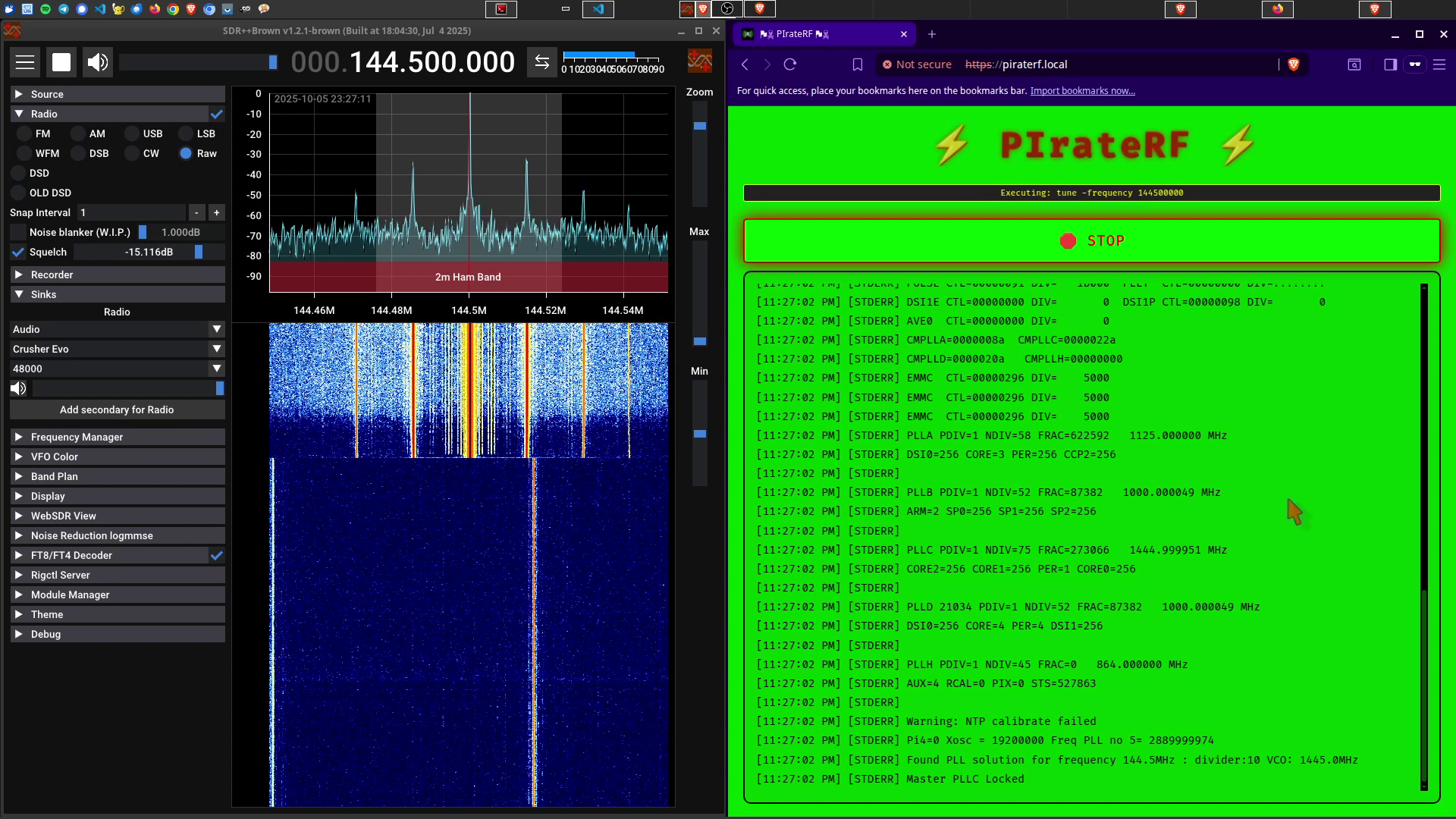
All demonstration images and testing in this documentation were performed indoors without an antenna, with a maximum range of approximately 5 meters.
All controlled through a standalone WiFi access point - connect any device and start transmitting like the RF rebel you were meant to be! Perfect for international waters operations and regions with more... flexible spectrum policies.
The full documentation lives at https://psyb0t.github.io/piraterf/: setup, every transmission mode, presets, frequencies, configuration, the API and security.
Skip all the build bullshit and get straight to RF chaos:
.img filesudo dd if=piraterf_2025-11-23_22-18-49.img of=/dev/sdX bs=4M status=progress (replace /dev/sdX with your SD card)https://piraterf.local and start transmitting immediately!Default Settings:
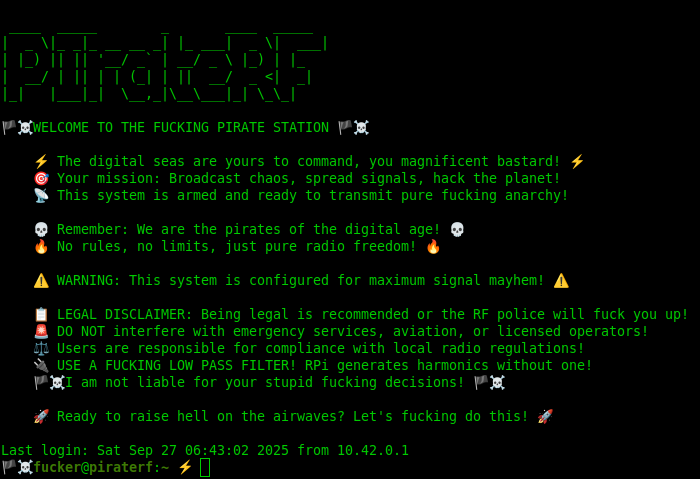
fucker, Password FUCKER, Hostname piraterf.localGet the Pi Zero W on SSH over USB with internet sharing, set your Pi and WiFi values in scripts/pi_config.sh, then run make pi. It installs rpitx and its dependencies, sets up the WiFi access point, builds and deploys PIrateRF, installs the systemd service and reboots into full pirate mode 🏴☠️. Every step, including the USB tutorial and the internet sharing setup, is in Installation from source.
Connect multiple devices to the PIrateRF access point and all access the web interface simultaneously! While only one transmission can run at a time (because GPIO doesn't fucking share), all connected devices see real-time transmission status, output logs, and can take turns controlling the RF transmissions. Perfect for fucking around with friends in a radio wave gangbang! 📡💥
Multi-Device Features:
The RF comes out of GPIO 4 (Physical Pin 7). No antenna keeps the signal inside your home, a short wire gets you a bit more, and anything going outdoors needs a low-pass filter, because the Pi spits out a square wave with harmonics all over the spectrum. The options and the rules are in Legal and safety.
Every mode, its settings, what file formats it takes and how to receive it on the other end: Transmission modes.
Stop entering the same fuckin parameters every time. Save a mode's settings as a named preset, reload it with one click, and back up the JSON files from files/presets/<module>/. Details in Presets.
make run-dev          # Run locally with development setup
make build            # Cross-compile for Pi Zero ARM
make lint-fix         # Format and lint code
make test-coverage    # Run tests with coverage
make pi               # Complete automated Pi setup
make docs             # Build the documentation site
The code layout, every Make target and the HTTP and WebSocket API are in Development and API.






