
httpx v1.10.0
तेज़, बहु-जांच HTTP टूलकिट जो टोही और सूचना संग्रह के लिए है। TLS, CSP, हेडर, तकनीकी स्टैक और CDN की जांच करता है। स्वचालित सुरक्षा परीक्षण के लिए मैचर्स, फ़िल्टर और JSON आउटपुट का समर्थन करता है।






सुविधाएँ • स्थापना • उपयोग • दस्तावेज़ीकरण • नोट्स • Discord में शामिल हों
httpx एक तेज़ और बहुउद्देशीय HTTP टूलकिट है जो retryablehttp लाइब्रेरी का उपयोग करके कई प्रोब चलाने की अनुमति देता है। इसे थ्रेड्स की बढ़ी हुई संख्या के साथ परिणाम विश्वसनीयता बनाए रखने के लिए डिज़ाइन किया गया है।
सुविधाएँ
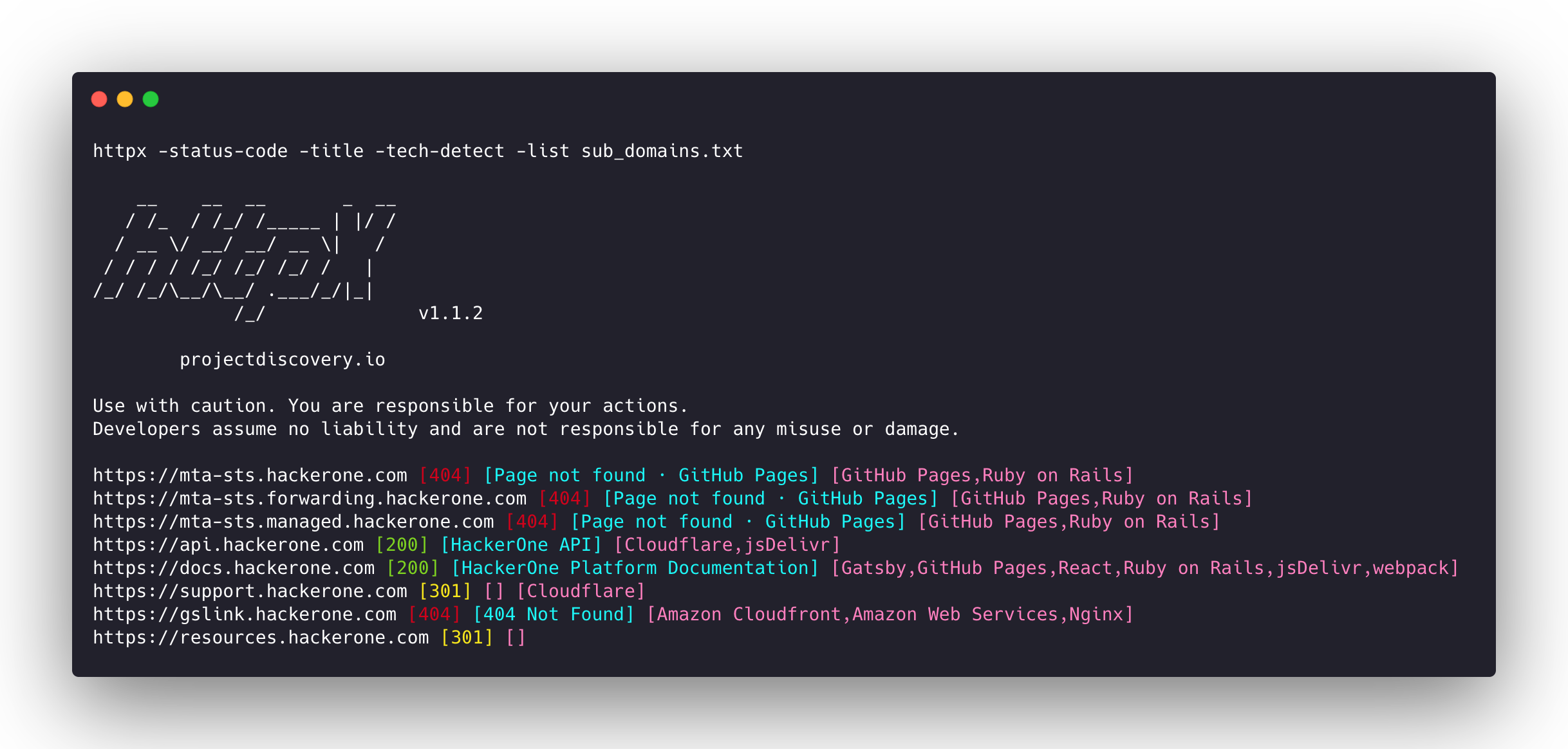
- सरल और मॉड्यूलर कोड बेस जिससे योगदान देना आसान हो।
- तेज़ और पूरी तरह से कॉन्फ़िगरेबल फ़्लैग्स जो कई तत्वों की जाँच करने के लिए।
- कई HTTP-आधारित प्रोबिंग का समर्थन करता है।
- डिफ़ॉल्ट रूप से https से http में स्मार्ट ऑटो फ़ॉलबैक।
- होस्ट, URL और CIDR को इनपुट के रूप में समर्थन करता है।
- WAF को संभालने के लिए रीट्राइ, बैकऑफ़ आदि करते हुए एज केस को संभालता है।
समर्थित प्रोब्स
| Probes | Default check | Probes | Default check |
|---|---|---|---|
| URL | true | IP | true |
| Title | true | CNAME | true |
| Status Code | true | Raw HTTP | false |
| Content Length | true | HTTP2 | false |
| TLS Certificate | true | HTTP Pipeline | false |
| CSP Header | true | Virtual host | false |
| Line Count | true | Word Count | true |
| Location Header | true | CDN | false |
| Web Server | true | Paths | false |
| Web Socket | true | Ports | false |
| Response Time | true | Request Method | true |
| Favicon Hash | false | Probe Status | false |
| Body Hash | true | Header Hash | true |
| Redirect chain | false | URL Scheme | true |
| JARM Hash | false | ASN | false |
स्थापना निर्देश
httpx को सफलतापूर्वक स्थापित करने के लिए go >=1.25.0 आवश्यक है। रिपॉजिटरी प्राप्त करने के लिए निम्नलिखित कमांड चलाएँ:
go install -v github.com/projectdiscovery/httpx/cmd/httpx@latest
httpx को स्थापित करने के बारे में अधिक जानने के लिए, देखें https://docs.projectdiscovery.io/tools/httpx/install।
| ❗ अस्वीकरण |
|---|
| यह परियोजना सक्रिय विकास में है। रिलीज़ के साथ ब्रेकिंग परिवर्तनों की अपेक्षा करें। अपडेट करने से पहले चेंजलॉग की समीक्षा करें। |
| यह परियोजना मुख्य रूप से एक स्टैंडअलोन CLI टूल के रूप में उपयोग के लिए बनाई गई थी। इसे सेवा के रूप में चलाने से सुरक्षा जोखिम हो सकते हैं। सावधानी और अतिरिक्त सुरक्षा उपायों के साथ उपयोग करने की अनुशंसा की जाती है। |
उपयोग
httpx -h
यह टूल के लिए सहायता प्रदर्शित करेगा। यहाँ सभी स्विच दिए गए हैं जिनका यह समर्थन करता है।
httpx is a fast and multi-purpose HTTP toolkit that allows running multiple probes using the retryablehttp library.

Usage:
  ./httpx [flags]

Flags:
INPUT:
   -l, -list string              input file containing list of hosts to process
   -rr, -request string          file containing raw request
   -u, -target string[]          input target host(s) to probe
   -im, -input-mode string       mode of input file (burp)

PROBES:
   -sc, -status-code                      display response status-code
   -cl, -content-length                   display response content-length
   -ct, -content-type                     display response content-type
   -location                              display response redirect location
   -favicon                               display mmh3 hash for '/favicon.ico' file
   -hash string                           display response body hash (supported: md5,mmh3,simhash,sha1,sha256,sha512)
   -jarm                                  display jarm fingerprint hash
   -rt, -response-time                    display response time
   -lc, -line-count                       display response body line count
   -wc, -word-count                       display response body word count
   -title                                 display page title
   -bp, -body-preview                     display first N characters of response body (default 100)
   -server, -web-server                   display server name
   -td, -tech-detect                      display technology in use based on wappalyzer dataset
   -cff, -custom-fingerprint-file string  path to a custom fingerprint file for technology detection
   -method                                display http request method
   -ws, -websocket                        display server using websocket
   -ip                                    display host ip
   -cname                                 display host cname
   -extract-fqdn, -efqdn                  get domain and subdomains from response body and header in jsonl/csv output
   -asn                                   display host asn information
   -cdn                                   display cdn/waf in use (default true)
   -probe                                 display probe status

HEADLESS:
   -ss, -screenshot                 enable saving screenshot of the page using headless browser
   -system-chrome                   enable using local installed chrome for screenshot
   -ho, -headless-options string[]  start headless chrome with additional options
   -esb, -exclude-screenshot-bytes  enable excluding screenshot bytes from json output
   -ehb, -exclude-headless-body     enable excluding headless header from json output
   -no-screenshot-full-page         disable saving full page screenshot
   -st, -screenshot-timeout value   set timeout for screenshot in seconds (default 10s)
   -sid, -screenshot-idle value     set idle time before taking screenshot in seconds (default 1s)
   -jsc, -javascript-code string[]  execute JavaScript code after navigation