
Skip to content
KitploitKITPLOIT
ToolsExploitsBlog
Log in
Submit
ToolsExploitsBlog
Submit

Hacking, PenTest, and Cybersecurity Tools for Your Security Arsenal!

Kitploit is a directory of hacking, cybersecurity, and pentesting tools. Discover the latest project updates to find vulnerabilities, analyze systems, automate testing, and strengthen your security.

FeedsContactPrivacy© 2026 Kitploit

Tool Directory

Categories

View all categories
Loading categories
ForensicMiner — A really good DFIR automation for collecting and analyzing evidence designed for cybersecurity professionals. | Kitploit
Tools/GitHubGitHub/securityjoes/forensicminer
Disk ForensicsMemory ForensicsForensicsDigital ForensicsIncident Response
GitHubsecurityjoes/forensicminer

ForensicMiner

A really good DFIR automation for collecting and analyzing evidence designed for cybersecurity professionals.

View Repository
16420451 year agoReviewed by Kitploit
Share
Website

ForensicMiner v1.4

"ForensicMiner, Redefine DFIR Automations"

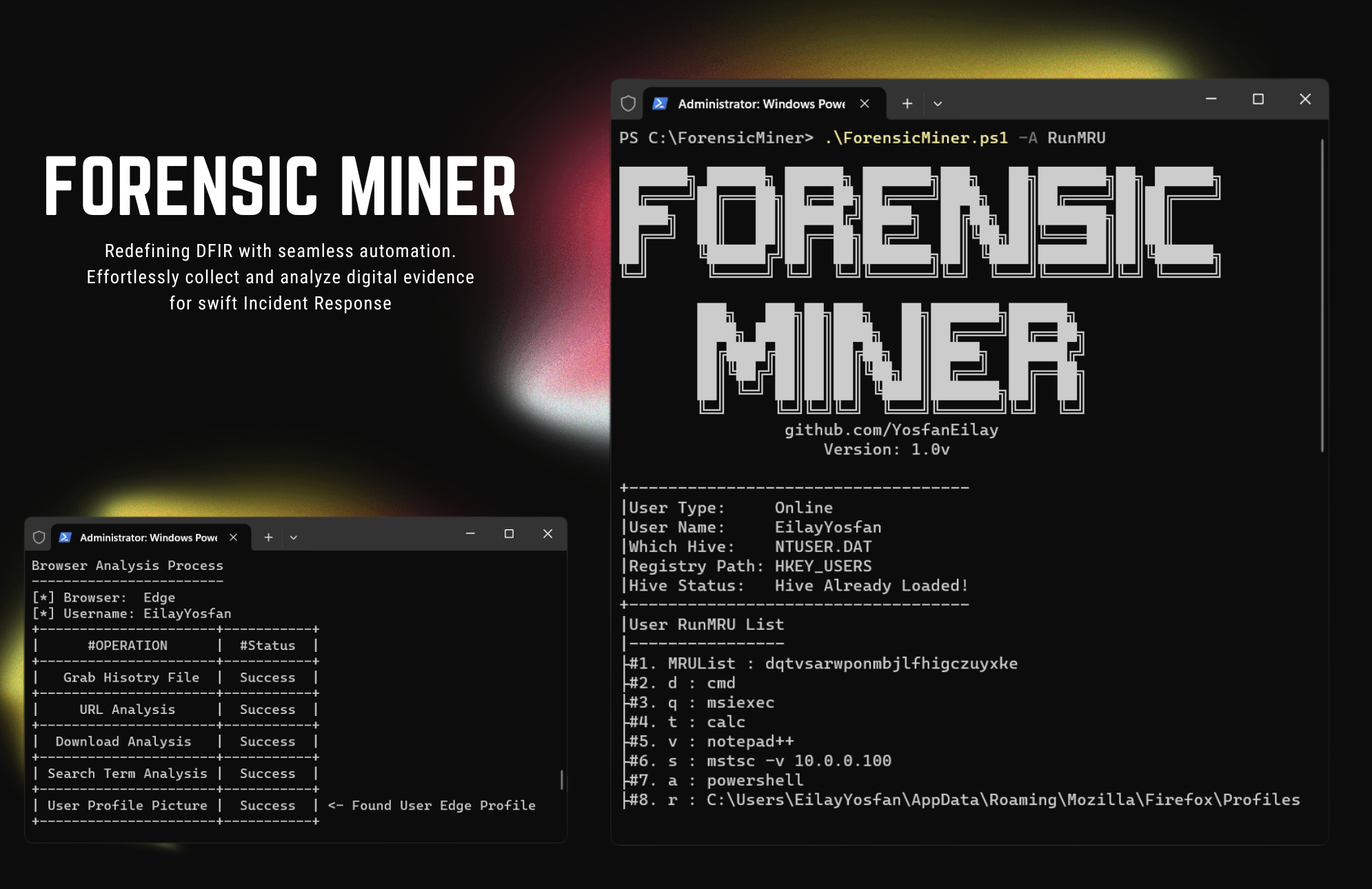
Banner

Created & Maintained by: Eilay Yosfan

What is ForensicMiner ?

ForensicMiner, a PowerShell-based DFIR automation tool, revolutionizes the field of digital investigations. Designed for efficiency, it automates artifact and evidence collection from Windows machines. Compatibility with Flacon Crowdstrike RTR and Palo Alto Cortex XDR Live Terminal, along with its swift performance and user-friendly interface, makes ForensicMiner an indispensable asset for investigators navigating the complexities of forensic analysis. Streamlined and effective, this tool sets a new standard in the realm of digital forensics.

How To Install ?

How To Install

Know This Before Installation

  • Always install ForensicMiner on "C:" drive.
  • Always run ForensicMiner as administrator, if not, some things may not work properly.
  • Don't run the tool using Windows PowerShell (x86)! if you do, some things may not work properly.
  • Make sure your PowerShell Execution Policy is on Bypass, if not, scripts could not run on your system.
    • For more information use this PS Execution Policy Guide - https://www.youtube.com/watch?v=L0fgZ0FJIv0

Installation Process - Text Guide

  1. In this GitHub repository, click on "<> Code," and then select "Download ZIP."
  2. Extract "ForensicMiner" folder from "ForensicMiner-main.zip".
  3. Move "ForensicMiner" folder to C:\ drive.
  4. That's it! ForensicMiner is now installed. Enjoy

Installation Process - Video Guide

https://github.com/YosfanEilay/ForensicMiner/assets/132997318/e163abfe-0a60-4181-806a-2426cbe26711

How To Install On Falcon Crowdstrike ?

Installation Process On - Falcon Crowdstrike RTR - Video Guide

https://github.com/YosfanEilay/ForensicMiner/assets/132997318/c0be8264-fc0f-47fc-83ad-fe3e5edf5056

How To Install On Palo Alto Cortex XDR ?

Installation Process On - Palo Alto Cortex XDR - Video Guide

https://github.com/YosfanEilay/ForensicMiner/assets/132997318/397f3e3c-d271-4fd3-8ed5-2072a28d1395

Quick Start Guide - How To Use ForensicMiner ?

https://github.com/YosfanEilay/ForensicMiner/assets/132997318/0f32bc7c-b4fe-4ac5-88cb-09ea701878bd After installing ForensicMiner on the machine using the execution of "FM-Extractor.ps1"
A new folder should be created on the "C:" drive, called "ForensicMiner".

Navigate to This folder using the following command:

PS C:\> cd ForensicMiner

And now you can execute ForensicMiner menu page to view all available features and options using this command:

PS C:\ForensicMiner> .\ForensicMiner.ps1 -O Menu

Show Menu - Video Guide

https://github.com/YosfanEilay/ForensicMiner/assets/132997318/163c6656-cc14-439c-bc7a-f775d175dd73

Running Feature Example - RunMRU

In this example you will see how ForensicMiner manage to collect all the Run.exe execution history
of all the users (Online or Offline) in the machine and log them under "C:\ForensicMiner\MyEvidence"

https://github.com/YosfanEilay/ForensicMiner/assets/132997318/043674b4-20ca-45e2-9ca6-f2218350862a

Credits Section

NameWhy is the credit ?
Ido Naor, Security Joes CEOFor supporting this project
Warren Frame (RamblingCookieMonster)Using Warre's PSSQLite in ForensicMiner
Jan Moronia & Felipe DuarteHelping to manage time spent on this project
Nir AvronFor letting me test on his machine
Download Tool

Most Popular

View all →

Discover the most used tools by our community.

  • 1

    OsintHunter

    letox4/osinthunter

    🎯 The ultimate OSINT toolkit: investigation graph, confidence scoring, alias families, map, timeline and reports. 49 modules, 400+ sites, no API keys required.

    772
  • 2

    ghostlock-app

    yukonga/ghostlock-app

    GhostLock One-Tap Execution App (CVE-2026-43499)

    505
  • 3

    ARTEX

    baarai/artex

    LLM multi-agent autonomous penetration testing platform with planner/worker agents, asset and exploration graphs, MITM traffic recording, and vulnerability retesting.

    420
  • 4

    redforge

    cybersecurity91/redforge

    Browser-side red team toolkit with 102 offline tools for recon, payload generation, credential attacks, crypto, encoding and engagement reporting.

    345
  • 5

    CyberStrikeAI

    ed1s0nz/cyberstrikeai

    The system of action for AI-native cybersecurity—where intent becomes governed execution, evidence becomes operational memory, and every operation improves the next.

    260
  • 6

    antifox

    antifox-ai/antifox

    AI multi-agent autonomous penetration testing platform that runs recon, attack-surface discovery, exploitation validation and evidence-backed report delivery.

    251

Explore all tools

Browse our collection of tools

View all tools →






