
Skip to content
KitploitKITPLOIT
ToolsExploitsBlog
Log in
Submit
ToolsExploitsBlog
Submit

Hacking, PenTest, and Cybersecurity Tools for Your Security Arsenal!

Kitploit is a directory of hacking, cybersecurity, and pentesting tools. Discover the latest project updates to find vulnerabilities, analyze systems, automate testing, and strengthen your security.

FeedsContactPrivacy© 2026 Kitploit

Tool Directory

Categories

View all categories
Loading categories
mXtract — mXtract - Memory Extractor & Analyzer | Kitploit
Tools/GitHubGitHub/rek7/mxtract
Password CrackingMemory ForensicsForensicsInformation GatheringPenetration Testing
GitHubrek7/mxtract

mXtract

mXtract - Memory Extractor & Analyzer

View Repository
58790415 years agoReviewed by Kitploit
Share

mXtract

Build Status License

mXtract is an opensource linux based tool that analyzes and dumps memory. It is developed as a pentration testing tool, its primary purpose is to scan memory for private keys, ips, and passwords using regexes. Remember, your results are only as good as your regexes.

Screenshots

Screenshot

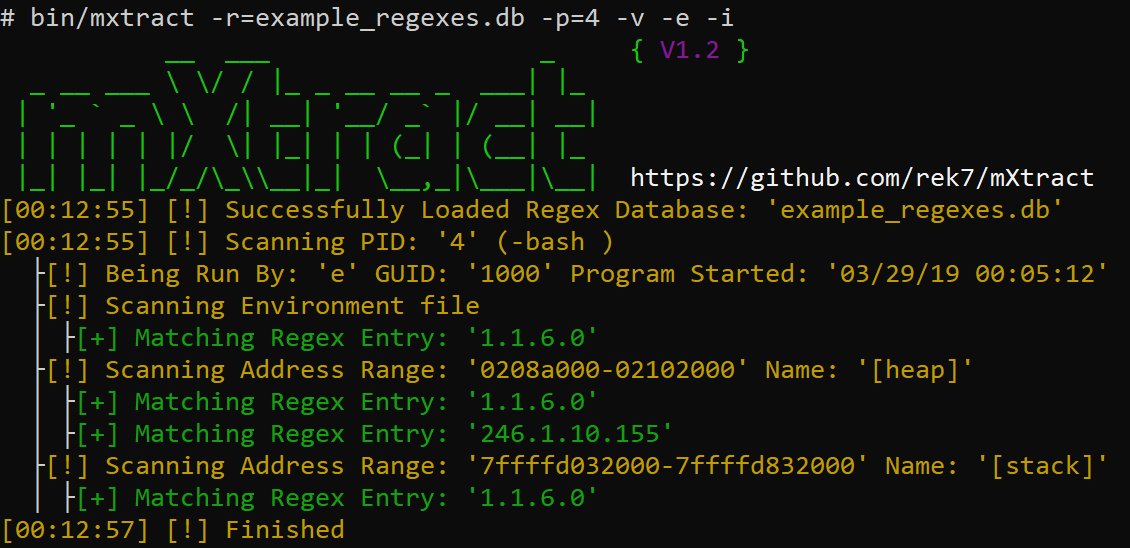
Scan with verbose and with a simple IP regex, scanning every data segment, displaying process info and scanning environment files. Screenshot
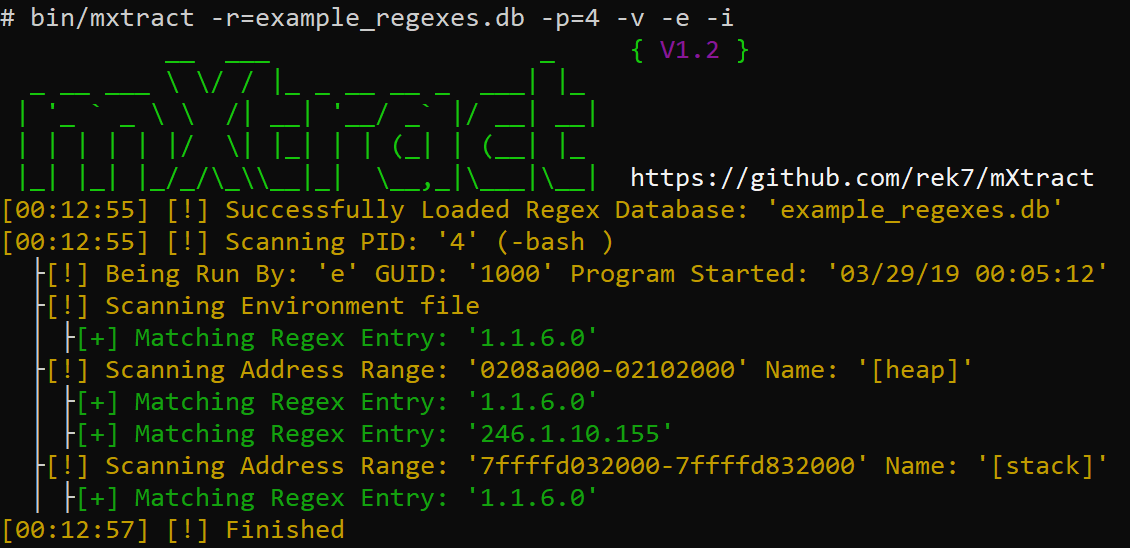
Scan with verbose and with a simple IP regex, scanning only heap and stack, displaying process info and scanning environment files. Screenshot
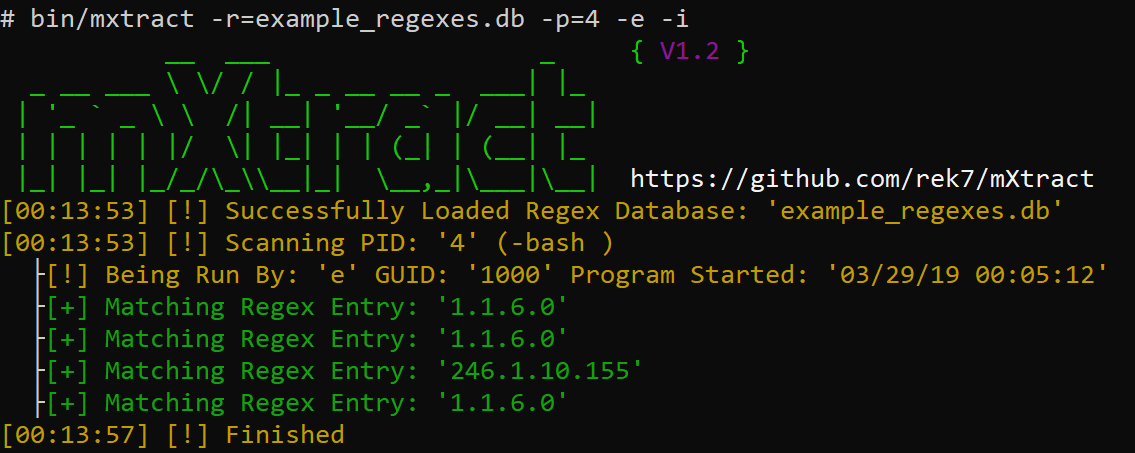
Scan without verbose, and with a simple IP regex, displaying process info and scanning environment files.

Why dump directly from memory?

In most linux environments users can access the memory of processes, this allows attackers to harvest credentials, private keys, or anything that isnt suppose to be seen but is being processed by a program in clear text.

Features

  • Ability to enter regex lists
  • Clear and Readable Display
  • Check if Memory Range is Writable with Current Permissions
  • Output in XML and HTML along with the default output (process name:result)
  • Ability to Mass Scan Every Proccess or a Specific PID
  • Able to choose memory sections to scan
  • Ability to Show Detailed Process Information
  • Ability to Scan Process Environment Files
  • Memory dumps automatically removes unicode characters which allows for processing with other tools or manually

Getting started

  1. Downloading: git clone https://github.com/rek7/mXtract
  2. Compiling: cd mXtract && sh compile.sh

This will create the directory bin/ and compile the binary as mxtract.

Commands

$ ./mxtract -h
           __  ___                  _     { V1.2 }
  _ __ ___ \ \/ / |_ _ __ __ _  ___| |_ 
 | '_ ` _ \ \  /| __| '__/ _` |/ __| __|
 | | | | | |/  \| |_| | | (_| | (__| |_ 
 |_| |_| |_/_/\_\\__|_|  \__,_|\___|\__|  https://github.com/rek7/mXtract
Usage: ./mxtract [args]
General:
        -v      Enable Verbose Output
        -s      Suppress Banner
        -h      Help
        -c      Suppress Colored Output
Target and Regex:
        -i      Show Detailed Process/User Info
        -a      Scan all Memory Ranges not just Heap/Stack
        -e      Scan Process Environment Files
        -w      Check if Memory Range is Writable
        -r=     Regex Database to Use
        -p=     Specify Single PID to Scan
Output:
        -x      Format Regex Results to XML
        -r      Format Regex Results to an HTML Document
        -wm     Write Raw Memory to File Default Directory is: 'pid/'
        -wi     Write Process Info to Beginning of File (Used in Conjunction with -wm)
        -wr     Write Regex Output to File (Will Appear in the Output Directory)
        -f=     Regex Results Filename Default is: 'regex_results.txt'
        -d=     Custom Ouput Directory
Either -r= or -wm needed

Example usage

$ ./mxtract -wm -wr -e -i -d=/tmp/output/ -r=example_regexes.db

Featured On:

  • https://www.kitploit.com/2019/03/mxtract-memory-extractor-analyzer.html
  • https://blog.hackersonlineclub.com/2019/03/mxtract-opensource-linux-based-memory.html
  • https://firmwaresecurity.com/2019/03/22/mxtract-linux-based-tool-that-analyses-and-dumps-memory/
  • https://twitter.com/TheHackersNews/status/1108987907711352833
  • https://twitter.com/binitamshah/status/1109832206220963841
  • https://twitter.com/Dinosn/status/1108958417354252289
Download Tool

Most Popular

View all →

Discover the most used tools by our community.

  • 1

    OsintHunter

    letox4/osinthunter

    🎯 The ultimate OSINT toolkit: investigation graph, confidence scoring, alias families, map, timeline and reports. 49 modules, 400+ sites, no API keys required.

    871
  • 2

    ghostlock-app

    yukonga/ghostlock-app

    GhostLock One-Tap Execution App (CVE-2026-43499)

    548
  • 3

    ARTEX

    baarai/artex

    LLM multi-agent autonomous penetration testing platform with planner/worker agents, asset and exploration graphs, MITM traffic recording, and vulnerability retesting.

    383
  • 4

    redforge

    cybersecurity91/redforge

    Browser-side red team toolkit with 102 offline tools for recon, payload generation, credential attacks, crypto, encoding and engagement reporting.

    361
  • 5

    looking-glass

    anonghosty/looking-glass

    CSIRT platform that ingests Shadowserver reports into MongoDB and replays them as interactive maps, analysis, findings, advisories and executive dashboards.

    305
  • 6

    CyberStrikeAI

    ed1s0nz/cyberstrikeai

    The system of action for AI-native cybersecurity—where intent becomes governed execution, evidence becomes operational memory, and every operation improves the next.

    280

Explore all tools

Browse our collection of tools

View all tools →





