 omerbenamram/evtx
A Fast (and safe) parser for the Windows XML Event Log (EVTX) format

A parser for the Windows XML Event Log (EVTX) format, for any platform


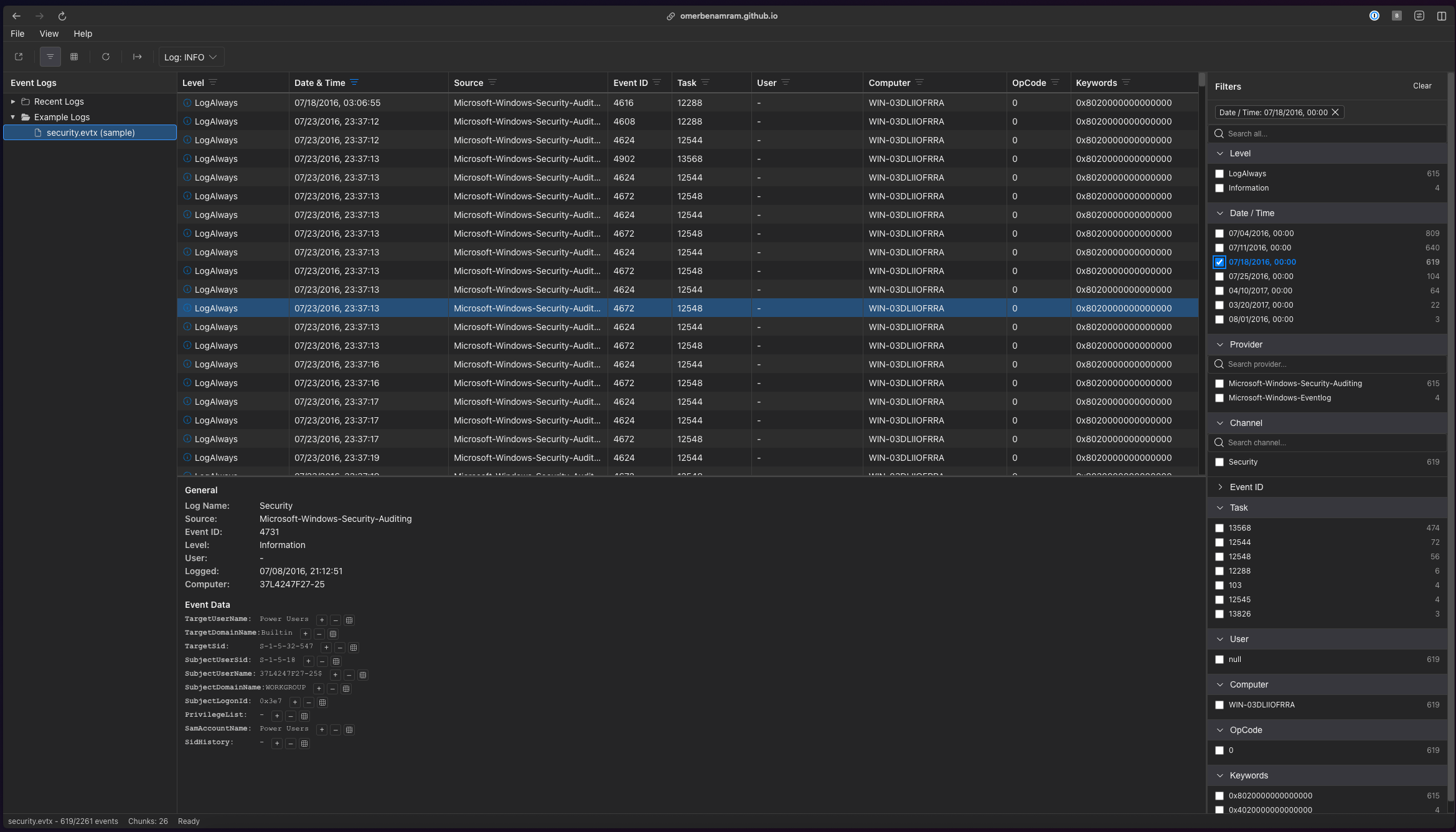
evtx reads .evtx event logs without Windows. It comes as a command-line tool, evtx_dump, and as a Rust library. Python bindings are in pyevtx-rs (pip install evtx).
$ evtx_dump -o jsonl samples/security.evtx | jq -c 'select(.Event.System.EventID == 4720) | .Event.EventData | {SubjectUserName, TargetUserName}'
{"SubjectUserName":"WIN-03DLIIOFRRA$","TargetUserName":"fsir"}
{"SubjectUserName":"fsir","TargetUserName":"archir"}
What it does:
--recover-records), and carves chunks out of disk images and other raw data (--carve)..MTA file (--mta) or from the provider DLLs of the machine (--messages).unsafe code, and runs wherever Rust's standard library does.evtx_dump for Windows, macOS or Linux (64-bit) from the releases page.cargo install evtx.evtx_dumpevtx_dump Security.evtx # XML, as Event Viewer shows it
evtx_dump -o jsonl Security.evtx # one JSON object per line
evtx_dump -o json Security.evtx # the same, with a "Record <id>" line before each
evtx_dump -o jsonl -f out.jsonl Security.evtx # to a file (asks before it overwrites one)
zcat Security.evtx.gz | evtx_dump -o jsonl - # from stdin
evtx_dump --events 100-200,950 Security.evtx # only these EventRecordIDs
evtx_dump info -i Security.evtx # the file and chunk headers, without parsing records
evtx_dump --help lists every option. A few things worth knowing:
-t 1 uses a single thread.--no-indent changes XML only.--separate-json-attributes writes "EventID": 6009, "EventID_attributes": {"Qualifiers": 32768} where the default writes "EventID": {"#attributes": {"Qualifiers": 32768}, "#text": 6009}. Use it when a field has to keep one type, for example in Elasticsearch.info shows the version, the dirty and full flags, each chunk's record numbers and IDs, and whether the CRC32s match. It is the place to start with a log that looks wrong.evtx_dump reads one log. For a folder, fd does the rest:
fd -e evtx -x evtx_dump -o jsonl dumps every log under the current folder to one JSON lines stream.fd -e evtx -x evtx_dump '{}' -f '{.}.xml' writes an XML file next to each log.xargs (gxargs on macOS) and jq: fd -a -e evtx | xargs -I input sh -c "evtx_dump -o jsonl input | jq --arg path "input" '. + {path: \$path}'"Clearing a log resets its chunks but leaves the old records in them. --recover-records reads those too, and the records left in the slack after a chunk's last record, and marks each one with "recovered": true.
--carve is for when there is no usable log file. It takes any file (a disk image, unallocated space, a memory dump, a log whose file header is gone), parses every EVTX chunk it finds, and skips exact copies of a chunk:
evtx_dump --carve -o jsonl unallocated.binevtx_dump --carve --recover-records -v -o jsonl disk.raw also reads the slack of each chunk, and lists where each chunk was found.A chunk holds the templates and strings its records need, so records are carved a chunk at a time. A record whose chunk header was overwritten can't be rendered. In the library, evtx::carve::CarvedEvtx turns a source into a virtual EVTX file for EvtxParser::from_read_seek.
.MTA filesA record holds an event ID and its values. The text Event Viewer shows for it is not in the log. When a log is saved with display information (Event Viewer's Save All Events As, or wevtutil al), Windows writes that text, and the level, task, opcode and keyword names, to LocaleMetaData\<log>_<LCID>.MTA next to the .evtx. evtx_dump adds them to each record as a RenderingInfo element, like the one forwarded events have:
evtx_dump --mta LocaleMetaData/Security_1033.MTA Security.evtxThe .MTA file must be the one saved with that log. In the library, this is ParserSettings::mta (see the evtx::mta module). docs/mta.md describes the file format and how Windows matches its strings to events.
Without an .MTA file, evtx_dump builds the same RenderingInfo from the providers' own binaries, copied off a Windows system: the manifests in their WEVT_TEMPLATE resources, and the strings in their message tables (in the .mui files of a locale folder such as en-US). The message's inserts (%1, %2, ...) are filled with the event's data.
evtx_dump --messages C:/copy/of/Windows/System32 Security.evtx--messages takes a folder or a single binary, and can be given more than once. --messages-locale picks another locale folder. Use the binaries of the machine that wrote the log: the text differs between Windows builds. Rendering with messages is several times slower. In the library, this is ParserSettings::messages with a wevt_templates::messages::MessageCatalog.
A record refers to a template, which is normally stored in the same chunk. When that template is missing or damaged, the record can't be rendered. The same templates are in the provider's binary (EXE, DLL or SYS), and evtx_dump can collect them into a cache file and fall back to it.
.wevtcache file: evtx_dump extract-wevt-templates --input <provider.dll> --output /tmp/wevt_cache.wevtcache --overwriteevtx_dump --wevt-cache /tmp/wevt_cache.wevtcache <log.evtx>. The cache is consulted only for a record that fails because its template GUID is missing or damaged, so the output of a healthy log does not change.Two commands help when you debug this:






