Cybersecurity-Handbook v2.0
A community-driven cybersecurity handbook with 400+ notes, labs, mind maps, and cheat sheets — covering everything from networking, Linux, and cryptography to offensive and defensive security. Built to help you understand how things work, not just memorize them.
📚 Cybersecurity Handbook
An open-source cybersecurity knowledge base for students, professionals, and self-learners — built as structured notes, hands-on labs, and real-world concepts you can search and navigate visually.
Built with Quartz • Powered by Markdown • Community Driven • MIT Licensed

Learn cybersecurity with clarity — from fundamentals to advanced concepts, in one searchable, open-source handbook.
| 📝 Notes | 🧪 Labs | 🔍 Search | ⚡ Performance | 👥 Community |
|---|---|---|---|---|
| 400+ and growing | Hands-on learning | Instant, full-text | Powered by Quartz | Open source |
📑 Table of Contents
Preview
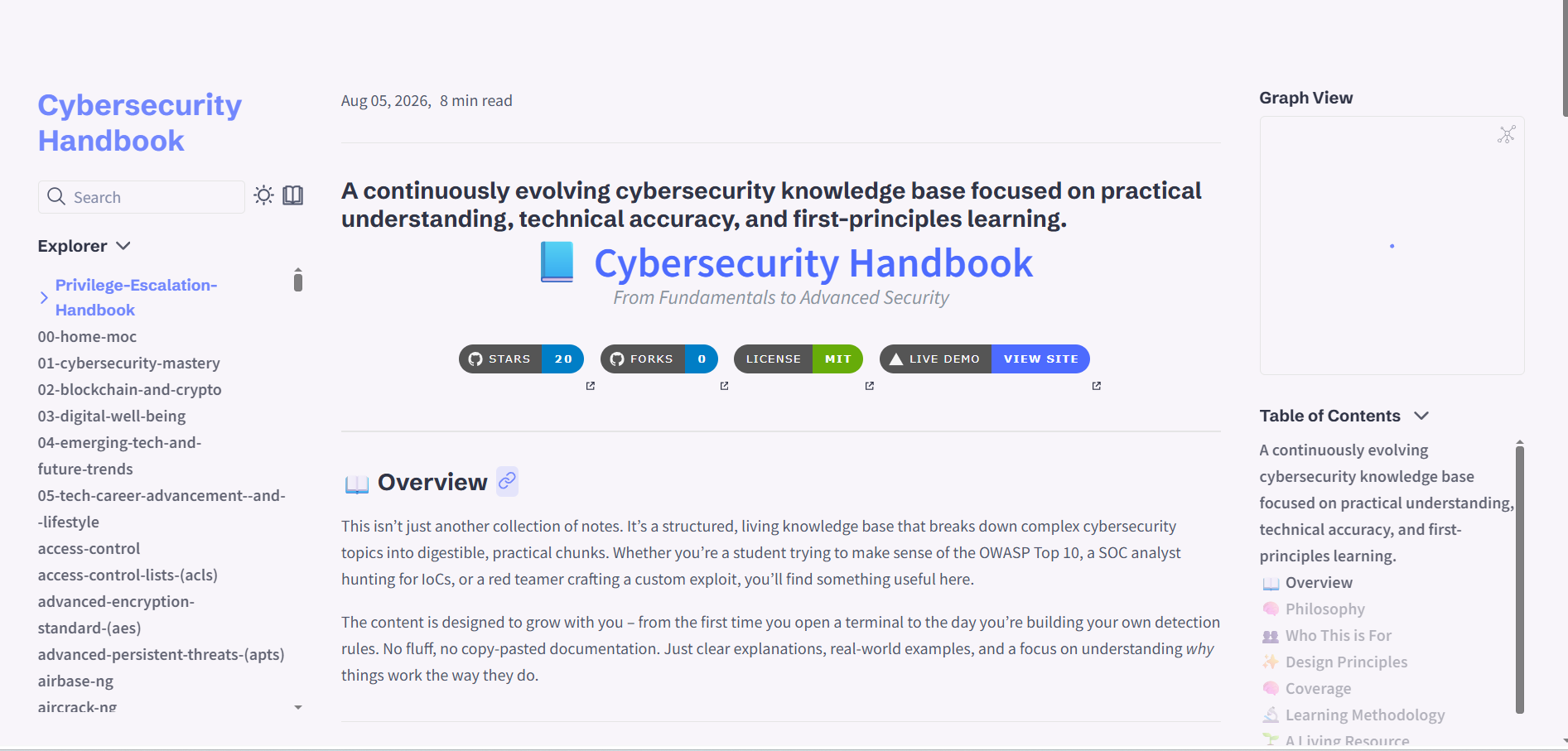
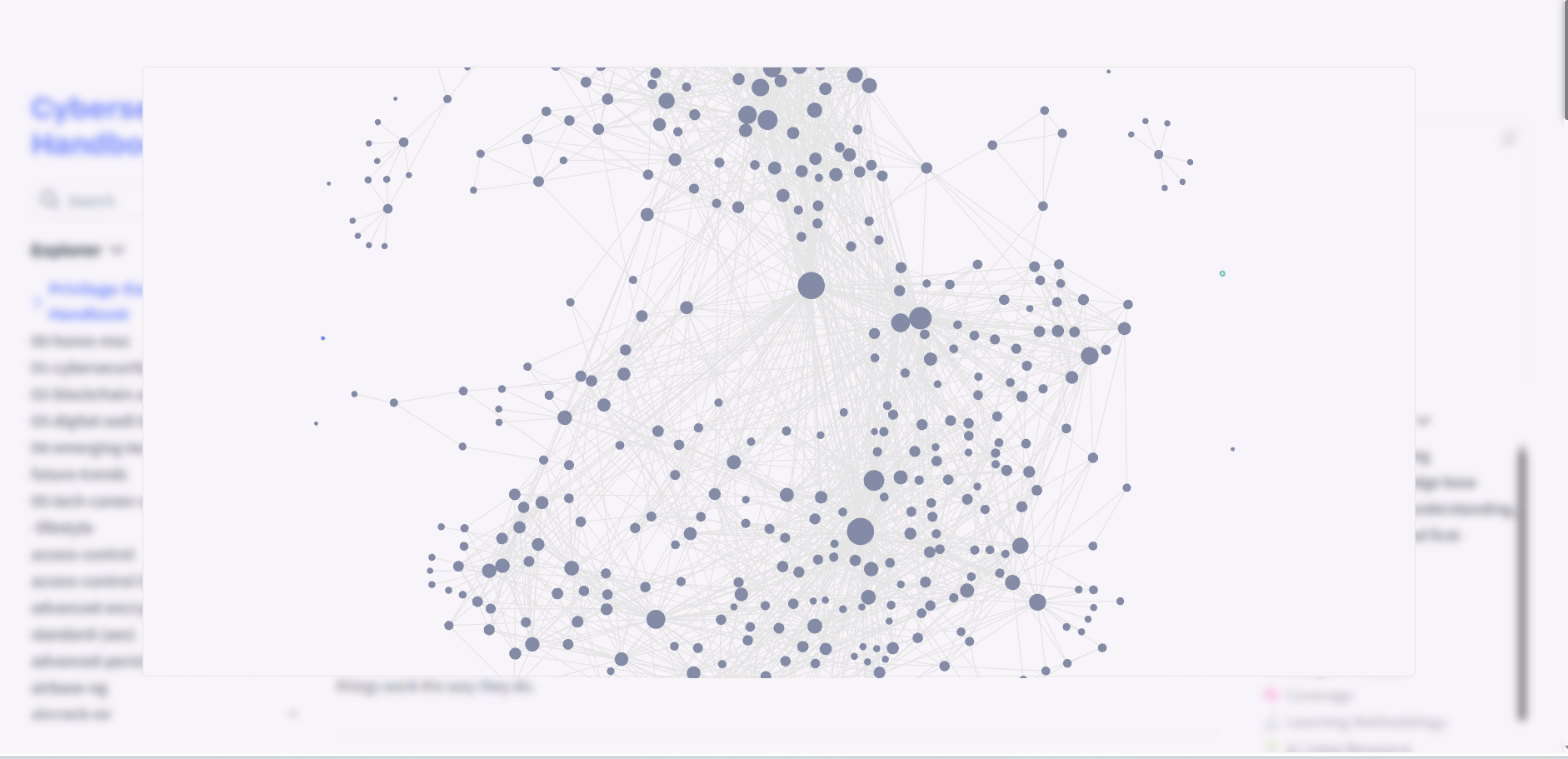
Homepage · Interactive knowledge graph — every note links to related concepts
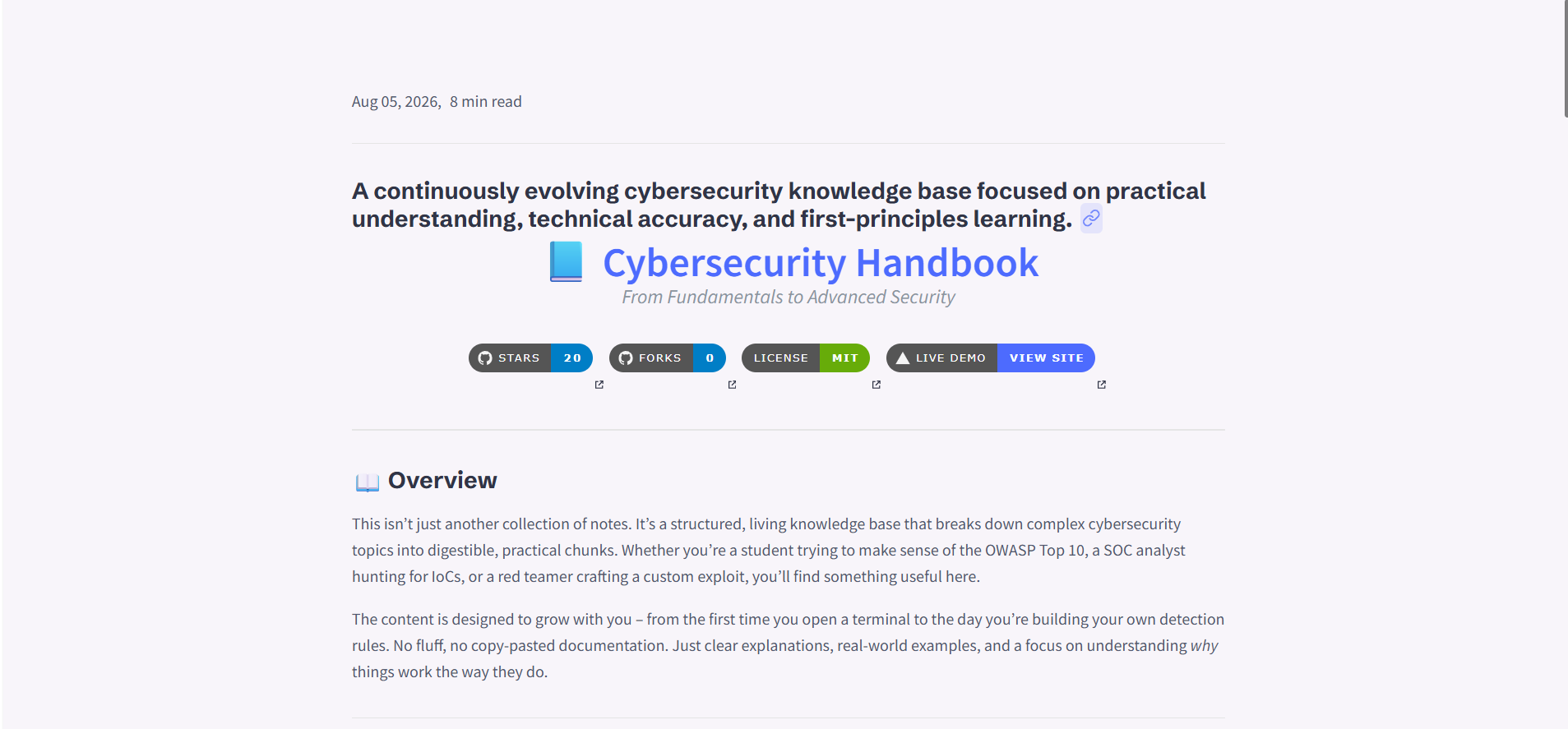
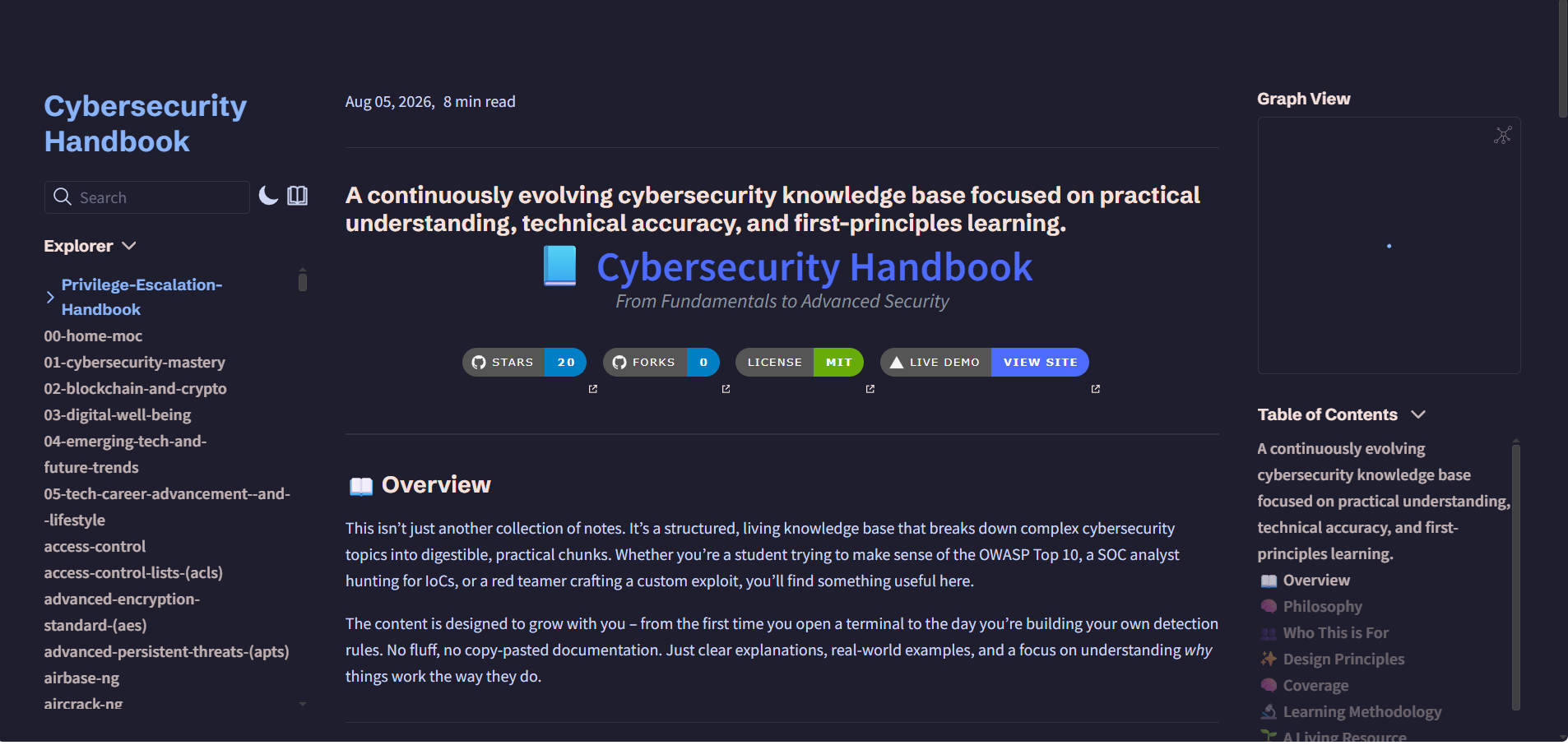
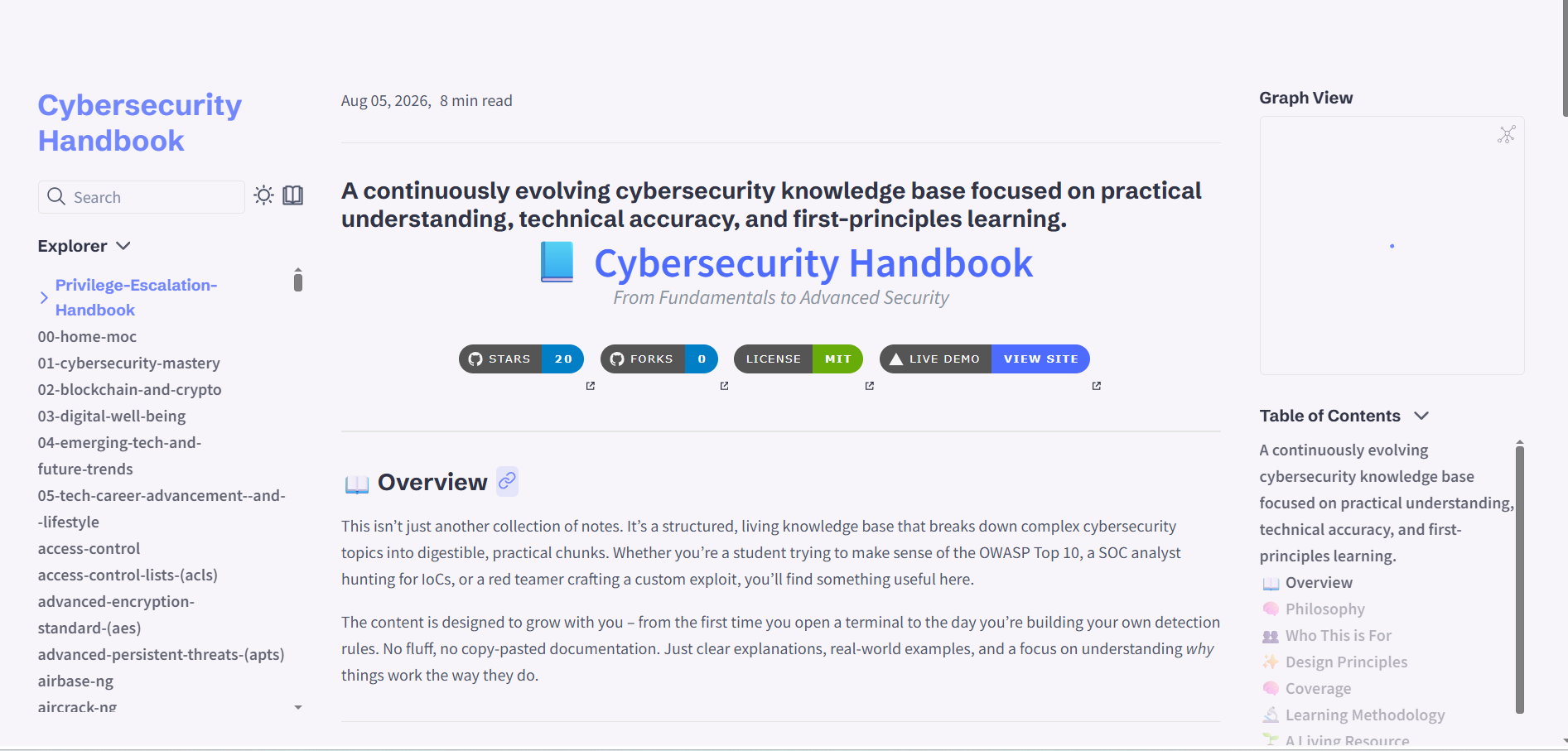
Reader mode · Dark mode (Catppuccin Mocha)
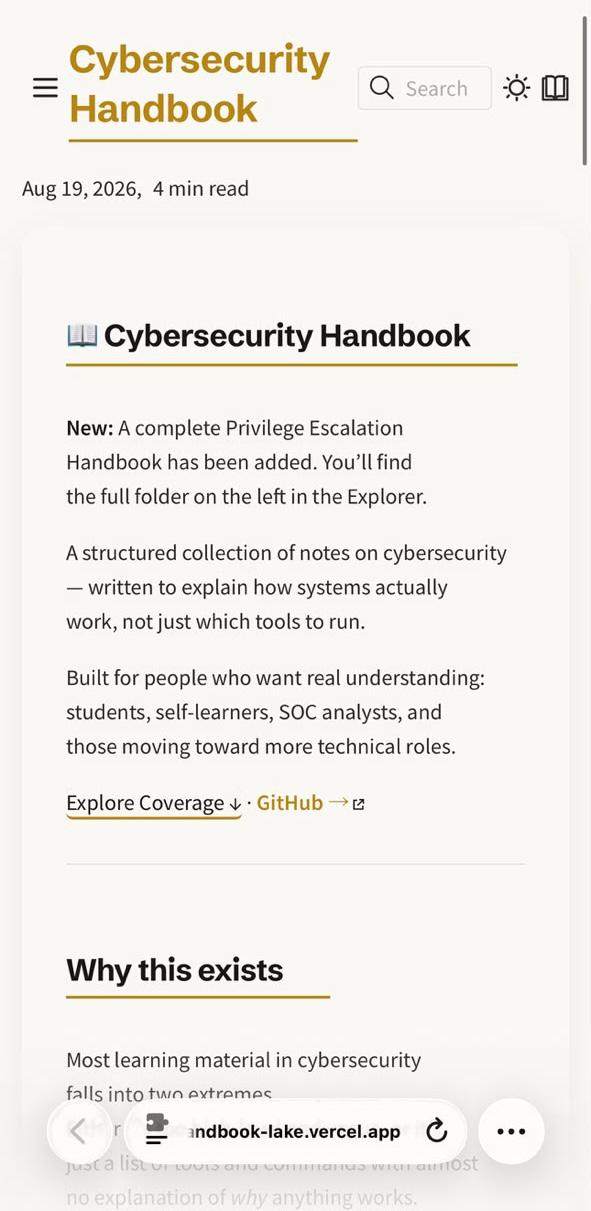
Fully responsive on mobile
Why I built this
I've spent a lot of nights doing exactly what you're probably doing right now — reading forums, watching tutorials, trying to piece together what actually matters in security.
Most of what I found fell into one of three buckets: too shallow (a list of tools with no explanation of why they work), too scattered (good content spread across a dozen blogs and paid courses), or priced like a $500 course was the only way in.
So I started writing my own notes — the kind that explain how things work, not just which commands to paste. Over time, those notes grew into this handbook.
I don't have all the answers, but I do think this stuff is learnable when it's explained clearly. If this saves you one late-night rabbit hole, it did its job.
What you get
- 🔍 Instant search across 400+ notes
- 🕸️ Interactive graph — see how topics connect
- 🌗 Light & dark mode, including Catppuccin Mocha
- 📱 Works on any device — phone, tablet, or laptop
- 🎯 First-principles explanations, not just command lists
- 🚫 No ads, no paywalls, no login required
Quick start
Get it running locally in under 2 minutes.
Prerequisites: Node.js v18+ and npm or yarn.
🐧 Linux / macOS
git clone https://github.com/priyanshu-rawa/Cybersecurity-Handbook.git
cd Cybersecurity-Handbook
npm install
npm run quartz:dev
🪟 Windows (PowerShell)
git clone https://github.com/priyanshu-rawa/Cybersecurity-Handbook.git
cd Cybersecurity-Handbook
npm install
npm run quartz:dev
Build for production:
npm run quartz:build # build the static site
npm run quartz:serve # preview the build locally
What's covered
| Area | Topics |
|---|---|
| 🖥️ Operating systems & networking | Linux, Windows, TCP/IP, DNS, VPNs, firewalls |
| ⚔️ Offensive security | OWASP Top 10, SQL injection, XSS, scanning, exploitation, post-exploitation |
| 🛡️ Defensive security | SOC, incident response, SIEM, log analysis, threat hunting, digital forensics |
| ☁️ Cloud & infrastructure | AWS, Azure, GCP, Zero Trust, Docker, Kubernetes, DevSecOps, IAM |
| 💻 Programming & automation | Python, Bash, PowerShell, scripting, CI/CD, Git |
| 🔐 Cryptography | Symmetric/asymmetric encryption, AES, RSA, hashing (SHA-256, MD5), PKI, TLS, certificates |
A rough learning path, if you're starting from zero:
graph LR
A[Fundamentals & Networking] --> B[Offensive Security]
A --> C[Defensive Security]
B --> D[Cloud & Infrastructure]
C --> D
D --> E[Automation & Scripting]
E --> F[Cryptography]
Contributing
Contributions of all sizes are welcome, from fixing a typo to adding a whole new topic. First time contributing to open source? Happy to walk you through it, just open an issue.
Ways to help:
- 📝 Content — new topics, corrections, clearer explanations
- 🎨 Design — diagrams, layout, visual polish
- 💻 Code — bug fixes, Quartz config, new features
- 📚 Docs — formatting, cross-references, clarity
- 👥 Community — reporting issues, answering questions
Steps:
| Step | Action |
|---|---|
| 1 | Fork the repo (button top right) |
| 2 | Clone your fork: git clone https://github.com/your-username/Cybersecurity-Handbook.git |
| 3 | Create a branch: git checkout -b feature/your-feature-name |
| 4 | Make your changes |
| 5 | Stage them: git add . |
| 6 | Commit: git commit -m "Add: new section on ransomware defense" |
| 7 | Push: git push origin feature/your-feature-name |
| 8 | Open a Pull Request against main |
Where things go:
| Type | Location |
|---|---|
| 📝 Notes | content/ (relevant category folder) |
| 🧪 Labs | content/ (relevant lab folder) |
| 🖼️ Images | assets/images/ |
| 📊 Diagrams | assets/diagrams/ |
Support this project
This handbook is free and always will be. If it's helped you, here's what actually makes a difference:
| ⭐ Star the repo | Helps other people find it |
| 📢 Share it | LinkedIn, X, Reddit, Discord — wherever your network is |
| 🖊️ Contribute | Fix a typo, add a topic, sharpen an explanation |
| 💬 Give feedback | Open an issue or a discussion |
| 🐛 Report bugs | Tells me what's broken or unclear |
Want to share it? Feel free to copy this:
"Found this free Cybersecurity Handbook with 400+ notes, built with Obsidian + Quartz: https://github.com/priyanshu-rawa/Cybersecurity-Handbook"
If this handbook made a difference for you, a quick note is genuinely appreciated: [email protected]
License
MIT License — see LICENSE for details. Use, modify, distribute, or commercialize freely, as long as the copyright notice stays intact. Contributions back are always welcome.
Cybersecurity Handbook — a knowledge base built through documentation, experimentation, and practical learning.
If this helped you, a star keeps me motivated to keep building. ⭐ Also check out CyberTimeline — 35 real cyberattacks across five decades, in an interactive timeline.