semgrep/semgrep
Lightweight static analysis for many languages. Find bug variants with patterns that look like source code.







Semgrep is a fast, open-source, static analysis tool that searches code, finds bugs, and enforces secure guardrails and coding standards. Semgrep supports 30+ languages and can run in an IDE, as a pre-commit check, and as part of CI/CD workflows.
Semgrep is semantic grep for code. While running grep "2" would only match the exact string 2, Semgrep would match x = 1; y = x + 1 when searching for 2. Semgrep rules look like the code you already write; no abstract syntax trees, regex wrestling, or painful DSLs.
Note that in security contexts, Semgrep Community Edition will miss many true positives as it can only analyze code within the boundaries of a single function or file. If you want to use Semgrep for security purposes (SAST, SCA, or secrets scanning), the Semgrep AppSec Platform is strongly recommended since it adds the following critical capabilities:
The Semgrep AppSec Platform works out-of-the-box with 20000+ proprietary rules across SAST, SCA, and secrets. Pro rules are written and maintained by the Semgrep security research team and are highly accurate, meaning AppSec teams can feel confident bringing findings directly to developers without slowing them down.
Semgrep analyzes code locally on your computer or in your build environment: by default, code is never uploaded. Get started →.
Semgrep Code supports 30+ languages, including:
Apex · Bash · C · C++ · C# · Clojure · Dart · Dockerfile · Elixir · HTML · Go · Java · JavaScript · JSX · JSON · Julia · Jsonnet · Kotlin · Lisp · Lua · OCaml · PHP · Python · R · Ruby · Rust · Scala · Scheme · Solidity · Swift · Terraform · TypeScript · TSX · YAML · XML · Generic (ERB, Jinja, etc.)
Semgrep Supply Chain supports 12 languages across 15 package managers, including:
C# (NuGet) · Dart (Pub) · Go (Go modules, go mod) · Java (Gradle, Maven) · Javascript/Typescript (npm, Yarn, Yarn 2, Yarn 3, pnpm) · Kotlin (Gradle, Maven) · PHP (Composer) · Python (pip, pip-tool, Pipenv, Poetry) · Ruby (RubyGems) · Rust (Cargo) · Scala (Maven) · Swift (SwiftPM)
For more information, see Supported languages.
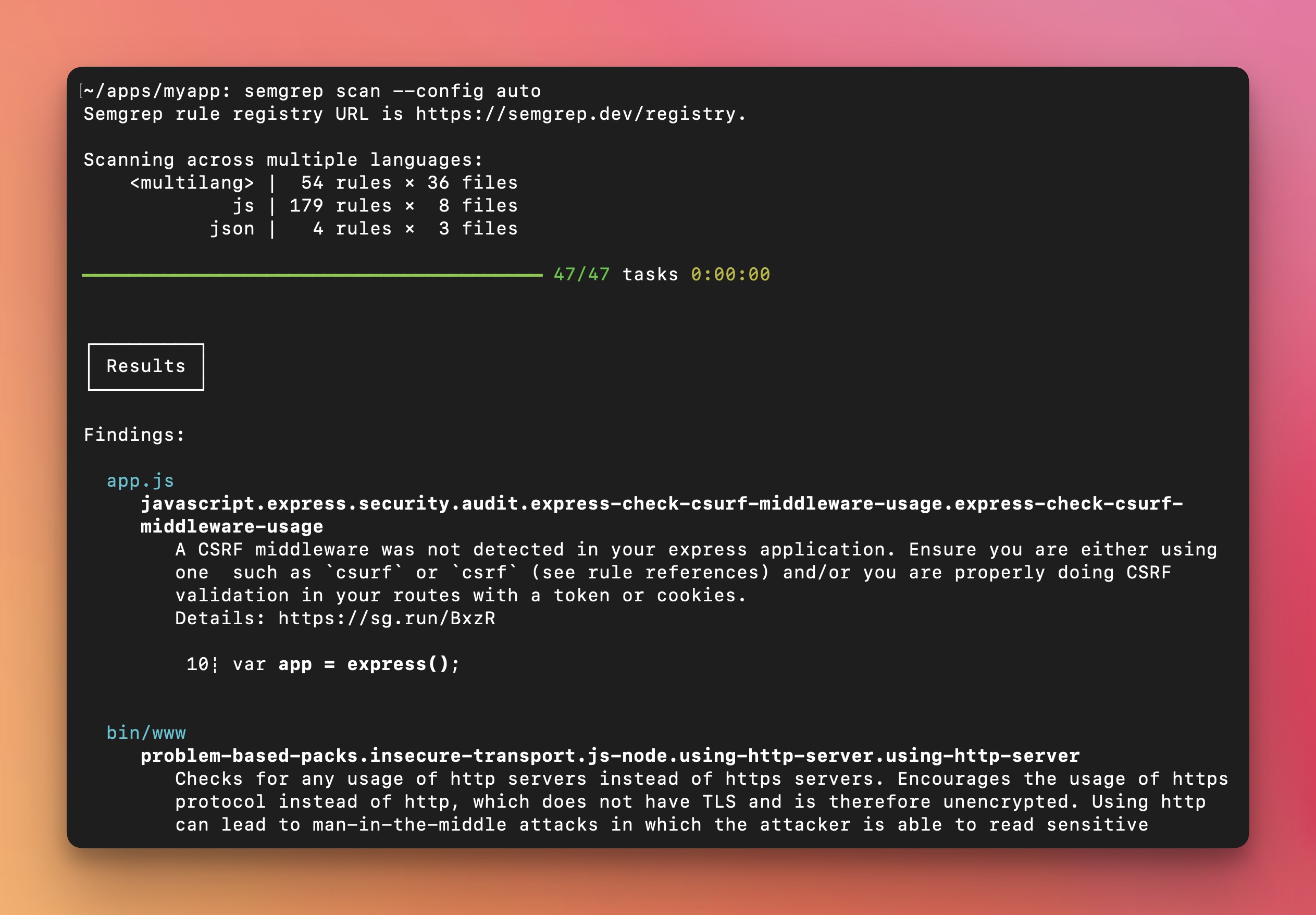
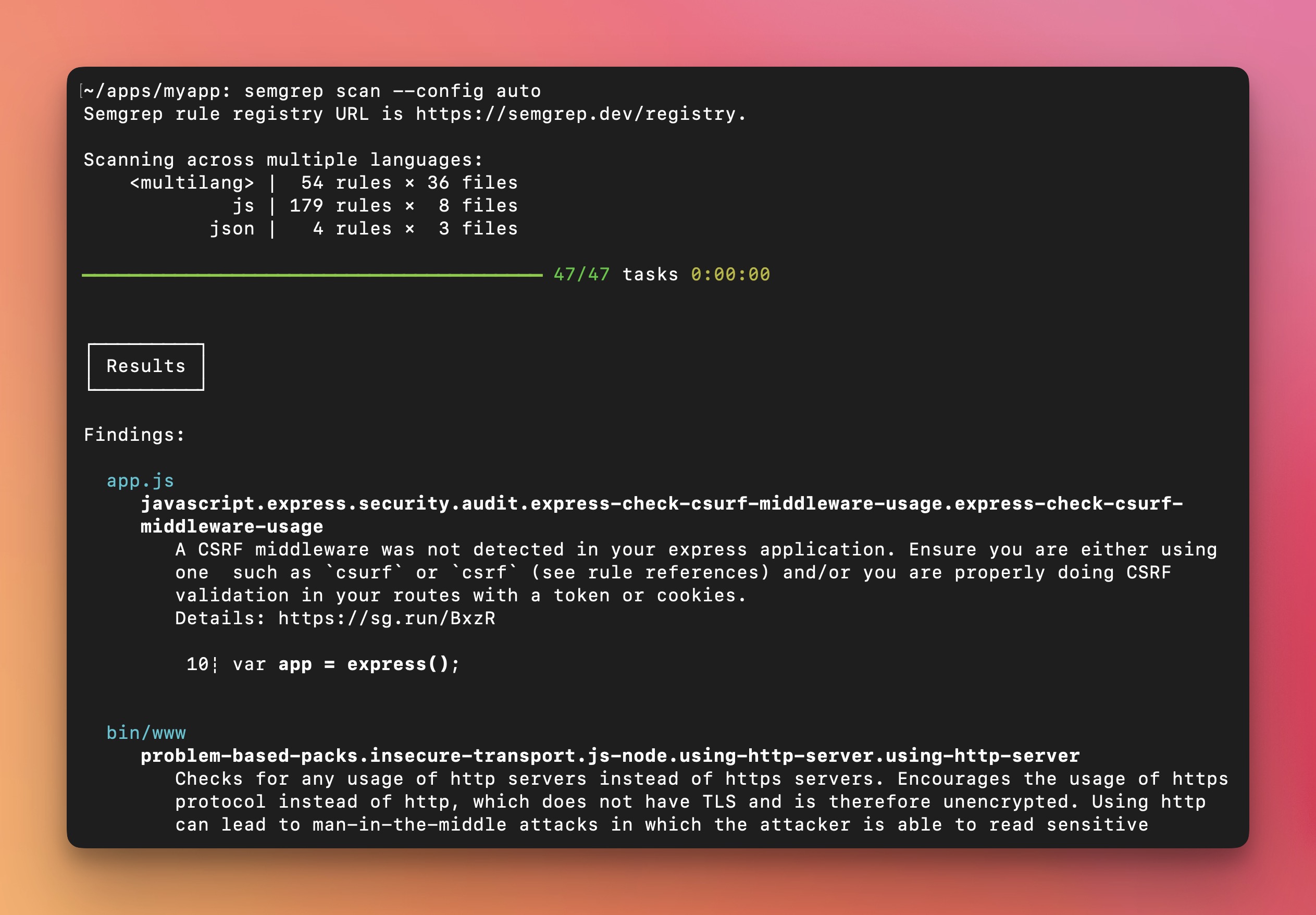
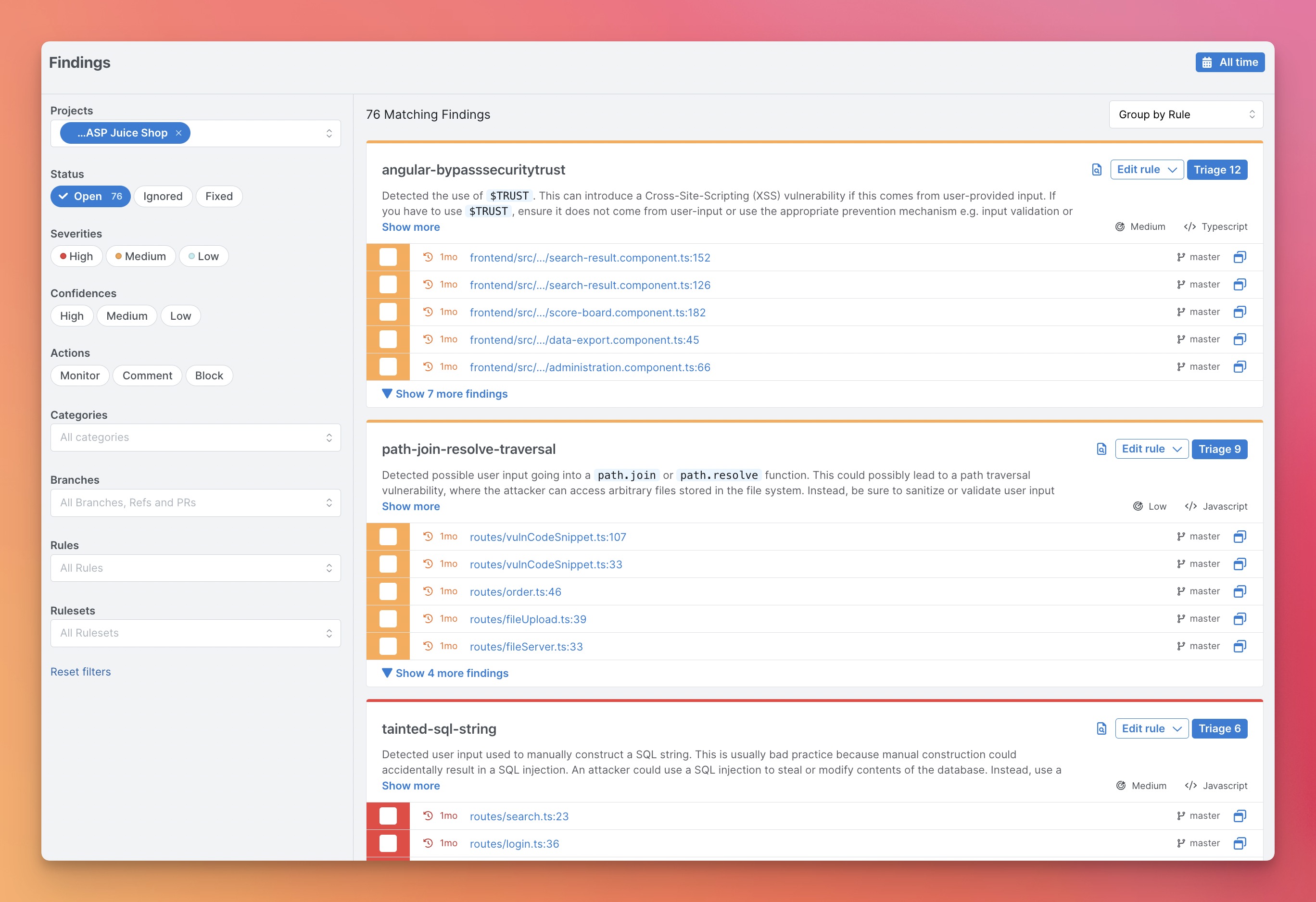
For new users, we recommend starting with the Semgrep AppSec Platform because it provides a visual interface, a demo project, result triaging and exploration workflows, and makes setup in CI/CD fast. Scans are still local and code isn't uploaded. Alternatively, you can also start with the CLI and navigate the terminal output to run one-off searches.
Register on semgrep.dev
Explore the demo findings to learn how Semgrep works
Scan your project by navigating to Projects > Scan New Project > Run scan in CI
Select your version control system and follow the onboarding steps to add your project. After this setup, Semgrep will scan your project after every pull request.
[Optional] If you want to run Semgrep locally, follow the steps in the CLI section.
If there are any issues, please ask for help in the Semgrep Slack.
Install Semgrep CLI
# For macOS
# preferred: install through pipx (https://pipx.pypa.io/stable/how-to/install-pipx.html)
pipx install semgrep

# preferred: install through uv (https://docs.astral.sh/uv/getting-started/installation/)
uv tool install semgrep

# best-effort: install through homebrew (maintained on a best-effort basis; often lags behind the latest release)
brew install semgrep

# For Ubuntu/WSL/Linux/macOS
$ python3 -m pip install semgrep

# To try Semgrep without installation run via Docker
$ docker run -it -v "${PWD}:/src" semgrep/semgrep semgrep login
$ docker run -e SEMGREP_APP_TOKEN=<TOKEN> --rm -v "${PWD}:/src" semgrep/semgrep semgrep ci
Run semgrep login to create your account and login to Semgrep. This step is optional, but logging into Semgrep gets you access to: