baarai/artex
LLM multi-agent autonomous penetration testing platform with planner/worker agents, asset and exploration graphs, MITM traffic recording, and vulnerability retesting.

Autonomous penetration testing that keeps its receipts.
(upstream: Autumn-27/ARTEX, AGPL-3.0)
Self-hosted multi-agent offensive security. A planner explores, workers run real tools, and every finding stays bound to the assets and HTTP traffic that prove it.



Quick start · Screenshots · How it works · Install · Configuration · Security
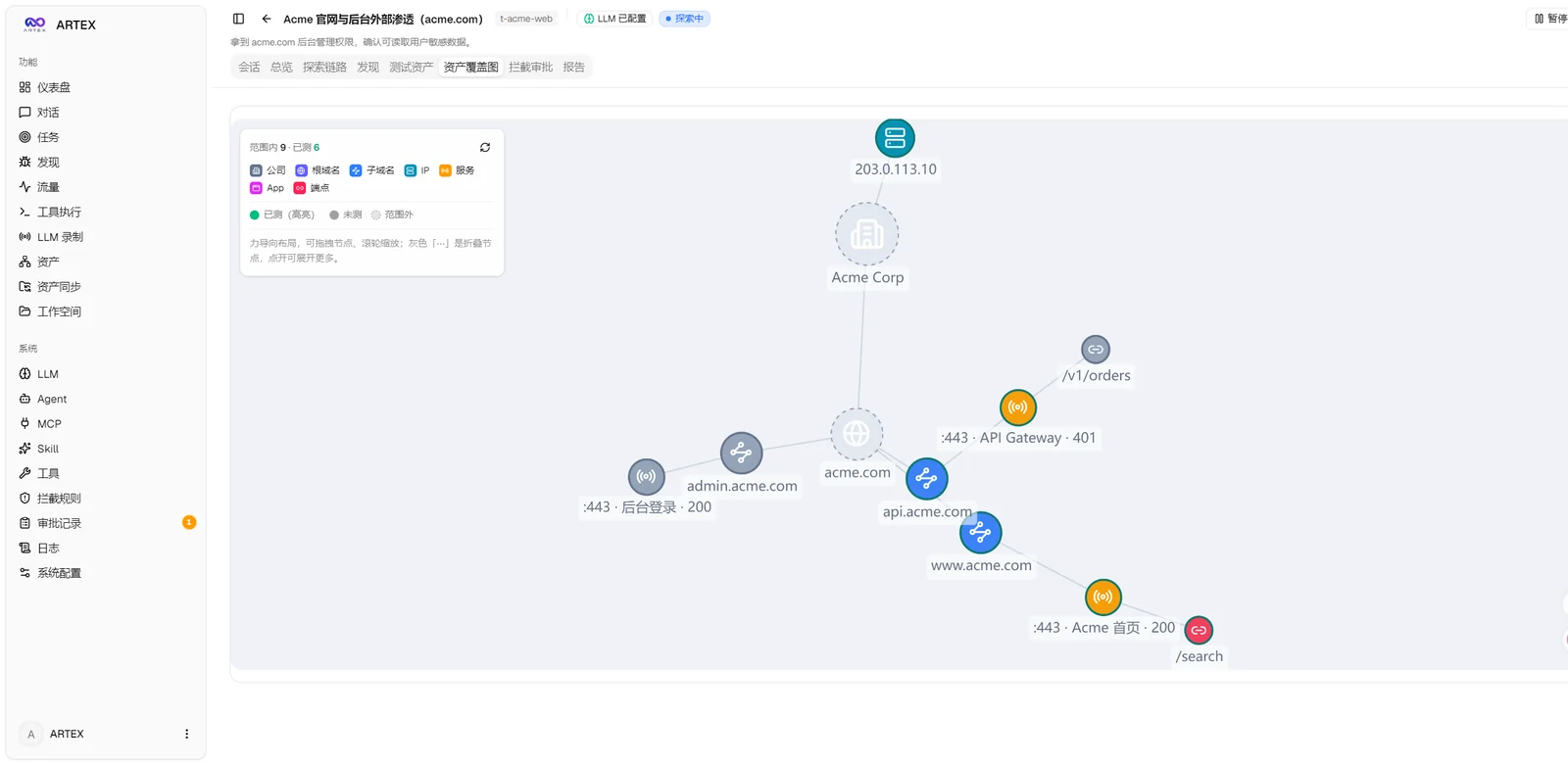
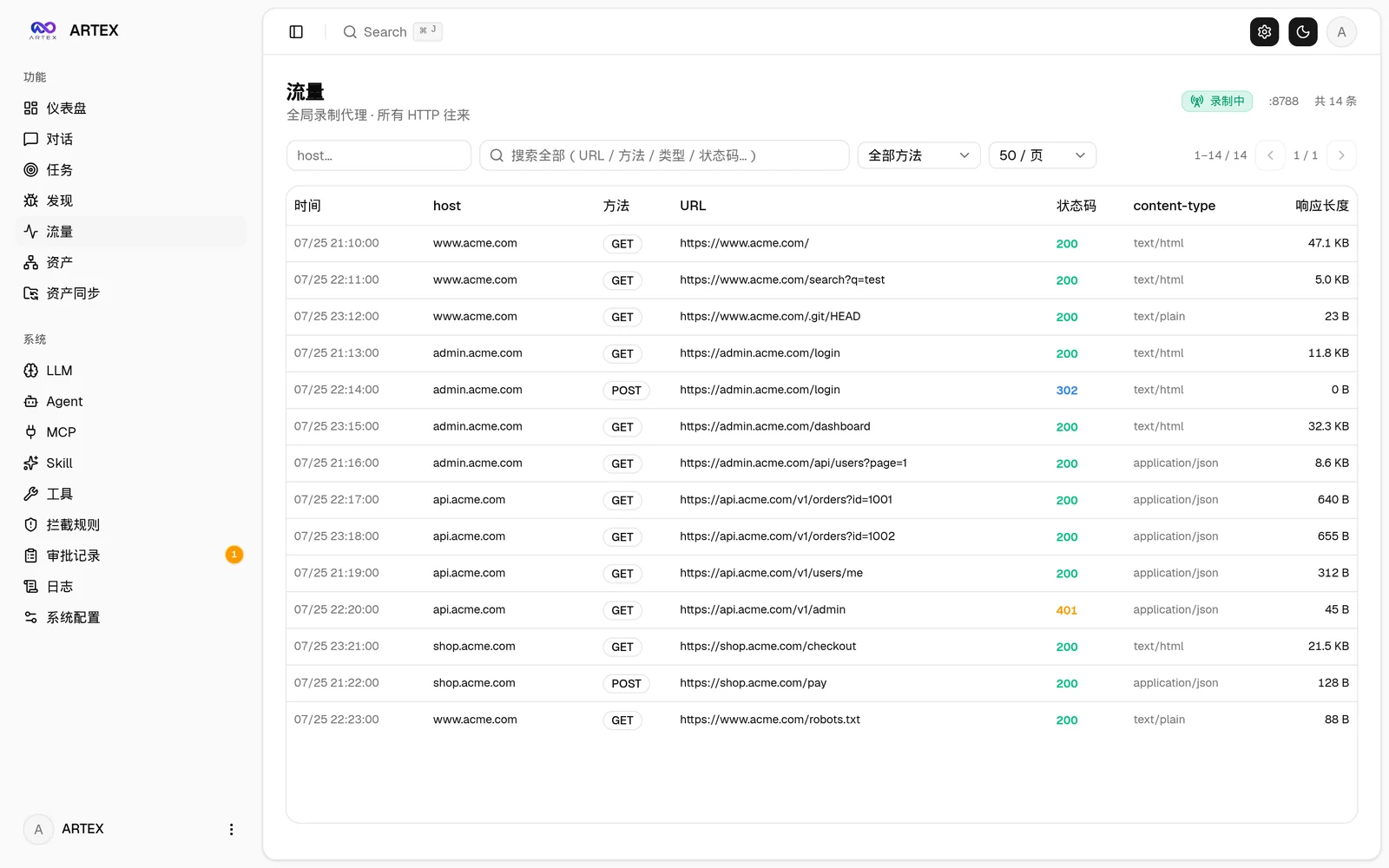
ARTEX is a self-hosted, LLM-driven penetration testing platform. It is not a chat wrapper around a scanner: a planner splits a goal into intents, workers execute them with real tools, and the results are written back into two linked graphs: one for what you know about the target, one for how the test is progressing. Every finding can carry the captured request and response that justify it, and every autonomous action passes through scope rules, approval gates and budgets.
git clone https://github.com/BaaRai/ARTEX.git
cd ARTEX
cp .env.example .env            # set POSTGRES_PASSWORD (and optionally an LLM key)
docker compose up -d --build    # builds from this checkout, starts PostgreSQL
Open http://localhost:8787. On the first visit /setup asks for the one-time setup token
printed at startup:
docker compose logs artex | grep "Setup token"
There is no prebuilt Docker image to pull: the image is always built from your checkout. For all installation paths (script, binaries, source, release archives), see Installation.
In System → LLM, configure the profiles you want to use. In System → Settings, set the concurrent worker count to at least 2 before starting a task (the count applies to subsequently started tasks). In System → Agents → Worker, leave the model set to follow the task; a fixed Worker model takes precedence over rotation.
When creating a task, select both profiles in LLM config chain, arrange their order, and enable Enable multi-LLM worker rotation. For an existing task, open its LLM config control, change the switch or profile order, and save.
Rotation assigns successive worker intents A, B, A, B, regardless of completion order. Separate intents can run concurrently on different providers; each intent keeps its selected provider unless it fails over. Planner and other unbound roles continue using the task's current profile. Turning rotation off restores ordered task-level failover. An excluded provider is skipped, so an intent pinned to an exhausted profile falls back to the task's current profile instead of retrying it; rotation keeps cycling the whole list and does not rebalance around a dead provider. Saving the chain resets their failure state. Changes do not interrupt in-flight calls. The rotation cursor starts again after a server restart and saving the chain does not reset it; the profile order and switch remain persisted.
The task creation and PUT /api/tasks/{id}/llm APIs accept llm_rotate: true alongside
the ordered llm_profile_ids. Omitting llm_rotate on an update preserves its value.
| Tasks | Findings |
|---|---|
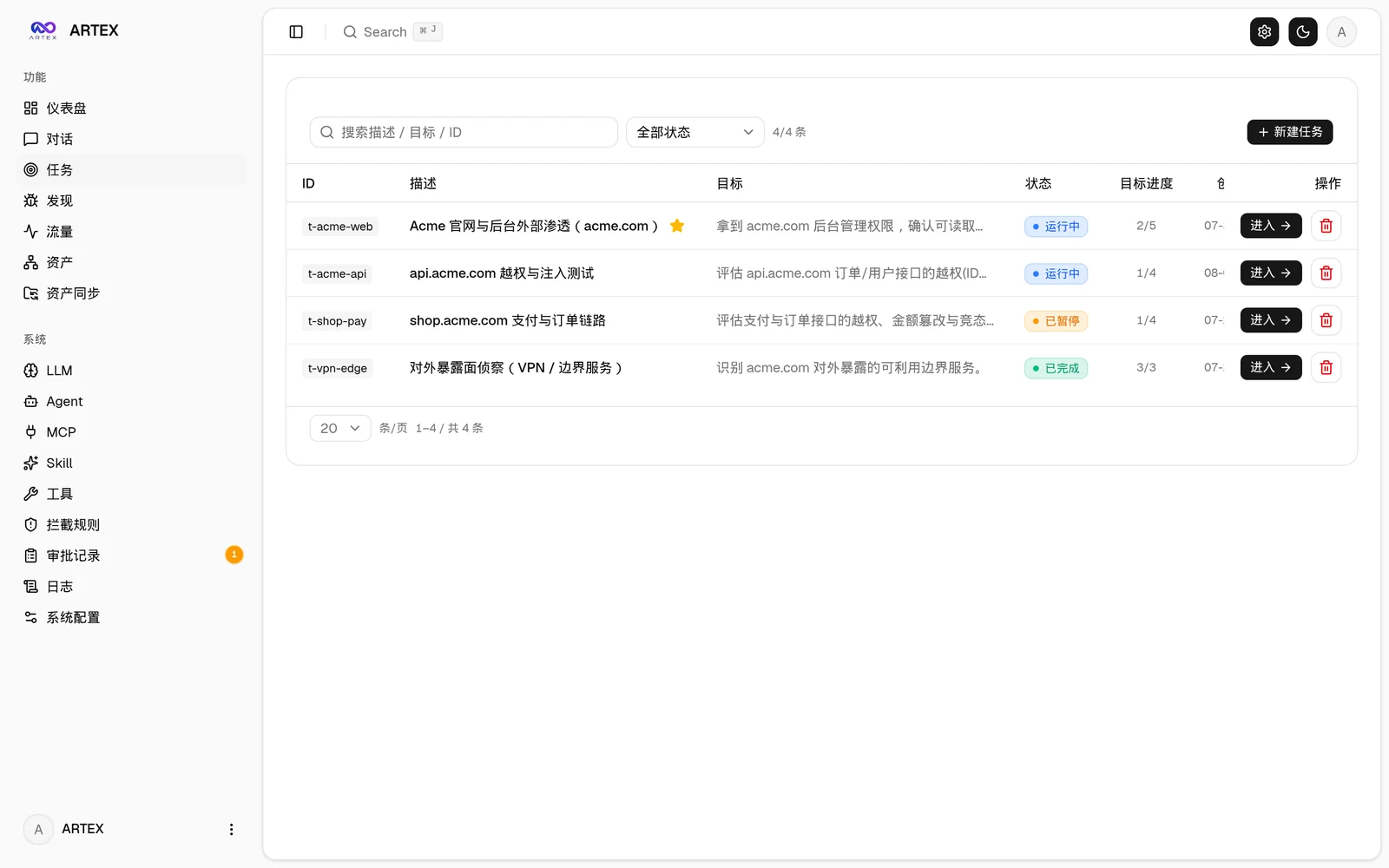 | 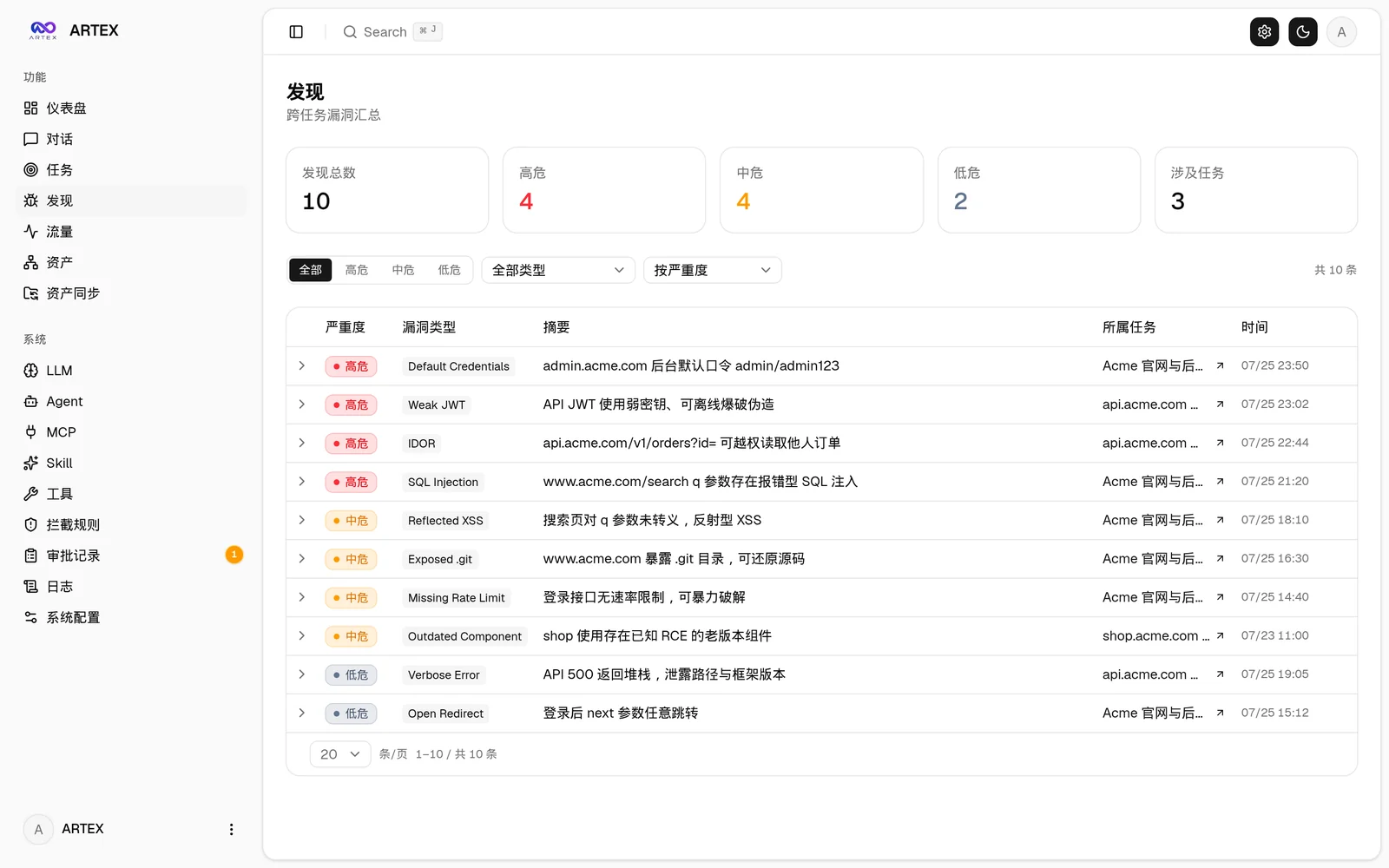 |
| Task execution: sessions and tool calls | Exploration graph |
|---|---|
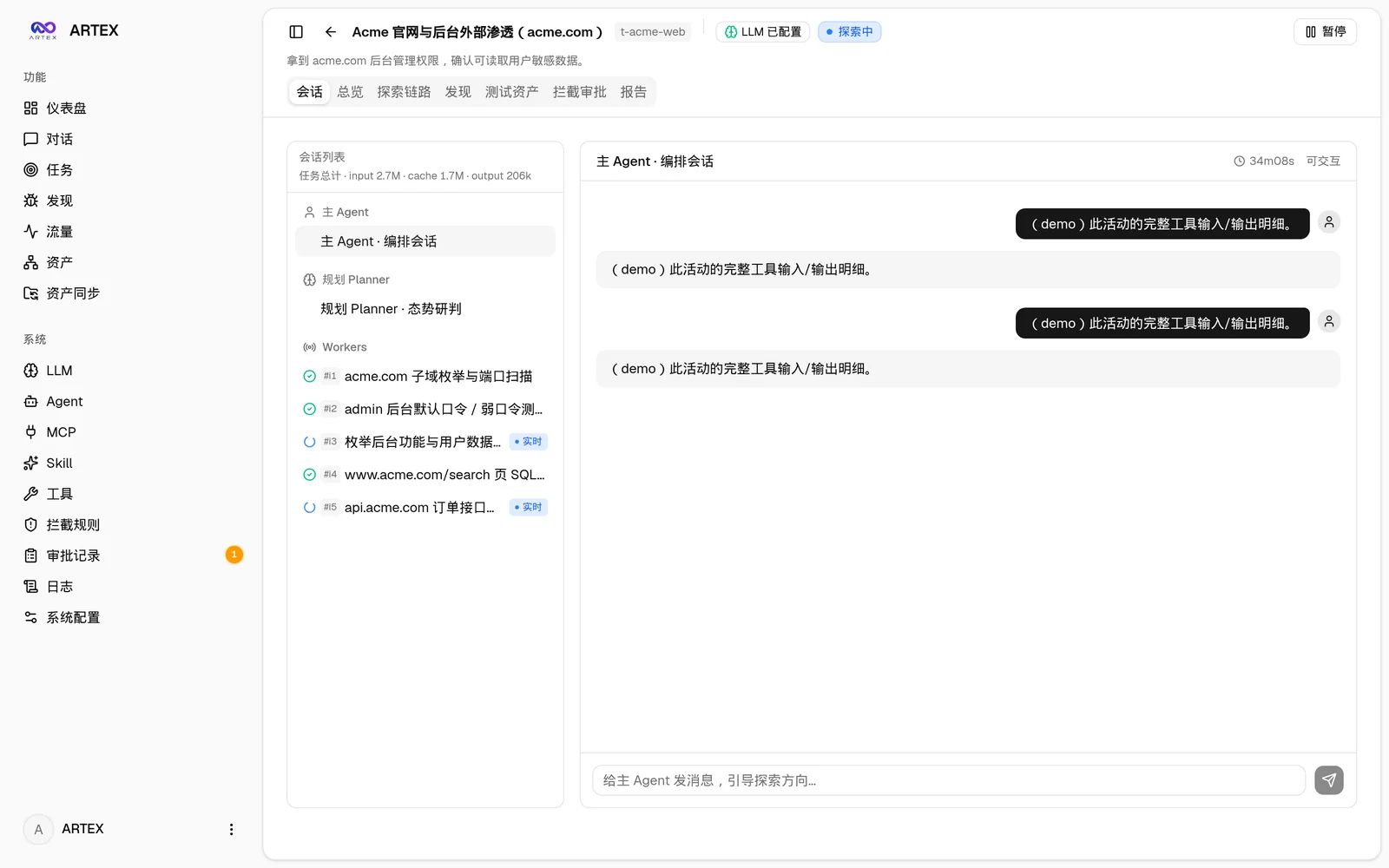 | 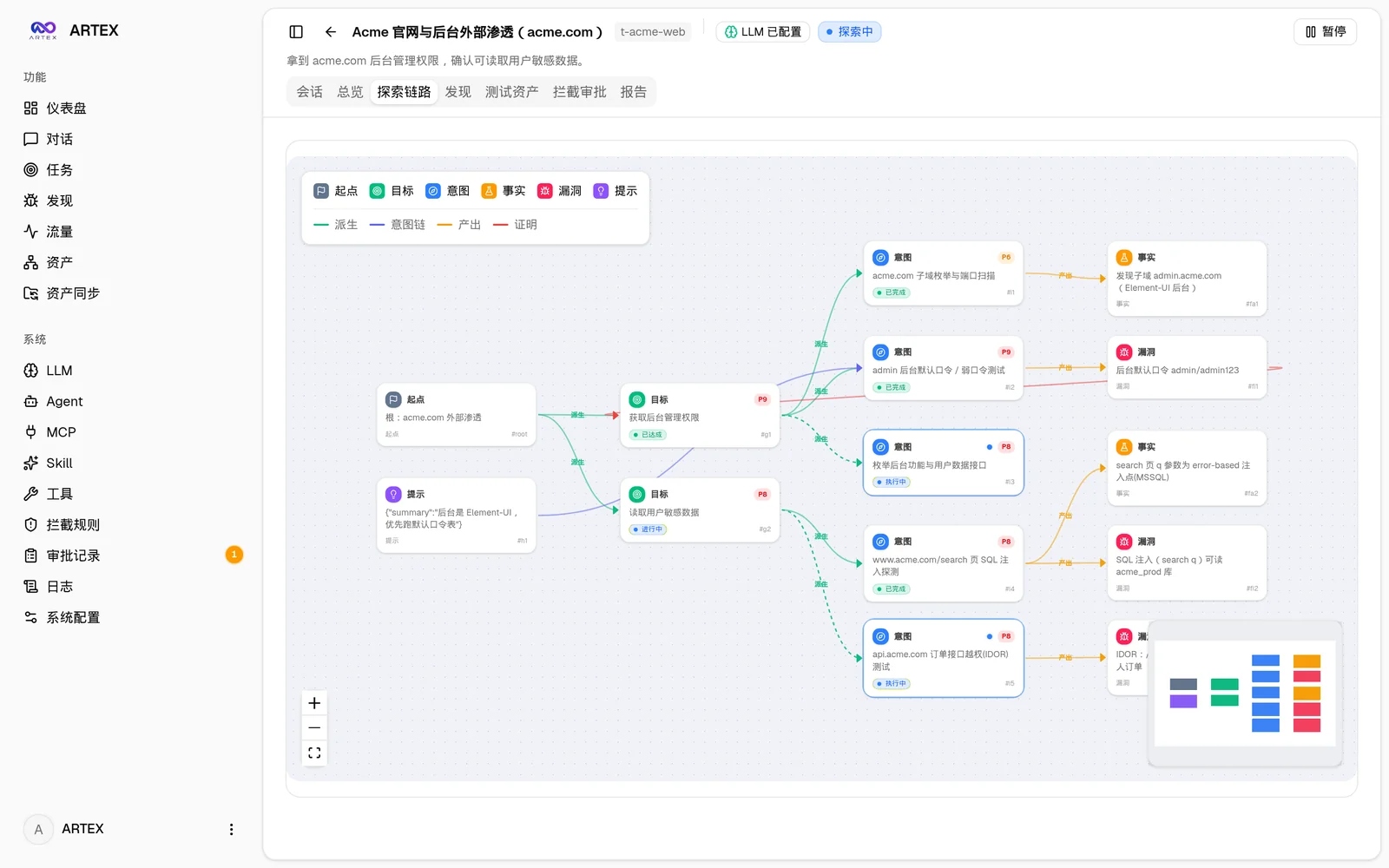 |
| Asset coverage graph | Traffic recording |
|---|---|
 |  |
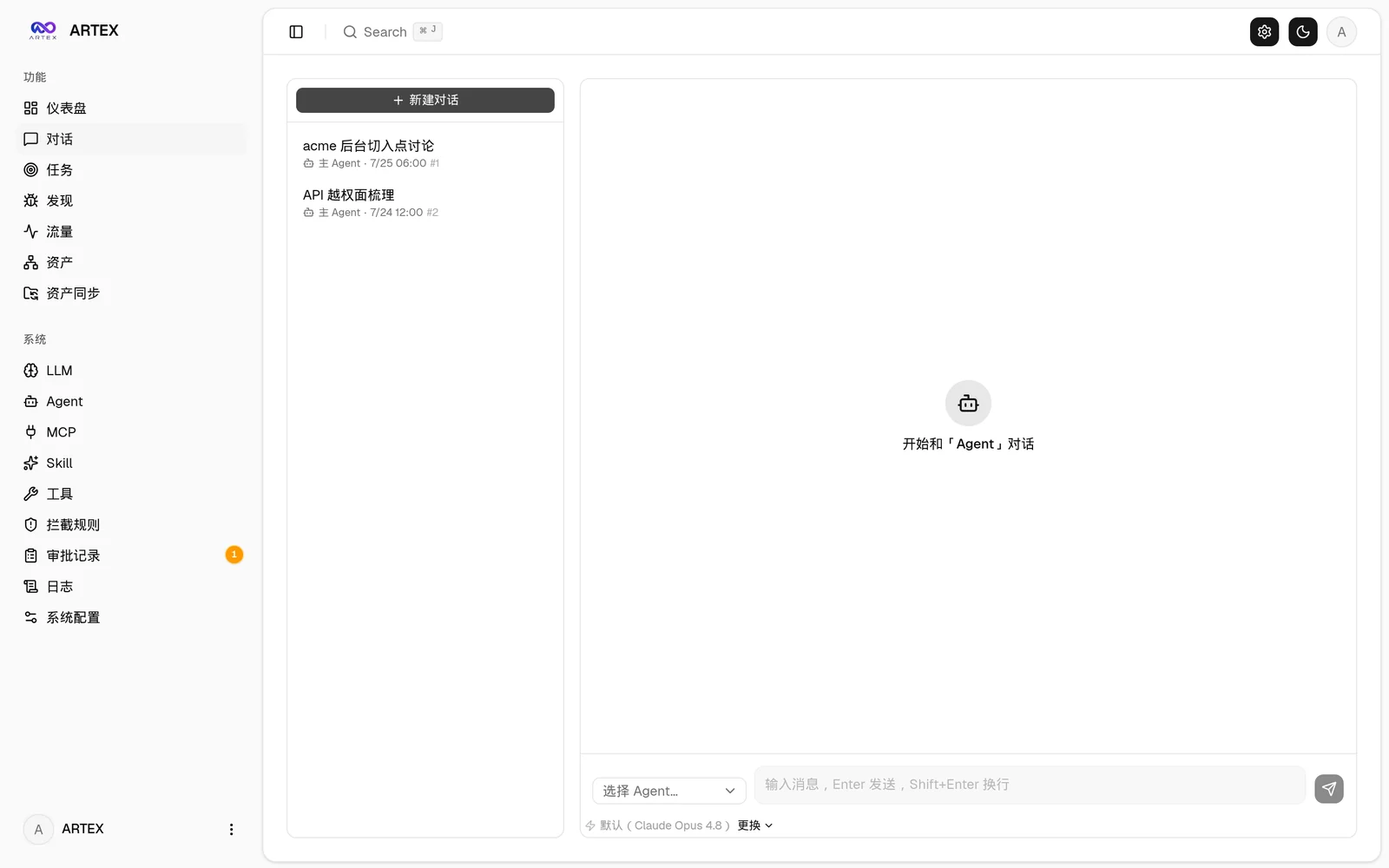
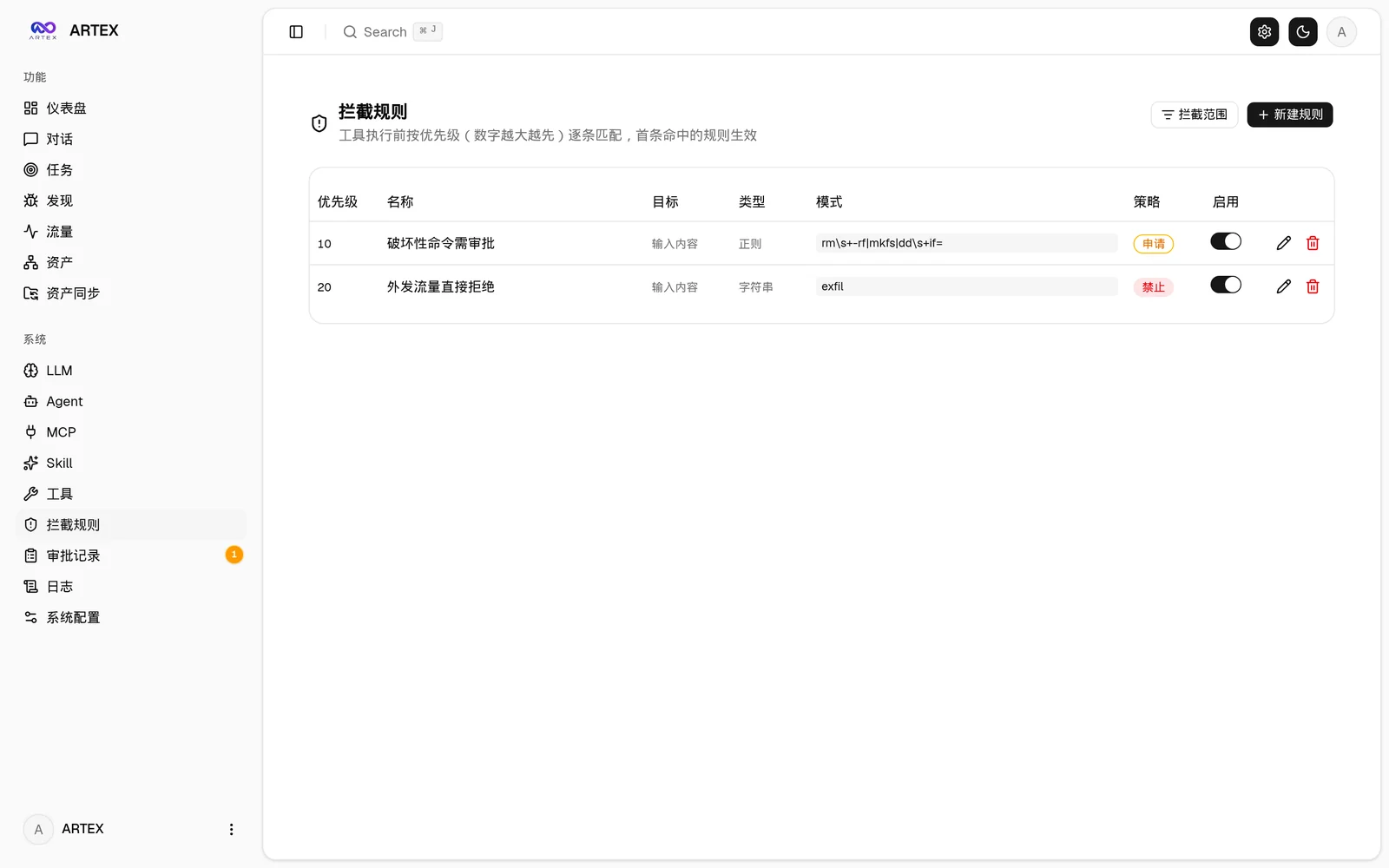
| Human-in-the-loop chat | Interception approvals |
|---|---|
 |  |
| Assets | Agent management |
|---|---|
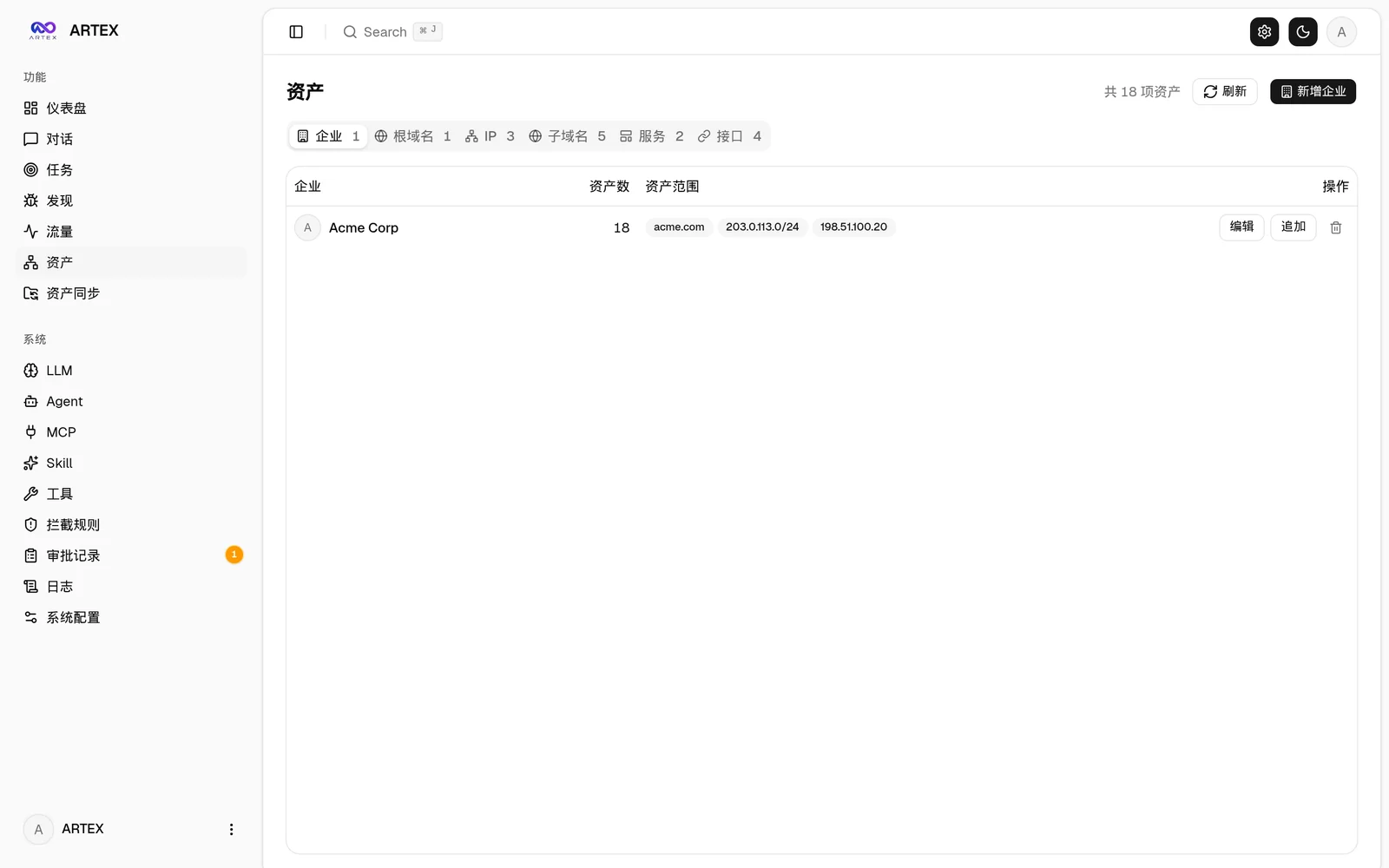 | 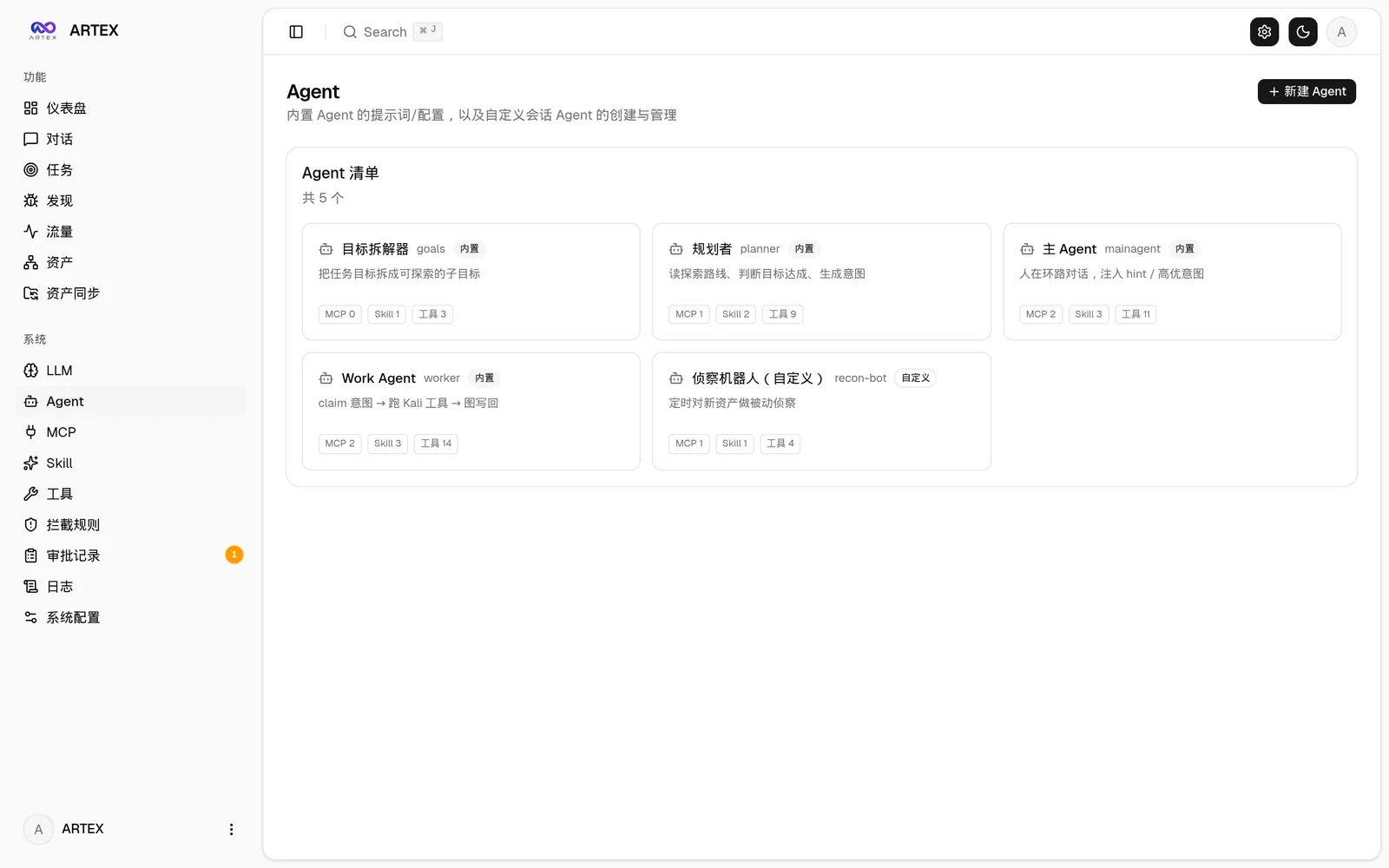 |
| LLM configuration | Backend logs |
|---|---|
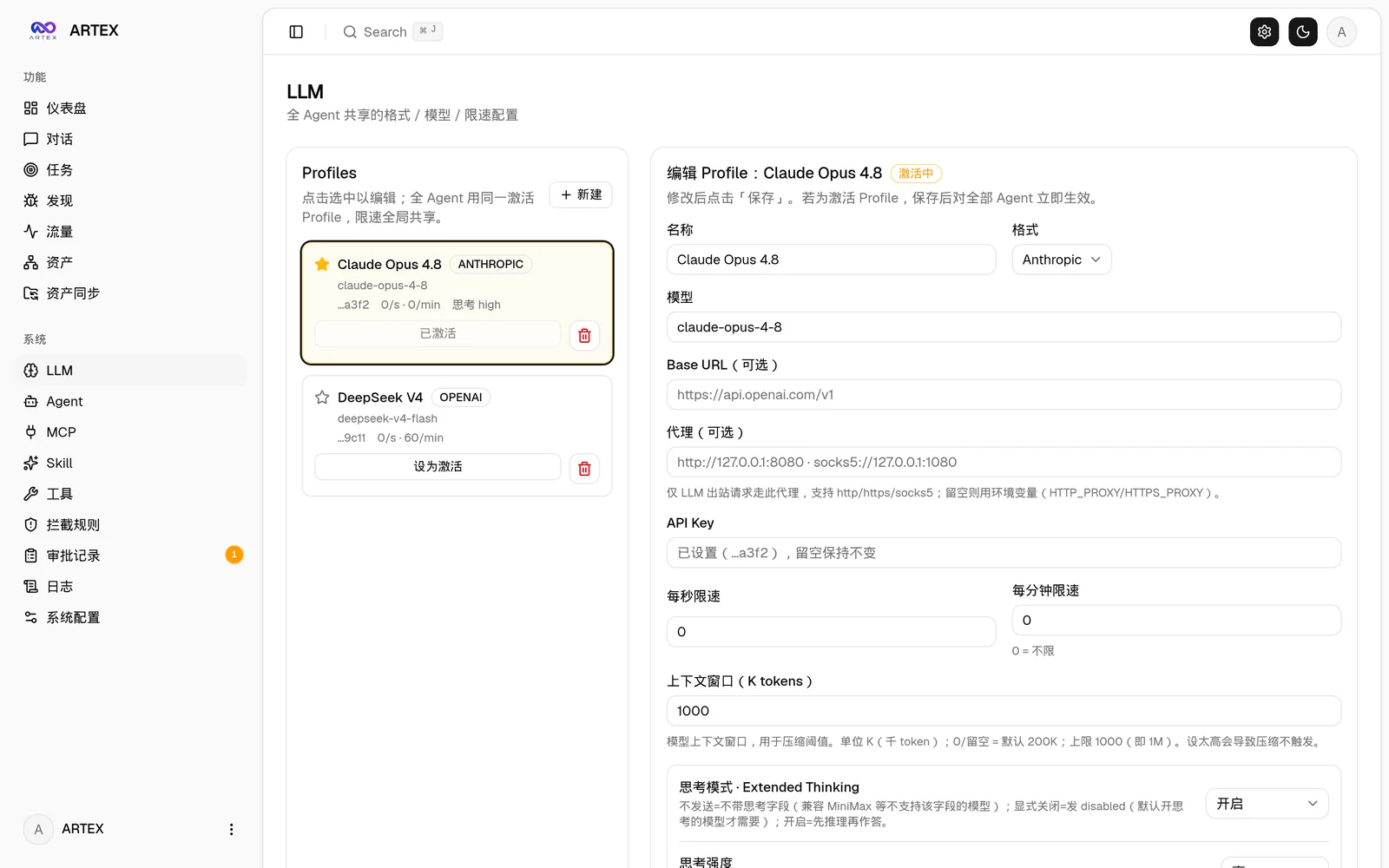 | 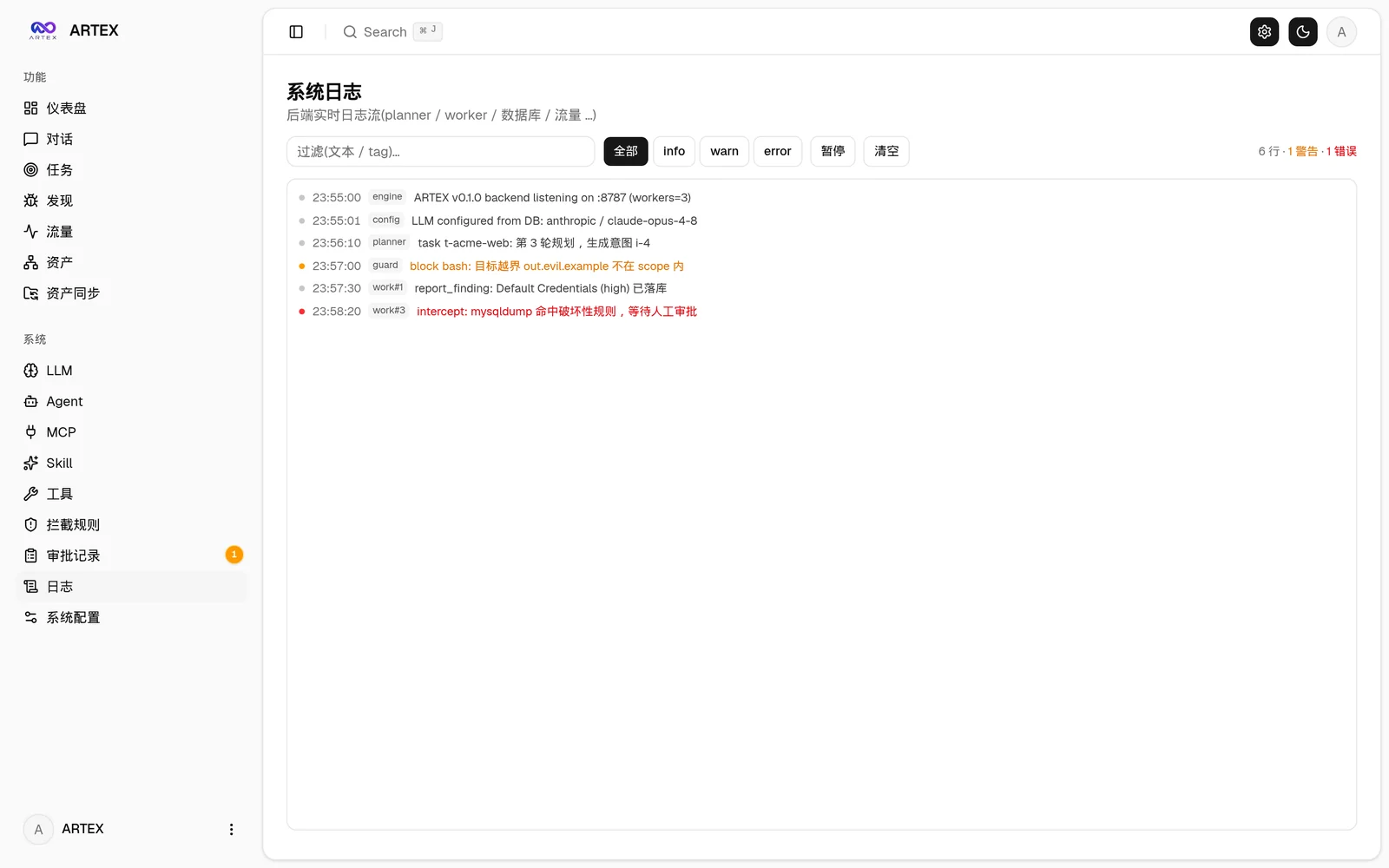 |