

cottage 是一款面向团队的 GitOps 工具,用于在 git 仓库中管理 age 加密的机密信息。
它提供了一套简单的工作流,用于加密/解密机密、管理接收者,并将机密排除在仓库之外,同时仍可通过 VCS 轻松共享。cottage 还会生成加密机密的脱敏预览,以便更好地查看,并支持持久化和临时解密工作流,同时确保机密绝不会以明文形式提交。

.gitignore,将未加密的机密排除在仓库之外。ctg diff 可显示本地修改的机密与已跟踪的加密对应文件之间的差异。ctg decrypt/sync 将解密后的机密保留在磁盘上。ctg run(快捷方式 ctgx)和 ctg edit 在操作前解密机密,若事先已存在于磁盘上则保留,否则在操作后自动清理。ctg encrypt --clean、ctg run --clean 和 ctg edit --clean 确保即使解密文件事先已存在,也会从磁盘上清理掉。ctg env 将解密后的机密作为环境变量注入以运行命令,完全不写入磁盘。ctg cat 在内存中解密并打印到 stdout,以便直接通过 stdin 管道传输给其他工具。ctg tee 将 stdin 加密写入 PATH,而不将明文写入磁盘。ctg rotate 为当前接收者重新加密现有机密,同样不将明文写入磁盘。ctg clean 从本地仓库删除所有解密后的机密,让你运行 AI 代理时少一分担忧。ctg init 可将任意目录变为机密存储库。git pull/diff/push 一样开始使用 ctg pull/diff/push。或从包注册表安装:
# rust: cargo-binstall/cargo
cargo binstall --locked cottage
cargo install --locked cottage

# python: pip/uv/uvx
pip install cottage
uv pip install cottage
uvx --from cottage ctg --version

# node: yarn/pnpm/npx
yarn global add @sayanarijit/cottage
pnpm add -g @sayanarijit/cottage
npx -p @sayanarijit/cottage ctg --version
也可作为 Docker 镜像获取:
# Docker
docker run --rm -v $PWD:/app sayanarijit/cottage --version

# Podman
podman run --rm -v $PWD:/app quay.io/sayanarijit/cottage --version
或从 GitHub 下载最新版本。
使用 Cottage VS Code 扩展 安装 ctg、添加 Copilot 安全钩子、从资源管理器加密文件,并通过编辑器工作流打开 .cott.age 文件。
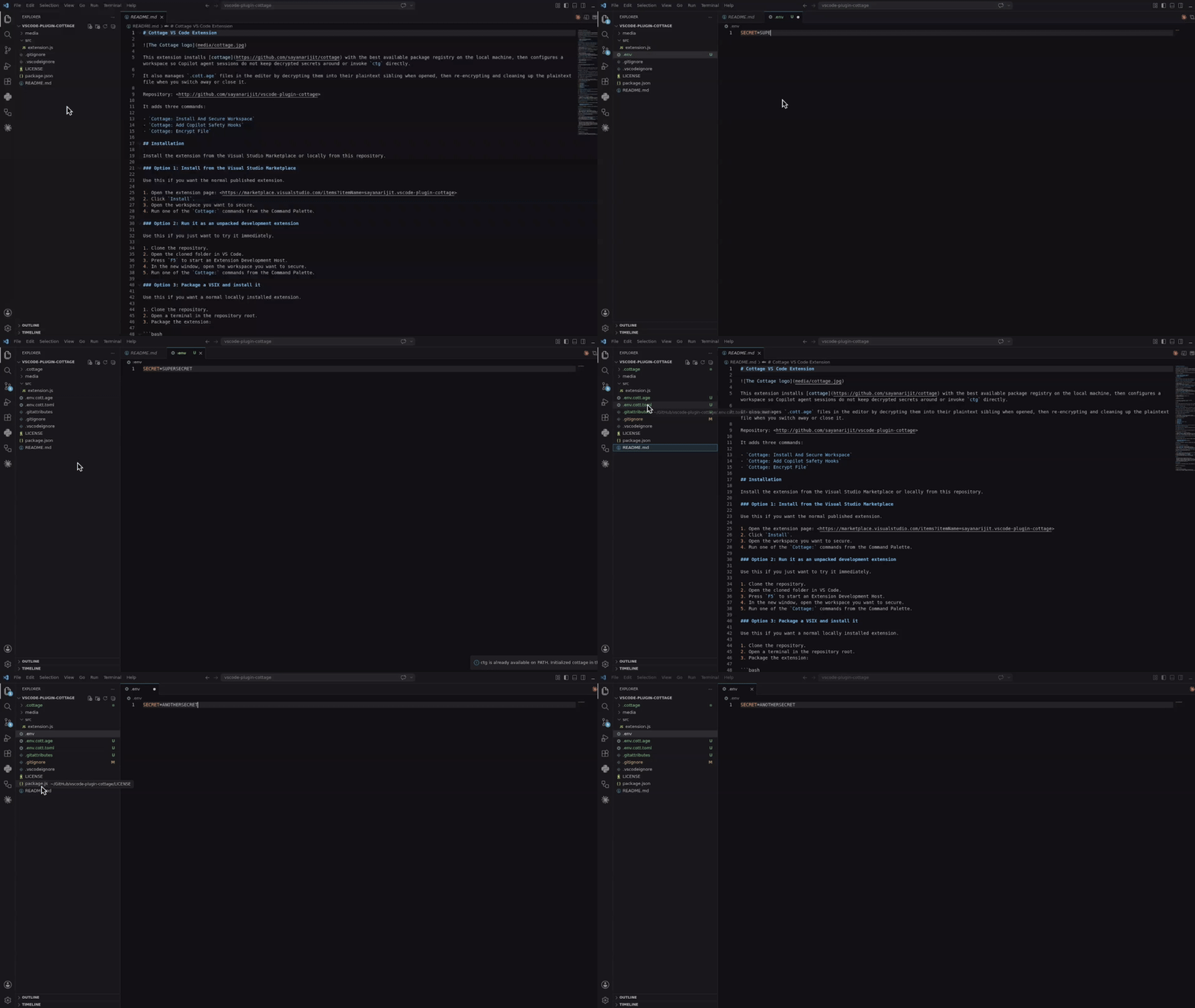
从 Visual Studio Marketplace 安装,或从 vscode-plugin-cottage 本地构建并安装。
下载 VSX 文件 并在你的 Cursor 或 Eclipse IDE 中安装。它的工作方式与 VS Code 扩展类似。
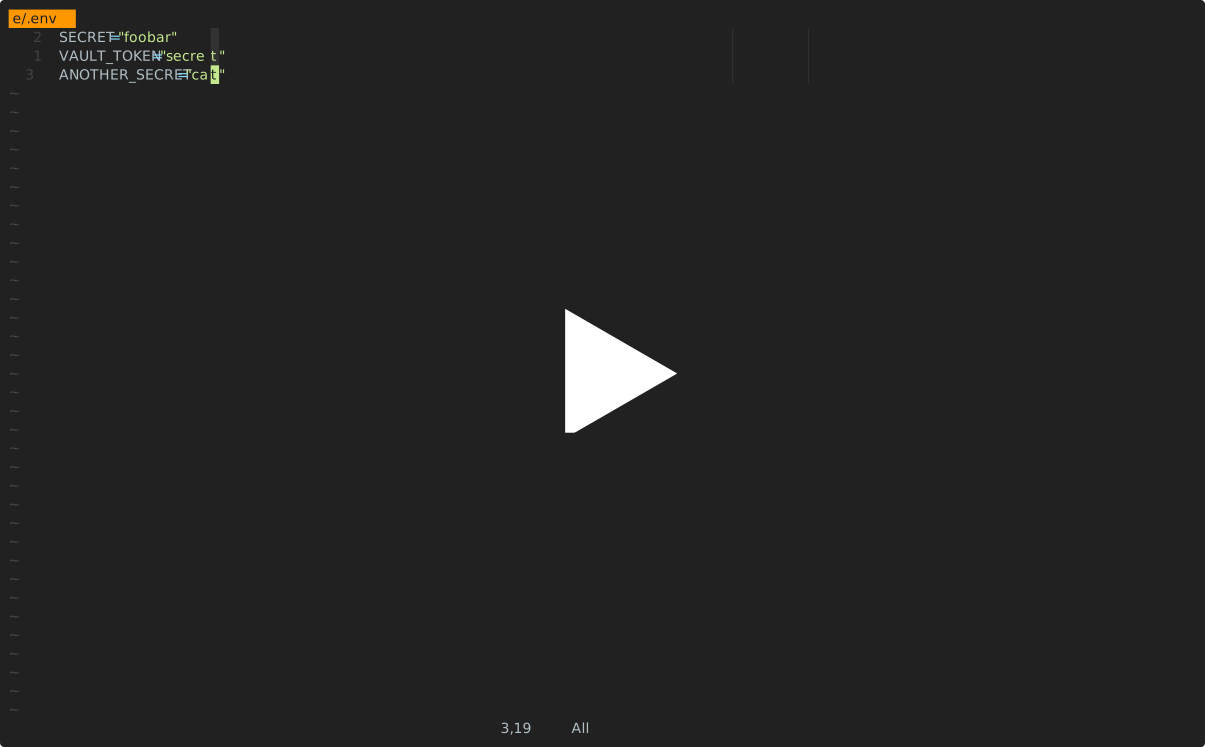
使用 cottage.vim 插件在 Vim 或 Neovim 中加密/解密机密信息。
以下所有集成都会阻止 AI 代理直接运行 ctg/ctgx,并阻止其查看或编辑机密文件:.cottage/ 内的任何内容、任何 *.cott.* 文件(加密的 *.cott.age 二进制文件和脱敏的 *.cott.toml 预览文件),以及磁盘上仍存在对应 *.cott.age 文件的任何已解密文件。
agy)初始化项目:
mkdir project && cd project

git init  # Optional, cottage works better with git but it's not required
ctg init  # Sets up the .cottage directory and necessary files

tree -a
# .
# ├ .cottage/         <- Auto-generated by `ctg init`
# │ └ recipients/     <- This is where your team keeps the public keys of all the recipients.
# │     └ sayanarijit <- Your public key. Commit it. To use an existing public key, just copy that key here.
# ├ .git/...
# └ .gitattributes    <- Added `*.cott.age binary linguist-generated filter=cottage-encrypted -diff` to avoid polluting git diff

# Your private key is stored safely in `~/.config/cottage/identity/<dirname>/<timestamp>.key`.
# You can run `ctg clean --all` anytime to clean up everything cottage ever did.
创建或编辑密钥:
# `ctg edit` decrypts the file before opening in $EDITOR and re-encrypts upon save.
# If the decrypted file was not present on disk before running `ctg edit`, it is cleaned up afterwards.
# If it was already present, it is kept on disk.
ctg edit secret.yml

# Use `--clean` with `ctg edit` or `ctg encrypt` to ensure decrypted files are deleted even if present before
ctg edit secret.yml --clean    # Opens in $EDITOR, encrypts on save, and cleans up
ctg encrypt secret.yml --clean # Encrypts secret.yml and cleans up
# encrypt secret.yml
#    into secret.yml.cott.age
#    edit secret.yml.cott.toml
#    edit .gitignore
# delete secret.yml
使用解密后的密钥运行命令:
cat secret.yml
# cat: secret.yml: No such file or directory