
Skip to content
KitploitKITPLOIT
工具漏洞利用博客
Log in
提交
工具漏洞利用博客
提交

黑客、渗透测试和网络安全工具,武装您的安全武器库!

Kitploit 是一个黑客、网络安全和渗透测试工具的目录。发现最新的项目更新,查找漏洞、分析系统、自动化测试并加强你的安全。

订阅源联系隐私© 2026 Kitploit

工具目录

分类

查看所有分类
Loading categories
wyze-bulb-color-pwned — No-open firmware exploit for the Wyze WLPA19CV2 color bulb | Kitploit
工具/GitHubGitHub/nickdaria/wyze-bulb-color-pwned
Embedded Systems SecurityIoT SecurityExploitationReverse EngineeringWireless SecurityHardware HackingFirmware Analysis
GitHubnickdaria/wyze-bulb-color-pwned

wyze-bulb-color-pwned

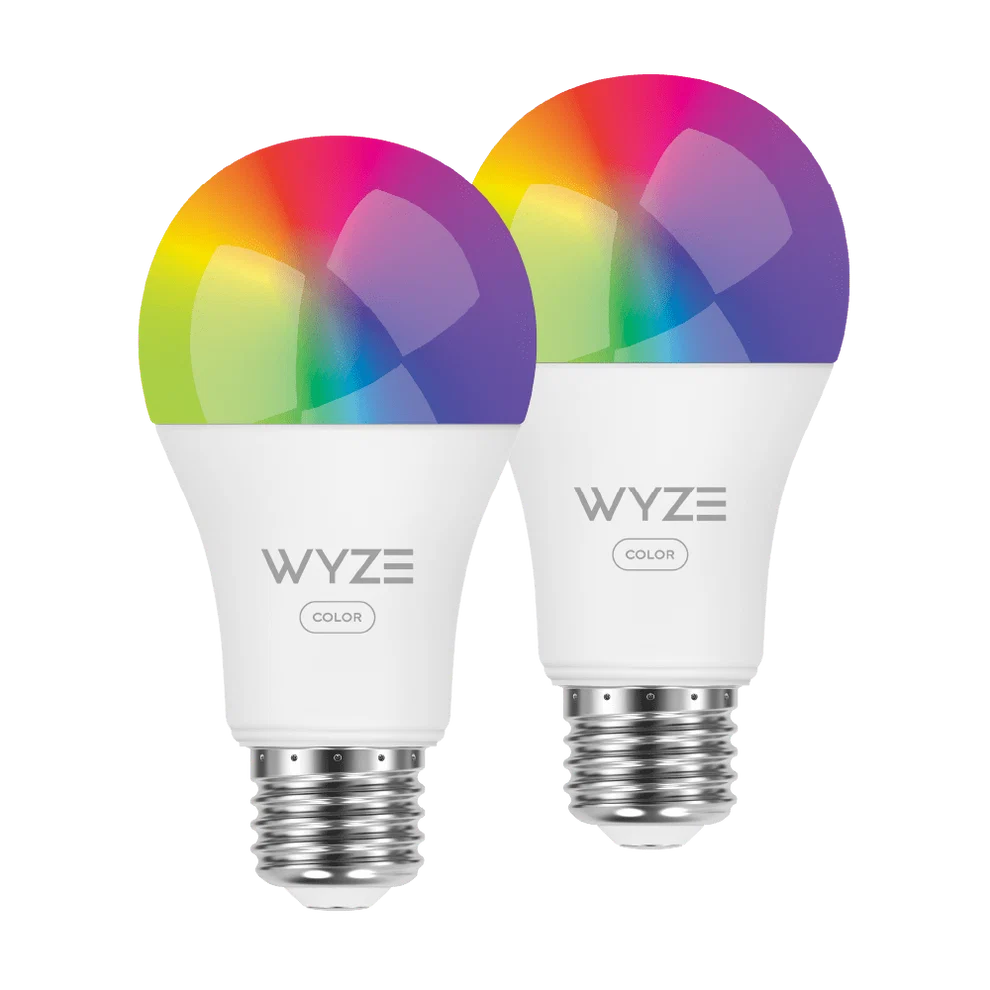
No-open firmware exploit for the Wyze WLPA19CV2 color bulb
查看仓库
91621个月前尚未审核

最受欢迎

查看全部 →

发现我们社区最常用的工具。

探索所有工具

浏览我们的工具集合

查看所有工具 →
分享
内容在请求的语言中不可用。显示英文版本。

wyze-bulb-color-pwned

Wireless exploit for the Wyze WLPA19CV2 color bulb

Overview

The Wyze Color WLPA19CV2 bulbs have a factory test mode which allows a custom OTA image to be flashed wirelessly through a specific sequence of power cycling.

This project provides

  • An implementation and guide to obtain code execution
  • A loader to connect and manage the bulb
  • An ESPHome implementation for tying in to Home Assistant

Usage

"To break the lock on this ESP32, we're going to use an ESP32"
Demo

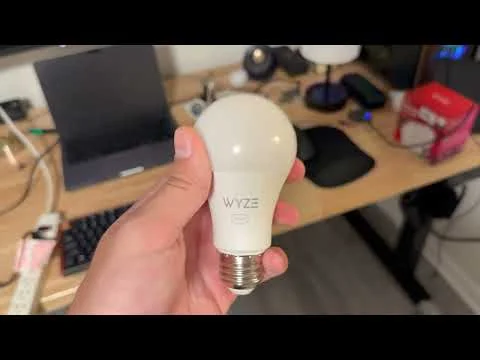
Video demo

  1. Flash wyze-hijack-ap to an ESP32S3. Keep it powered on near the bulb.
    • Easy: wyze-hijack-ap Web Flasher
    • Advanced: build from source, idf.py
  2. Put the bulb into something easy to switch like a wall switched circuit or a power strip
  3. Repeat the following until you see the light turn blue, then leave it on
    • Turn power on until you see the green light fade on, immediately shut it back off
    • Keep power off for 5 seconds
    • NOTE: If your bulb has already been setup, the first few cycles will do the factory reset. It should start turning green after 3-4 cycles.
  4. After ~17 cycles, the light should be blue for a moment. Sit tight while the exploit runs
  5. After ~30 seconds, the exploit should be complete and your bulb should turn purple to indicate the wyze-loader payload is running

Success!

The bulb now boots to the wyze-loader, which hosts an AP called wyze-loader_XXXXXX. Connect to this AP and navigate to http://192.168.4.1.

To set up with ESPHome, continue to the ESPHome guide.

The project

Why

I bought these at Microcenter and don't like that you need the cloud for control with Home Assistant. I wanted to flash Tasmota but the board was different.

Ironically, I started this to avoid spending half an hour soldering and instead wasted a weekend reverse engineering and developing.

How

See docs/METHODOLOGY.md

Todo

See docs/TODO.md

下载工具