 msnightmare/signdrop
Windows Common Log FileSystem Authentication 0day Local Privilege Escalation Vulnerability

This vulnerability won't affect all windows machines but I guess estimate 80% of the world's windows installations are vulnerable to this. To check, you need to run the proof of concept or check your registry configuration, if it spawns a SYSTEM shell, you're vulnerable. And you're generally vulnerable if your windows installation is older than 90 days so it's safe to assume that everyone reading this is definitely vulnerable.
You might ask why, it's because it depends if the CLFS authentication mitigation is enabled or not, it's because of this :
From Microsoft :
Currently, the adoption period lasts for 90 days, starting from the time in which the system was first started with this version of CLFS. After this 90-day adoption period has lapsed, the driver will automatically transition into enforcement mode on its next start, after which CLFS will expect all logfiles to contain valid authentication codes. Note that this 90-day value may change in the future.
Since October 28, 2025, Microsoft released the CLFS authentication mitigation in the official release channel to curb the exploitation of CLFS vulnerabilities since CLFS was an easy target to exploit since it parsed complex log files in kernel mode. So if anything goes wrong, it's a memory corruption that can be exploited to gain elevated privileges. After the mitigation was implemented, there was a sharp decline in publicly exploited CLFS vulnerabilities since it no longer represented a massive attack surface but the mitigation introduced a new vulnerability that I'm calling "SignDrop"
The specific flaw exist in clfs.sys in the way how it handle the creation of the authentication file ".cnpf", when creating a new log file by accessing the exposed device in \CLFS
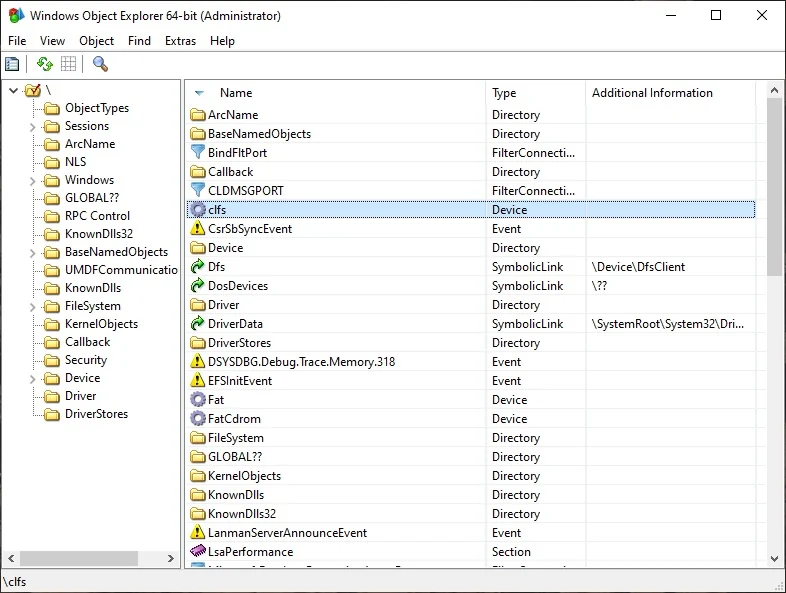
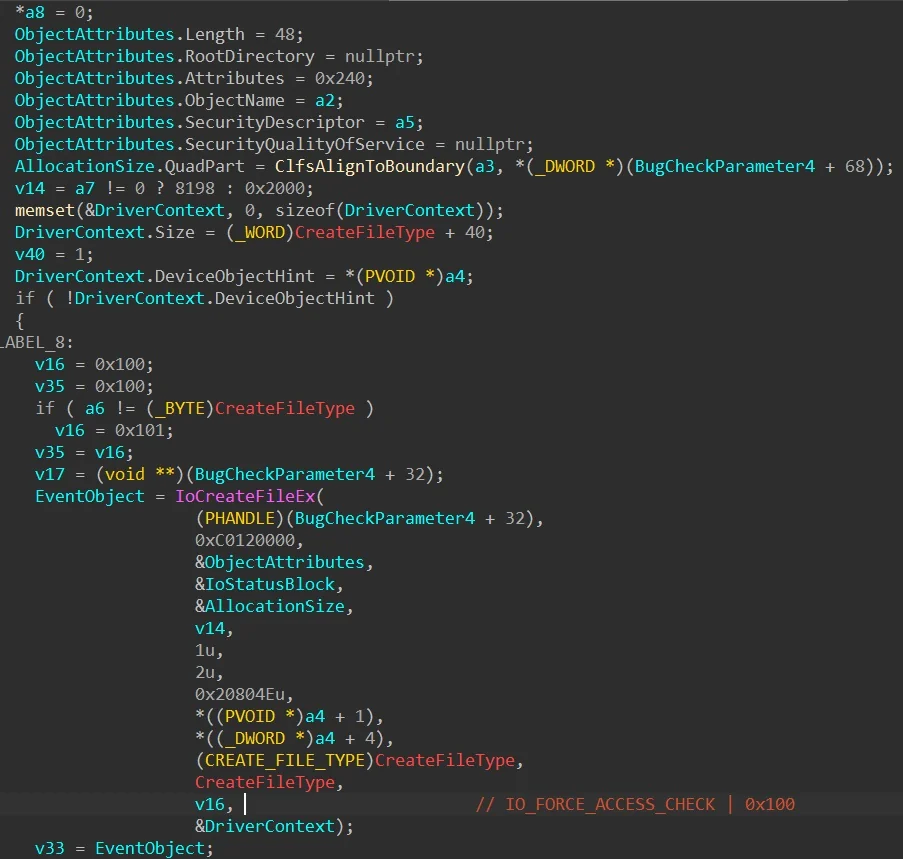
The driver will create a log file for you with ".blf" extension, you can also create log files associated with the initial log by calling AddLogContainer, you can specify the path of the new log, this new log will also be signed with another authentication file ending with C:\Controlled\Path.cnpf. Till this point, nothing is done wrong by CLFS as it properly enforce access checking by specifying OBJ_FORCE_ACCESS_CHECK so the new objects are created under the calling process context.
In CclfsContainer::Create routine, the following can be found,
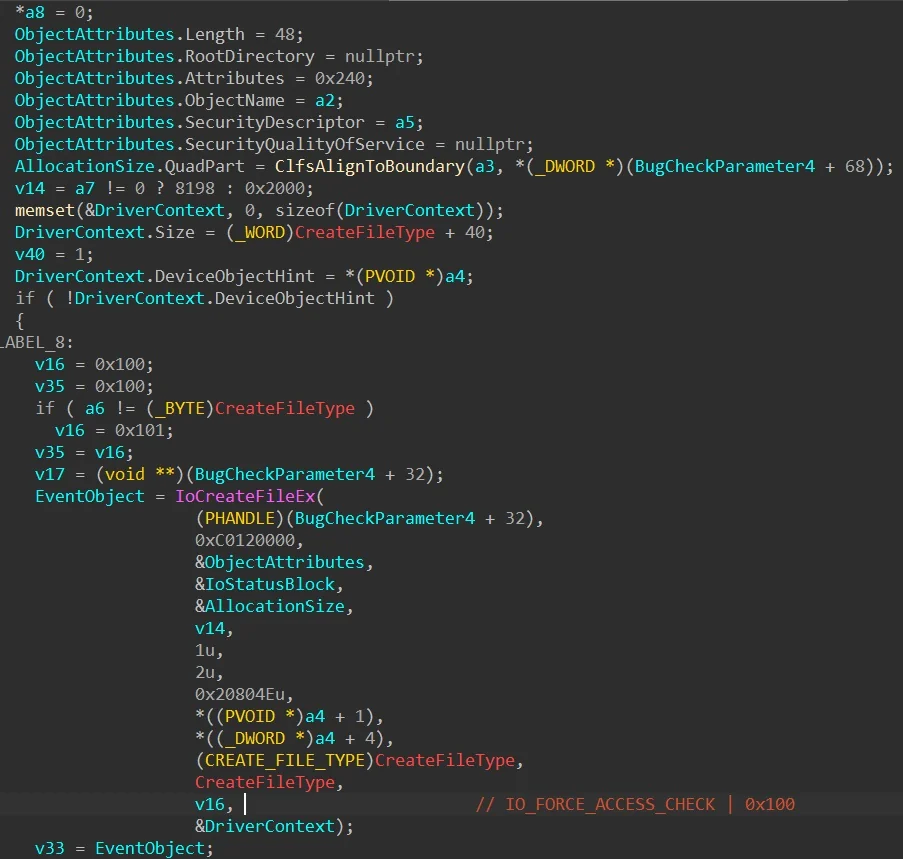
This code is responsible for creating/opening the container files and the authentication files as well, the interesting part is, if you associate a log file with the original container, the associated container will always be opened as well if the original ".blf" container is opened. I found an interesting behavior in CLFS, if the newly associated container file is empty then CLFS will attempt to sign the file regardless if the signature file exists or not which is interesting... Again till now, the implementation is fine because everything is done under the calling process context so nothing can go wrong, right ?
The problem can arise if the calling process changes, since opening a log file does not require any special flags to be specified in the NtCreateFile, it just need to specify the right path, by example "\CLFS??\C:\test\t" will open "t.blf" and the log file will be opened, in this specific case, if the file specifies an associated log file then the associated file will be opened as well.
In this case, we can coerce any privileged process to open the log file after it was setup as a standard user, in this case Windows Defender is coerced to open the container files by calling ServerMpUpdateEngineSignature, by manipulating object manager symbolic links, you can trick Windows Defender to open the CLFS container in the context of the antimalware engine and it will use the file path specified in the original container to open the associated container and if the signature file is absent then it will be created.
Since the calling process is privileged, the authentication file will be created as SYSTEM... And what makes it worst is the fact that CLFS will always create the new authentication file with the original file DACL
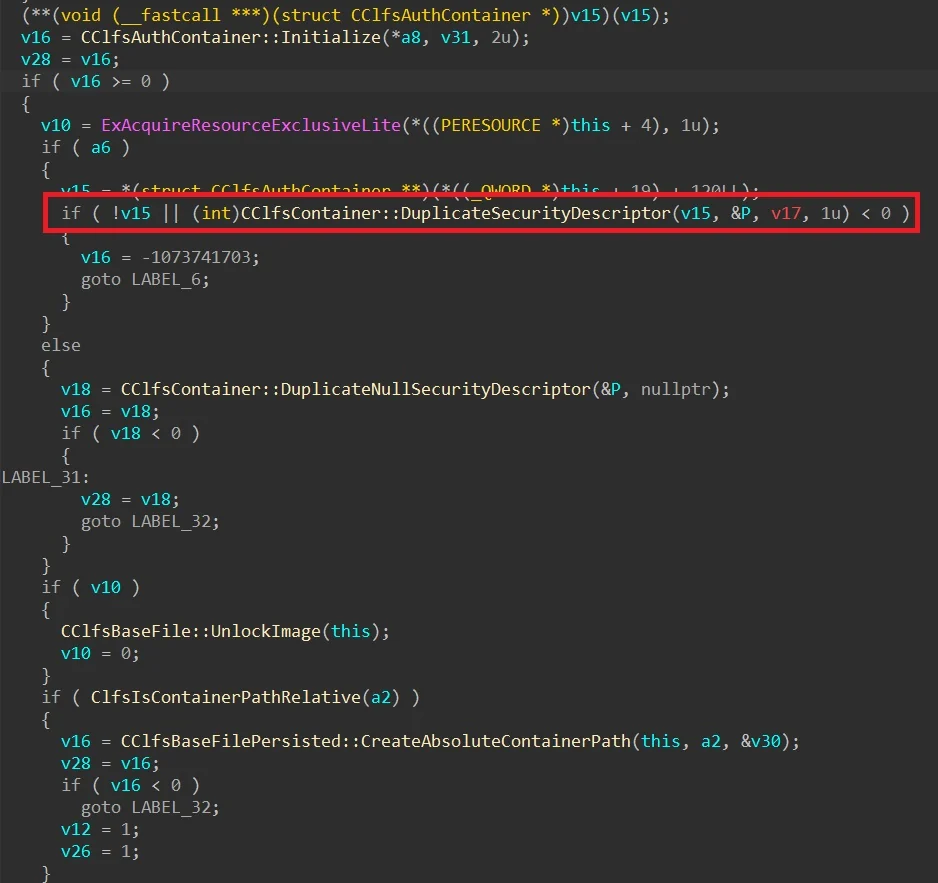
If everything is chained correctly, funnily this legit security mitigation can be used against itself and allow an elevation if privileges. Everything is done properly by Microsoft here but the logic allows abuse. What makes it funnier is the fact that it can be used against any antimalware engine to bypass their self defense (or tamper protection) mechanism as you can trigger arbitrary file creation in the context of their own antimalware process so from the perspective of their kernel drivers, the file creation request is coming from their own legit process so it passes, this makes this vulnerability unique as it can be used to turn off any antivirus/EDR.

The vulnerability has been tested in windows 11 26H2, Windows 11 26H2 Experimental, Windows Server 2025 Experimental
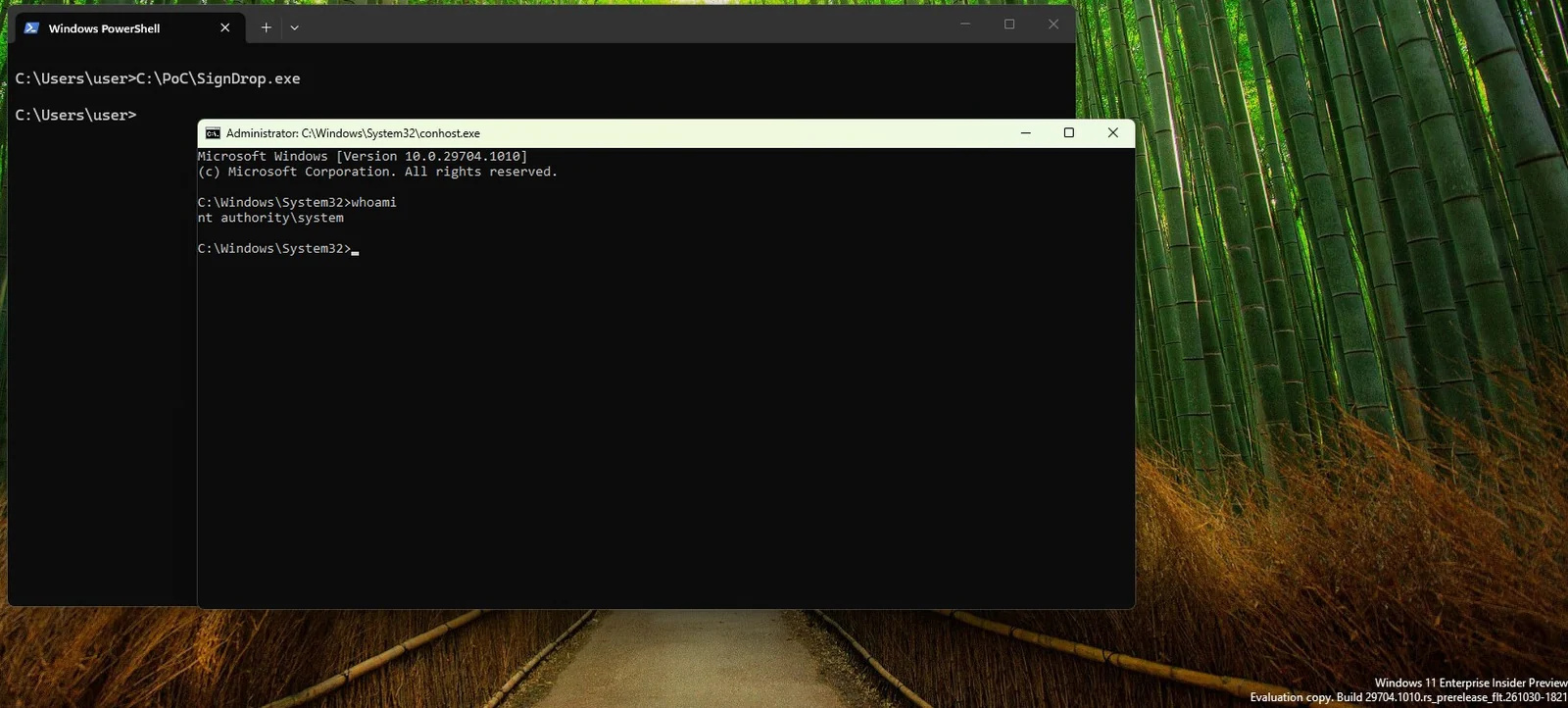
To check if this vulnerability affects you, check your CLFS authentication mode, if it's in learning mode or enforcement mode then you're vulnerable and the PoC should spawn a SYSTEM shell.
Unfortunately for now, disabling the mitigation will expose your machine to memory corruption vulnerabilities as CLFS still does not handle log files well, that's why the mitigation exists in the first file so for now there is no solution to this except waiting for a patch to be released by Microsoft. If you have a problem with this repository, contact [email protected] with your concerns.






