Skip to content
KitploitKITPLOIT
ИнструментыЭксплойтыБлог
Log in
Отправить
ИнструментыЭксплойтыБлог
Отправить

Инструменты для хакинга, пентеста и кибербезопасности — ваш арсенал защиты!

Kitploit — это каталог инструментов для хакинга, кибербезопасности и пентестинга. Находите последние обновления проектов для поиска уязвимостей, анализа систем, автоматизации тестирования и усиления вашей безопасности.

ЛентыКонтактыКонфиденциальность© 2026 Kitploit

Каталог инструментов

Категории

Все категории
Loading categories
Hx0-HawkEye — Легковесное расширение для браузера для захвата трафика и анализа безопасности, позволяющее выполнять захват, перехват, модификацию, повторную отправку, обнаружение на основе правил и анализ с помощью ИИ — все из боковой панели браузера. (A lightweight browser extension for traffic capture and security analysis, enabling capture, interception, modification, replay, rule-based detection, and AI-assisted analysis—all from the browser sidebar.) | Kitploit
Инструменты/GitHubGitHub/asaotomo/hx0-hawkeye
Сниффинг и анализ пакетовСканеры уязвимостейВеб-прокси и перехватТестирование безопасности APIВеб-безопасностьФаззингCTFТестирование на ПроникновениеОбучение и Образование
Безопасность ИИ
GitHubasaotomo/hx0-hawkeye

Hx0-HawkEye

РепозиторийСайт
606795 дней назадПроверено Kitploit

Популярное

Смотреть все →

Откройте для себя самые используемые инструменты нашего сообщества.

Изучить все инструменты

Просмотрите нашу коллекцию инструментов

Смотреть все инструменты →

Описание

Легковесное расширение для браузера для захвата трафика и анализа безопасности, позволяющее выполнять захват, перехват, модификацию, повторную отправку, обнаружение на основе правил и анализ с помощью ИИ — все из боковой панели браузера. (A lightweight browser extension for traffic capture and security analysis, enabling capture, interception, modification, replay, rule-based detection, and AI-assisted analysis—all from the browser sidebar.)

Поделиться
Контент недоступен на запрошенном языке. Показываем английскую версию.

🦅 Hx0 HawkEye: Full-stack lightweight capture & AI security auditing extension

【中文 / English】

1. What it is

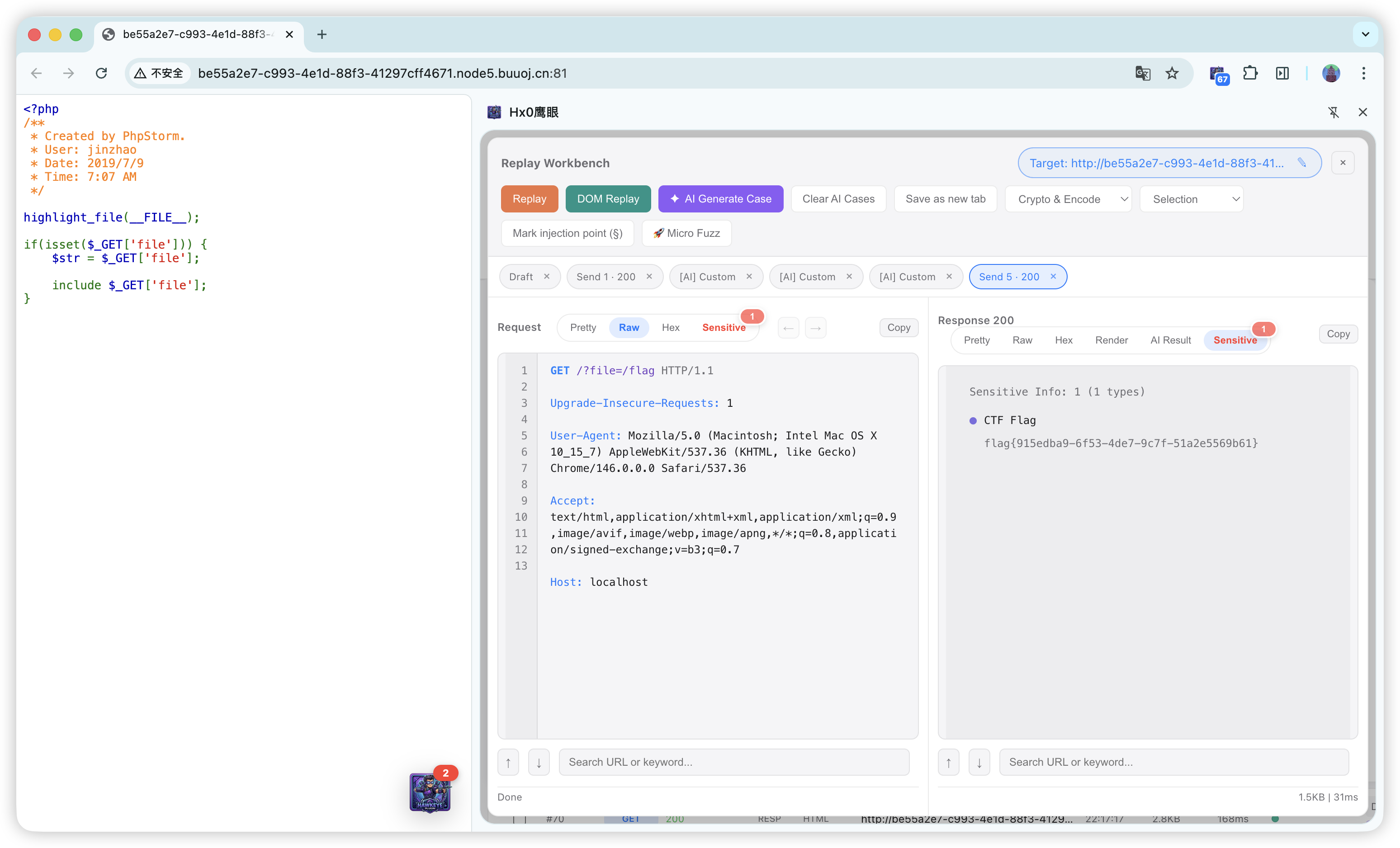
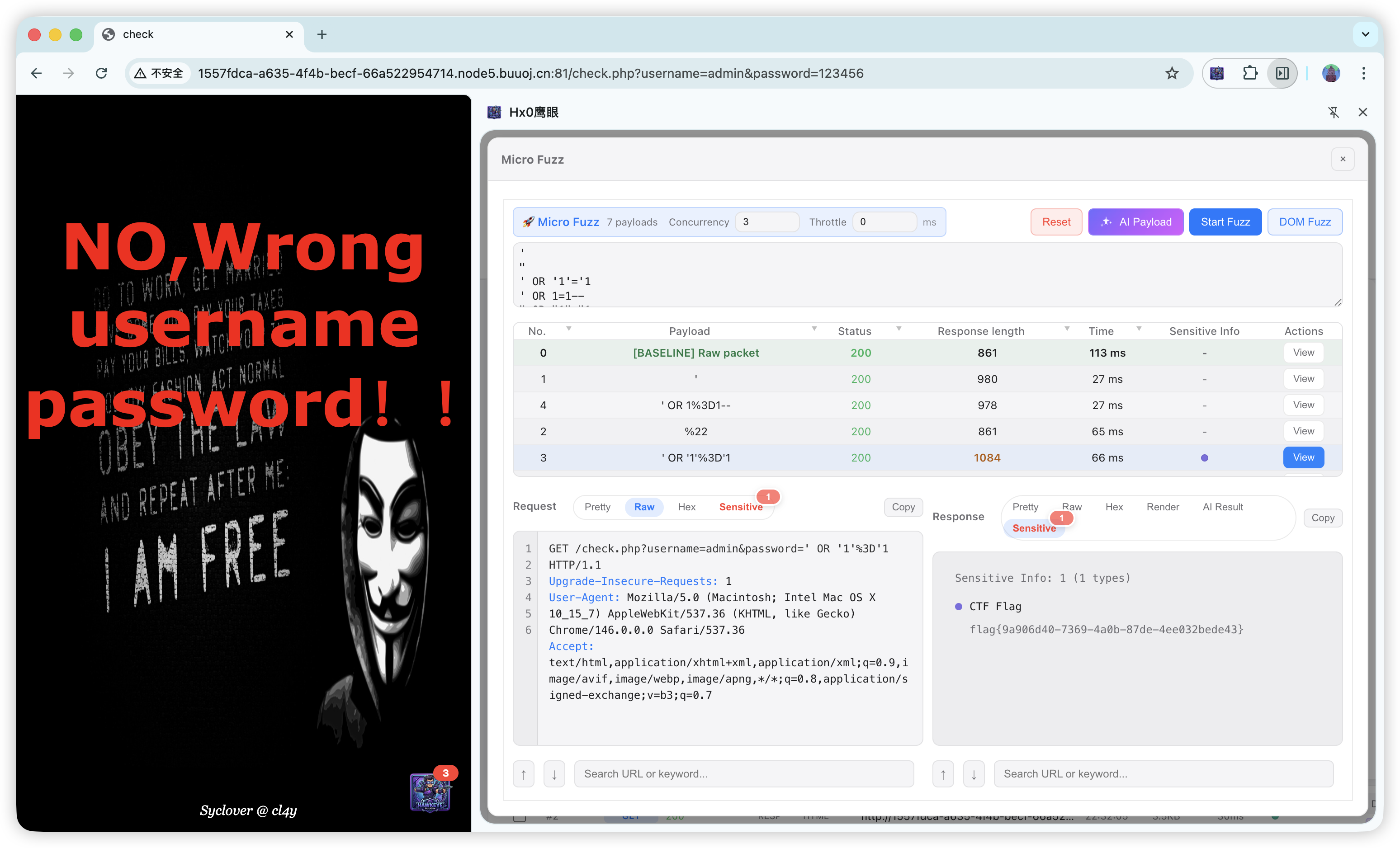
Skip the proxy hassle—truly ready out of the box. Hx0 HawkEye is a native browser extension (Chrome / Firefox and mainstream Chromium) that gives you a full capture, intercept (HTTP + WebSocket frames), replay, micro-Fuzz, and AI-assisted auditing loop directly in the sidebar.
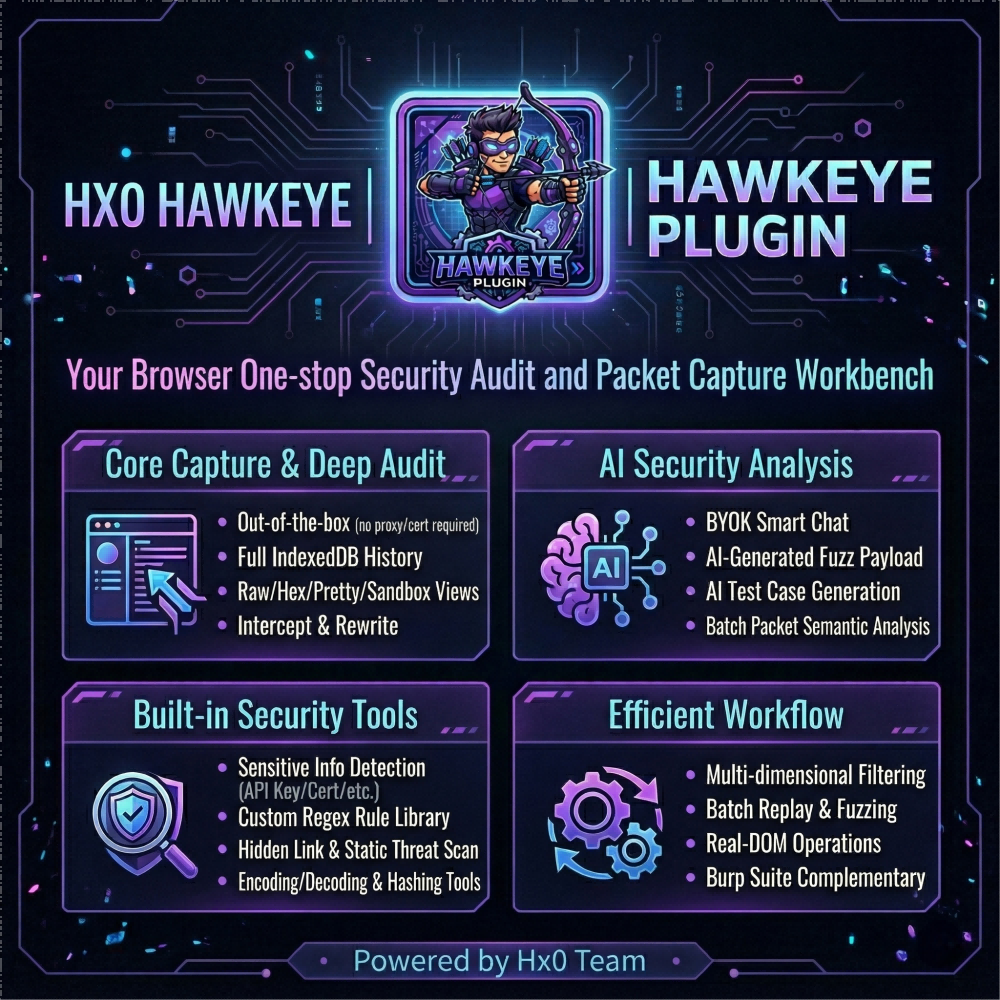
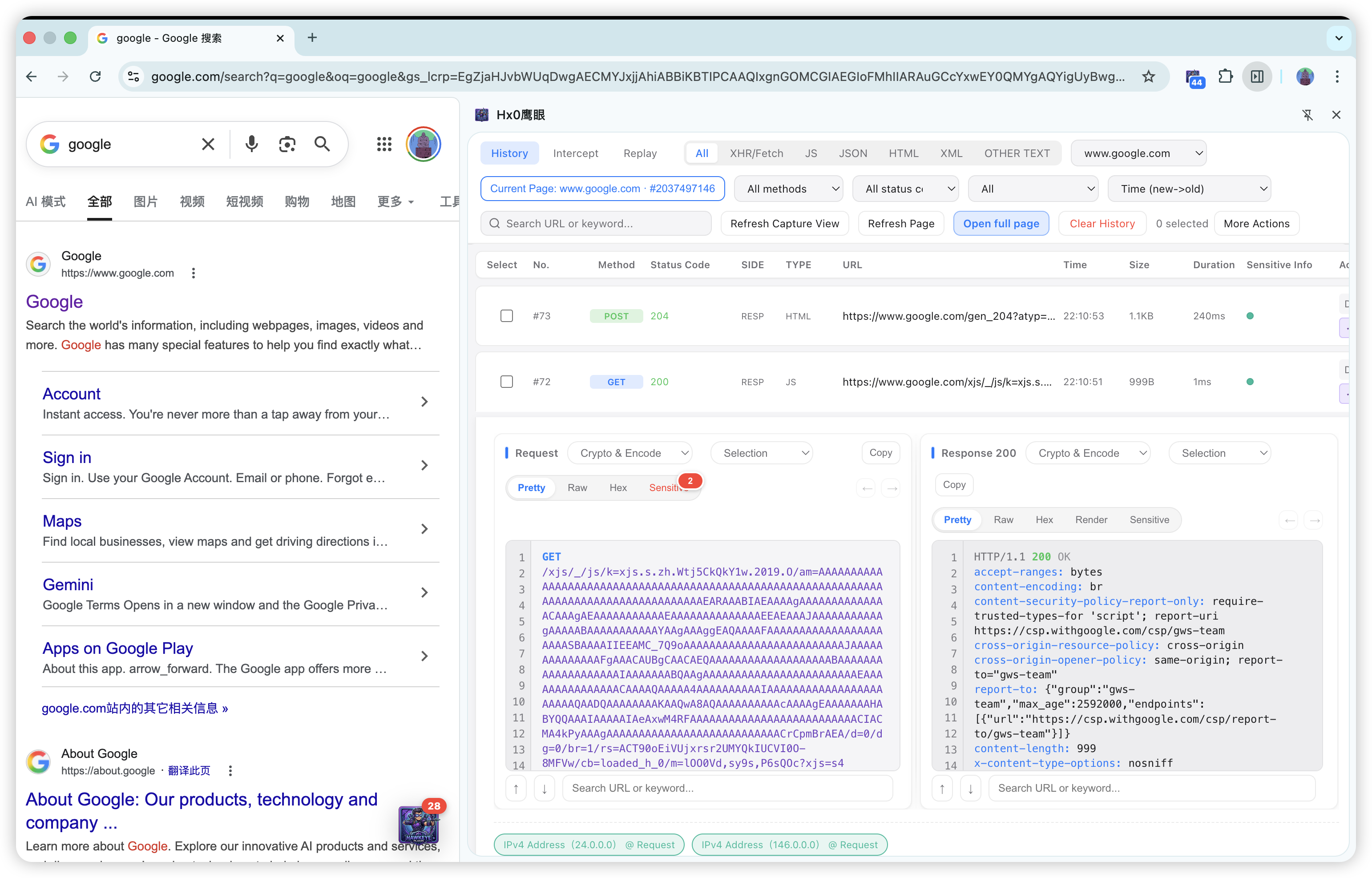
⚡ Core advantage: why not a classic proxy?

  • Zero environment overhead: no Burp Suite required, no system proxy, no root trust or Java setup.
  • Session fidelity: sees real page XHR / Fetch / WebSocket traffic with the same origin login state as the active tab—no more “proxy ate my cookies” or constant re-auth pain.
  • Works immediately after install: ideal for day-to-day dev/debug, API triage, and authorized first-pass security review.

🤖 Differentiator: end-to-end AI (BYOK)

Bring your own model API (BYOK) and embed AI into the sidebar workflow:
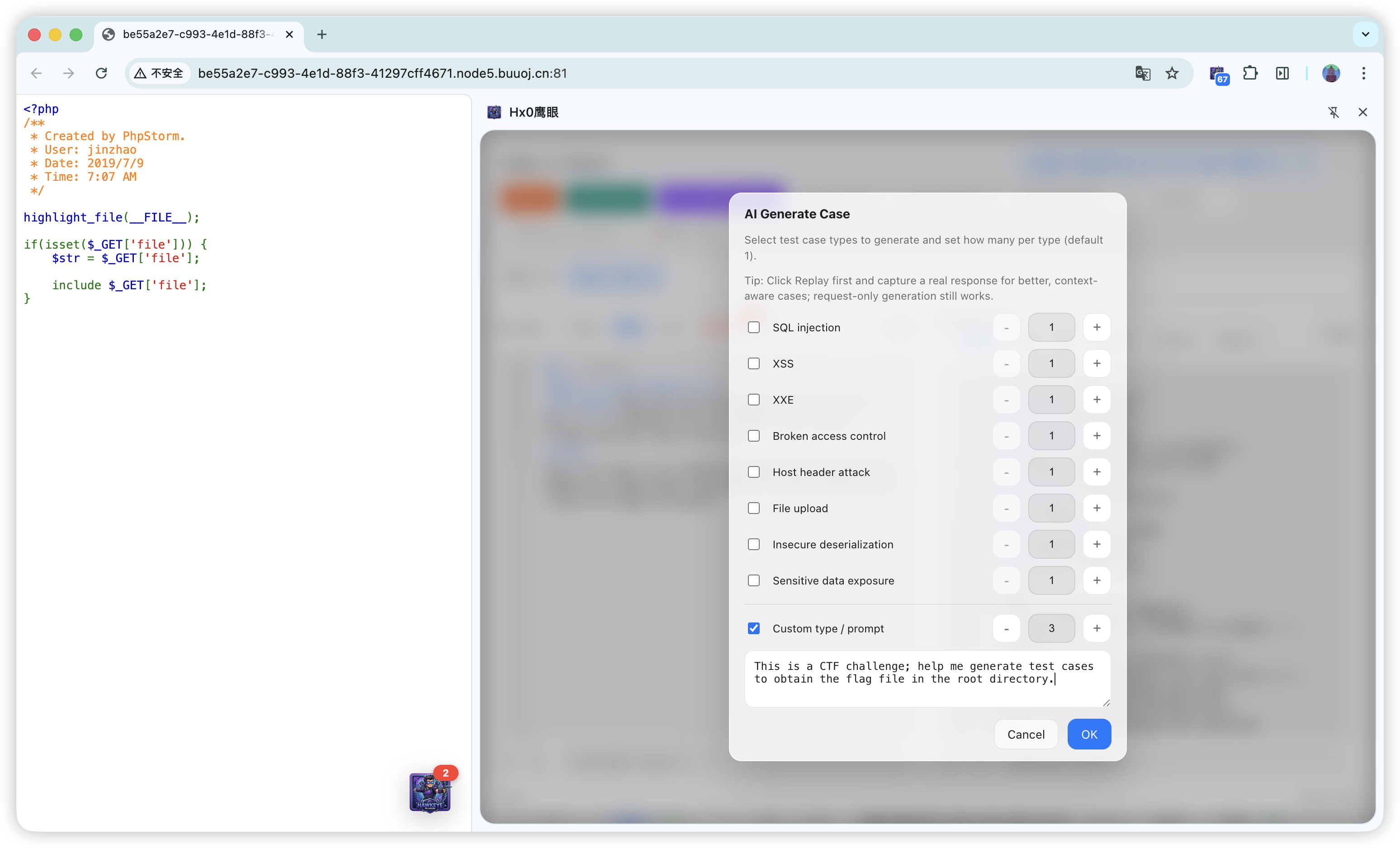
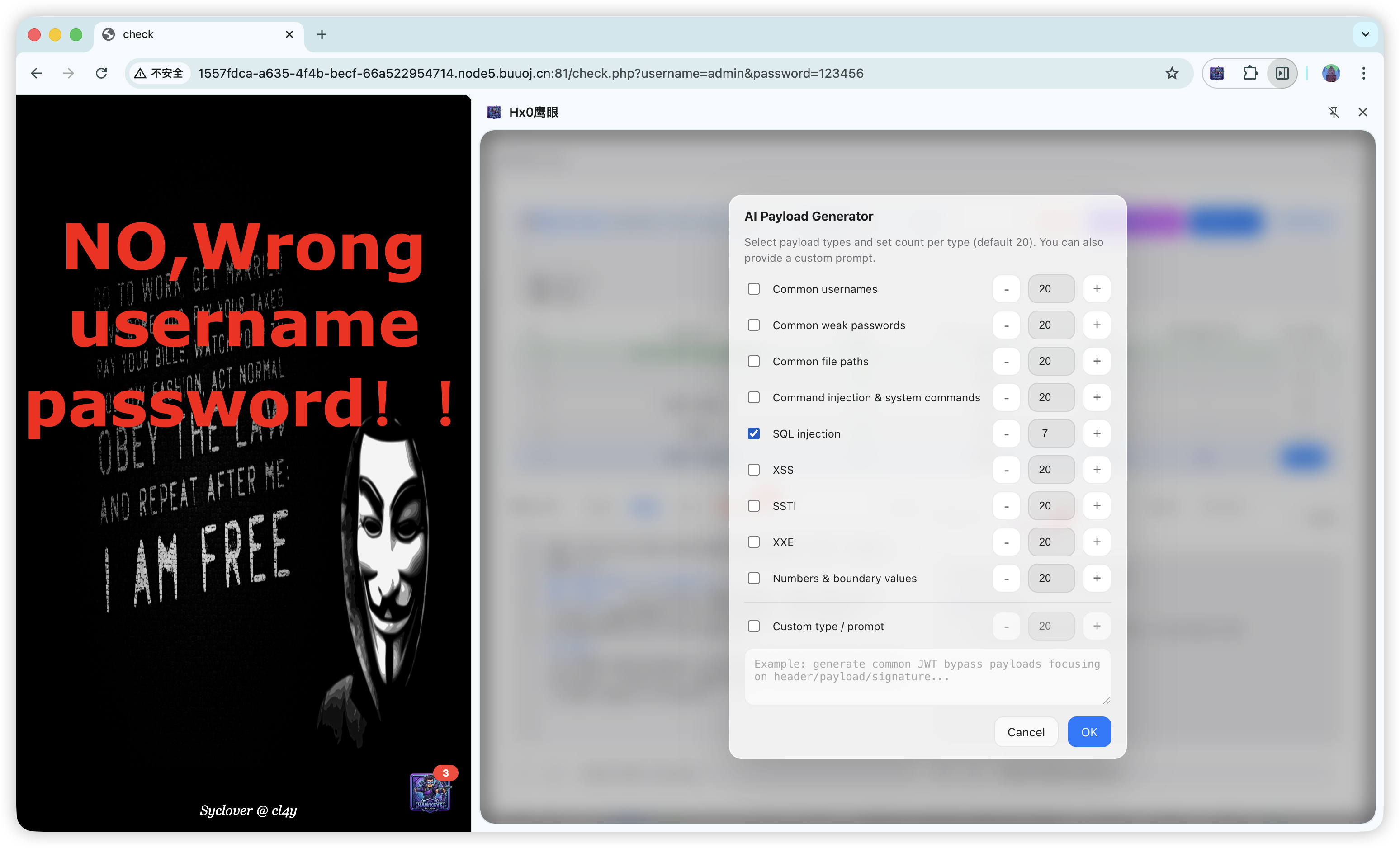
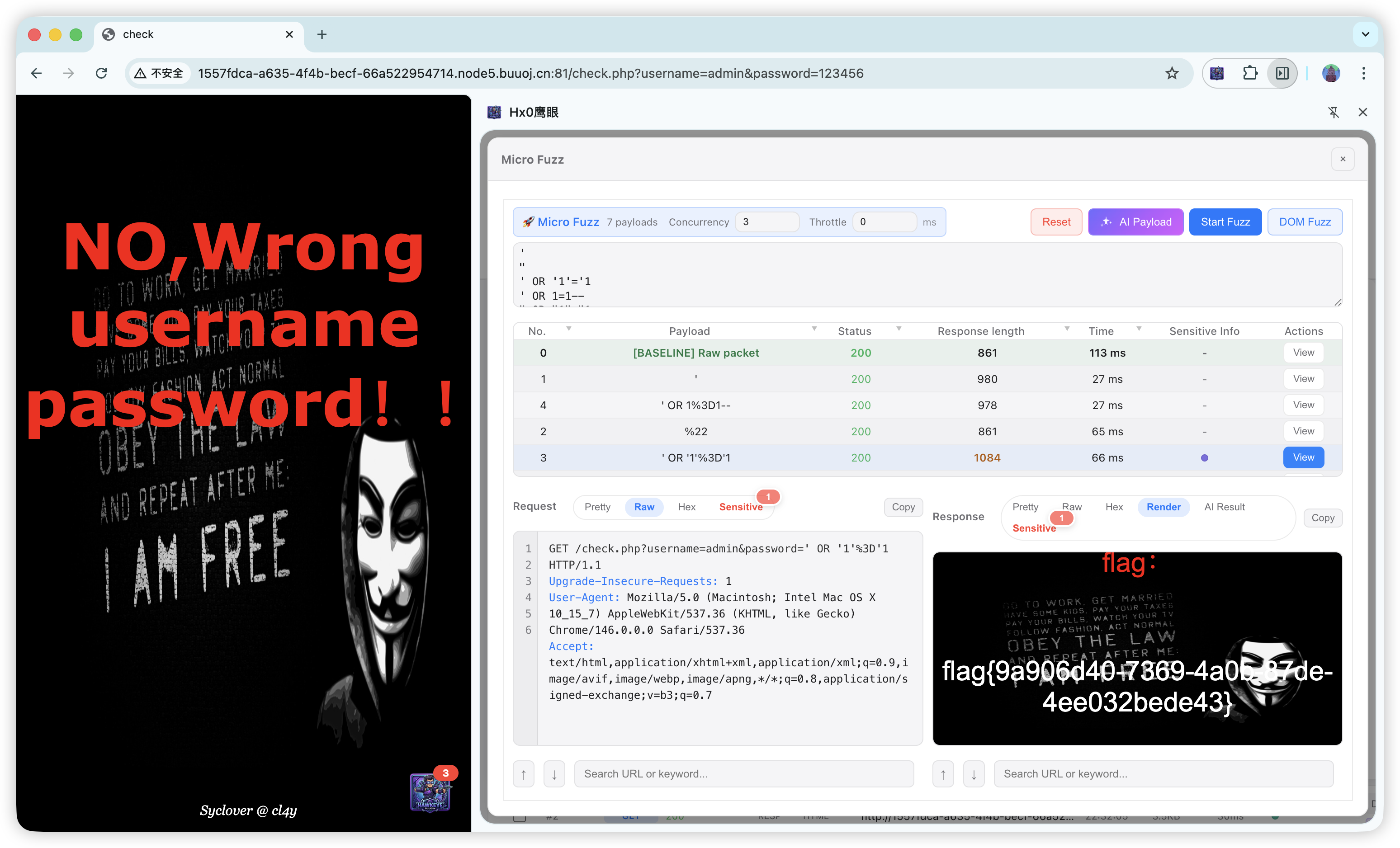
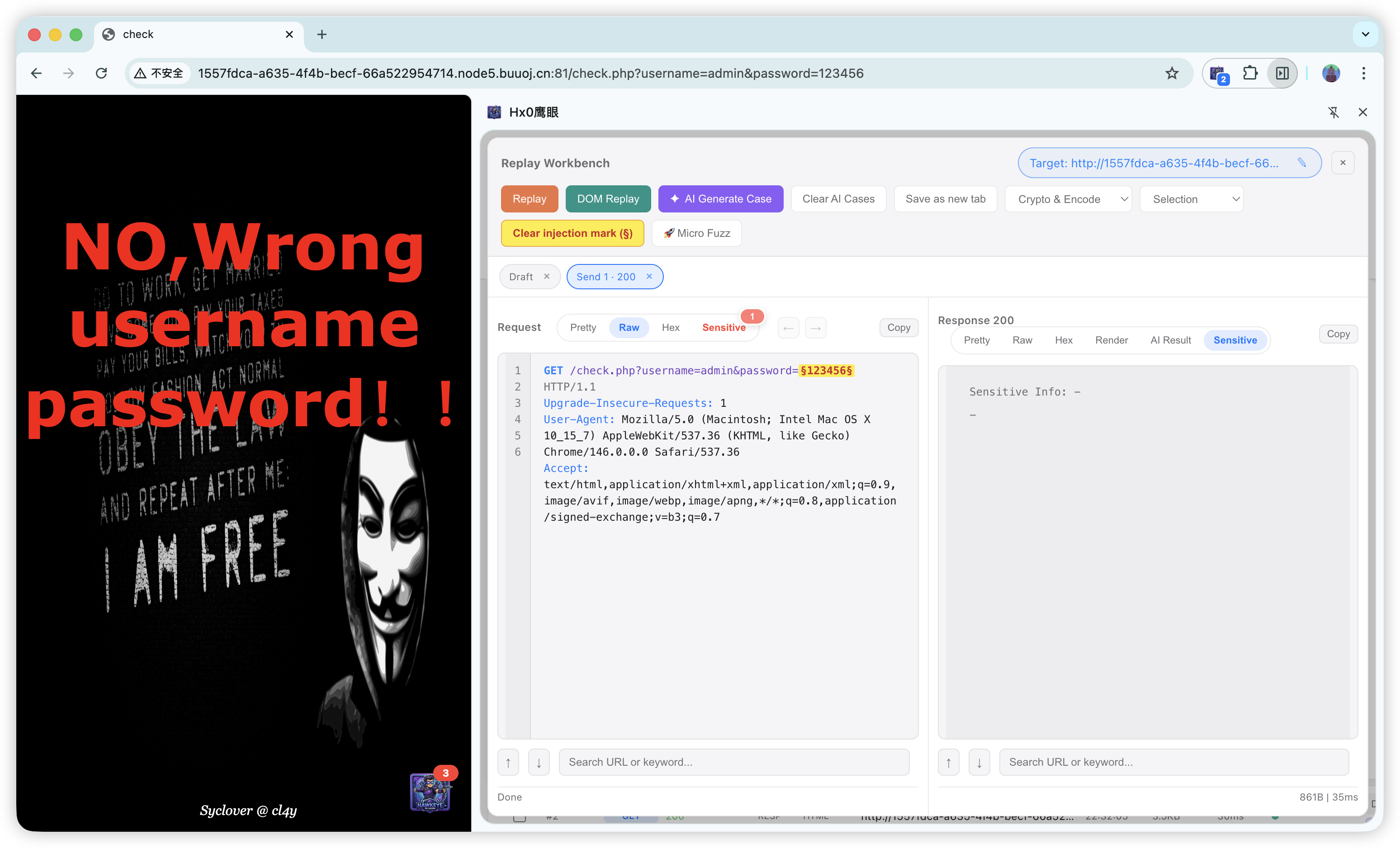
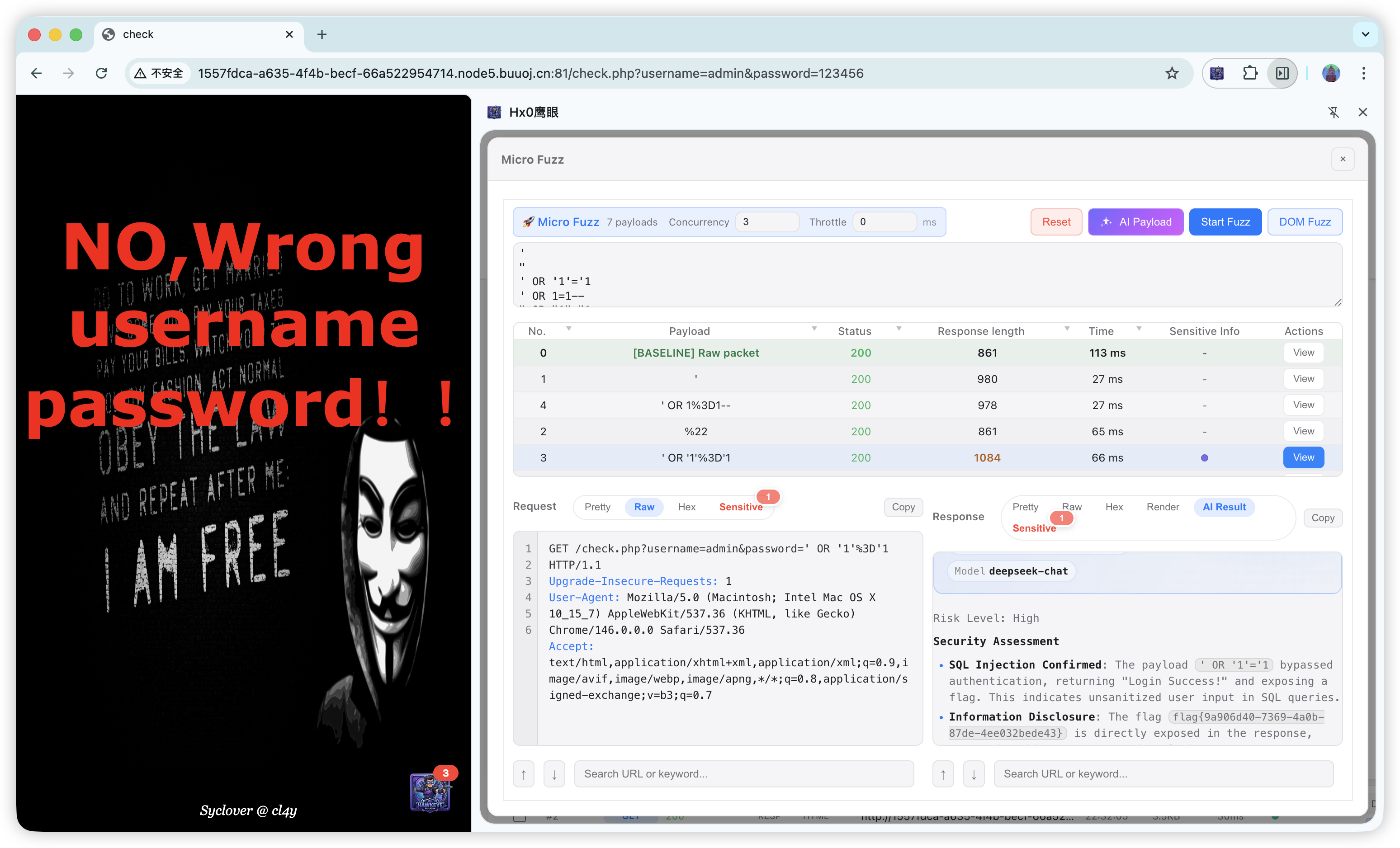
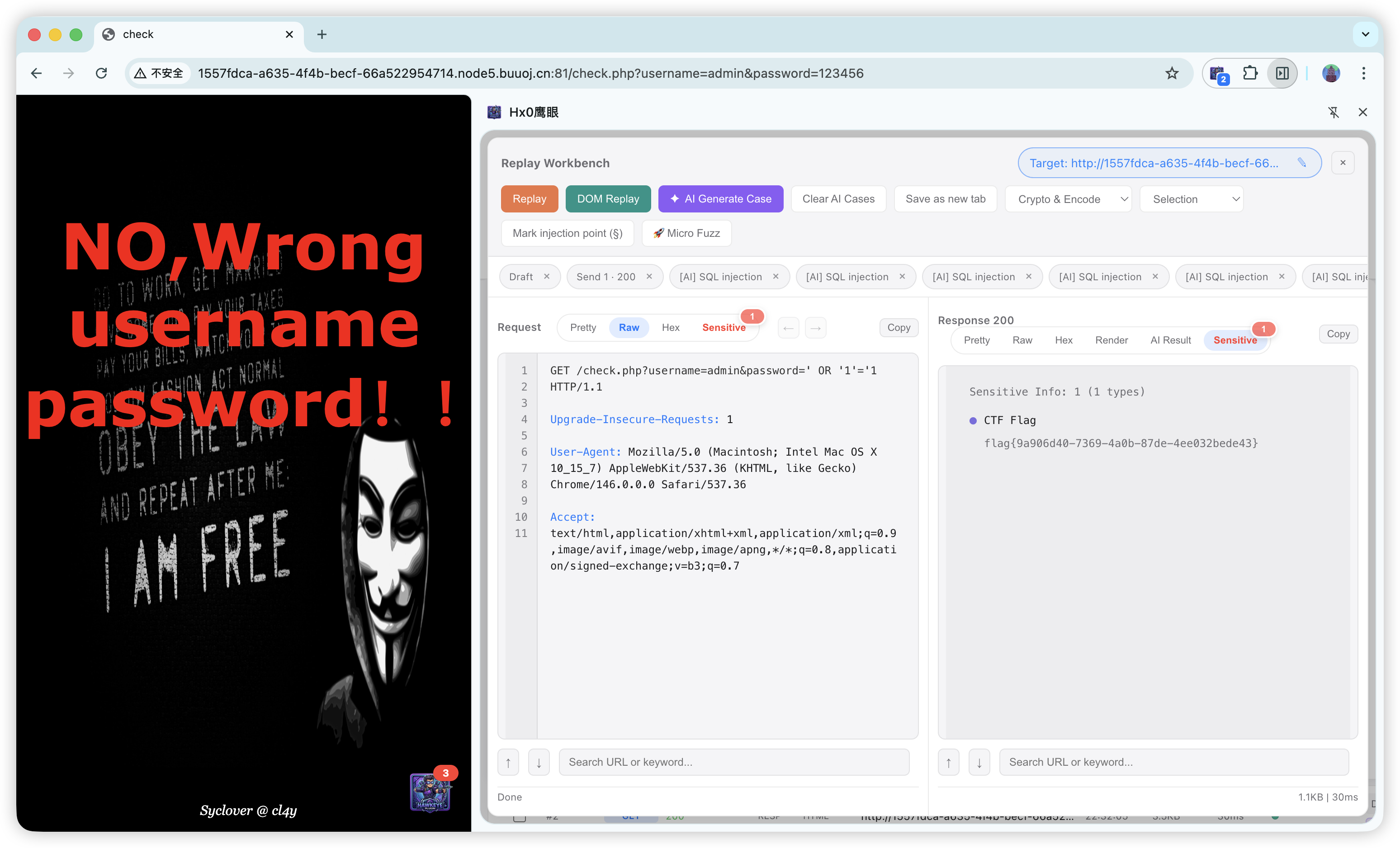
  • Smart cases & payload generation: structured test ideas in the replay workbench; context-aware mutated payloads in micro Fuzz—without bloated static wordlists.

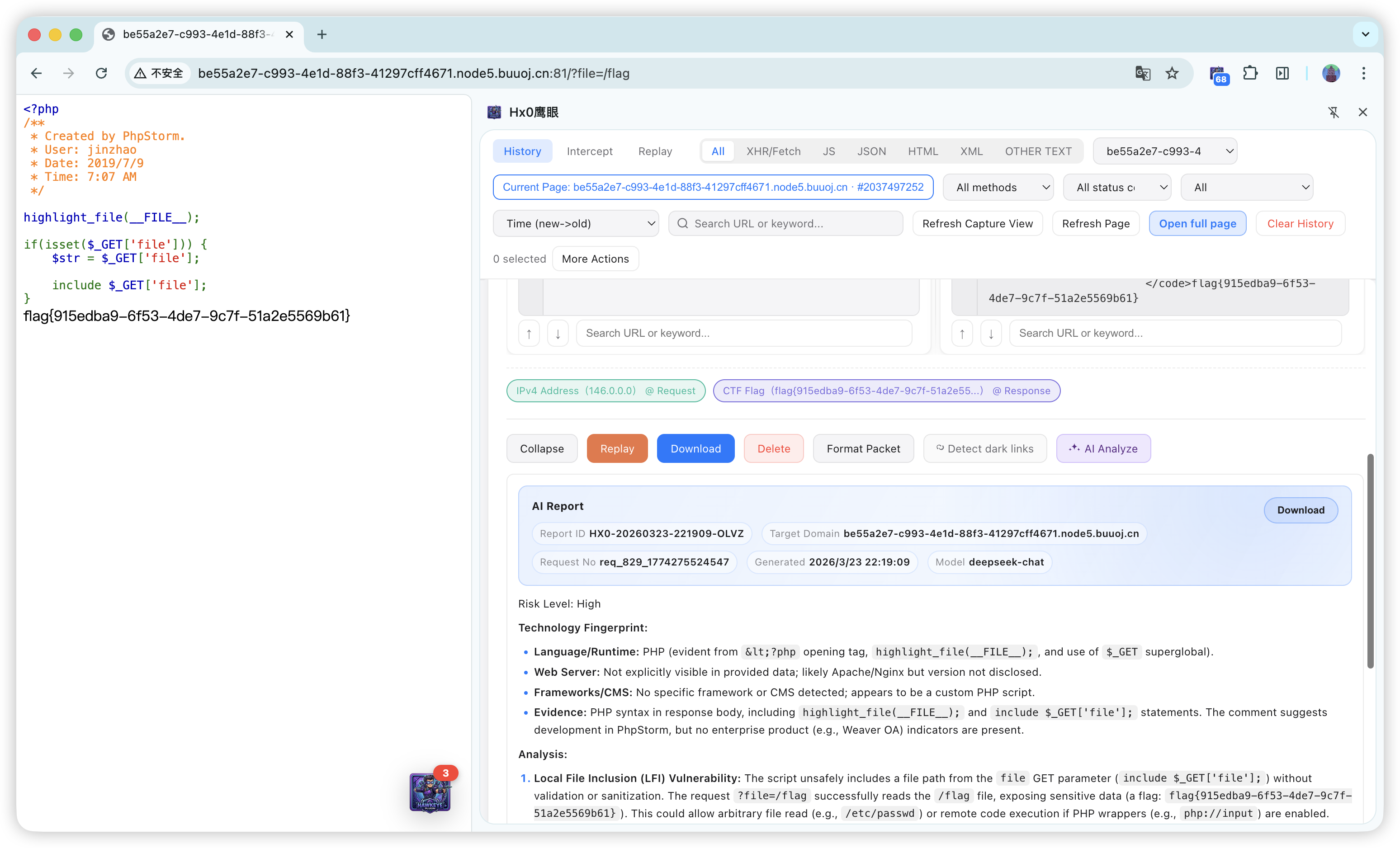
  • Deep single-request analysis: semantic AI read-through of full Request / Response for risk triage.

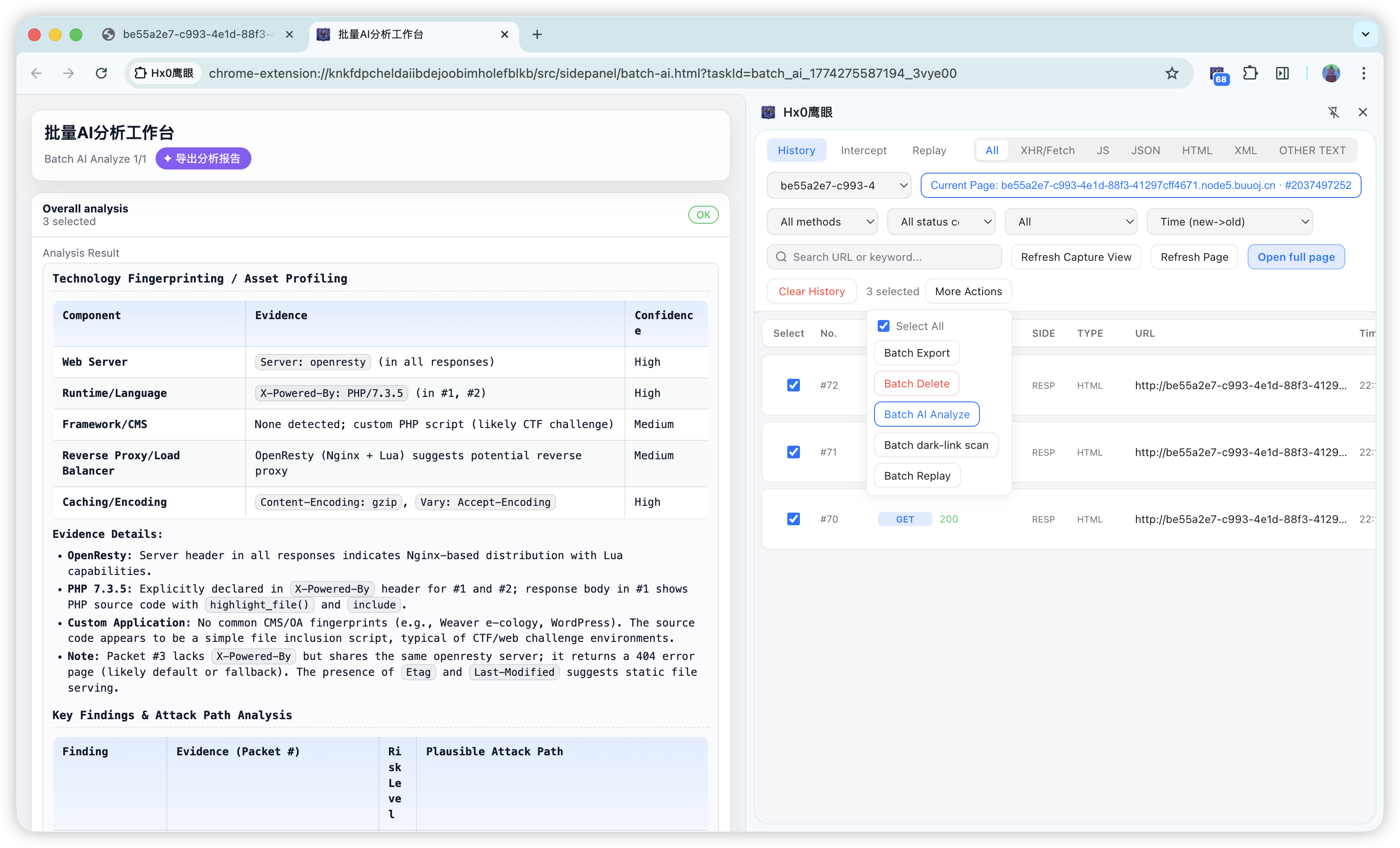
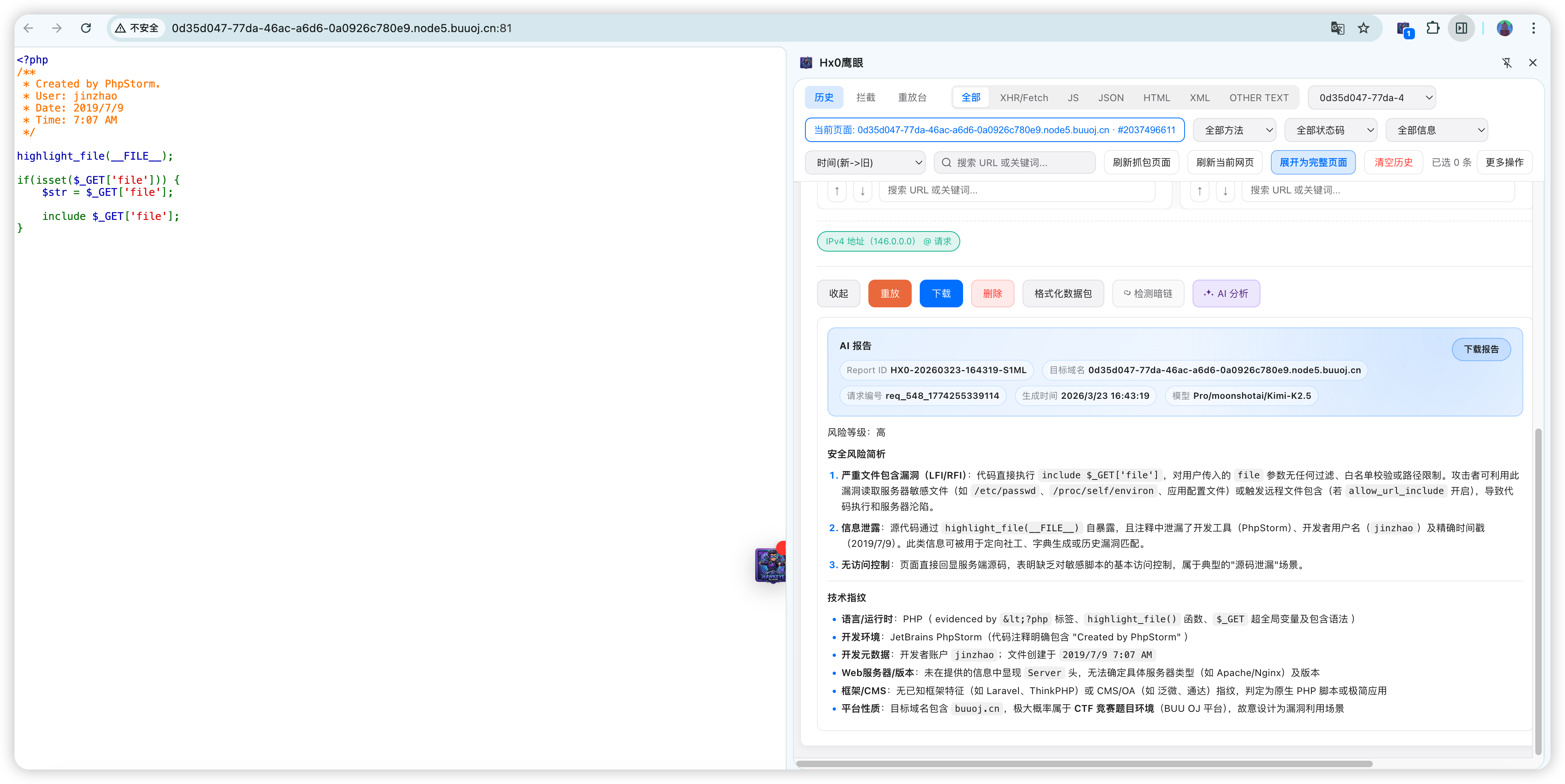
  • Batch synthesis: select multiple packets in a dedicated workbench; AI extracts patterns across APIs and third-party calls to support supply-chain / dependency-surface first-pass review.

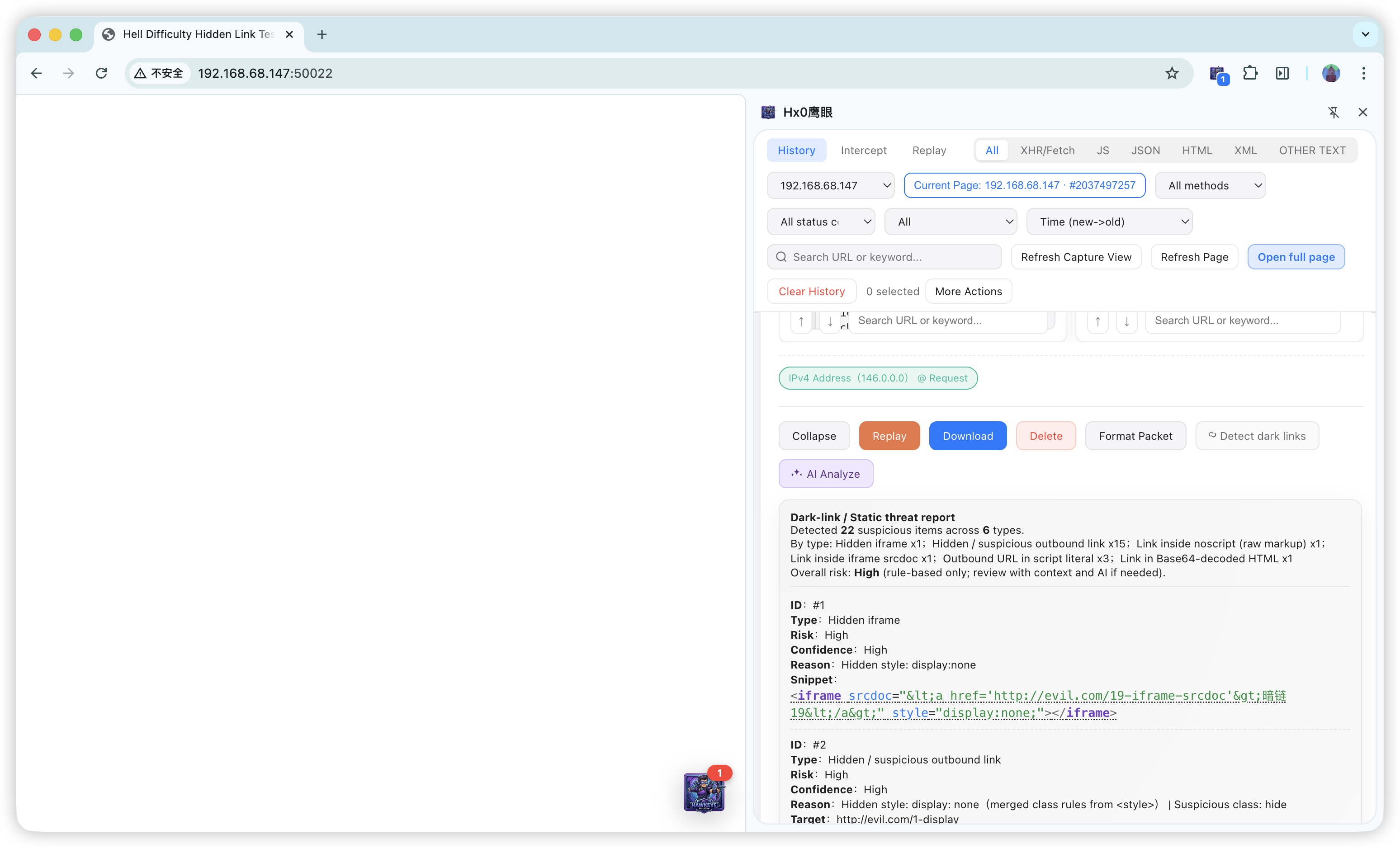
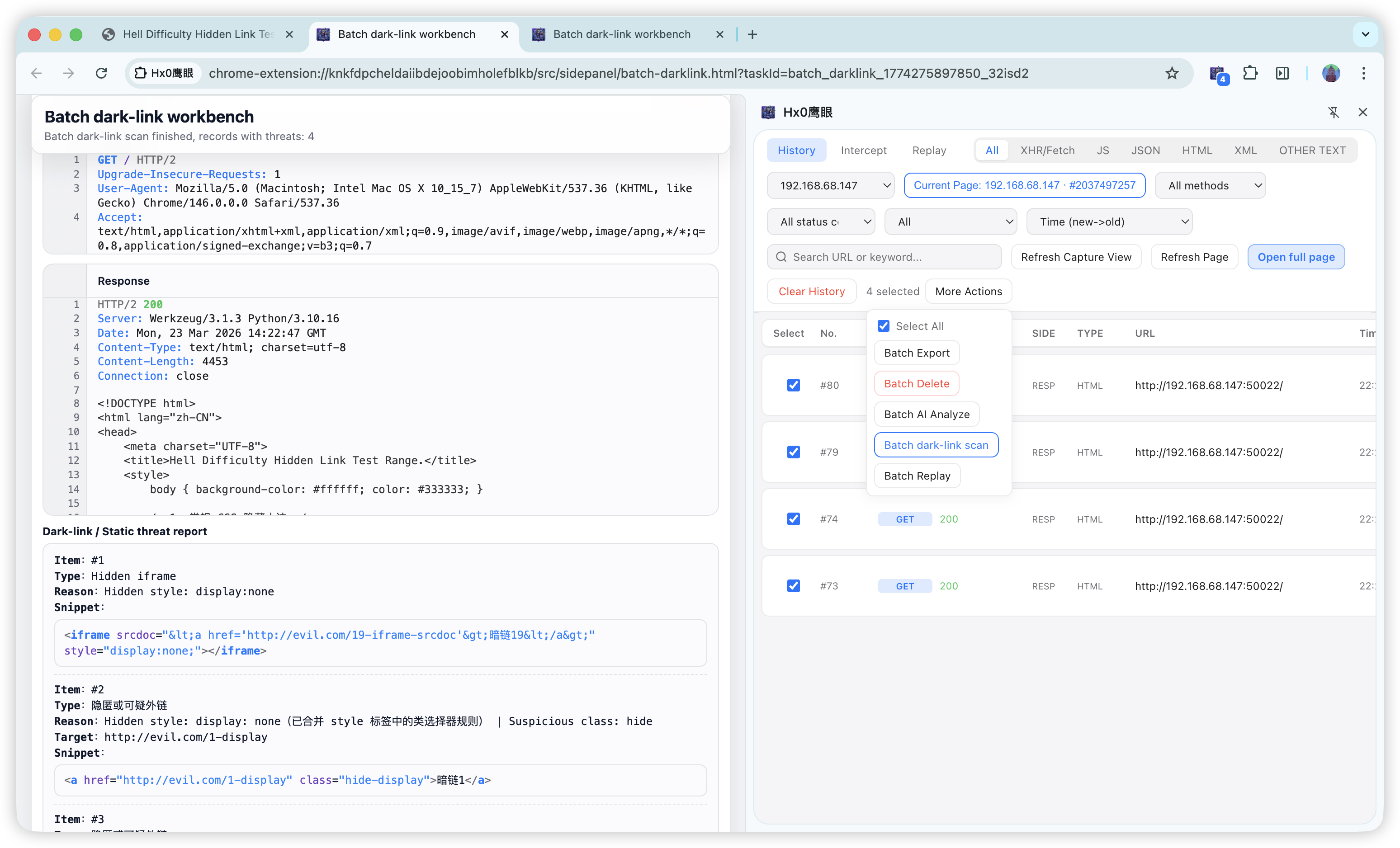
  • Dual-engine static hunting: built-in dark-link rules + AI contextual interpretation for batch replay across pages and broad static coverage.


2. Why we built it

With SPAs, heavy XHR/Fetch, and WebSocket, engineers constantly switch between “real browser session” and “capture / tamper / replay.” Classic proxies (e.g. Burp) are powerful but need system proxy and trust, and cookies / login state can diverge from the tab; lightweight toolbar extensions often lack durable history, structured detail, and a closed-loop workbench.

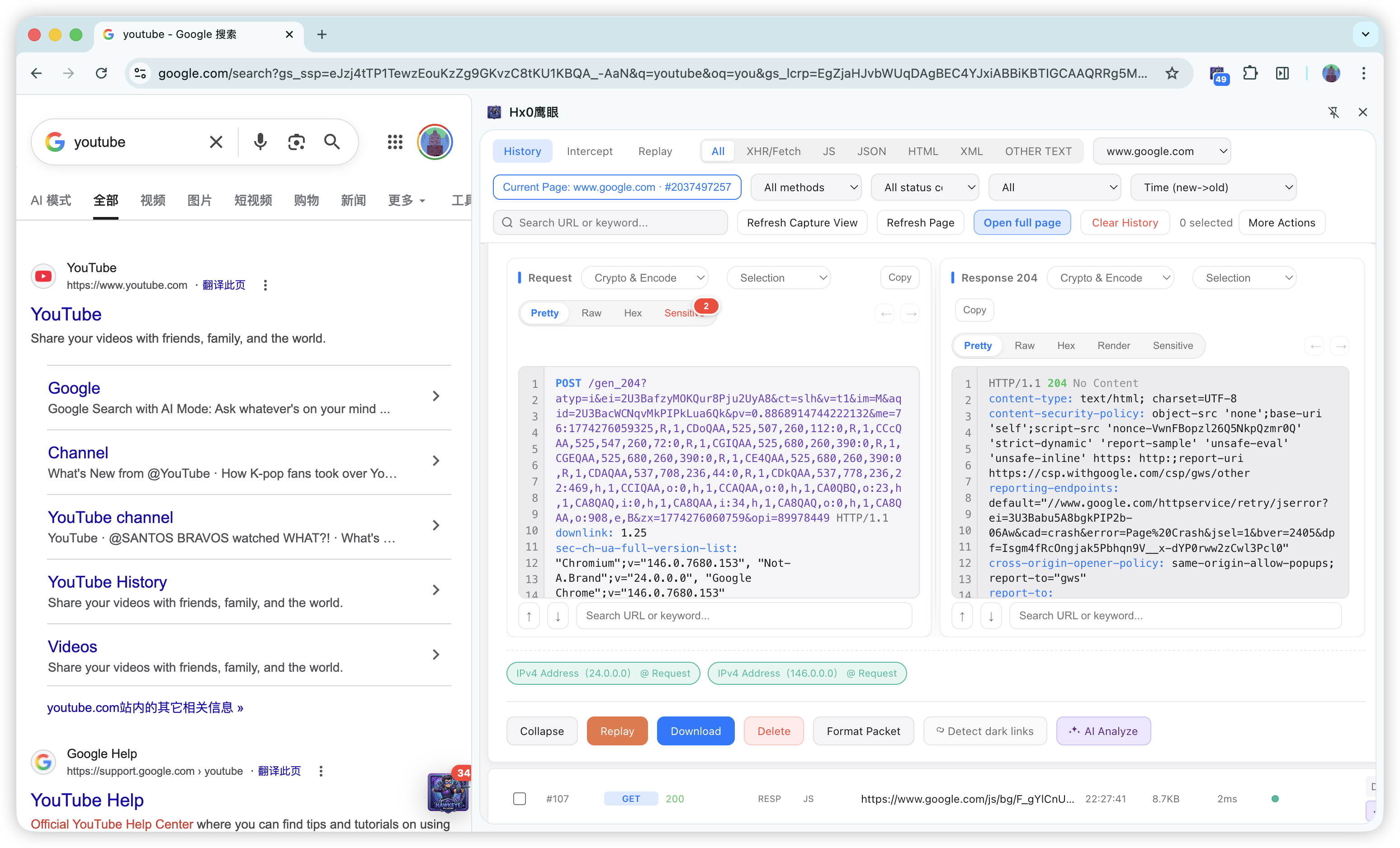
Hx0 HawkEye aims to keep no mandatory system proxy while folding capture (HTTP / WebSocket) → filter → detail audit → intercept → replay → micro Fuzz → sensitive & dark-link checks → optional AI into one sidebar hub, cutting context-switch cost for dev triage and authorized API review.


3. Features

Core flow: Capture (optional WebSocket) → Filter → Detail → Replay (HTTP / WebSocket frames; optional AI test cases) → Micro Fuzz (HTTP / WS; optional AI payloads) → Dark-link / AI packet analysis (including batch AI / dark-link workbenches after multi-select) → AI Task Console (Pro, multi-stage automation).
Скачать инструмент