Red team framework and multi-operator C2 platform with AI agents, malleable implants, rootkits, phishing engine, and 741 CLI commands covering the full attack kill chain.






749 CLI commands. Multi-operator C2. 153 MCP tools for AI agents. The only OSS C2 with Linux BOF support + built-in YARA/Nuclei marketplaces.
curl -fsSL https://raw.githubusercontent.com/grisuno/LazyOwn/main/bootstrap.sh -o /tmp/bootstrap.sh \
  && bash /tmp/bootstrap.sh
| Try in 60 seconds (no install) | Golden path (every engagement) | One-command auto-pwn |
|---|---|---|
docker run -it ghcr.io/grisuno/lazyown:latest | ping > lazynmap > auto_populate > facts_show > recommend_next | engage 10.10.11.5 |
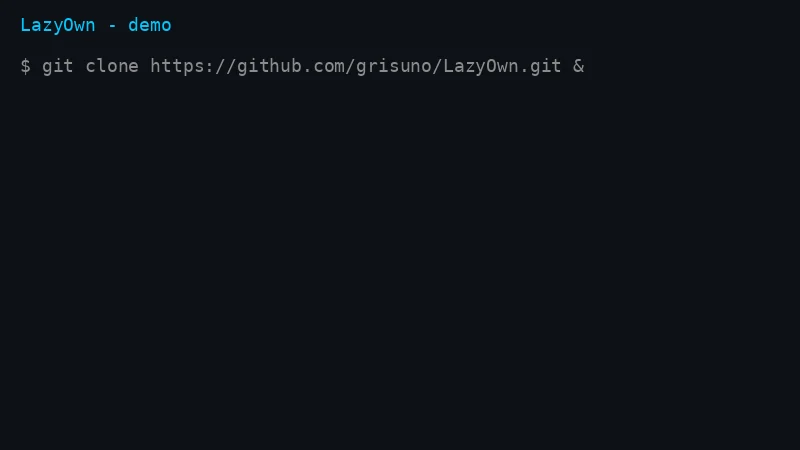
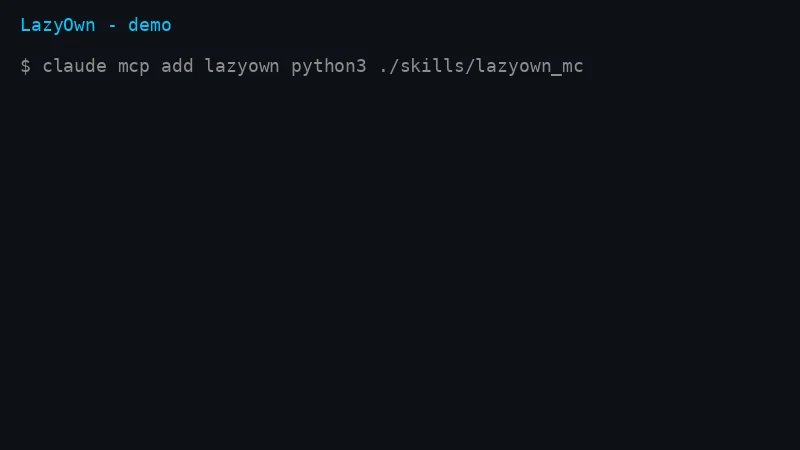
| First 7 commands | Recon loop |
|---|---|
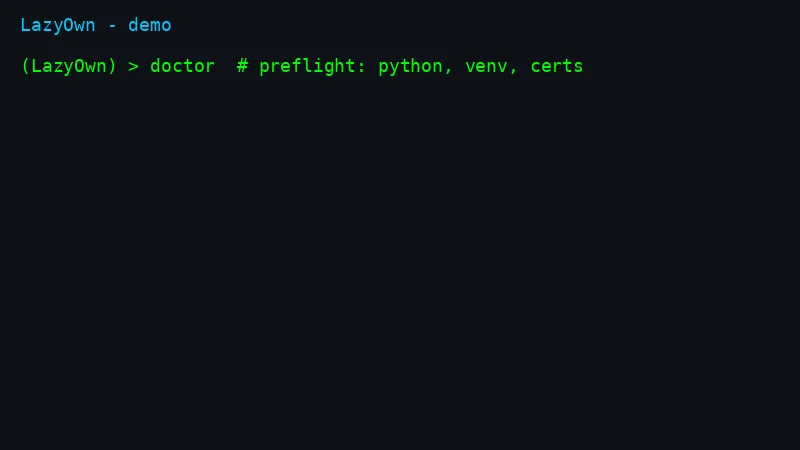 | 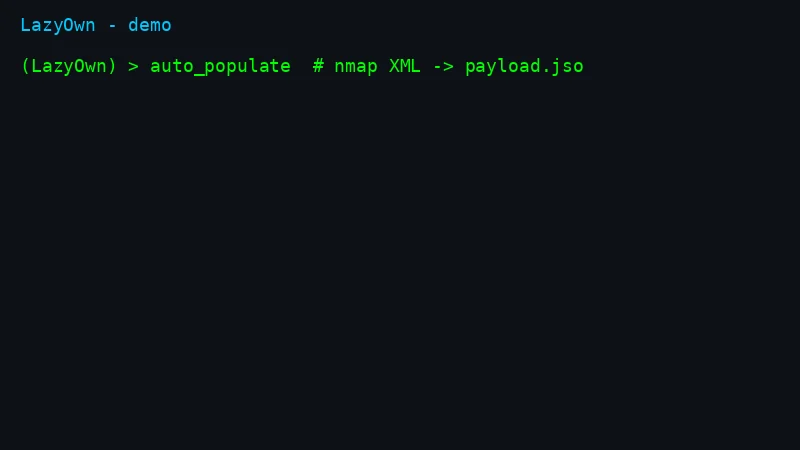 |
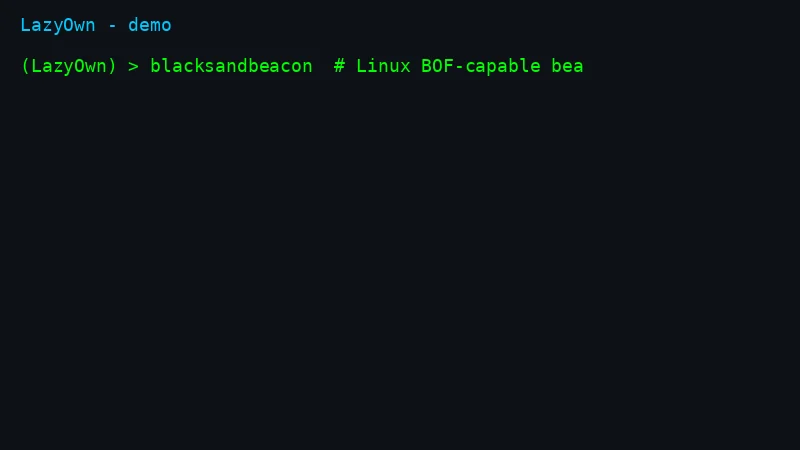
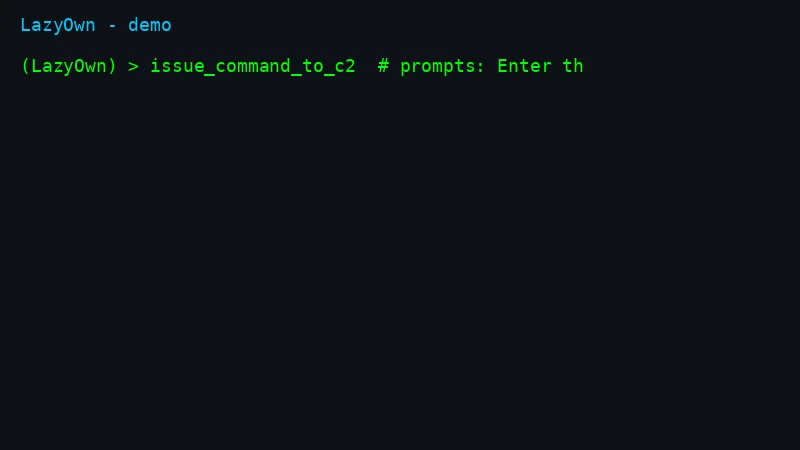
| C2 from CLI | Issue commands to beacons |
|---|---|
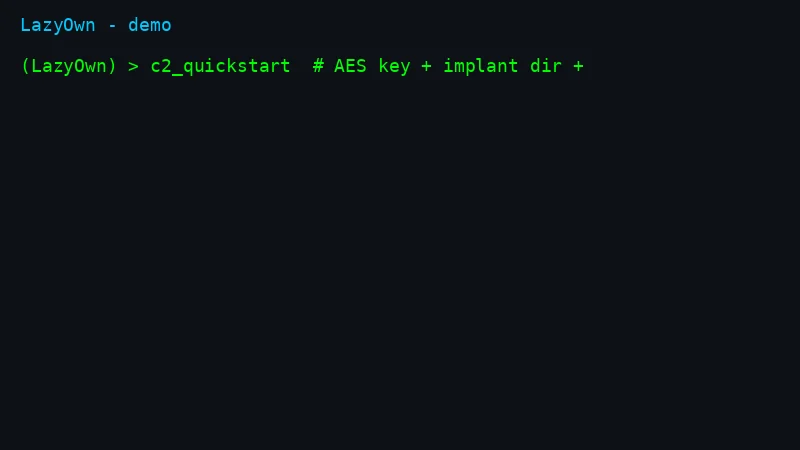 |  |
Full walkthrough: QUICKSTART.md (5 min) · 80/20 guide: ESSENTIALS.md · HTB end-to-end: docs/examples/htb-lame-walkthrough.md · Honest comparison: COMPARISON.md
| Capability | LazyOwn | Sliver | Havoc | Mythic | Caldera | Metasploit |
|---|---|---|---|---|---|---|
| Linux BOF support | yes | no | no | no | no | no |
| YARA + Nuclei marketplace built-in | yes | no | no | no | no | no |
| MCP server for AI agents (153 tools) | yes | no | no | no | no | no |
| LLM operator + multi-agent hive | yes | no | no | no | no | no |
| Multi-operator C2 + phishing engine | yes | partial | partial | partial | partial | partial |
Full table: COMPARISON.md. Found an error? Open an issue, we fix it.
 ██▓    ▄▄▄      ▒███████▒▓██   ██▓ ▒█████   █     █░███▄    █
▓██▒   ▒████▄    ▒ ▒ ▒ ▄▀░ ▒██  ██▒▒██▒  ██▒▓█░ █ ░█░██ ▀█   █
▒██░   ▒██  ▀█▄  ░ ▒ ▄▀▒░   ▒██ ██░▒██░  ██▒▒█░ █ ░█▓██  ▀█ ██▒
▒██░   ░██▄▄▄▄██   ▄▀▒   ░  ░ ▐██▓░▒██   ██░░█░ █ ░█▓██▒  ▐▌██▒
░██████▒▓█   ▓██▒▒███████▒  ░ ██▒▓░░ ████▓▒░░░██▒██▓▒██░   ▓██░
░ ▒░▓  ░▒▒   ▓▒█░░▒▒ ▓░▒░▒   ██▒▒▒ ░ ▒░▒░▒░ ░ ▓░▒ ▒ ░ ▒░   ▒ ▒
░ ░ ▒  ░ ▒   ▒▒ ░░░▒ ▒ ░ ▒ ▓██ ░▒░   ░ ▒ ▒░   ▒ ░ ░ ░ ░░   ░ ▒░
  ░ ░    ░   ▒   ░ ░ ░ ░ ░ ▒ ▒ ░░  ░ ░ ░ ▒    ░   ░    ░   ░ ░
    ░  ░     ░  ░  ░ ░     ░ ░         ░ ░      ░            ░
                 ░         ░ ░

LazyOwn comes with ABSOLUTELY NO WARRANTY. This is free software, and you are welcome to redistribute it under the terms of the GNU General Public License v3. See the LICENSE file for details about using this software.
LazyOwn is a professional red team framework and Command & Control (C2) platform built for penetration testers, red teams, and security researchers. It delivers 749 CLI commands, 129 aliases, 153 MCP tools for AI agents, a multi-operator web C2 dashboard, and 137 YAML/Lua plugin integrations covering the full kill chain across Linux, Windows, macOS, and BSD.
New in v0.2.161: integrated marketplace with YARA rules + Nuclei templates, auto_pwn autonomous exploitation, hunt command for threat-informed recon, post-command tips engine, automatic session data encryption, gamified ELO/badges, and 7 new APT playbooks.
I also integrated autonomous-operation contracts into the existing
flows (safety gate and planner frontier inside the daemon loop,
provider failover, evidence vault, db-backed finding retests).
I verify them through the usual verbs. Full contract:
specs/autonomous_ops.md.
New here? This is the whole on-ramp. Full walkthrough: QUICKSTART.md.
Fastest path (one-liner: clones into ~/LazyOwn, installs, then asks whether
to start a normal ./run session or the full fast_run_as_r00t.sh stack):
curl -fsSL https://raw.githubusercontent.com/grisuno/LazyOwn/main/bootstrap.sh -o /tmp/bootstrap.sh \
  && bash /tmp/bootstrap.sh
(One-command alternative: curl -fsSL https://raw.githubusercontent.com/grisuno/LazyOwn/main/bootstrap.sh | bash.)
If ~/LazyOwn already exists, the installer asks whether to update in place, do a clean reinstall (backing up payload.json to /tmp first), use another directory, or abort.
Or step by step:
git clone https://github.com/grisuno/LazyOwn.git && cd LazyOwn
bash install.sh        # virtualenv + pinned dependencies + C2 certificates
./run                  # launches the shell; first run offers the setup wizard
The default install is light; add --with-ml for the heavy torch/CUDA stack, --with-ollama for the local LLM runtime, --with-tools for the common external binaries (forward them through the one-liner with bash -s -- <flags>). Dependencies are pinned in requirements.txt (cross-platform core) and requirements-ml.txt (optional ML); pyproject.toml is the single source of truth.
For isolated, reproducible engagements, see lazyown-docker/README.md.
cd lazyown-docker
./mkdocker.sh build
./mkdocker.sh run --vpn 1
Then, inside the (LazyOwn) > shell: