
rustnet v1.5.0
Monitorização de rede por processo para o seu terminal com inspeção profunda de pacotes. Multiplataforma, em sandbox.







RustNet is a terminal network monitor that shows live TCP, UDP, and QUIC connections with process attribution when available. It runs on Linux, macOS, Windows, and FreeBSD.
Install
On macOS or Linux with Homebrew:
brew install rustnet
Packet capture needs platform-specific permissions. See the installation guide for Linux capabilities, macOS PKTAP and BPF access, other package managers, and troubleshooting.
Release status: The highlights, GIF, and screenshots show v1.7.0. The recordings use generated traffic in an isolated Linux environment. The guides linked from
mainmay also describe unreleased changes. For the installed release, use the v1.7.0 documentation and checkrustnet --versionandrustnet --help.
Demo

Highlights
- Shows connection state, traffic, application protocol, and available process information in a terminal UI that works over SSH.
- Identifies protocols such as HTTP, TLS/SNI, DNS, SSH, and QUIC through packet inspection.
- Filters connections by process, address, port, protocol, and more.
- Streams versioned JSON snapshots in headless mode for scripts and monitoring.
- Shows host sockets, passive DNS analytics, and connection health.
- Exports captures as PCAP or PCAPNG with best-effort annotations for analysis in Wireshark.
- Reduces privileges after startup and uses platform sandboxing where supported.
See the usage guide, architecture guide, and security guide for feature details.
Since v1.7.0, RustNet requires trusted directories for Unix output files and creates diagnostic logs exclusively.
v1.7.0 fixes ARM DEB compatibility with older glibc and Debian 13's time64 libraries. See the installation guide for supported distributions; v1.6.0 assets do not include these fixes.
Screenshots
| Overview Live connections and traffic 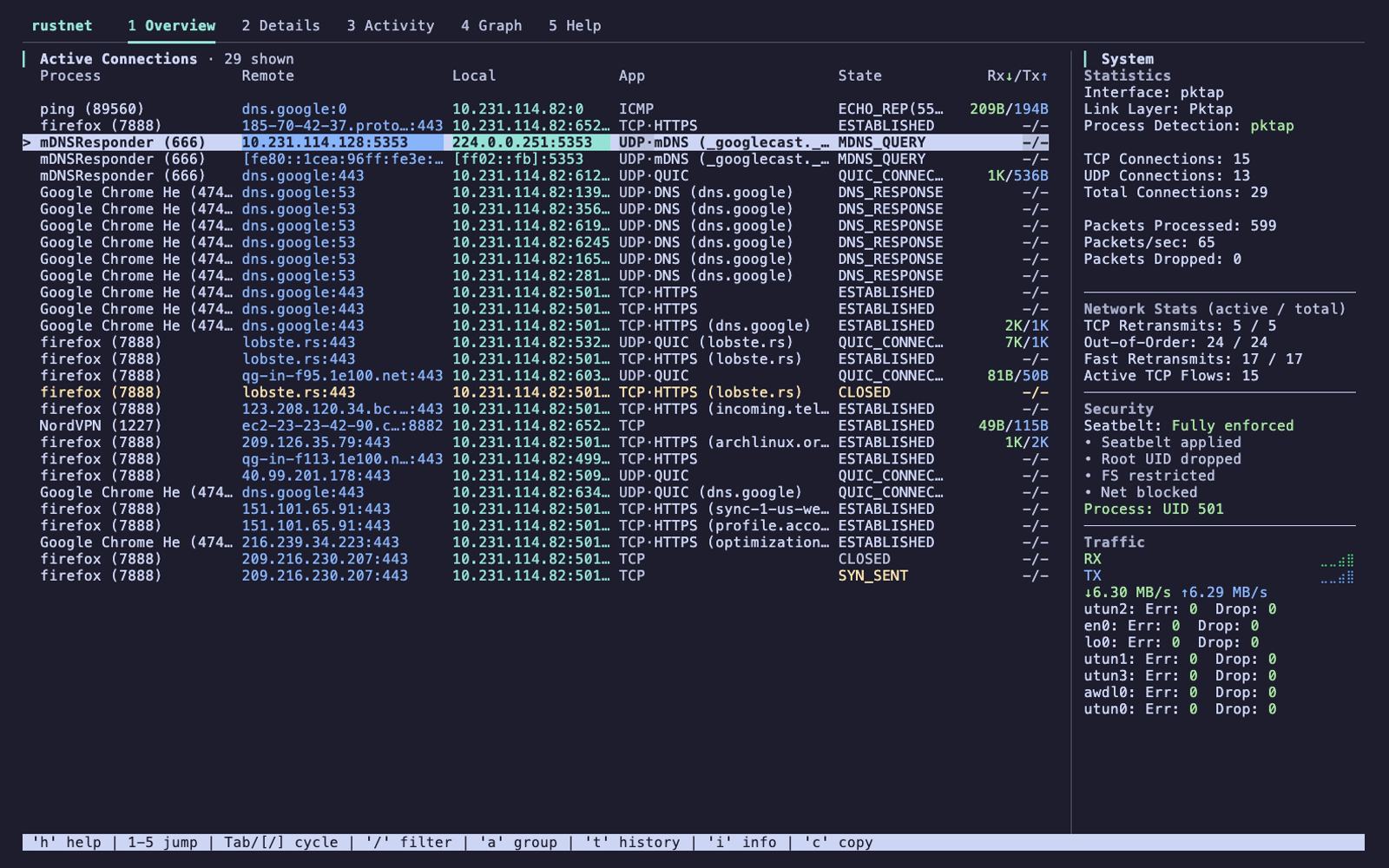 |
Details Process, protocol, and peer information 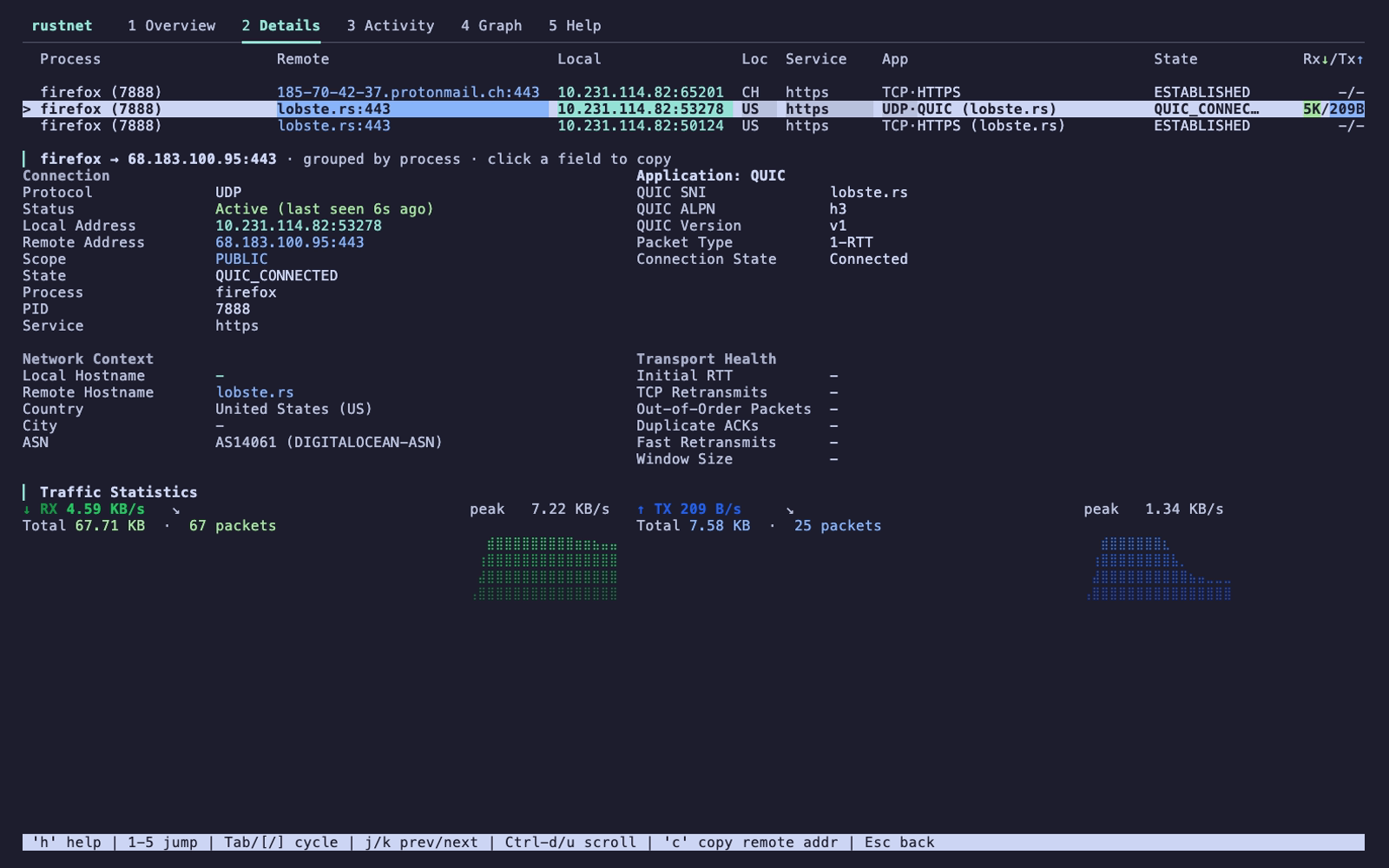 |
| Graph Traffic and application charts 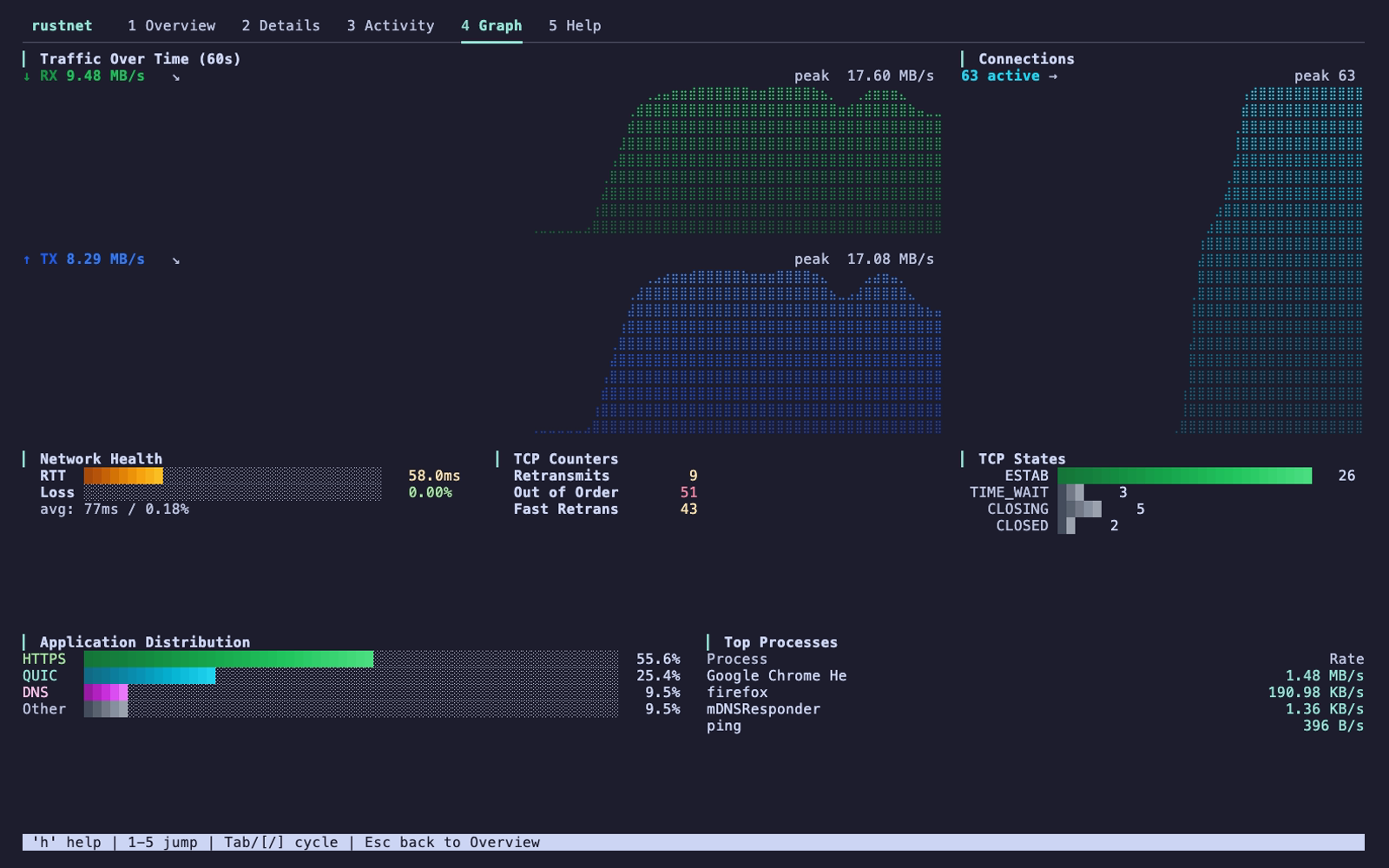 |
Activity Traffic by process 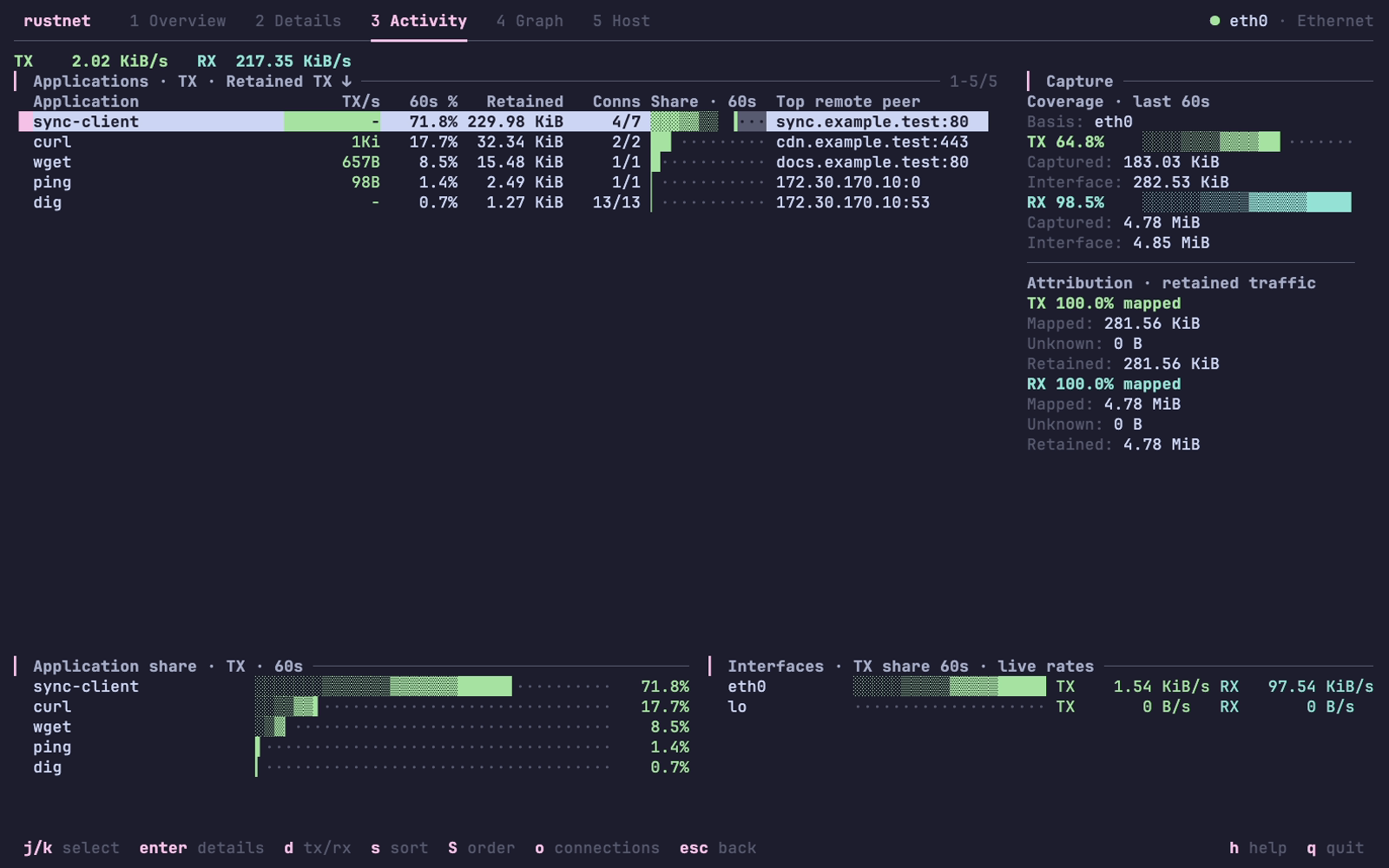 |
| Host sockets Listening and bound endpoints 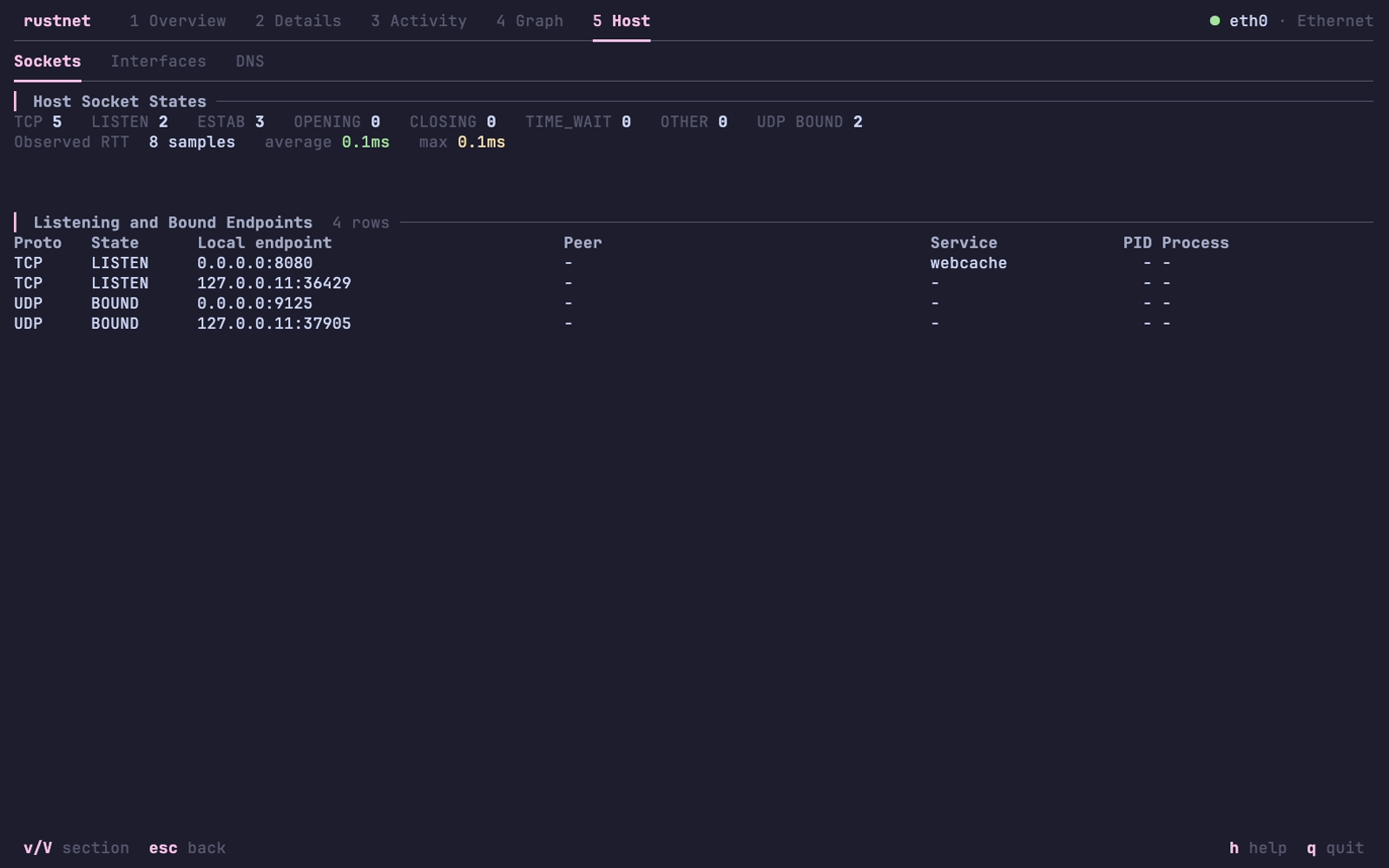 |
DNS Passive DNS queries and responses 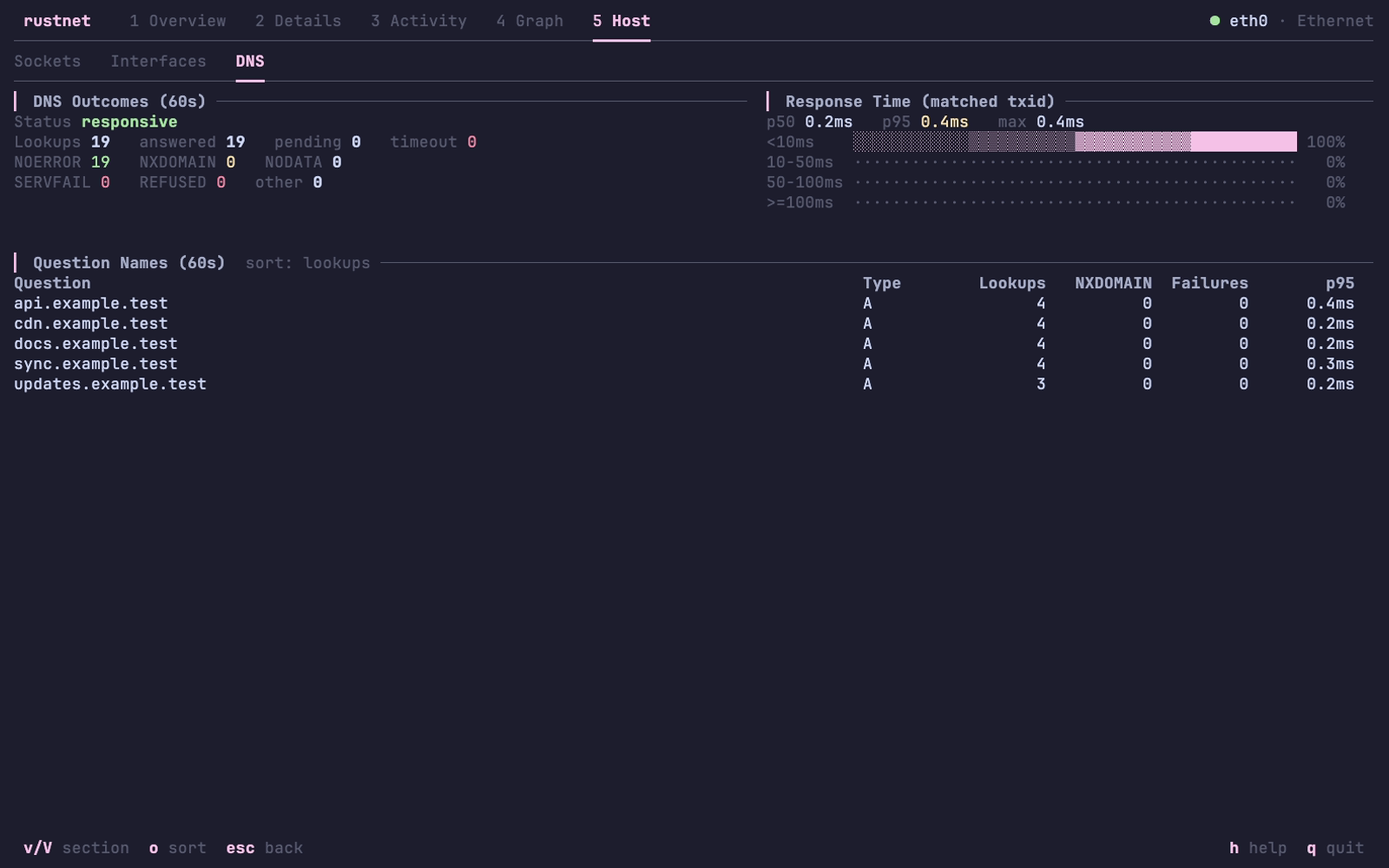 |
Other installation methods
| Platform | Command |
|---|---|
| Ubuntu 22.04+ / Linux Mint 21+ | sudo add-apt-repository ppa:domcyrus/rustnetsudo apt update && sudo apt install rustnet |
| Fedora 42+ | sudo dnf copr enable domcyrus/rustnetsudo dnf install rustnet |
| Arch Linux | sudo pacman -S rustnet |
| Alpine Linux (edge/community) | apk add rustnet |
| Windows | choco install rustnet or scoop install rustnet |
| Cargo | cargo install rustnet-monitor |
| Nix / NixOS | nix-shell -p rustnet |
Windows also requires Npcap. v1.7.0 supports its default settings; v1.6.0 requires "WinPcap API compatible mode". For openSUSE, Pop!_OS, FreeBSD, Docker, and source builds, see the installation guide.
Run
On Linux, after configuring capabilities:
rustnet
On macOS, PKTAP requires sudo. With BPF access configured, RustNet can run without it but uses lsof for process detection.
Press / to filter connections, Enter to inspect one, and q to quit. See the usage guide for interface selection, options, controls, filters, and exports.
Documentation
- QUIC inspection: handshake storage and library compatibility (available since v1.7.0).
- Installation: platforms, permissions, and troubleshooting
- Usage: controls, filtering, automation, and capture exports
- Security: sandboxing and privilege management
- Architecture: platform backends and performance
- Kubernetes and containers: attribution and capture exports
- Changelog: releases and upcoming changes
- Contributing: how to contribute
The rustnet binary is the supported product. Workspace crate APIs are internal and may change without compatibility shims.
RustNet uses ratatui for its terminal UI and libpcap/Npcap for packet capture. See CONTRIBUTORS.md for project contributors.