
Skip to content
KitploitKITPLOIT
StrumentiExploitsBlog
Log in
Invia
StrumentiExploitsBlog
Invia

Strumenti di Hacking, PenTest e Cybersecurity per il tuo Arsenale di Sicurezza!

Kitploit è una directory di strumenti di hacking, cybersecurity e pentesting. Scopri gli ultimi aggiornamenti dei progetti per trovare vulnerabilità, analizzare sistemi, automatizzare i test e rafforzare la tua sicurezza.

FeedContattoPrivacy© 2026 Kitploit

Directory degli strumenti

Categorie

Vedi tutte le categorie
Loading categories
AperiSolve — Automated steganalysis platform that detects hidden data in images using 16 parallel analyzers, bit-layer visualization, and an in-app wiki for CTF and forensic investigations. | Kitploit
Strumenti/GitHubGitHub/zeecka/aperisolve
ForensicsSteganographyCryptographyCTFLearning & Education
GitHubzeecka/aperisolve

AperiSolve

Automated steganalysis platform that detects hidden data in images using 16 parallel analyzers, bit-layer visualization, and an in-app wiki for CTF and forensic investigations.

Vedi Repository
83410120415h 33m faRevisionato da Kitploit
Condividi
Sito web
Contenuto non disponibile nella lingua richiesta. Visualizzazione della versione inglese.

Aperi'Solve

Website CI Lint Docker Python Version Ruff uv ty License GitHub Issues GitHub Pull Requests Last Commit Contributors Rawsec's CyberSecurity Inventory

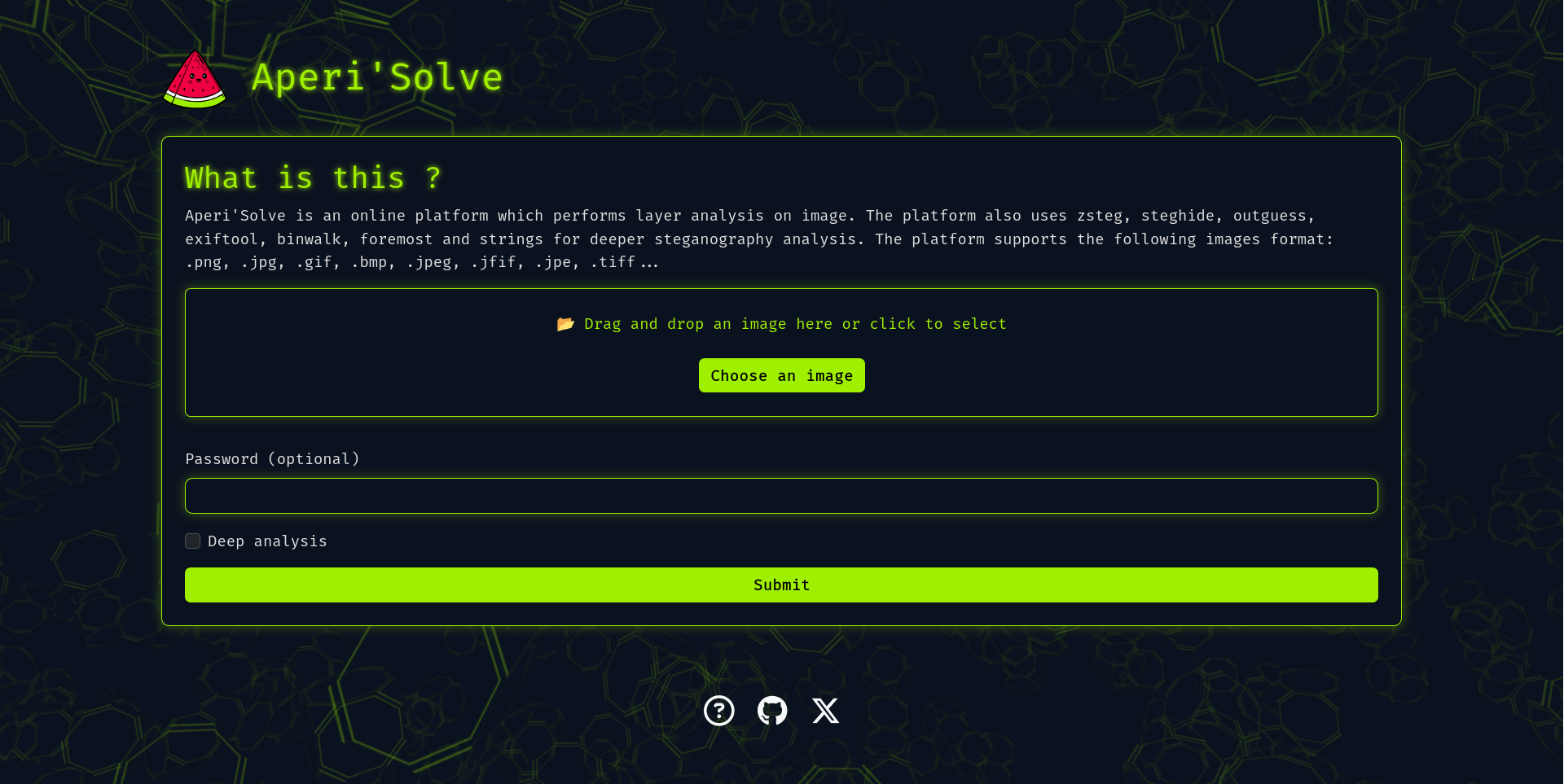
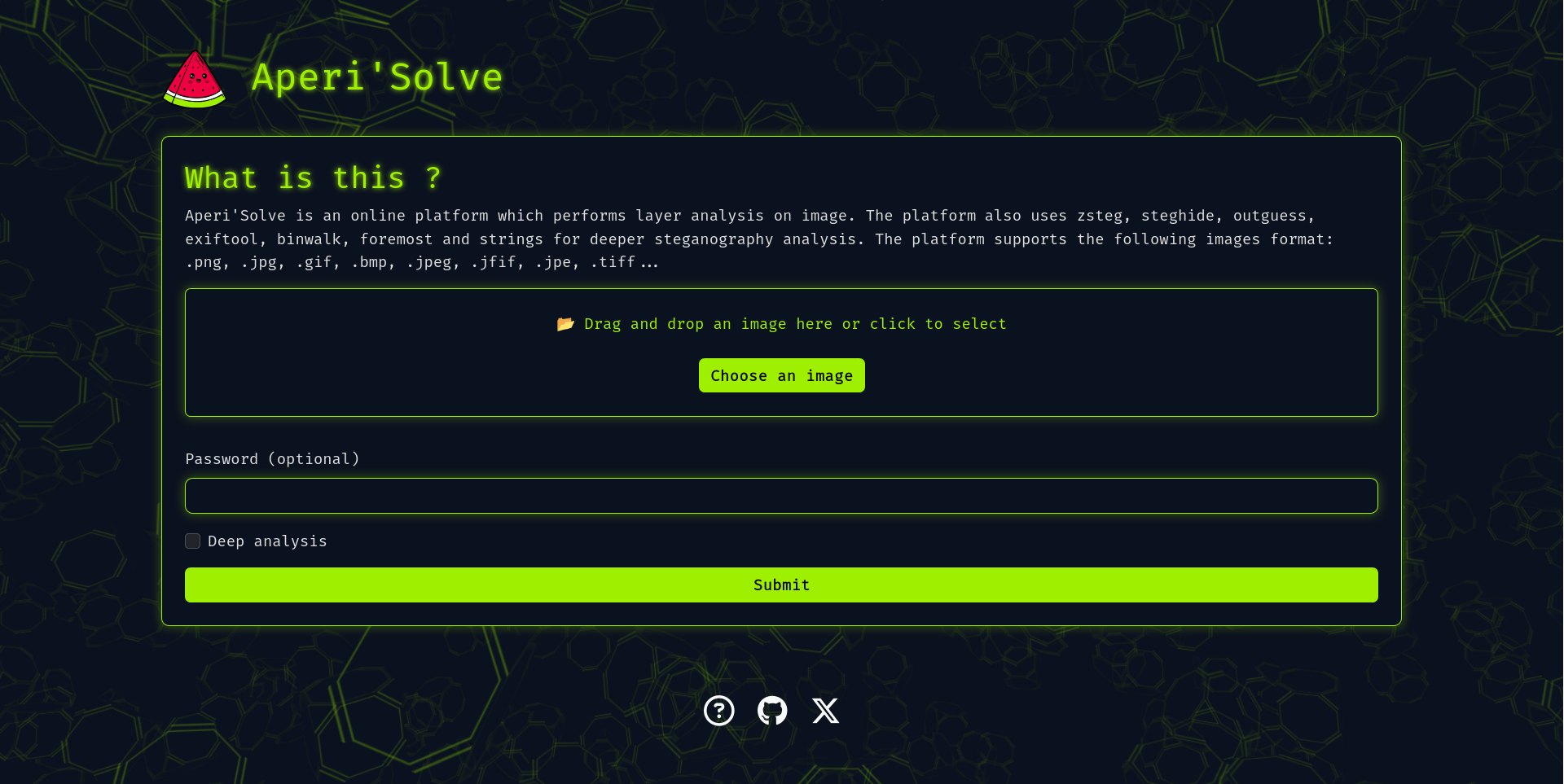
Aperi'Solve screenshot

Try it now: https://www.aperisolve.com

Support Aperi'Solve:

Sponsor Aperi'Solve on GitHub

Aperi'Solve is an open-source steganalysis web platform that performs automated analysis on images to detect and extract hidden data using common steganography tools and techniques.

Key features

  • Visualize each bit layer (LSB and other layers) per image channel (R/G/B/Alpha).
  • Color remapping (random palette remaps with 8 generated variants)
  • Runs 16 analyzers in parallel and displays their output, with per-tool success/no-result badges and one-click download of extracted files:
    • binwalk (embedded archives)
    • exiftool (metadata and geolocation)
    • file (MIME type and format detection)
    • GraphicsMagick identify (image info & properties)
    • foremost (carved files)
    • jsteg (JPEG LSB extraction)
    • jpseek / jphide (JPEG steganography extraction, with password)
    • openstego (extraction with password)
    • outguess (extraction with password, deep analysis)
    • pcrt (PNG check & repair)
    • pngcheck
    • steghide (extraction with password)
    • stegoveritas (image transforms on deep analysis, frames of animated GIF/APNG)
    • strings
    • zsteg (LSB text/data extraction)
  • In-app wiki (/wiki): a HackTricks-style steganography handbook — a triage methodology, a decision-tree cheatsheet, technique pages per medium (image, audio, text, files), and a guide per analyzer, all authored as Markdown.
  • Internationalization: UI available in English, French, Spanish, German, Russian, Chinese and Portuguese under language-prefixed URLs (/fr/, /es/, …).
  • "Ask AI" panel on the result page: send the analysis results and images straight from your browser to your own LLM provider (bring your own key) for a verdict on what is hidden and what to try next. Two checkboxes pick what the model gets: the images (on by default) and a text matrix of every image's pixel values (off by default; native resolution, so text-only models can read LSB data too). The matrix comes from the browser's image decoder: it is exact for opaque pixels of a PNG/BMP/GIF, but a semi-transparent pixel can be off by one in a colour channel (the canvas stores premultiplied alpha), the RGB under a fully transparent pixel reads 0, and JPEG depends on the decoder.
  • MCP server at https://www.aperisolve.com/mcp (docs/mcp.md): lets Claude, Cursor or any MCP client upload a file and read its analysis.
  • Worker queue architecture for offloading heavy/slow analyzers (Redis + background workers).
  • Content-addressed result cache, HTTP caching, and per-endpoint rate limiting.
  • Results stored temporarily for later browsing and download, then cleaned up automatically by a scheduled job.

Adding an analyzer

Adding an analyzer is a single file: subclass SubprocessAnalyzer, set a few class attributes (name, has_archive, needs_password, deep_only, display_order), and install the tool in the Dockerfile. The worker run list, download allow-list, and frontend order are all derived automatically. See docs/adding-analyzer.md.

Quick start (Docker)

In case you want to host your own version of https://www.aperisolve.com/.

Required: Docker + Docker Compose.

git clone https://github.com/Zeecka/AperiSolve.git
cd AperiSolve
cp .env.example .env
docker compose up -d

Then browse url: http://localhost:5000/

Ads and analytics are disabled by default; every integration (CUSTOM_EXTERNAL_SCRIPT, GOOGLE_ADS_TXT, SITE_BASE_URL, Sentry) is opt-in via environment variables documented in .env.example. The app never injects ad markup itself: CUSTOM_EXTERNAL_SCRIPT loads the AdSense script and placement is left to Auto ads.

Architecture

The stack runs as Docker Compose services:

  • web — Flask app served by gunicorn (Jinja templates + vanilla JS frontend).
  • worker — an RQ worker that runs the analyzers for each submission, fanning out to one thread per tool.
  • cron — an RQ cron scheduler that runs the retention cleanup off the request path.
  • initdb — a one-shot service that creates the tables and pre-fills the IHDR CRC recovery database.
  • postgres — stores image metadata and submission status.
  • redis — RQ broker (DB 0) and rate-limiter storage (DB 1).
  • rqdashboard — queue monitoring, bound to localhost:9181.

This separation keeps heavy tools (binwalk, foremost, zsteg, etc.) isolated and avoids blocking the web worker. Identical submissions are deduplicated by a content hash, and derived images are cached with long-lived immutable HTTP headers, so repeat traffic is cheap.

Documentation

  • docs/adding-analyzer.md — add a new analyzer.
  • docs/deploy.md — the tag-driven production deploy flow.
  • docs/mcp.md — the MCP endpoint: client setup, tool reference, quotas.
  • CONTRIBUTING.md — dev setup, tests, wiki pages, and translations.

Testing

uv sync --extra dev
uv run pytest -q            # unit tests (no services needed)

# end-to-end analyzer tests through the running app:
docker compose -f compose.dev.yml up -d
uv run pytest tests/test_webapp_analyzers.py -v

Roadmap

See Issues.

Contributing

See CONTRIBUTING.md.

Security

Scarica lo strumento

Più Popolari

Vedi tutti →

Scopri gli strumenti più utilizzati dalla nostra community.

  • 1

    OsintHunter

    letox4/osinthunter

    🎯 Il toolkit OSINT definitivo: grafo di indagine, punteggio di affidabilità, famiglie di alias, mappa, timeline e report. 49 moduli, oltre 400 siti, nessuna chiave API richiesta.

    755
  • 2

    ghostlock-app

    yukonga/ghostlock-app

    # App di esecuzione con un tocco GhostLock (CVE-2026-43499)

    510
  • 3

    ARTEX

    baarai/artex

    Piattaforma di penetration testing autonoma multi-agente basata su LLM con agenti planner/worker, grafi di asset e di esplorazione, registrazione del traffico MITM e retesting delle vulnerabilità.

    415
  • 4

    redforge

    cybersecurity91/redforge

    Toolkit red team lato browser con 102 strumenti offline per ricognizione, generazione di payload, attacchi alle credenziali, crittografia, codifica e reportistica dell'engagement.

    343
  • 5

    antifox

    antifox-ai/antifox

    Piattaforma multi-agente di penetration testing autonoma basata sull'IA che esegue ricognizione, scoperta della superficie d'attacco, validazione dello sfruttamento e consegna di report supportati da evidenze.

    259
  • 6

    CyberStrikeAI

    ed1s0nz/cyberstrikeai

    Il sistema d'azione per la cybersecurity nativa AI—dove l'intento diventa esecuzione governata, le evidenze diventano memoria operativa, e ogni operazione migliora la successiva.

    258

Esplora tutti gli strumenti

Sfoglia la nostra collezione di strumenti

Vedi tutti gli strumenti →