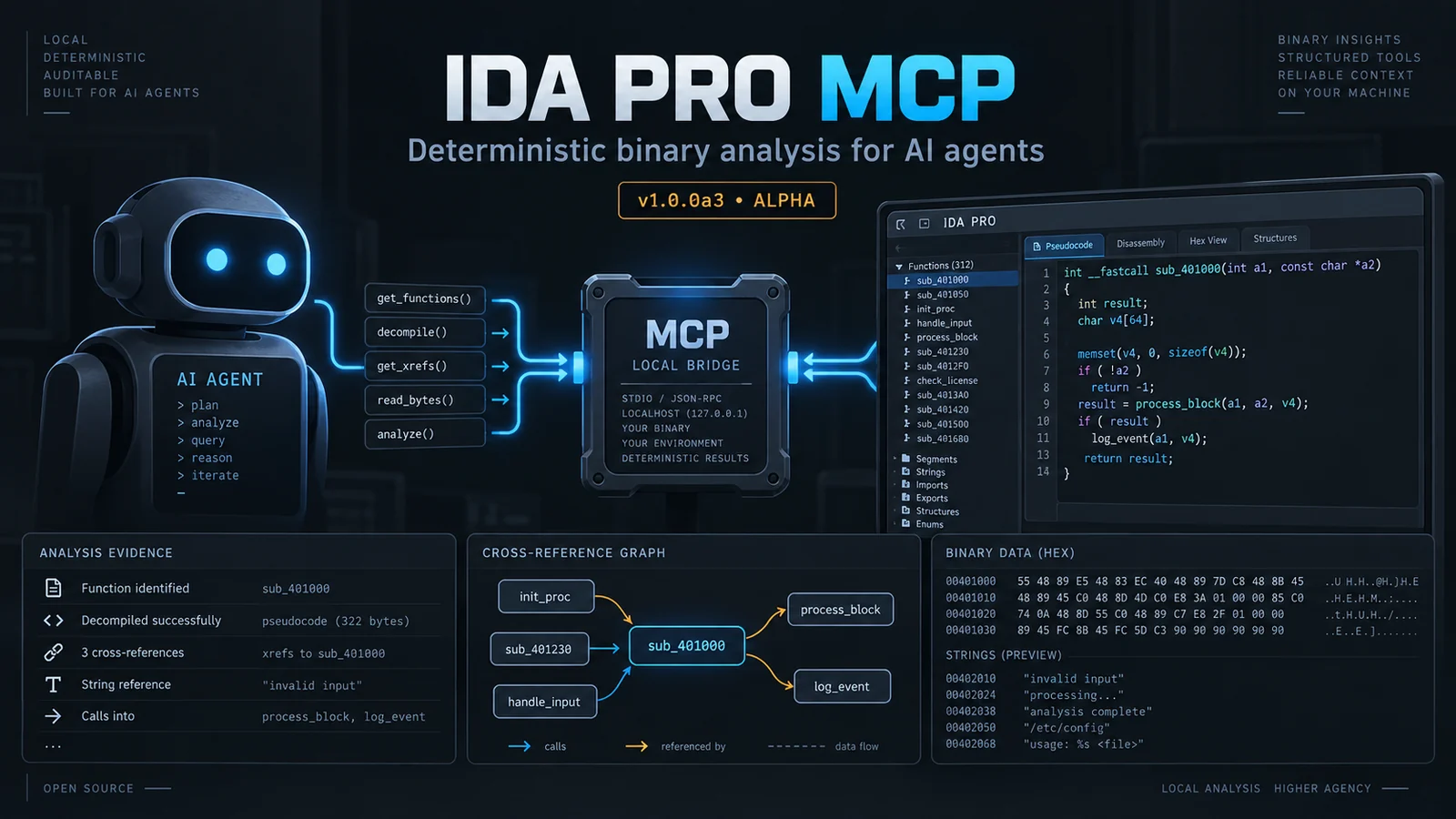
Local-first, deterministic MCP server for IDA Pro/Home: 109 strict-schema reverse-engineering operations, evidence-backed findings, and policy-gated IDB edits.
⚠️ Archived — superseded by the official Hex-Rays IDA MCP server
This project is no longer maintained. On 2026-09-27 Hex-Rays SA released the Official IDA MCP Server and IDA Nexus. Development stopped the same day at
1.0.0a4.For current use, install theirs:
uvx ida-hcli mcp install. It requires IDA 9.4+ withidaliband works fully headless; the GUI plugin is optional.This repository is kept for its test suite, documentation, and architectural record. See ARCHIVE.md for the full closing account: what the project was, why it lost, which parts were scaffolding, and which parts are still worth something. The rest of this README describes a system that is no longer recommended for use.
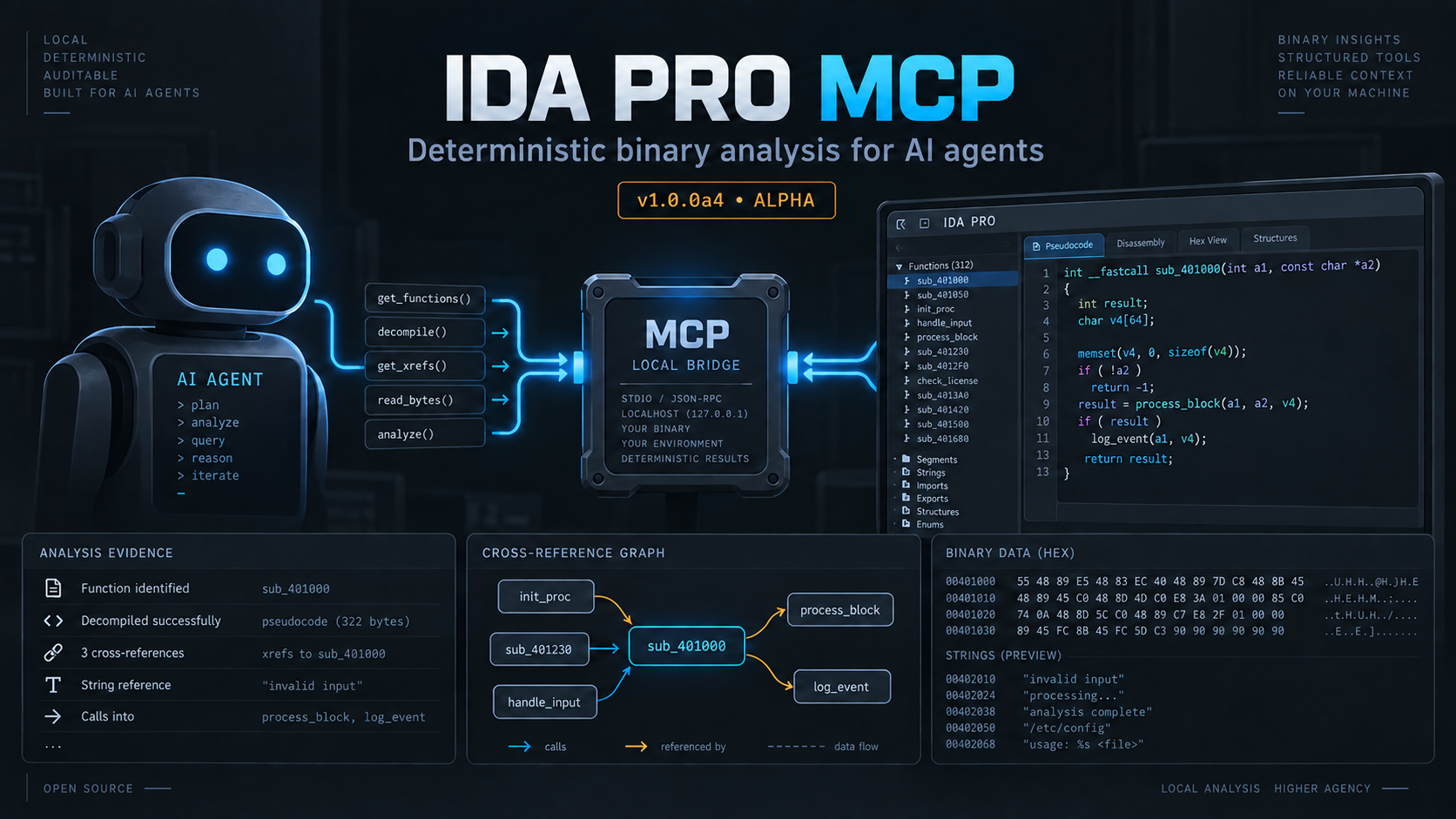
IDA Pro MCP is a local Model Context Protocol server for IDA Pro. It lets an MCP client inspect an IDB, ask IDA for deterministic analysis results, and, when explicitly allowed, write annotations or other changes back to the IDB. The host process runs outside IDA and starts a separate IDA headless process for each session by default.
ida_* operations with
live discovery through tools/list and ida_help.The current version is 1.0.0a4. This is alpha software. The public
ida_* operation names, schemas, and workspace format may change before a
stable 1.0.0 release. The default client surface contains 102 exact-schema operations.
Use live discovery for the complete contract: tools/list enumerates every
operation with its schema, and ida_help(topic="...") returns the exact
arguments and example for one operation.
You need:
idat/idat64 executable.
The repository’s live test evidence covers IDA 9.3 and 9.4; 9.2 is the
declared compatibility floor.Normal analysis does not require an intelligence provider. The explicit
intelligence modes are jev, custom, and disabled; disabled mode keeps
deterministic lexical search available and there is no local, Gemini, or
native-model fallback.
The default runtime is idat: one headless IDA process per session. The
idalib backend is experimental, requires an IDA 9.3-or-newer installation
with the idapro package activated, and is not needed for a first install.
The installer creates a managed environment under the install root, installs a frozen copy of the checkout into it, and writes client configuration for the supported client locations. From the repository root, run:
python3 install.py
For a known IDA installation, pass it explicitly:
python3 install.py --ida-dir /path/to/ida-pro-9.3
For a non-interactive run:
python3 install.py --yes --no-ida-prompt --ida-dir /path/to/ida-pro-9.3
The installer can also find IDA through IDADIR, IDA_DIR, the IDA
executables on PATH, and common installation directories. --ida-version
selects a version when more than one installation is present. Use
--dry-run to inspect the planned changes first.
The installer never downloads a provider model or runtime. It may create
or update configuration files for every client
location in its built-in client map, including clients that are not installed
on your machine. Check install-report.json in the install root and remove
unused entries if necessary. Existing regular configuration files are backed
up before they are changed; malformed, symlinked, or non-regular files are
refused rather than overwritten.
Restart the MCP client after installation so it reloads its configuration.
Agent harnesses discover the tool surface live: tools/list enumerates every
operation with its schema, and ida_help(topic="...") returns exact arguments
and an example. No static skill files are installed.
The default install root is:
~/.local/share/ida-pro-mcp%LOCALAPPDATA%/ida-pro-mcpSet IDA_PRO_MCP_HOME or pass --install-root to choose another location.
Alpha releases are built by GitHub Actions and published manually as
prereleases. When a release is available, download the bundle.zip or
bundle.tar.gz asset and its SHA256SUMS file from the
releases page. Verify the
checksum, extract the bundle, and run the installer from its top-level
directory:
python3 install.py --yes --no-ida-prompt --ida-dir /path/to/ida-pro-9.3
The release also contains a wheel and source distribution for scripted Python installations. The bundle is the simplest route because it includes the installer and all project files needed to configure an MCP client. Releases are alpha quality; keep the original binary and IDB and read the release notes before upgrading.
The installer writes the server entry for the client configuration paths it knows. It supports Gemini CLI, Antigravity, Antigravity IDE, Antigravity CLI, Claude Code, Codex, Copilot CLI, OpenCode, Claude Desktop, Cursor, VS Code, Windsurf, Cline, and Roo Code. OpenCode and Copilot-family clients use different configuration shapes; let the installer write those files or follow the OpenCode setup guide.
For a client that uses the common JSON format, the entry is equivalent to:
{
  "mcpServers": {
    "ida-pro-mcp": {
      "command": "/path/to/ida-pro-mcp/.venv/bin/python",
      "args": ["-u", "-m", "ida_pro_mcp.host.server"],
      "env": {
        "IDA_PRO_MCP_HOME": "/path/to/ida-pro-mcp",
        "IDADIR": "/path/to/ida-pro-9.3",
        "IDA_MCP_TOOL_SURFACE": "agent"
      }
    }
  }
}
On Windows, use the managed interpreter at
<install-root>/.venv/Scripts/python.exe. The important details are the
managed interpreter, -u -m ida_pro_mcp.host.server, the selected IDA
directory, and IDA_MCP_TOOL_SURFACE=agent. Do not point the client at
install.py; that file is the installer, not the MCP server.
After changing a client configuration, fully restart the client and check that
ida_help appears in its available operations. If the client shows only a
legacy broad tool(action=...) interface, check that the environment selects
the default agent surface rather than
IDA_MCP_TOOL_SURFACE=legacy.
Use an absolute path to a test binary first. Opening a binary normally waits for IDA’s initial analysis to finish; a large binary can take time.