 msaad00/agent-bom
Open security scanner and self-hosted control plane for AI, MCP, and cloud. One evidence model — run scans in your environment, centralize findings, govern in your VPC.

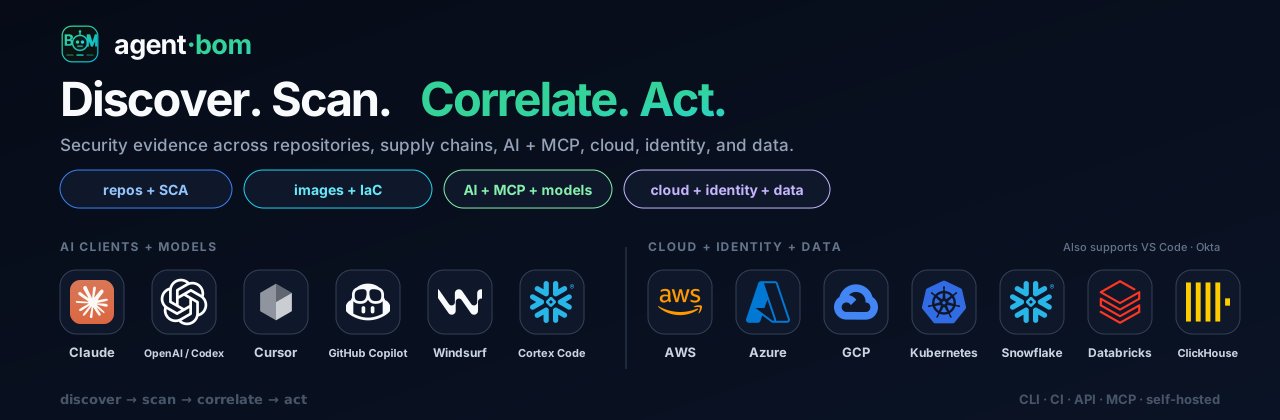








Find vulnerable software behind your AI agents—and trace the exposure evidence.
Open security scanner and self-hosted control plane for AI, MCP, and cloud infrastructure. For AppSec and platform engineers responsible for AI agents and MCP servers: scan a repository, correlate its findings with agent and infrastructure context, and prioritize fixes by blast radius and reachability evidence. Local scans need no account.
Quick start · Claude Code and Codex · Sample graph · Self-host · Product tour · Docs
From the repository you want to inspect:
pip install agent-bom
agent-bom scan .
Read the inventory, findings, coverage gaps, and remediation guidance in the terminal.
Save a report with agent-bom scan . -f sarif -o findings.sarif, then
upload it and gate CI.
Run agent-bom doctor if setup fails. See the first-run guide.
No project handy? Run agent-bom scan --demo --offline for a bundled sample.
Exit 1 is expected: the sample trips the security gate. A non-zero exit
can mean a security gate or incomplete assessment; inspect the report and coverage.
See the exit codes.
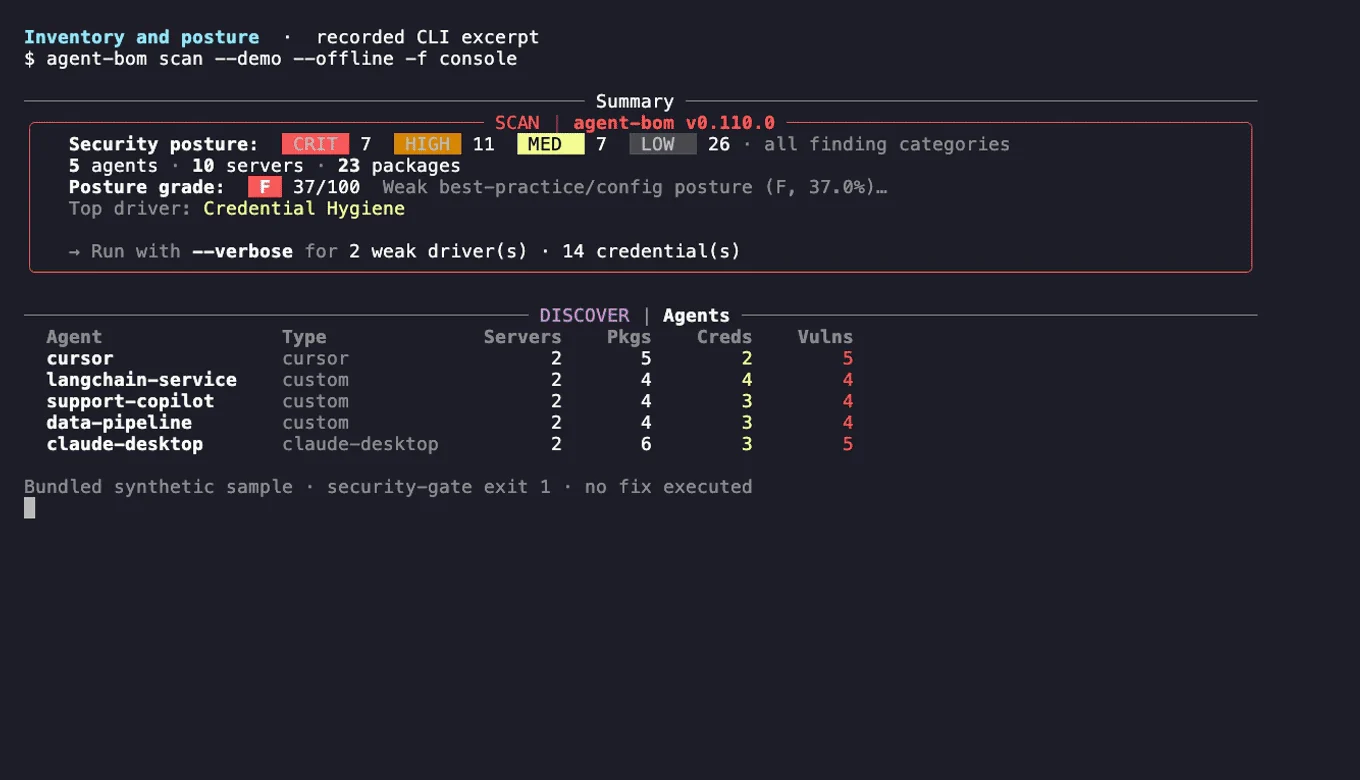
The recording uses labeled sample data and bundled advisories. Credential references are names, not secret values. Recorded relationships do not prove exploitation or successful data access.
Ask your coding agent instead of reading a report. In Claude Code:
/plugin marketplace add koda-ai-studio/agent-bom
/plugin install agent-bom@agent-bom
In Codex, run codex plugin marketplace add koda-ai-studio/agent-bom, then
install agent-bom-local from the Plugins Directory. Both plugins run the
pinned agent-bom release locally and send nothing to an agent-bom service.
| Ask | Skill |
|---|---|
| "Is this project safe to ship?" | checkup: one verdict and the three fixes that matter most |
| "Am I affected by CVE-2025-29927?" | affected: affected or not found in what was scanned, never "safe" |
| "What have my agents been doing?" | activity: MCP usage, unused servers, risky commands from local session history |
| "Are my agent settings too permissive?" | audit-mcp and audit-skills |
| "Give me an AI-BOM" | bom: CycloneDX or SPDX for this machine, a project, an image or a cloud account |
Add /plugin install agent-bom-guard@agent-bom to block malicious and
typosquatted package installs before Claude runs them.
All skills and their permissions ·
Guard details
Which agent uses the vulnerable component? What could it reach? What evidence supports that path? Correlate retained scans by exact, tenant-scoped identities; trace the recorded blast radius from each agent through its MCP servers to packages, findings, credentials and data stores. Inspect each relationship's source and evidence kind, then rescan the same scope to check what changed.

Fictional sample estate. Dashed use, credential and access links are configured or modeled, not observed at runtime; path analysis covers the collected snapshot only.
From agent to verified fix: select Document Intake Agent → inspect CVE-2023-4863 (high, KEV-listed) and the evidence on each arrow → take the proposed remediation → rescan the changed pin and compare snapshots. The comparison verifies the changed input, not a running deployment.
Supporting evidence: one package, three parsed inputs. A repository pin, an
image SBOM and a modeled Kubernetes workload resolve to one [email protected]. The
image inventory and the deployment occurrence stay separate nodes; the advisory
receipt is open.
