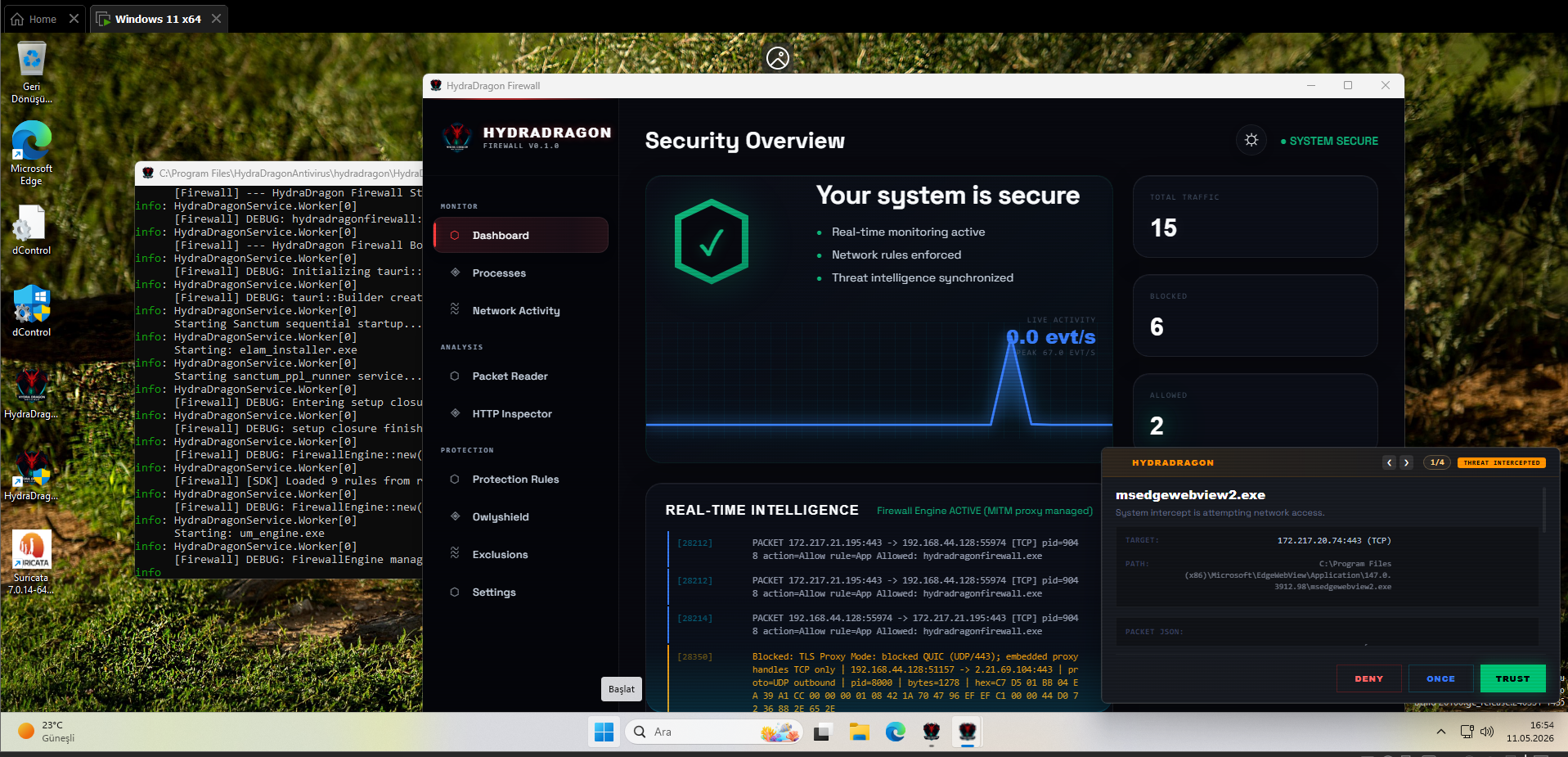
 hydradragonantivirus/hydradragonantivirus
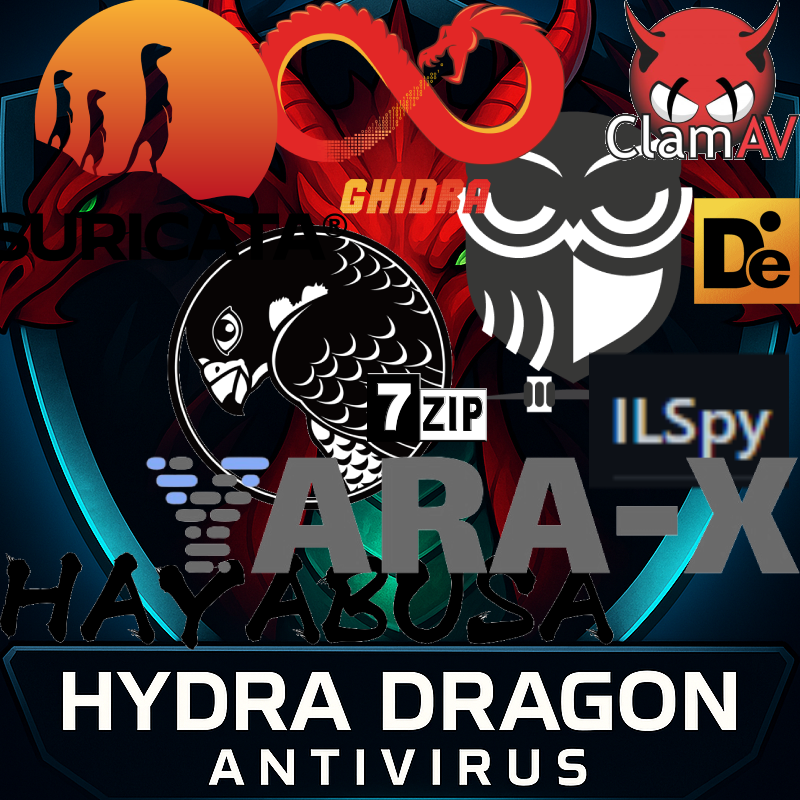
Dynamic and static analysis with Real Time Malware Analysis with Antivirus for Windows, including open-source XDR (3 EDR projects), ClamAV, YARA-X, machine learning AI, behavioral analysis, Unpacker, Deobfuscator, Decompiler, website signatures, Ghidra, Suricata, Sigma, Kernel, Hypervisior based protection and much more than you can imagine.



📚 For detailed documentation, architecture diagrams, and component guides, visit our Project Wiki.
🎥 POC: https://www.youtube.com/watch?v=2ZxJmZ3XTEM&t
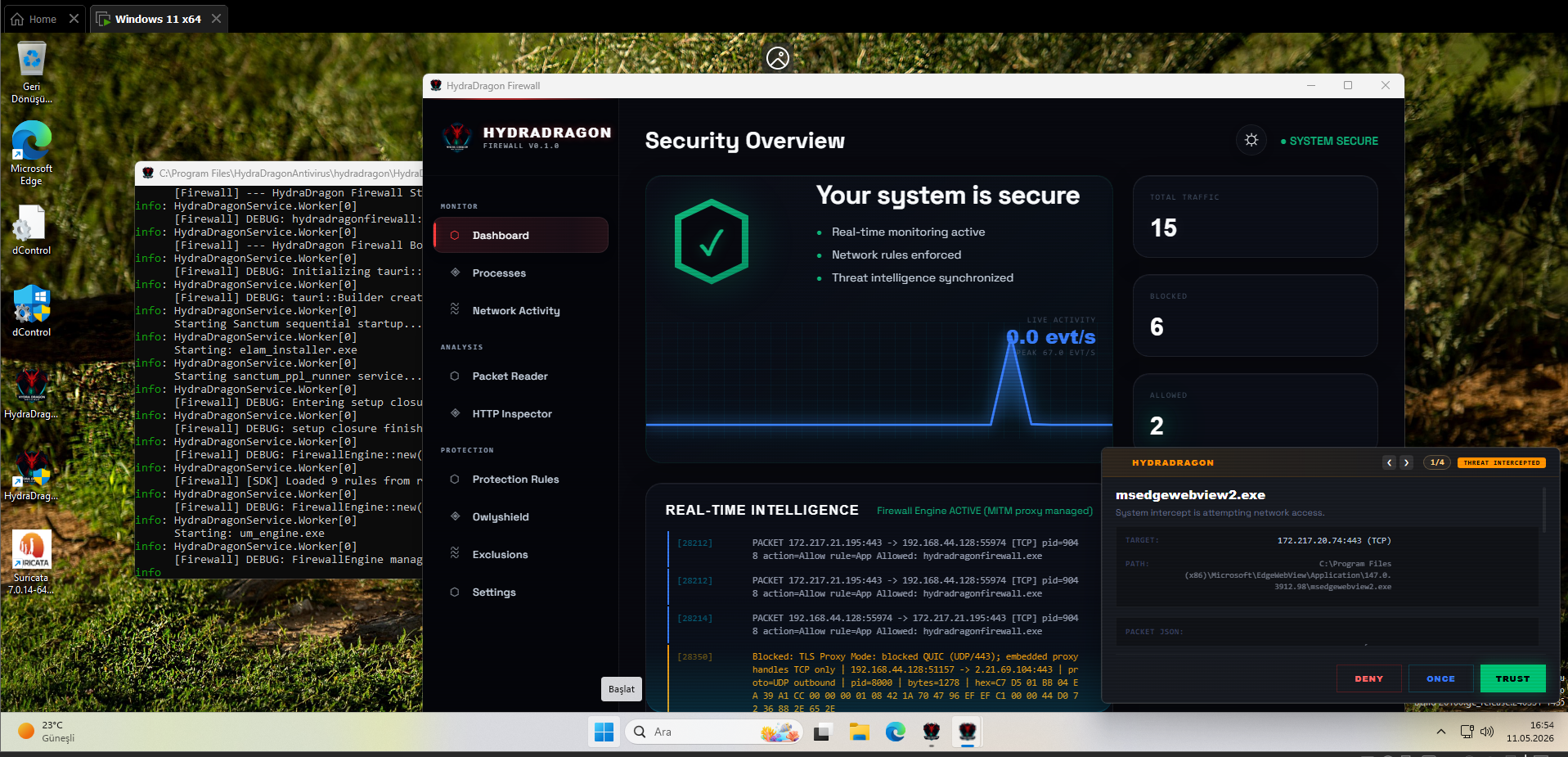
This project is not production-ready. Breaking changes, bugs, and incomplete features should be expected.
⚠️ NOTICE: This repository is intended strictly for EXPERT MALWARE ANALYSTS and SECURITY RESEARCHERS. It contains low-level system components and experimental security drivers that require professional knowledge to handle safely.
[!CAUTION]
🛑 USER LIABILITY & SAFEGUARD LIMITATIONS
HydraDragon is designed to protect against malicious automated threats, not human error or intentional system modifications.
- Manual Deletion: The antivirus WILL NOT stop you from running commands like
rd C: /s /qor manually deleting your own files. It recognizes that if you (the Administrator) are explicitly deleting something, it is a real user mistake rather than a malware intrusion. The system is designed to permit intentional administrative decisions without interference.- Driver/System Misconfiguration: The software does not protect against manual installation of incompatible drivers or incorrect system settings. A "Inaccessible Boot Device" or other system failures caused by manual registry edits or driver experiments are NOT considered malware behavior and are not blocked.
- Experimental Nature: You are responsible for any data loss or system instability caused by using this experimental software. Always test in a Virtual Machine (VM) first.
📺 Proof of Concept (POC) Video: https://www.youtube.com/watch?v=2ZxJmZ3XTEM&t
Demo: https://hydradragonantivirus.github.io/HydraDragonAntivirus/
Platform Support: This project is strictly for x86-64 Windows only. aarch64 and other architectures are not supported.
Windows OS Compatibility Notice (Sanctum / Alt Syscalls):
[!WARNING] Windows 10 and Windows 11 23H2 are NOT compatible with Sanctum's kernel driver!
Sanctum's Alt Syscalls and kernel monitor rely on internal Windows kernel structures and offsets (0x1d8,0x7d0,0x77,PspServiceDescriptorGroupTable) that are strictly hardcoded for Windows 11 24H2 (Build 26100+).
Windows 10 (all builds) and Windows 11 23H2 / 22H2 (Build 22621/22631) lack these exact offsets and dispatch structures. Running Sanctum kernel components on these earlier OS builds will result in unsupported errors or kernel crashes. Windows 11 24H2 is strictly required.
This installer is designed to be used on clean or freshly formatted Windows PCs.
For best results, install HydraDragon Antivirus only on systems where the required third-party components have not already been installed manually.
Please do not run this installer if any of the following programs are already installed on your PC:
Installing HydraDragon Antivirus on a system where these components are already installed may cause version conflicts, path issues, service conflicts, or unexpected installer behavior.
Use this installer on:
If you already have any of the required components installed, uninstall them first or use a clean Windows environment before installing HydraDragon Antivirus.
HydraDragon is a local antivirus (except Xcitium cloud) project currently under active and experimental development.
This project does not aim to replace your primary daily antivirus solution.
