 foru17/neko-master
Un panel moderno y elegante para la visualización y el análisis del tráfico de red.


Neko Master
See your network traffic clearly.
Real-time monitoring · Traffic auditing · Multi-gateway support
English | 中文







[!IMPORTANT] Disclaimer
This project is a traffic analysis and visualization tool for local gateway environments.
It does not provide any network access service, proxy subscription, or cross-network connectivity. All data is collected from the user's own network environment.
This project is open-sourced under the MIT License. We assume no responsibility for any consequences resulting from the use of this software. Please use it in compliance with applicable laws and regulations.
|
|
|
|
Neko (ねこ) means cat in Japanese.
Pronounced /ˈneɪkoʊ/ (NEH-ko).
Like a cat, Neko Master observes network traffic quietly and precisely.
It is a lightweight analytics dashboard designed for modern gateway environments.
| Feature | Description |
|---|---|
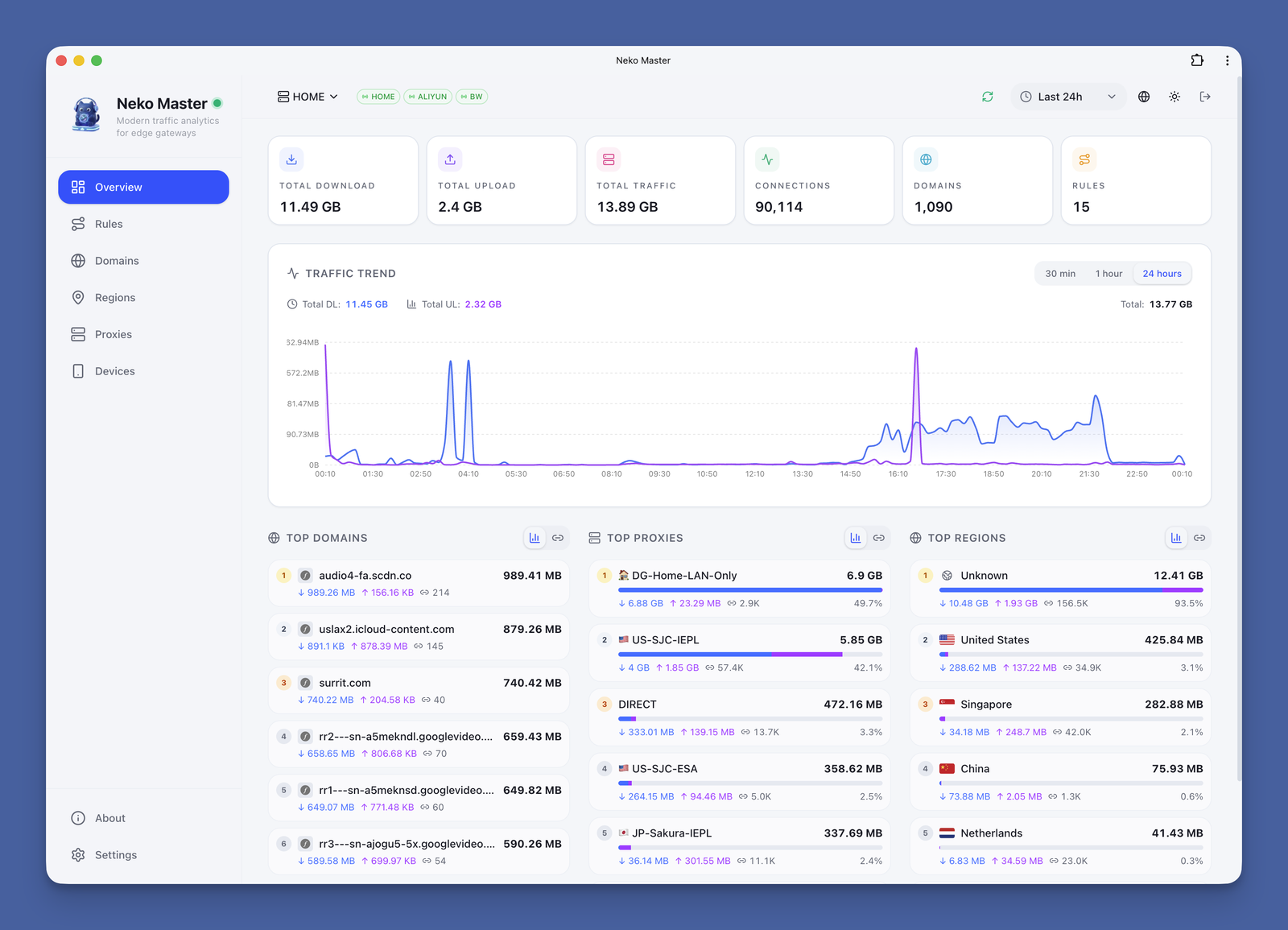
| 📊 Real-time Monitoring | WebSocket real-time collection with millisecond latency |
| 📈 Trend Analysis | Multi-dimensional traffic trends: 30min / 1h / 24h |
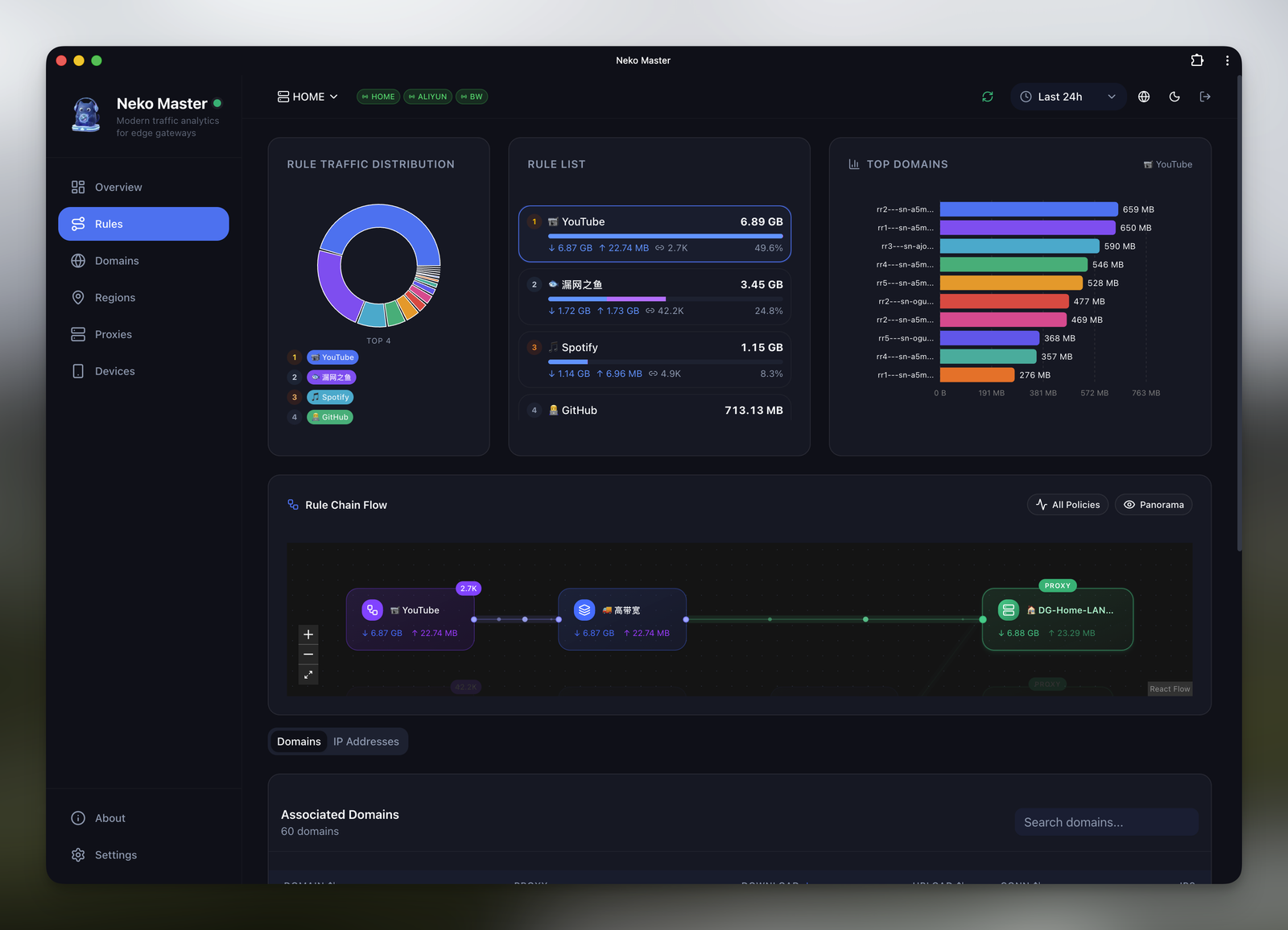
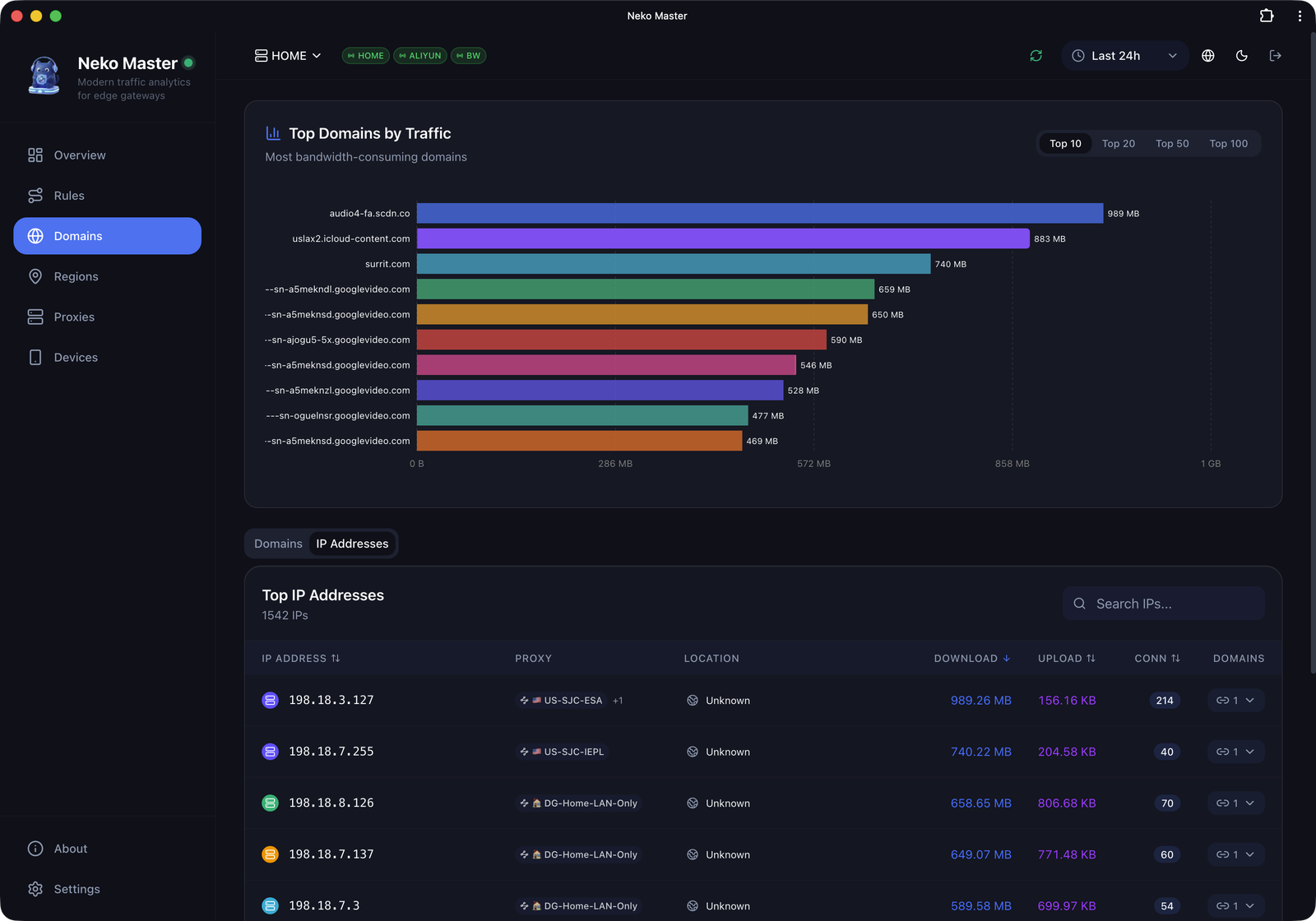
| 🌐 Domain Analysis | View traffic, associated IPs, and connection count per domain |
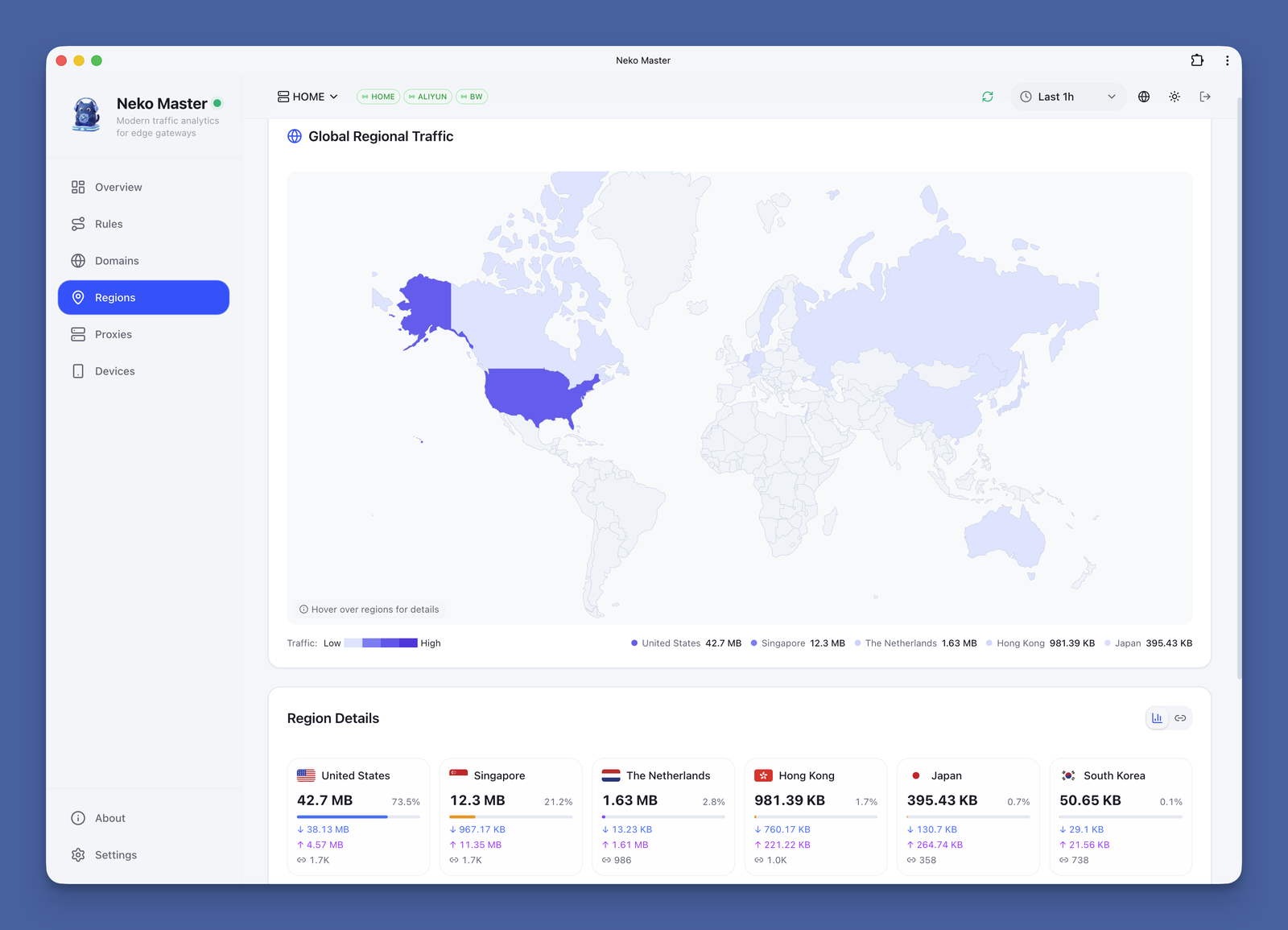
| 🗺️ IP Analysis | ASN, geo-location, and associated domain display |
| 🚀 Proxy Statistics | Traffic distribution and connection count per proxy node |
| 📱 PWA Support | Install as desktop app for native experience |
| 🌙 Dark Mode | Light / Dark / System theme support |
| 🌍 i18n Support | English / Chinese seamless switching |
| 🔄 Multi-Backend | Monitor multiple OpenClash backend instances simultaneously |
The repository's built-in
docker-compose.ymlmaps3000/3001/3002by default.
Scenarios A/B below are minimal templates for common deployments.
services:
  neko-master:
    image: foru17/neko-master:latest
    container_name: neko-master
    restart: unless-stopped
    ports:
      - "3000:3000" # Web UI
    volumes:
      - ./data:/app/data
      # Local MMDB (optional, files should be downloaded into ./geoip)
      - ./geoip:/app/data/geoip:ro
    environment:
      - NODE_ENV=production
      - DB_PATH=/app/data/stats.db
      - COOKIE_SECRET=${COOKIE_SECRET}
Recommended in
.env(same directory asdocker-compose.yml):
COOKIE_SECRET=<at least 32-byte random string>(generate withopenssl rand -hex 32)
This mode is fully upgrade-compatible and works out of the box.
If WS is not routed, the app falls back to HTTP polling automatically.
services:
  neko-master:
    image: foru17/neko-master:latest
    container_name: neko-master
    restart: unless-stopped
    ports:
      - "3000:3000" # Web UI
      - "3002:3002" # WebSocket (for Nginx / Tunnel forwarding)
    volumes:
      - ./data:/app/data
      # Local MMDB (optional, files should be downloaded into ./geoip)
      - ./geoip:/app/data/geoip:ro
    environment:
      - NODE_ENV=production
      - DB_PATH=/app/data/stats.db
      - COOKIE_SECRET=${COOKIE_SECRET}
Then run:
docker compose up -d
Open http://localhost:3000 to get started.
If you use the repository's built-in Compose file (default 3000/3001/3002), run the same command.
# Generate a fixed cookie secret first (for session persistence)
export COOKIE_SECRET="$(openssl rand -hex 32)"
