 viralmaniar/peekaboo
PeekABoo tool can be used during internal penetration testing when a user needs to enable Remote Desktop on the targeted machine. It uses PowerShell remoting to perform this task. Note: Remote desktop is disabled by default on all Windows operating systems.

PeekABoo tool can be used during internal penetration testing when a user needs to enable Remote Desktop on the targeted machine. It uses PowerShell remoting to perform this task.
The tool only works if WinRM is enabled. Since Windows Server 2012 WinRM is enabled by default on all Windows server operating systems, but not on client operating systems.
Note: Remote desktop is disabled by default on all Windows operating systems. User would require local administrator password or administrator privileges on the server to enable RDP on a targeted machine.
Any suggestions or ideas for this tool are welcome - just tweet me on @ManiarViral
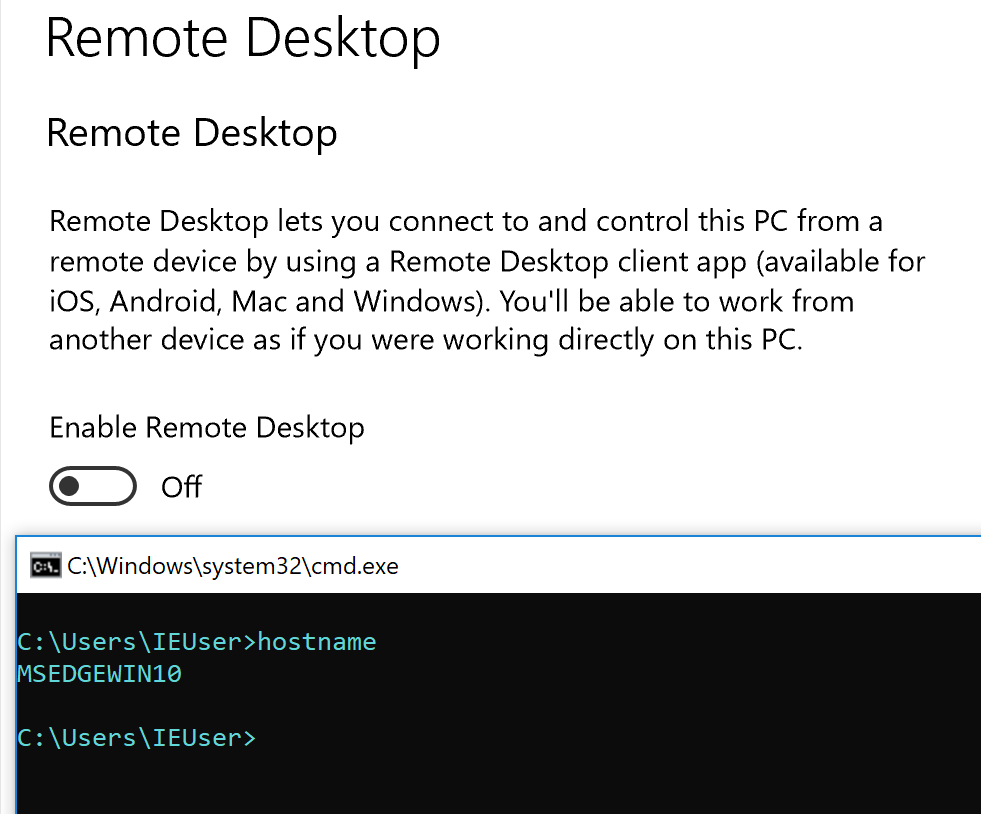
Targeted machine on an internal network has RDP disabled:
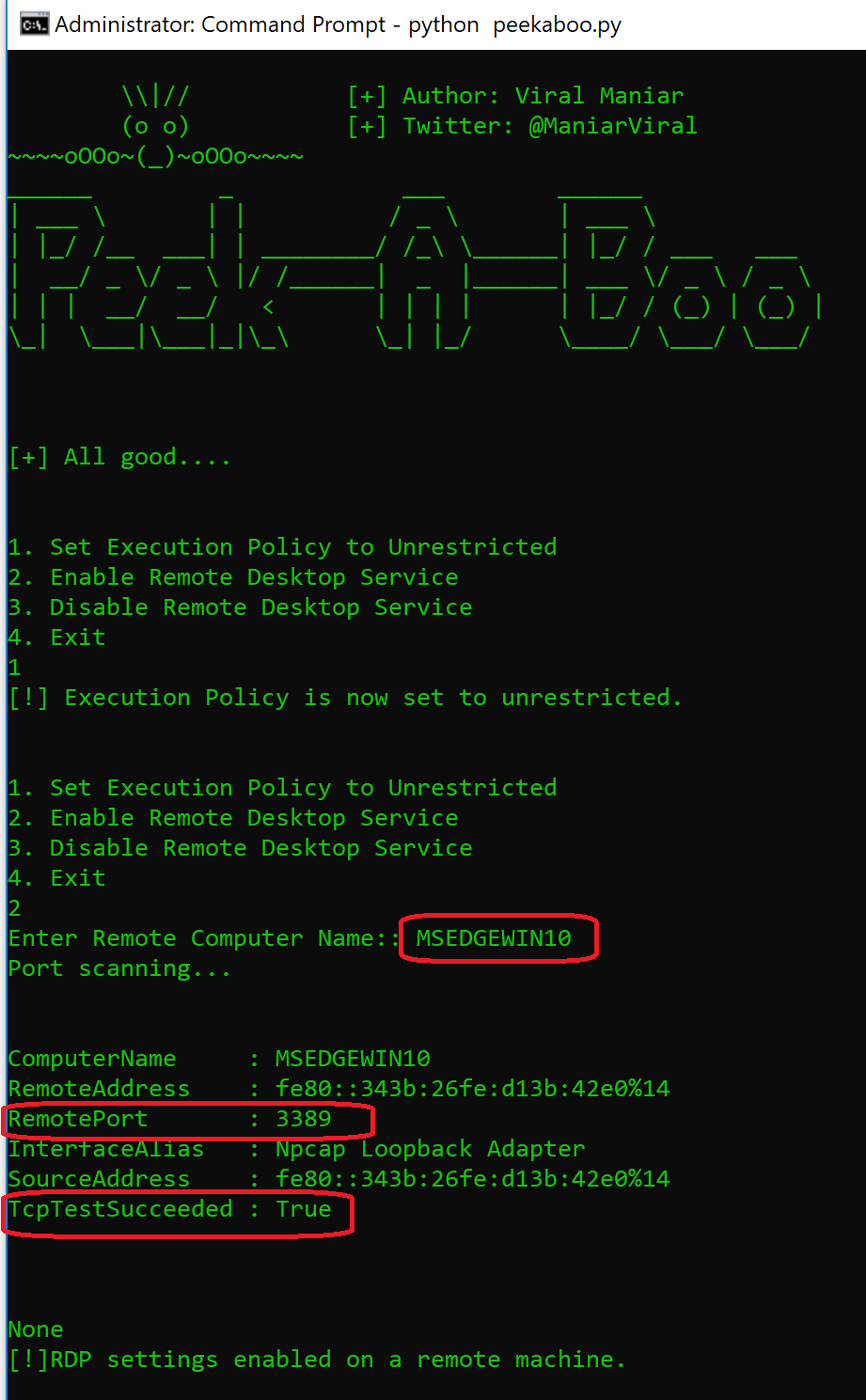
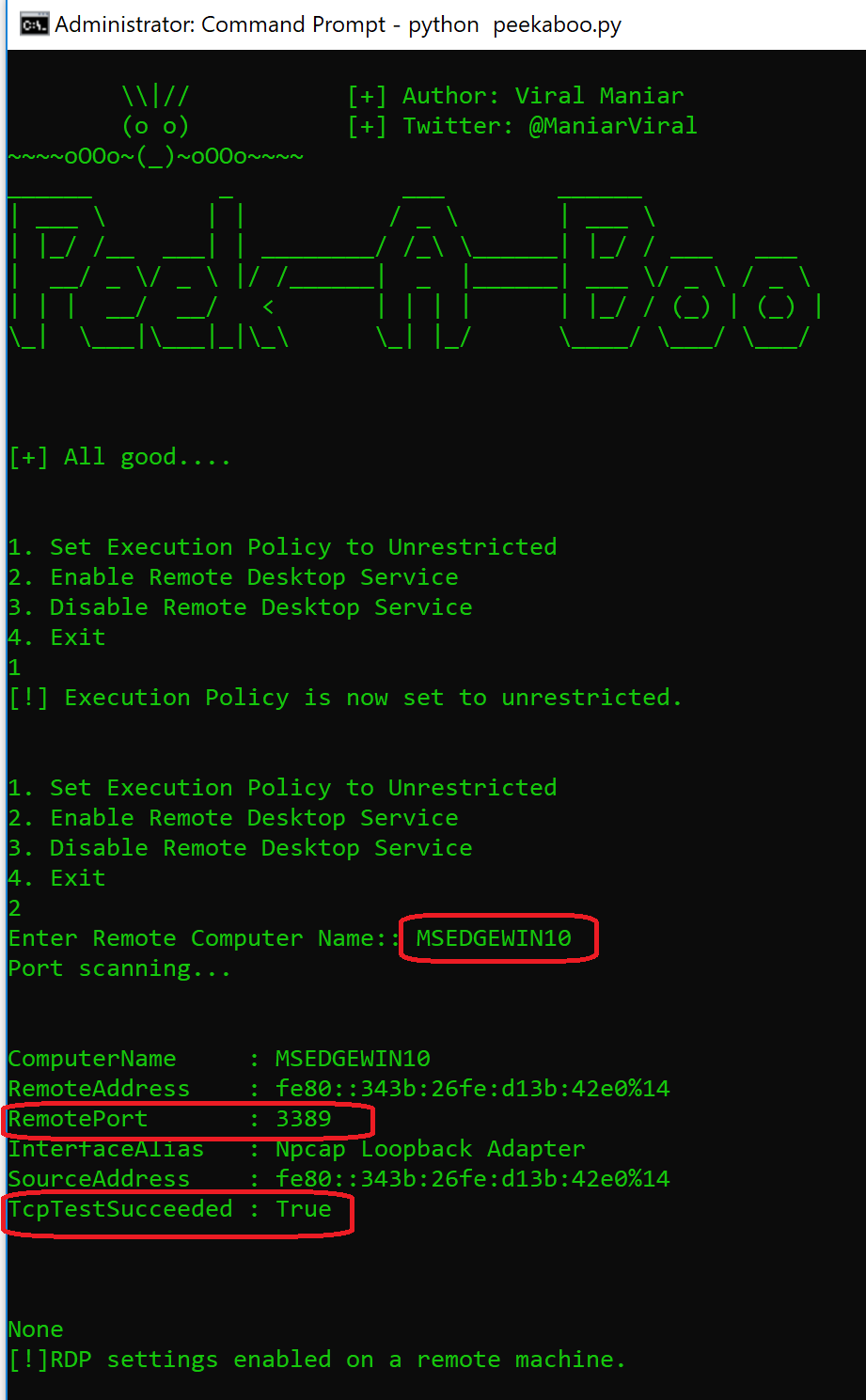
Enabling remote desktop service on a targeted machine by pressing option 2:
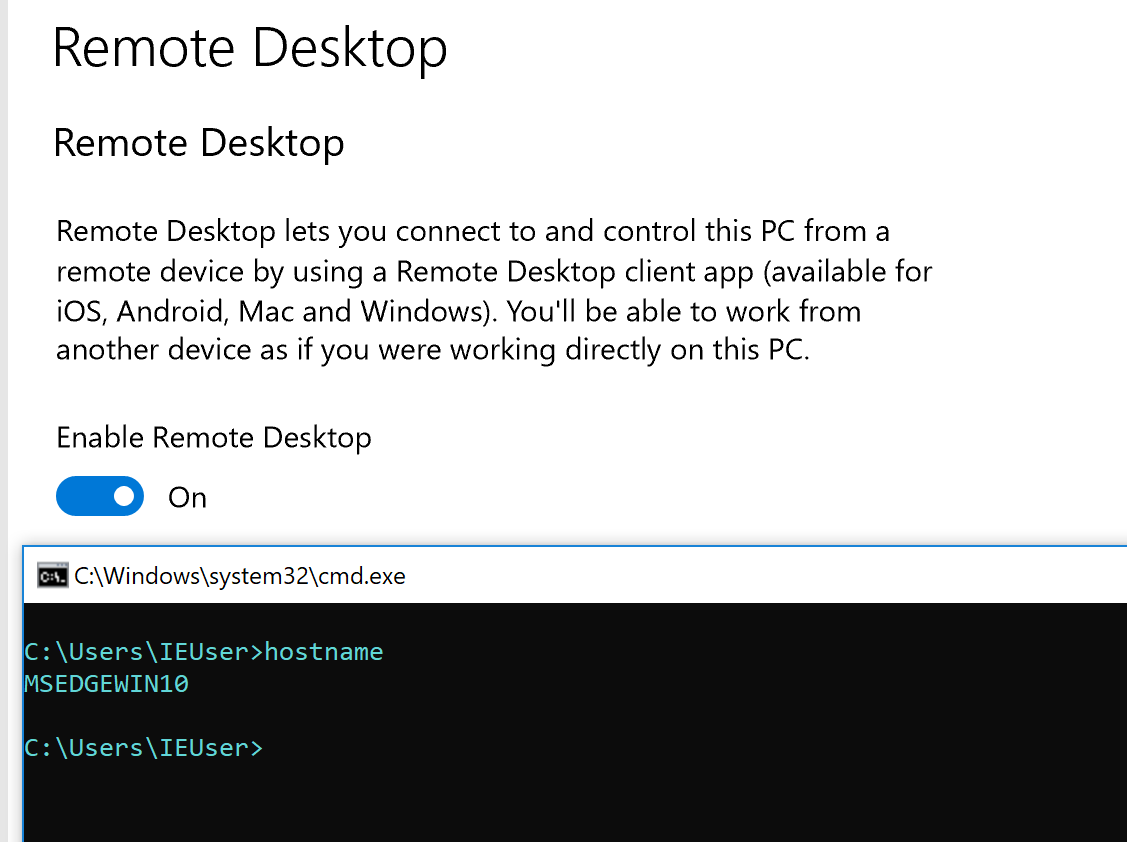
Successfully enabled remote desktop service on a targeted machine:
- git clone https://github.com/Viralmaniar/PeekABoo.git
- cd PeekABoo
- python peekaboo.py
Remote Desktop on the targeted machine and shows the RDP port (3389) status.Remote Desktop on the targeted machine.Download an exe from the release section of the Github along with PowerShell files available here or do it on your own using PyInstaller after reviewing the source code.
Compile peekaboo.py into an executable using Pyinstaller
PyInstaller is available on PyPI. You can install it through pip:
pip install pyinstaller
Twitter: https://twitter.com/maniarviral
LinkedIn: https://au.linkedin.com/in/viralmaniar

This work is licensed under a Creative Commons Attribution 4.0 International License.
Want to contribute? Please fork it and hit up with a pull request.
Any suggestions or ideas for this tool are welcome - just tweet me on @ManiarViral
