utkusen/shotlooter
a recon tool that finds sensitive data inside the screenshots uploaded to prnt.sc

Shotlooter tool is developed to find sensitive data inside the screenshots which are uploaded to https://prnt.sc/ (via the LightShot software) by applying OCR and image processing methods.
                                                              +-------------------+
    IMAGE FILE                                                |#!/usr/bin/python  |
+--------------------+                                        |                   +----->SENSITIVE
|prnt.sc/sjgmm5      |                                        |Search for:        |
+--------------------+                                        |                   |
|      _             |      CONVERTS          STRING          |sensitive keywords |
|  .-.-.=\-          |      +-------+     +------------+      |                   |
|  (_)=='(_)         |      |       |     |            |      |high entropy       |
|              .._\  +----->+  OCR  +---->+ TEXTTEXTT  +----->+                   |
|             (o)(o) |      |       |     |            |      |credit card pattern+----->NOT SENSITIVE
|   TEXTTEXTTEX      |      +-------+     +------------+      |                   |
|                    |                                        +-------------------+
+--------------+------+
               |                 +-----------------------+
               v                 |#!/usr/bin/python      |
SMALLER         IMAGES           |                       +------>SENSITIVE
+-------------+ +------------+   |Image processing:      |
|    _        | |    .._\    |   |                       |
| .-.-.=\-    | |   (o)(o)   +-->+ Does it contain:      |
| (_)=='(_)   | |            |   |   ~~O                 |
+-------------+ +------------+   |    /\,                |
                                 |   -|~(*)              +------>NOT SENSITIVE
                                 |  (*)                  |
                                 +-----------------------+
output folderShotlooter requires Python3, pip3 to work and tested on macOS and Debian based Linux systems.
Installing Dependencies for macOS: brew install tesseract
Installing Dependencies for Debian Based Linux: sudo apt install libsm6 libxext6 libxrender-dev tesseract-ocr -y
Clone the repository:
git clone https://github.com/utkusen/shotlooter.git
Go inside the folder
cd shotlooter
Install required libraries
pip3 install -r requirements.txt
Basic Usage: python3 shotlooter.py --code PRNT.SC_ID
It searches for matching keywords (located in keywords.txt), high entropy strings and credit card numbers. You can find an id by uploading an image to https://prnt.sc/ . For example python3 shotlooter.py --code sjgmm5
It will check the ids by incrementing them one by one:
sjgmm6
sjgmm7
sjgmm8
sjgmm9
sjgmma
sjgmmb
...
Image Search: python3 shotlooter.py --code sjgmm5 --imagedir IMAGE_FOLDER_PATH
It will search for the items covered in basic usage + will search for provided small images in the bigger screenshots. If you are planning to use this feature, put your small images inside the img folder.
Exclude Search: You can exclude any search type by providing related argument: --no-cc, --no-entropy, --no-keyword
For example: python3 shotlooter.py --code sjgmm5 --no-entropy. Shotlooter will skip high entropy string checking.
Shotlooter has high false-positive rates for high entropy string and credit card matching. Actually, they are not false positives but may not be the items that you are looking for. It detects high entropy strings to catch API keys, private keys etc. However, any non-sensitive random string will have a high entropy too and Shotlooter will detect them. The same goes for the credit card.
If you don't want to deal with false positives, exclude entropy and credit card searches.
I run Shotlooter for 2 weeks and identified 300+ images that contain various of sensitive data. You can check the findings that I encountered more than others below:
Contains useful session IDs, access tokens etc.

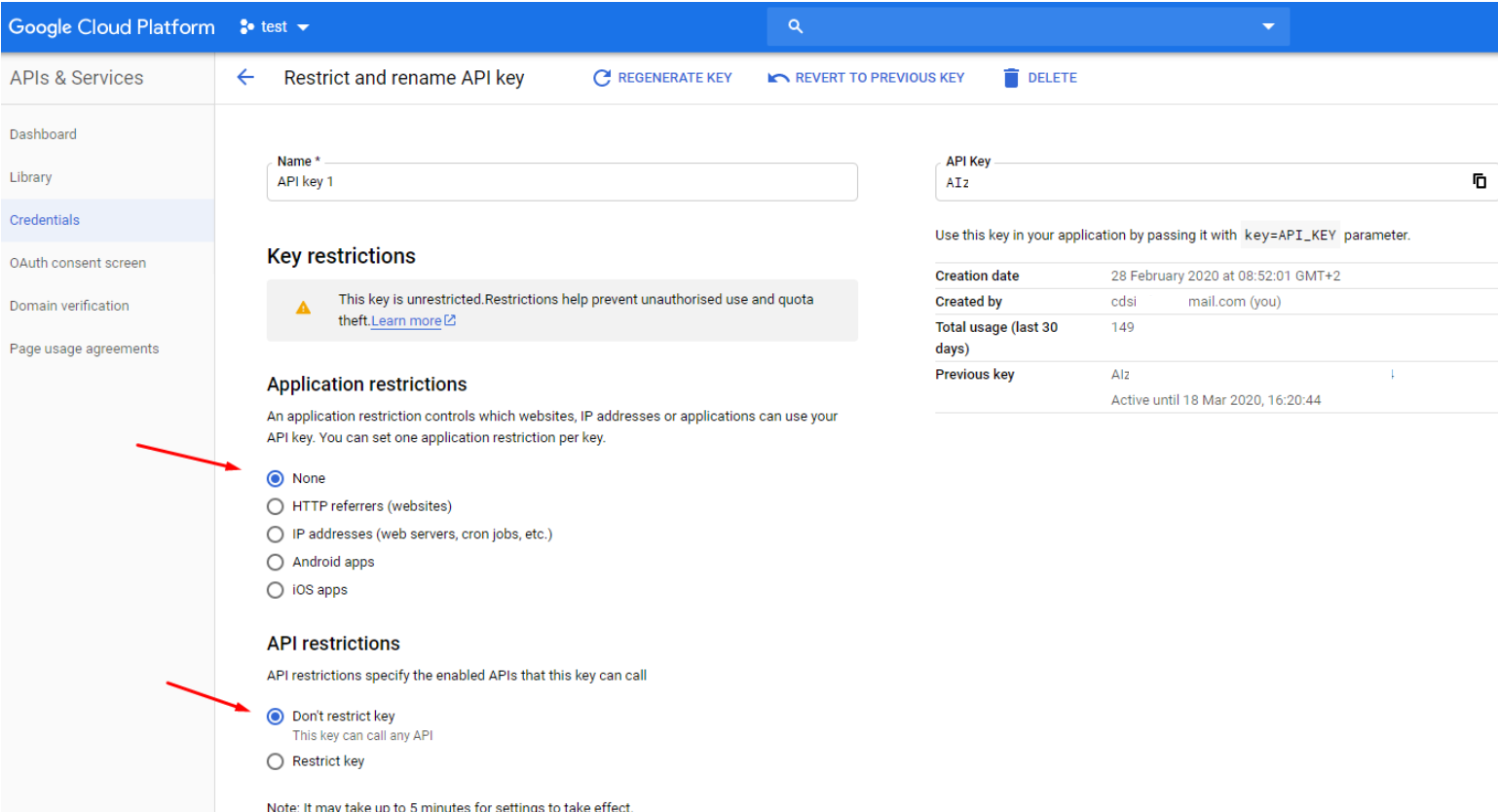
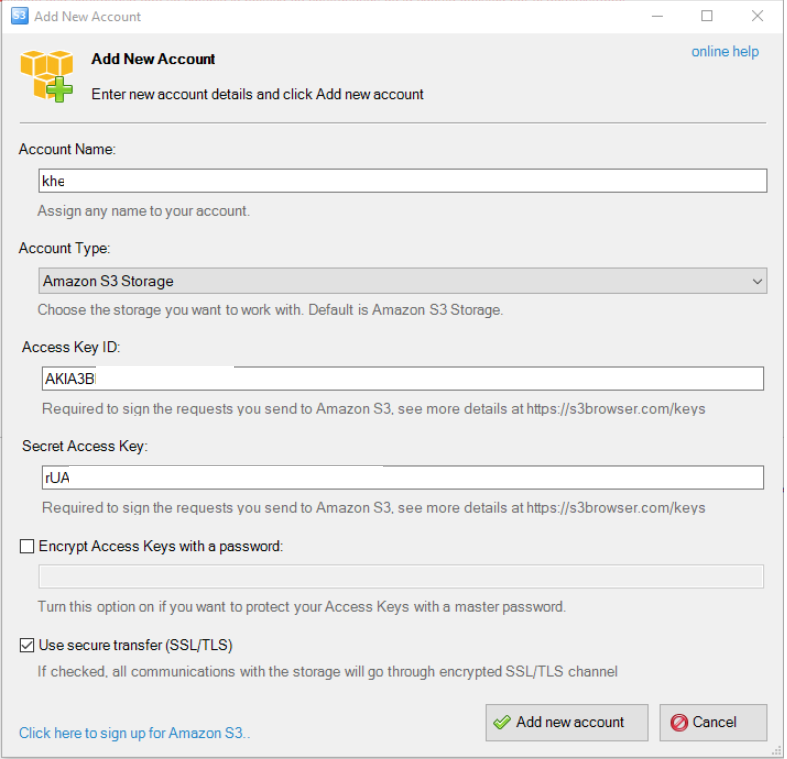
Screenshots are taken from the cloud's console or from a desktop client
We all know that it's not good to pass the session ID with a GET request for different reasons. This is one of them.

Some people love to use the Excel as a password manager.

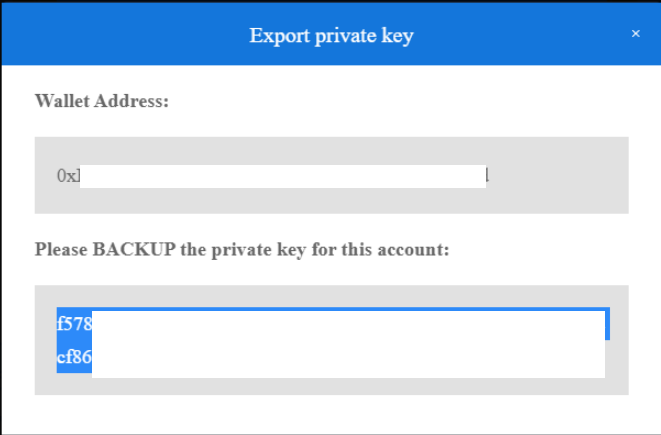
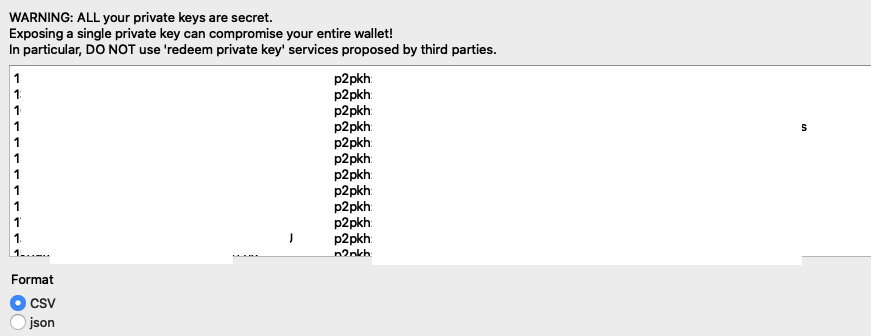
Bitcoin wallets allow you to export your private key so that you can import it into somewhere else. But if you publish the screenshot of your private key, your whole wallet can be compromised.