 ullaakut/cameradar
Cameradar hacks its way into RTSP videosurveillance cameras







Cameradar scans RTSP endpoints on authorized targets, and uses dictionary attacks to bruteforce their credentials and routes.
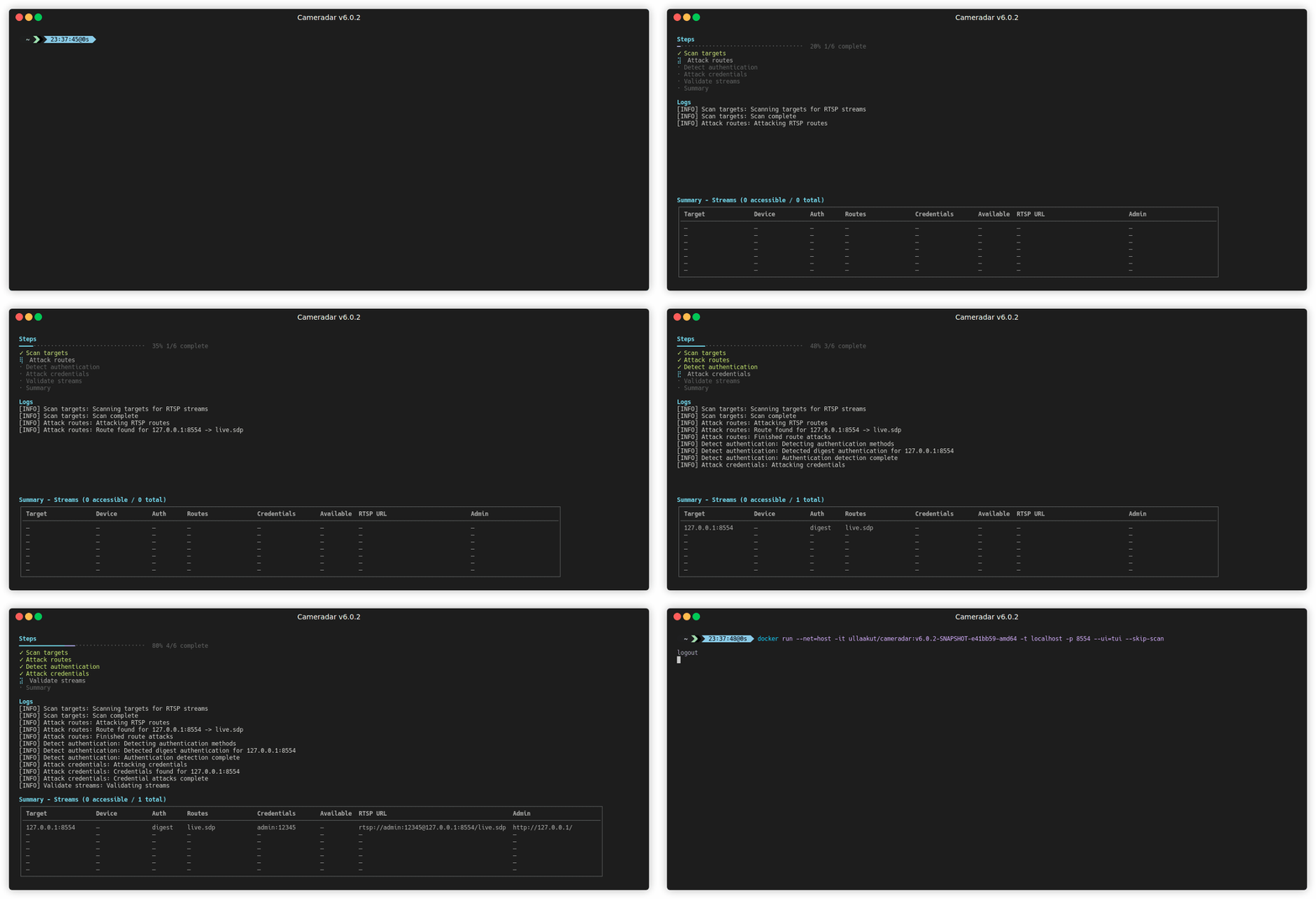
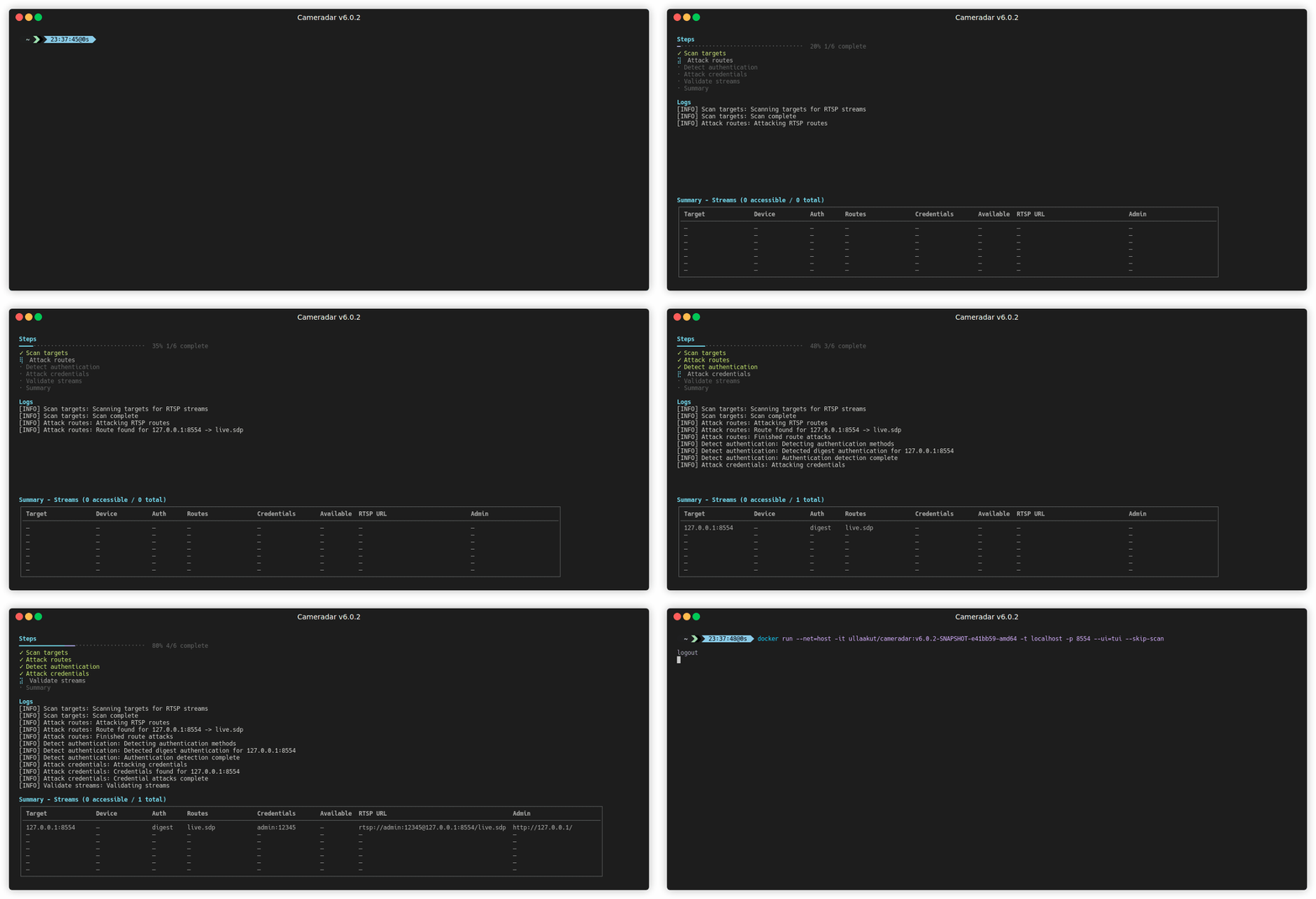
/live.sdp).
Install Docker and run:
docker run --rm -t --net=host ullaakut/cameradar --targets <target>
Example:
docker run --rm -t --net=host ullaakut/cameradar --targets 192.168.100.0/24
This scans ports 554, 5554, and 8554 on the target subnet. It attempts to enumerate RTSP streams. For all options, see Configuration reference.
Targets can be CIDRs, IPs, IP ranges or a hostname.
172.16.100.0/24172.16.100.10localhost172.16.100.10-20To use custom dictionaries, mount them and pass both flags:
docker run --rm -t --net=host \
    -v /path/to/dictionaries:/tmp/dictionaries \
    ullaakut/cameradar \
    --custom-routes /tmp/dictionaries/my_routes \
    --custom-credentials /tmp/dictionaries/my_credentials.json \
    --targets 192.168.100.0/24
Use this option if Docker is not available or if you want a local build.
go install github.com/Ullaakut/cameradar/v6/cmd/cameradar@latestThe cameradar binary is now in your $GOPATH/bin.
For available flags, see Configuration reference.
These steps summarize a working Termux setup for Android. Use Termux 117 from F-Droid or the official Termux site, not Google Play.
Install the required packages in Termux:
pkg update
pkg install mc wget git nmap proot-distro
Install Alpine and log in:
proot-distro install alpine
proot-distro login alpine
apk add wget git go gcc clang musl-dev make
Create a module path and clone the repo:
mkdir -p go/pkg/mod/github.com/Ullaakut
cd go/pkg/mod/github.com/Ullaakut
git clone https://github.com/Ullaakut/cameradar.git
cd cameradar/cmd/cameradar
go install
Copy dictionaries and run the binary:
mkdir -p /tmp
cp -r ../../dictionaries /tmp/dictionaries
/go/bin/cameradar --targets=<target> --custom-credentials=/tmp/dictionaries/credentials.json --custom-routes=/tmp/dictionaries/routes --ui=plain --debug
Replace <target> with an IP, range, host or subnet you are authorized to test.
The default ports are 554, 5554, 8554, http, 322, and 8322.
If you do not specify ports, Cameradar uses those.
Example of scanning custom ports:
docker run --rm -t --net=host \
    ullaakut/cameradar \
    --ports "18554,19000-19010" \
    --targets localhost
You can replace the default dictionaries with your own routes and credentials files.
The repository provides baseline dictionaries in the dictionaries folder.
docker run --rm -t --net=host \
    -v /my/folder/with/dictionaries:/tmp/dictionaries \
    ullaakut/cameradar \
    --custom-routes /tmp/dictionaries/my_routes \
    --custom-credentials /tmp/dictionaries/my_credentials.json \
    --targets 172.19.124.0/24
Use rtsps:// URLs to access RTSPS streams.
SSL_CERT_FILE to the CA certificate (or server cert for a
self-signed setup) when running Cameradar.Example with local binary:
SSL_CERT_FILE=/path/to/ca-or-server.crt \
        cameradar \
        --targets localhost \
        --ports 8322 \
        --skip-scan \
        --custom-routes routes.txt \
        --custom-credentials credentials.json
Example with Docker:
docker run --rm -t --net=host \
        -e SSL_CERT_FILE=/tmp/certs/server.crt \
        -v /path/to/certs:/tmp/certs:ro \
        ullaakut/cameradar \
        --targets localhost \
        --ports 8322
If you prefer not to use SSL_CERT_FILE, add your CA certificate to the system trust
store used by your runtime environment.
--skip-scanIf you already know the RTSP endpoints, you can skip discovery and treat each target and port as a stream candidate. This mode does not run discovery and can be useful on restricted networks or when you want to attack a known inventory.
Skipping discovery means:
Example:
docker run --rm -t --net=host \
    ullaakut/cameradar \
    --skip-scan \
    --ports "554,8554" \
    --targets 192.168.1.10
In this example, Cameradar attempts dictionary attacks against
ports 554 and 8554 of 192.168.1.10.
--scannerCameradar supports two discovery backends:
nmap (default)masscan