
 smaranchand/bucky
Bucky (An automatic S3 bucket discovery tool)


Bucky discovers AWS S3 buckets passively, while you browse, and checks them for misconfiguration. It has two parts: a browser addon and a backend engine.
The addon watches the requests a page makes to *.amazonaws.com and also scans the page
markup, so it finds buckets whose URLs only ever appear inside a JavaScript bundle or get
inserted after load. That is the point of doing this in a browser rather than a crawler:
it sees authenticated pages, single-page-app content and per-tenant assets that an
external scanner never reaches.
The backend probes each bucket read-only first — does it exist, are its contents publicly
listable, are objects publicly readable, does it reflect arbitrary CORS origins, and is it
a dangling reference that could be taken over. It then automatically attempts the write
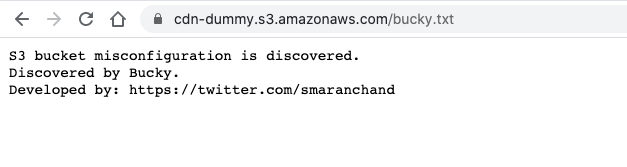
proof-of-concept on any bucket that exists, uploading bucky.txt as evidence.
The read-only pass runs first because it establishes the bucket's region and whether it is real — both of which the write test needs — and because it produces findings on buckets that refuse writes.
Automatic writing is on by default. Bucky uploads a file to buckets it discovers while you browse, which will include hosts that are not in scope for whatever you are testing. Set
BUCKY_AUTO_WRITE=falsein.envto probe read-only and trigger writes by hand from the dashboard instead.
Checkout video: https://vimeo.com/444442588
git clone https://github.com/smaranchand/bucky.git
cd bucky
make install
Edit .env with your AWS credentials and auth settings:
AWS_ACCESS_KEY_ID=YOUR_AWS_KEY
AWS_SECRET_ACCESS_KEY=YOUR_SECRET
AWS_REGION=us-east-1
BUCKY_AUTH_USER=admin
BUCKY_AUTH_PASS=changeme
BUCKY_API_TOKEN=changeme
Initialize the database:
make reset
Start the backend engine:
make serve
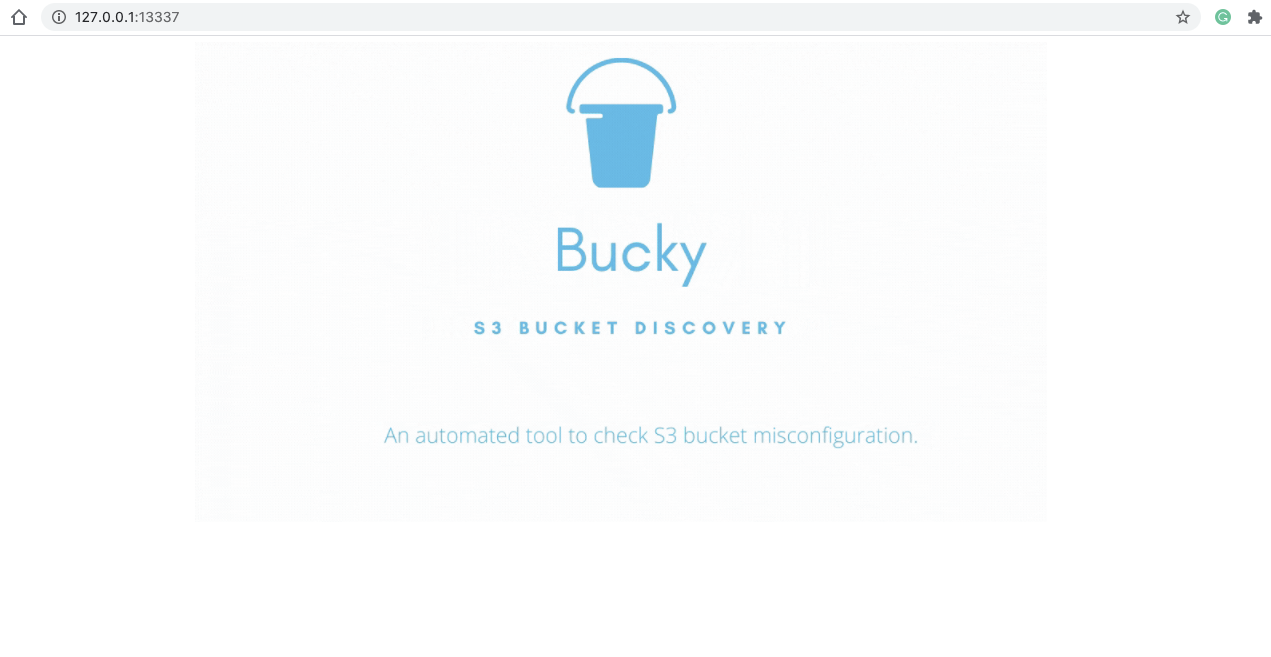
The dashboard runs at http://127.0.0.1:13337 (protected by HTTP Basic Auth).
make service
Installs a launchd agent that starts Bucky at every login and restarts it if it
crashes. It binds to 127.0.0.1 only, so nothing outside the machine can reach it.
make service-status    # is it installed and responding?
make service-stop      # stop it (survives until next login)
make service-remove    # uninstall the agent entirely
This is a LaunchAgent rather than a LaunchDaemon by design: Bucky reads .env from the
repo and must run as you, not as root. That means it starts at login, not at boot
proper. Logs go to logs/service.log.
Note that with BUCKY_AUTO_WRITE=true this means Bucky is running and attempting uploads
to every bucket it discovers, continuously, in the background. That is the intended
behaviour, but it is worth being deliberate about before installing it as a service.
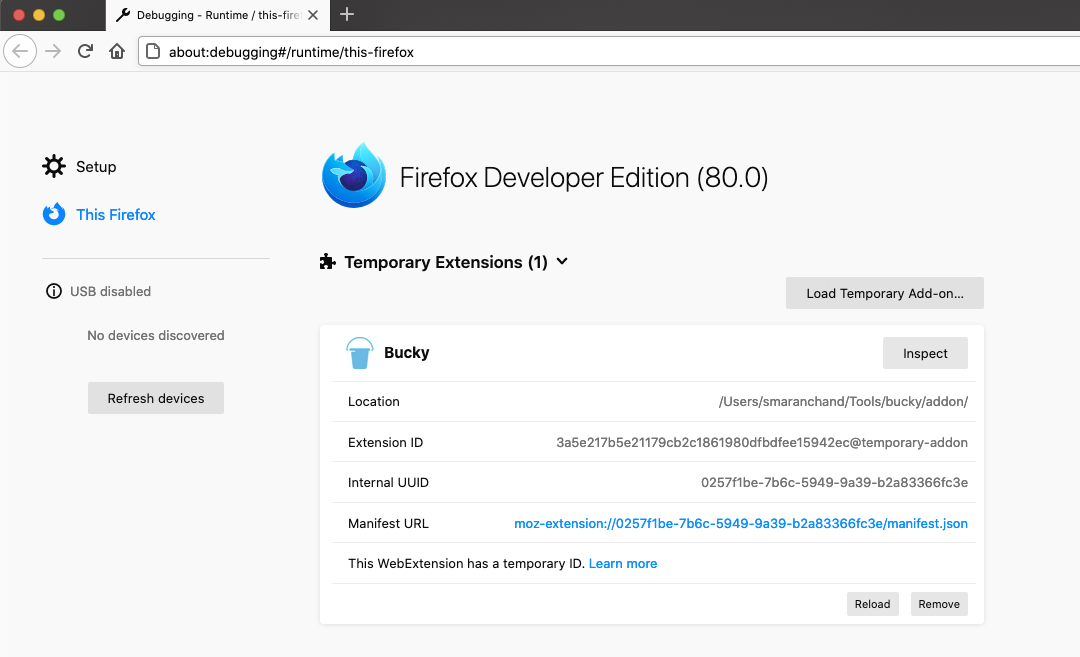
about:debuggingaddon/manifest.jsonBUCKY_API_TOKEN from your .envStep 4 is required. The token is held in extension storage rather than in the addon's source, so it is never committed; until it is set, the addon sends nothing and logs a warning to the service worker console.
The toolbar button also shows, at a glance, which backend is configured and whether the addon is actually able to reach it.
Browse websites — Bucky will discover S3 buckets automatically and results appear in the dashboard.
The endpoint is editable in settings, so the backend does not have to be local. Set
Backend endpoint to your server's /process URL, for example
https://bucky.example.com/process, and save.
Saving a host outside localhost triggers a browser permission prompt. That prompt is
expected and must be accepted — the addon is only shipped with permission for
127.0.0.1 and localhost, and requests any other host at the moment you save it. If
you decline, the settings are not saved, because the addon would be unable to contact
the host anyway.
Use HTTPS for a remote backend. Each request carries your API token and the name of
every S3 bucket discovered while you browse, which is a running record of your browsing.
Over plaintext HTTP anyone on the network path can read or alter that; the settings page
warns when the endpoint is remote and unencrypted. Also give the deployment a strong
BUCKY_AUTH_PASS and BUCKY_API_TOKEN, since a cloud instance is reachable by anyone
who finds it.
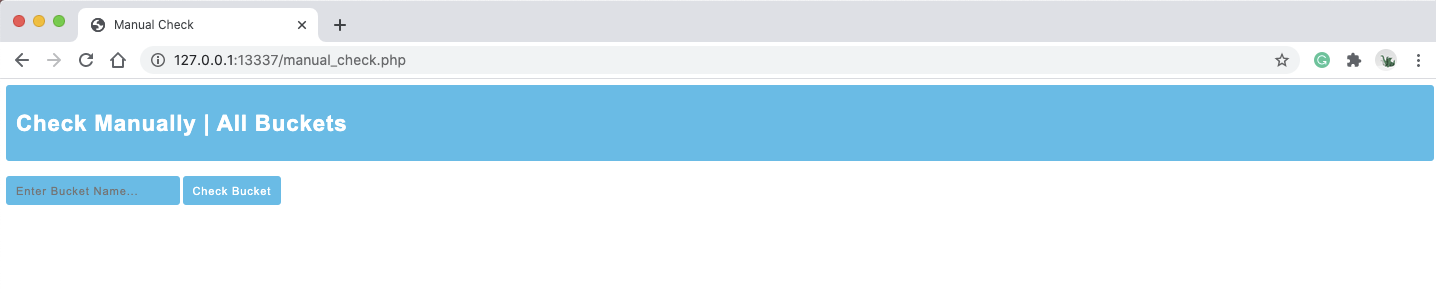
Visit http://127.0.0.1:13337/check to manually test a bucket name.
| Path | Description |
|---|---|
/ | Splash screen |
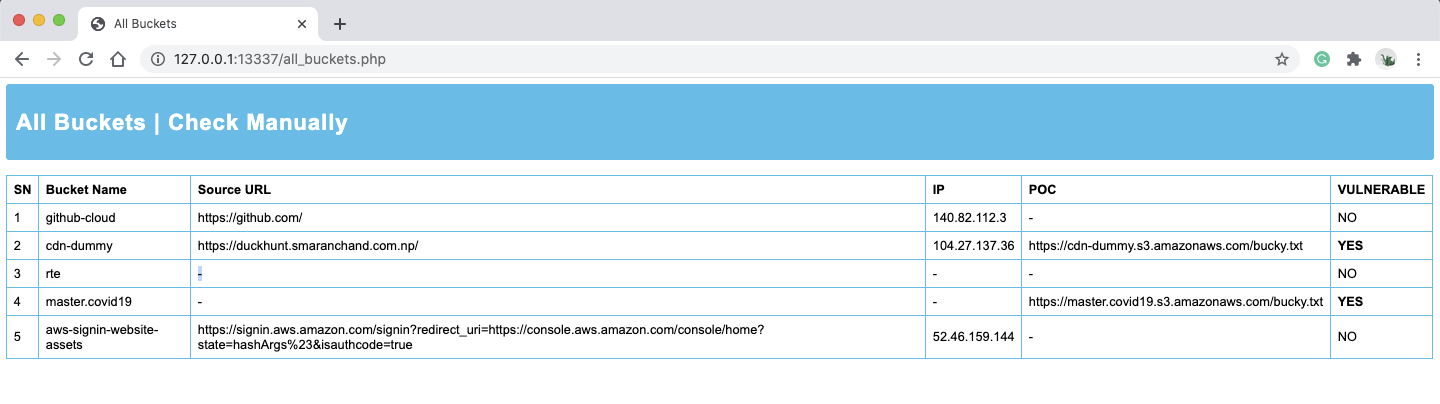
/buckets | Dashboard — all discovered buckets and their findings |
/check | Manual bucket check form |
/process | Read-only probe endpoint (POST). Used by the addon and the manual form |
/write-poc | Re-run the write test for one bucket on demand (POST). Browser session + CSRF token only |
| Finding | Meaning |
|---|---|
LIST | Bucket contents are enumerable by anyone |
READ | Objects are fetchable without credentials |
CORS | The bucket reflects an arbitrary Origin, or allows * |
WRITE | The write test uploaded bucky.txt. Runs automatically unless BUCKY_AUTO_WRITE=false |
TAKEOVER | Referenced by a live page but the bucket does not exist |
A badge with ? means the check did not establish an answer — a request failed, or a
precondition was never met. That is deliberately distinct from a negative result: a
scanner that shows an unrun check as "clean" is claiming coverage it does not have.
Bucky reports buckets belonging to whatever sites you browse, which will include hosts that are not in scope for whatever you are testing. The read-only probe issues only requests an ordinary browser could have made while loading the page.
The write test does not — it uploads a file to someone else's bucket, and by default it
runs automatically on every bucket found. Decide deliberately whether that is appropriate
for how you browse, and set BUCKY_AUTO_WRITE=false if it is not.
Running Bucky
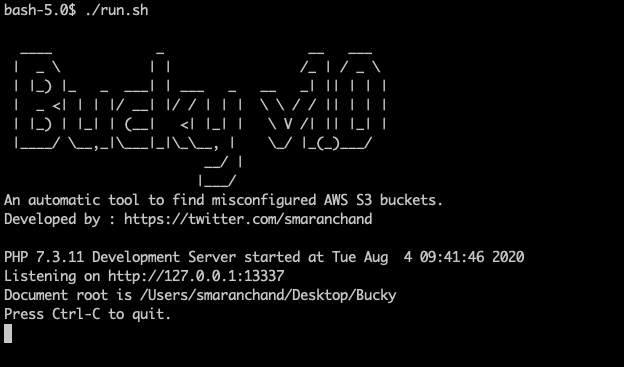
Loading Addon
Dashboard
All Buckets
Manual Check
POC By Bucky
Bucky is not a perfect tool to discover S3 buckets. It may fail to detect misconfiguration in some cases. Feedback and contributions are appreciated.
Developed by @smaranchand






