Skip to content
KitploitKITPLOIT
ToolsExploitsBlog
Log in
Submit
ToolsExploitsBlog
Submit

Hacking, PenTest, and Cybersecurity Tools for Your Security Arsenal!

Kitploit is a directory of hacking, cybersecurity, and pentesting tools. Discover the latest project updates to find vulnerabilities, analyze systems, automate testing, and strengthen your security.

FeedsContactPrivacy© 2026 Kitploit

Tool Directory

Categories

View all categories
Loading categories
Tools/GitHubGitHub/schutzwerk/canalyzat0r
Reverse EngineeringFuzzingPenetration TestingHardware & IoT Security
GitHubschutzwerk/canalyzat0r

CANalyzat0r

Security analysis toolkit for proprietary car protocols

View Repository
793158656 years agoReviewed by Kitploit
Share
Website

Alt text

This software project is a result of a Bachelor's thesis created at SCHUTZWERK in collaboration with Aalen University by Philipp Schmied (@CaptnBanana).

Please refer to the corresponding blog post for more information.

Why another CAN tool?

  • Built from scratch with new ideas for analysis mechanisms
  • Bundles features of many other tools in one place
  • Modular and extensible: Read the docs and implement your own analysis mechanisms
  • Comfortable analysis using a GUI
  • Manage work in separate projects using a database
  • Documentation: Read the docs if you need a manual or technical info.

Installing and running:

  • Run sudo ./install_requirements.sh along with sudo -E ./CANalyzat0r.sh. This will create a folder called pipenv with a pipenv environment in it.
  • Or just use the docker version which is recommended at this time (Check the README.md file in the subdirectory)

For more information, read the HTML or PDF version of the documentation in the ./doc/build folder.
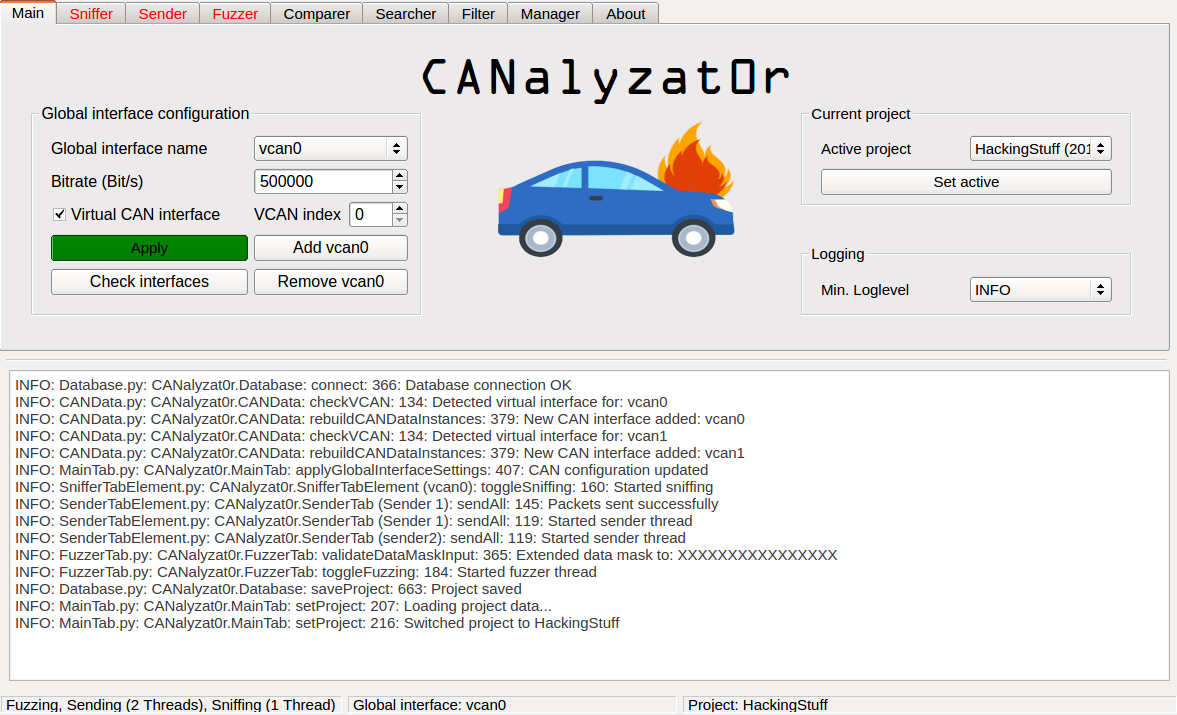
Features

  • Now with CAN FD Support
  • Manage interface configuration (automatic loading of kernel modules, manage physical and virtual SocketCAN devices)
  • Multi interface support
  • Manage your work in projects. You can also import and export them in the human readable/editable JSON format
  • Logging of all actions
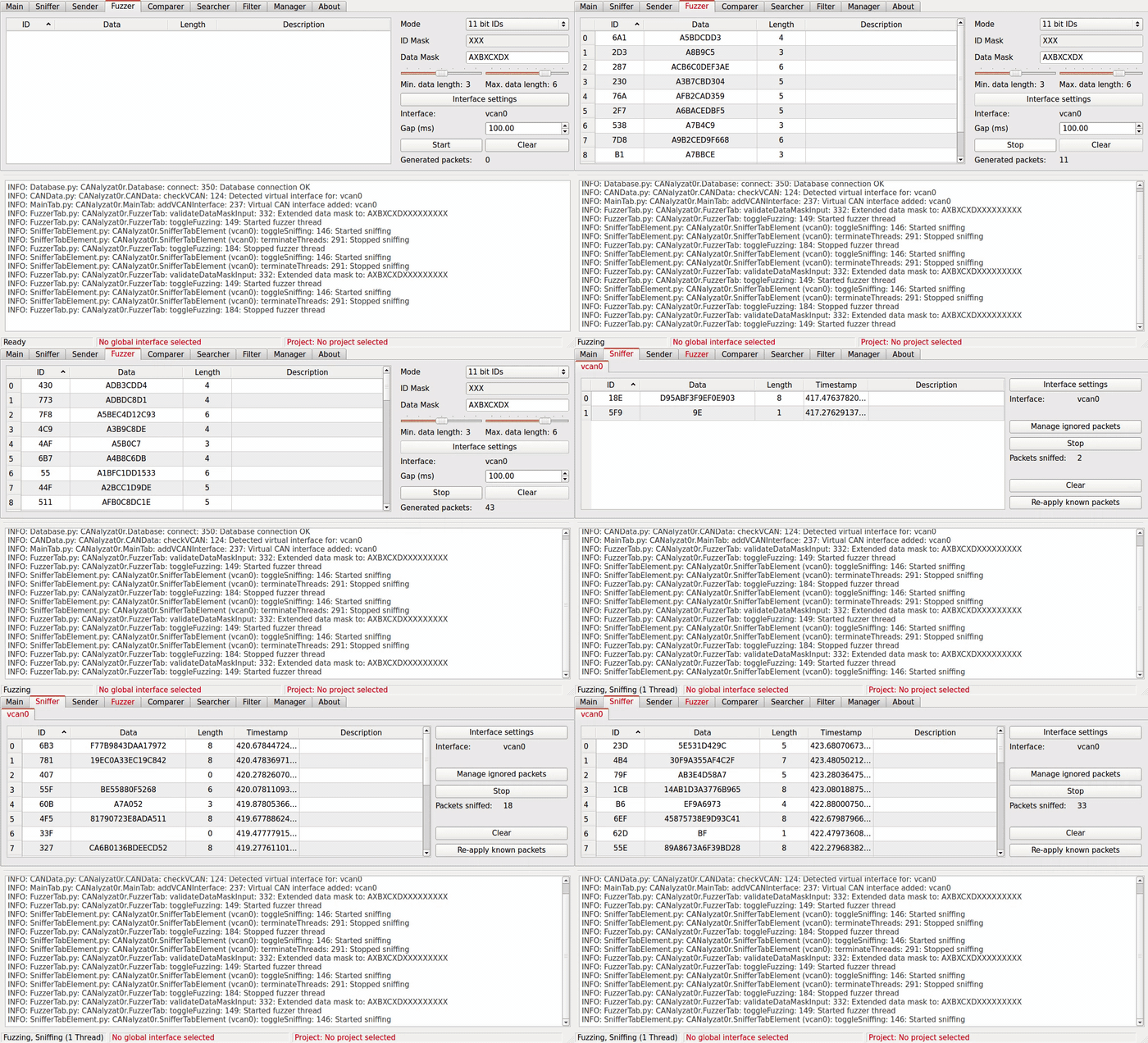
  • Graphical sniffing
  • Basic support for UDS fuzzing
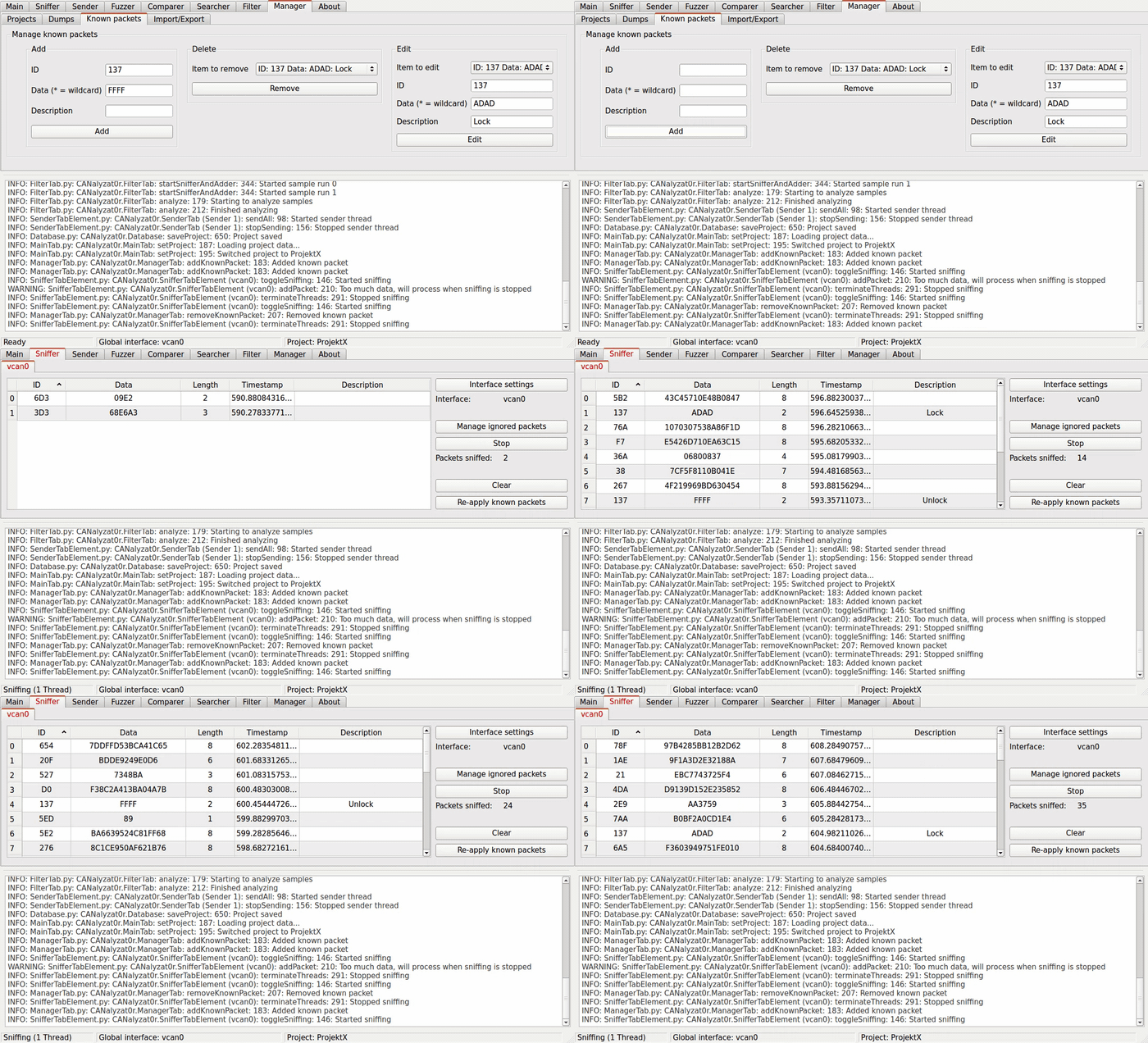
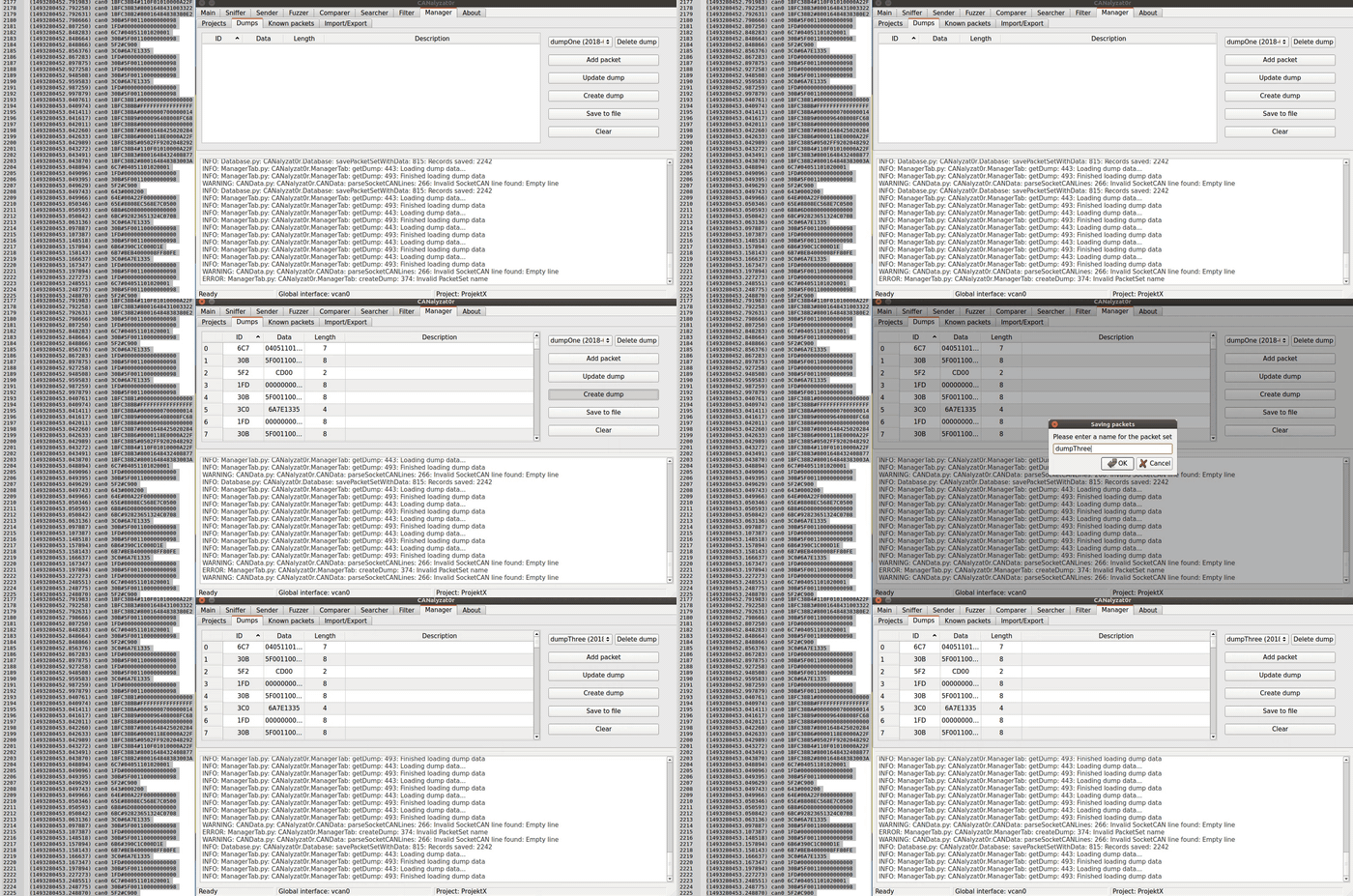
  • Manage findings, dumps and known packets per project Alt text
  • Easy copy and paste between tabs. Also, you can just paste your SocketCAN files into a table that allows pasting Alt text
  • Threaded Sending, Fuzzing and Sniffing Alt text
  • Add multiple analyzing threads on the GUI
  • Ignore packets when sniffing - Automatically filter unique packets by ID or data and ID
  • Compare dumps
  • Allows setting up complex setups using only one window
  • Clean organization in tabs for each analysis task
  • Binary packet filtering with randomization
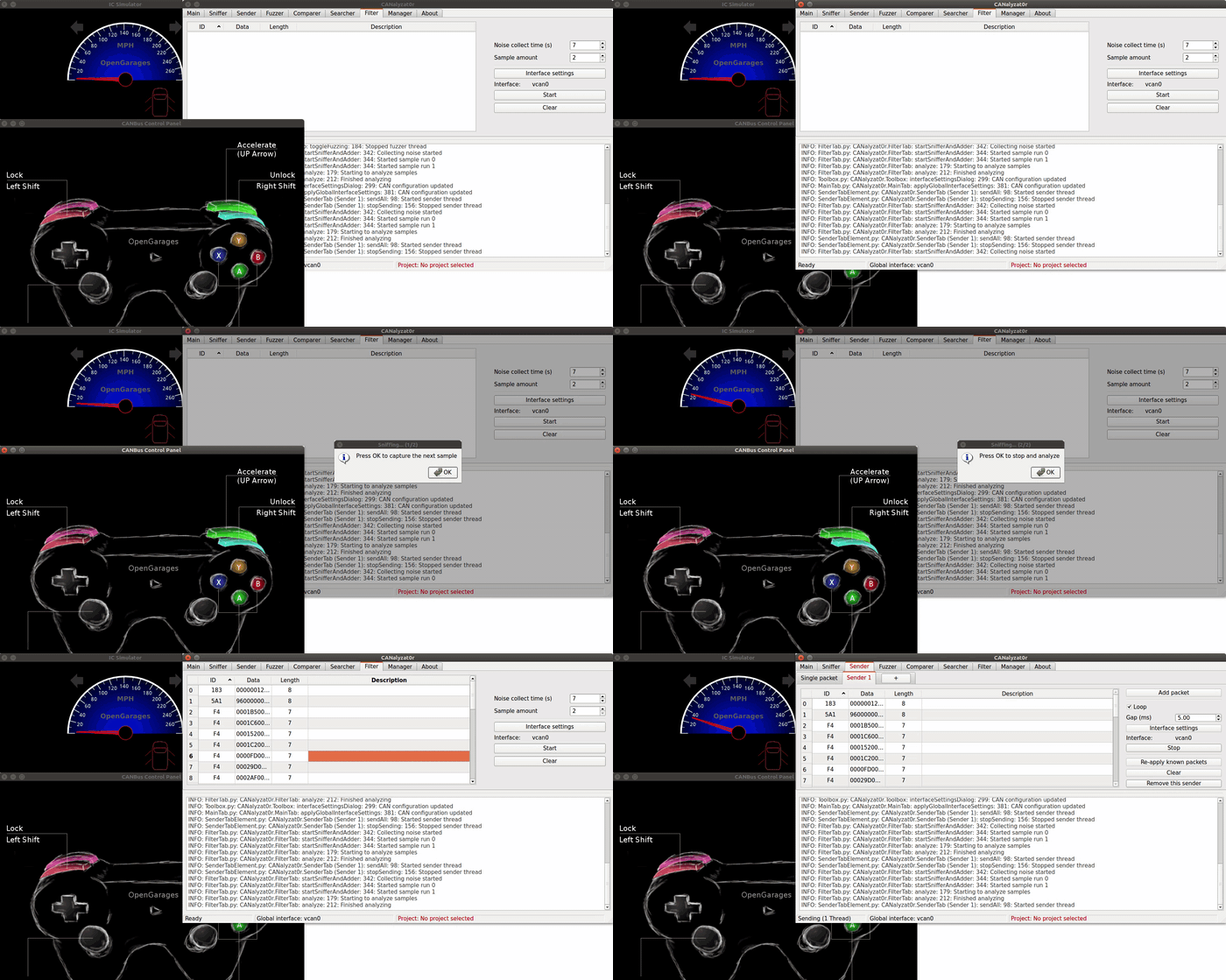
  • Search for action specific packets using background noise filtering Alt text
  • SQLite support
  • Fuzz and change the values on the fly

Working CAN Adapters

In general, all SocketCAN devices should be compatible. CANalyzat0r has been developed and successfully tested in combination with USB2CAN for regular CAN and PCAN-USB Pro FD for CAN FD.

Testing It

You can use the Instrument Cluster Simulator in order to tinker with a virtual CAN bus without having to attach real CAN devices to your machine.

Troubleshooting

Empty GUI Windows

Please make sure that the QT_X11_NO_MITSHM environment variable is set to 1. When using sudo, please include the -E option in order to preserve this environment variable as follows: sudo -E ./CANalyzat0r.sh.

Fixing the GUI style

This application has to be run as superuser. Because of a missing configuration, the displayed style can be set to an unwanted value when the effective UID is 0. To fix this behaviour, follow these steps:

  • Quick way: Execute echo "[QT]\nstyle=CleanLooks" >> ~/.config/Trolltech.conf

  • Alternative way:

    • Install qt4-qtconfig: sudo apt-get install qt4-qtconfig
    • Run qtconfig-qt4 as superuser and change the GUI style to CleanLooks or GTK+
  • Or use the docker container

License

This project is licensed under the GPLv3.

Download Tool

Most Popular

View all →

Discover the most used tools by our community.

  • 1

    OsintHunter

    letox4/osinthunter

    🎯 The ultimate OSINT toolkit: investigation graph, confidence scoring, alias families, map, timeline and reports. 49 modules, 400+ sites, no API keys required.

    795
  • 2

    ghostlock-app

    yukonga/ghostlock-app

    GhostLock One-Tap Execution App (CVE-2026-43499)

    520
  • 3

    ARTEX

    baarai/artex

    LLM multi-agent autonomous penetration testing platform with planner/worker agents, asset and exploration graphs, MITM traffic recording, and vulnerability retesting.

    439
  • 4

    redforge

    cybersecurity91/redforge

    Browser-side red team toolkit with 102 offline tools for recon, payload generation, credential attacks, crypto, encoding and engagement reporting.

    346
  • 5

    looking-glass

    anonghosty/looking-glass

    CSIRT platform that ingests Shadowserver reports into MongoDB and replays them as interactive maps, analysis, findings, advisories and executive dashboards.

    267
  • 6

    CyberStrikeAI

    ed1s0nz/cyberstrikeai

    The system of action for AI-native cybersecurity—where intent becomes governed execution, evidence becomes operational memory, and every operation improves the next.

    264

Explore all tools

Browse our collection of tools

View all tools →