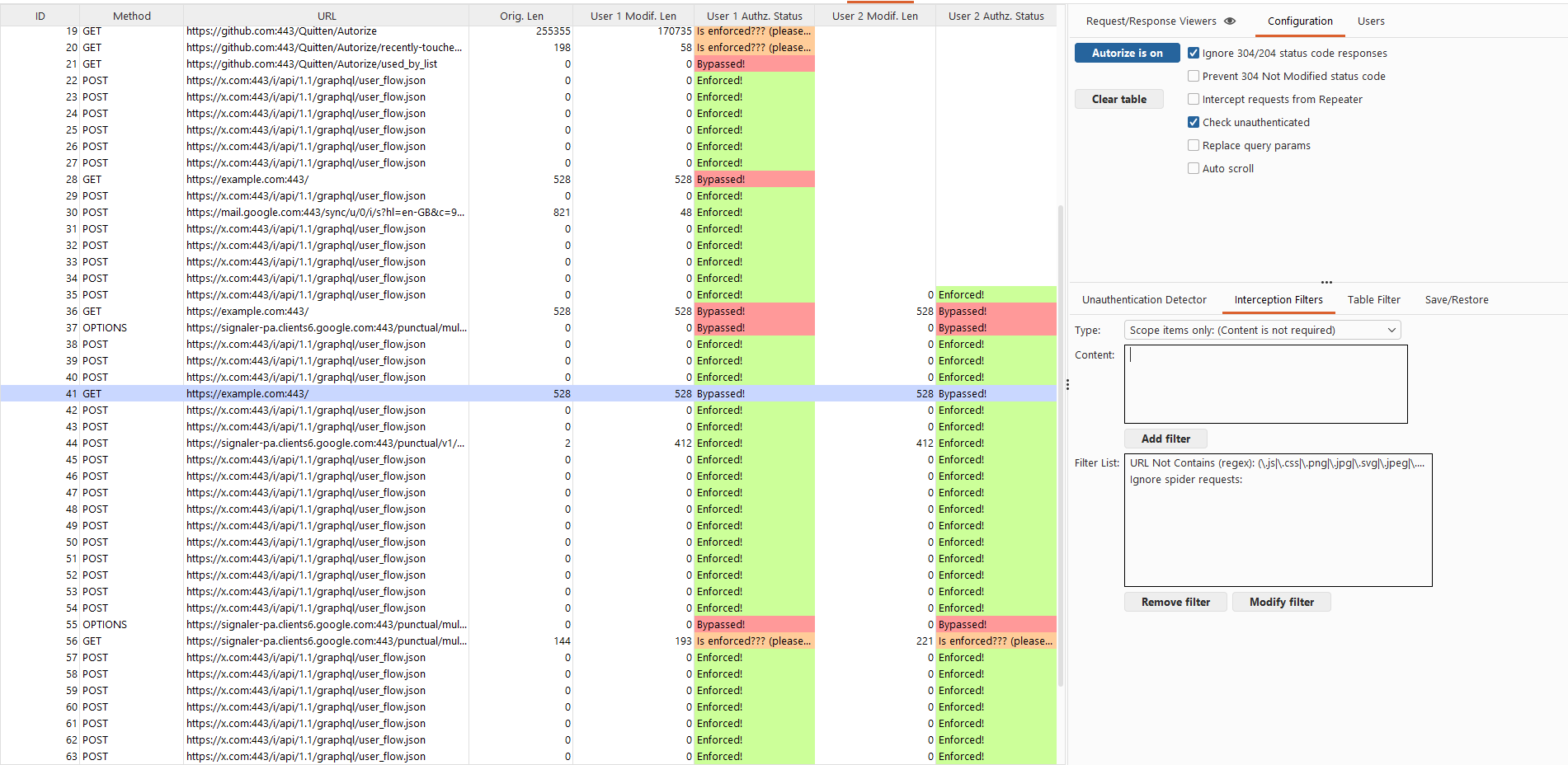
 quitten/autorize
Automatic authorization enforcement detection extension for burp suite written in Jython developed by Barak Tawily in order to ease application security people work and allow them perform an automatic authorization tests

Autorize is an open-source automatic authorization and authentication enforcement detection extension for Burp Suite.
It is designed to assist application security engineers and penetration testers in identifying authorization bypasses and authentication weaknesses in web applications—at scale and with minimal manual effort.
Autorize passively monitors traffic generated by a high-privileged user, automatically replays requests using low-privileged or unauthenticated contexts, and analyzes the server responses to determine whether access controls are properly enforced.
The extension is written in Jython by Barak Tawily, an application security researcher and practitioner.
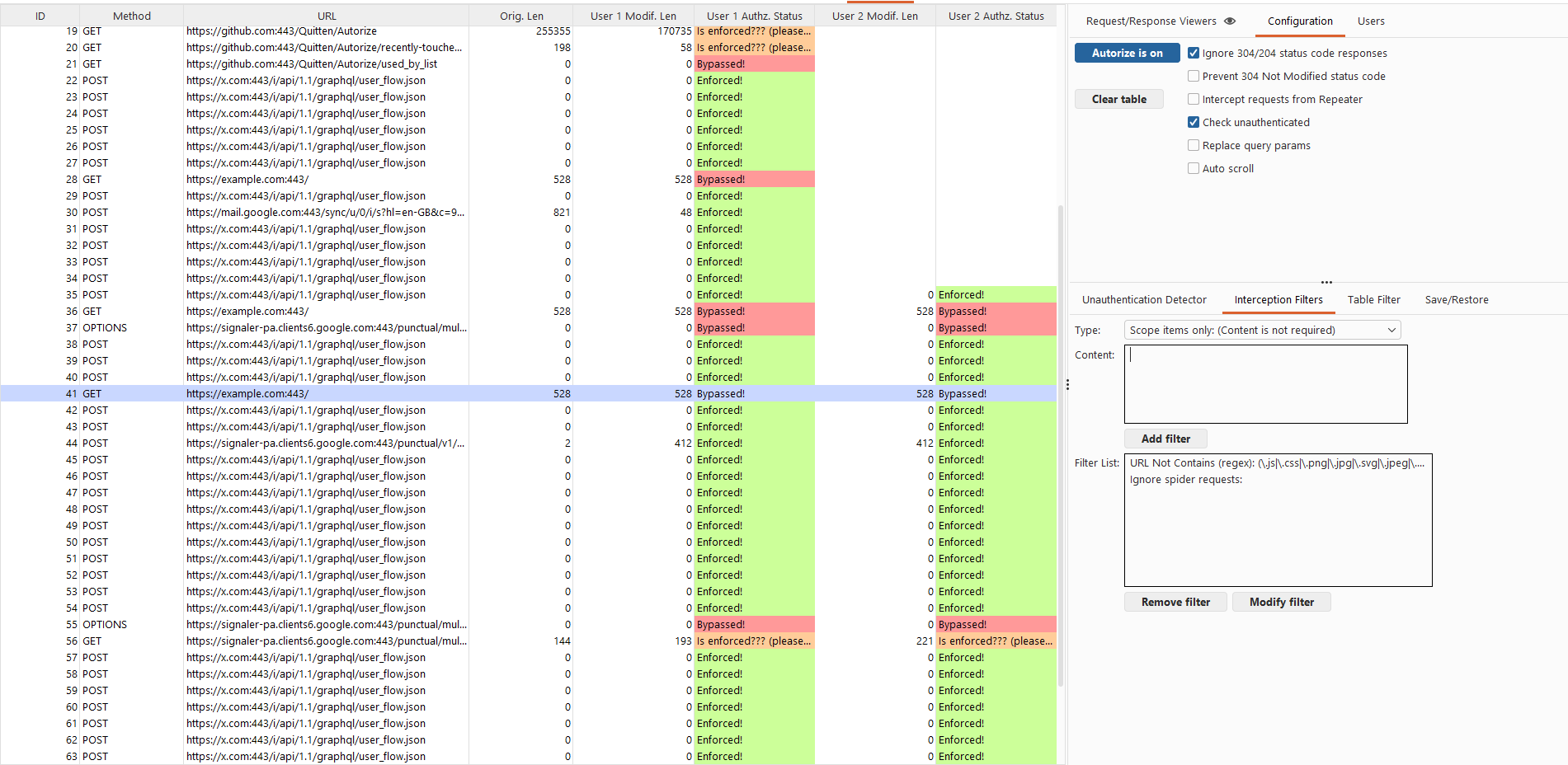
Autorize is especially effective during authenticated testing, where traditional crawling and scanning tools fall short.
Download Burp Suite
https://portswigger.net/burp/download.html
Download Jython Standalone
https://www.jython.org/download.html
Configure Jython in Burp
Install Autorize
git clone https://github.com/Quitten/Autorize.git
Autorize.pyVerify installation
Open the Autorize tab after installation.
Navigate to Autorize → Configuration.
Insert a low-privileged user authorization header:
Note
Headers defined here will be replaced if already present or added if missing.
Optional settings:
Click “Intercept is off” to start interception.
Configure your browser to proxy traffic through Burp.
Browse the application as a high-privileged user.
Observe results in the Autorize table.
Select any entry to inspect:
Autorize assigns one of the following statuses to each tested endpoint:
Authorization or authentication was not enforced.
Access controls were properly enforced.
Autorize could not reliably determine enforcement and requires manual fingerprint configuration.
When enforcement cannot be automatically determined, you can configure Enforcement Detectors.
There are two detector categories:
If a modified request returns a response containing:
You are not authorized to perform this action
Add this string (or a regex) as a fingerprint in the enforcement detector. Autorize will then automatically recognize authorization enforcement for similar responses.
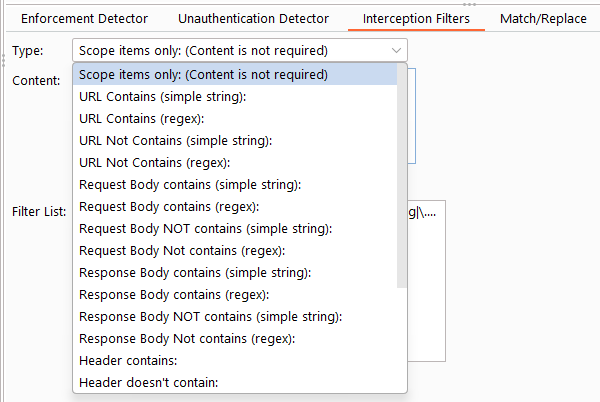
Interception filters control which requests are analyzed by Autorize, helping reduce noise and improve performance.
Autorize includes default filters to exclude static assets such as images and scripts.
Example configuration:
Autorize supports multiple low-privileged users simultaneously, allowing you to compare authorization behavior across different roles or sessions.
Each configured user gets a dedicated request/response viewer on the right side of the table. When you select a row, all visible user viewers update automatically with their respective data. This means you can view User 1 and User 2 responses side by side to quickly spot differences in authorization enforcement.
Clicking on a user's column cells (e.g., "User 1 Modif. Len" or "User 1 Authz. Status") will expand that user's viewer to full size for a focused inspection. Clicking the URL column restores all visible viewers for comparison.
The "Request/Response Viewers" tab includes an eye icon button in the tab header. Clicking it opens a popup menu where you can toggle which viewer sections are displayed:
This allows you to customize the right panel to show only the comparisons you care about. For example:
The visibility selection dynamically adjusts the panel layout, giving more vertical space to the remaining viewers.
Contributions are welcome.
Feel free to open issues, submit pull requests, or suggest improvements.
Barak Tawily
CTO @ Enso Security
Application Security Researcher – https://quitten.github.io/
Former Application Security Consultant @ AppSec Labs
