
Skip to content
KitploitKITPLOIT
ToolsExploitsBlog
Log in
Submit
ToolsExploitsBlog
Submit

Hacking, PenTest, and Cybersecurity Tools for Your Security Arsenal!

Kitploit is a directory of hacking, cybersecurity, and pentesting tools. Discover the latest project updates to find vulnerabilities, analyze systems, automate testing, and strengthen your security.

FeedsContactPrivacy© 2026 Kitploit

Tool Directory

Categories

View all categories
Loading categories
AnySniff — AnySniff is a tool for monitoring TCP connections of processes like AnyDesk on Windows. It uses the CVE-2024-52940 vulnerability to track open connections and log IPs, ports, and other details. | Kitploit
Tools/GitHubGitHub/mkultra6969/anysniff
Packet Sniffing & AnalysisReconnaissanceVulnerability AnalysisExploitationInformation GatheringNetwork Security
GitHubmkultra6969/anysniff

AnySniff

AnySniff is a tool for monitoring TCP connections of processes like AnyDesk on Windows. It uses the CVE-2024-52940 vulnerability to track open connections and log IPs, ports, and other details.

View Repository
4371 year agoNot yet reviewed
Website
Share

💀AnySniff

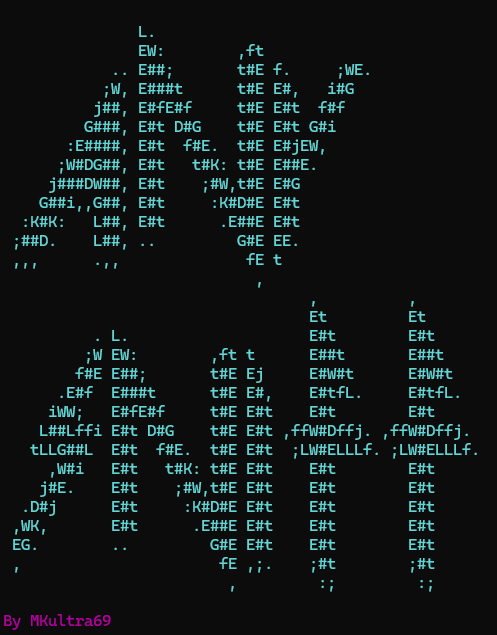
WindowsTerminal_EXgGPGWIwz_transparent

AnySniff is a tool for monitoring TCP connections of processes like AnyDesk on Windows. It uses the CVE-2024-52940 vulnerability to track open connections and log IPs, ports, and other relevant details.

⚙Features

  • Monitors TCP connections of targeted processes (e.g., AnyDesk).
  • Logs IP addresses, ports, and process details to a log file.
  • Allows real-time sniffing of network traffic.
  • Provides a simple menu-driven interface.

💽Requirements

  • Python 3.x
  • Windows operating system
  • pyfiglet library for ASCII art
  • colorama library for color support

🛠️Installation

  1. Clone this repository:
    git clone https://github.com/yourusername/AnySniff.git
    
  2. Navigate to the project directory:
    cd AnySniff
    
  3. Install the required dependencies:
    pip install -r requirements.txt
    

🍴Usage

  1. Run the script:
    python anysniff.py
    
  2. Follow the menu options:
    • Start Sniff: Starts sniffing for targeted TCP connections.
    • Info: Displays information about the tool and its usage.
    • Exit: Exits the program.
  3. How to sniff?
    • After starting the sniffer, connect to any remote machine via AnyDesk and look at the terminal.

Enjoy!

📄Logs

All connection details will be logged in the current directory. The logs are saved with filenames that include the timestamp, such as ip_2024-12-02_08-45-00.log.


💊Acknowledgements

  • This tool leverages CVE-2024-52940 for monitoring AnyDesk connections.
  • Created by MKultra69 with love.

❓P.S

  • I don't give a shit why or how.
Download Tool

Most Popular

View all →

Discover the most used tools by our community.

  • 1

    OsintHunter

    letox4/osinthunter

    🎯 The ultimate OSINT toolkit: investigation graph, confidence scoring, alias families, map, timeline and reports. 49 modules, 400+ sites, no API keys required.

    837
  • 2

    ghostlock-app

    yukonga/ghostlock-app

    GhostLock One-Tap Execution App (CVE-2026-43499)

    536
  • 3

    ARTEX

    baarai/artex

    LLM multi-agent autonomous penetration testing platform with planner/worker agents, asset and exploration graphs, MITM traffic recording, and vulnerability retesting.

    424
  • 4

    redforge

    cybersecurity91/redforge

    Browser-side red team toolkit with 102 offline tools for recon, payload generation, credential attacks, crypto, encoding and engagement reporting.

    355
  • 5

    looking-glass

    anonghosty/looking-glass

    CSIRT platform that ingests Shadowserver reports into MongoDB and replays them as interactive maps, analysis, findings, advisories and executive dashboards.

    294
  • 6

    CyberStrikeAI

    ed1s0nz/cyberstrikeai

    The system of action for AI-native cybersecurity—where intent becomes governed execution, evidence becomes operational memory, and every operation improves the next.

    276

Explore all tools

Browse our collection of tools

View all tools →




