 marin-m/vmlinux-to-elf
A tool to recover a fully analyzable .ELF from a raw kernel, through extracting the kernel symbol table (kallsyms)

This tool allows to obtain a fully analyzable .ELF file from a vmlinux/vmlinuz/bzImage/zImage kernel image (either a raw binary blob or a preexisting but stripped .ELF file), with recovered function and variable symbols.
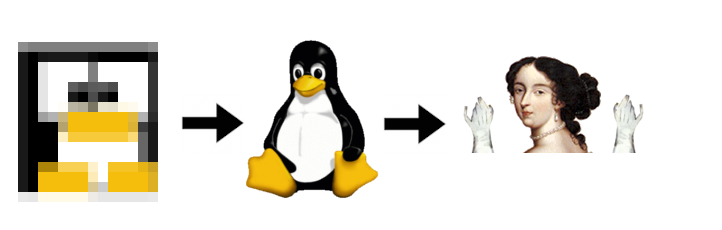
For this, it scans your kernel for a kernel symbol table (kallsyms), a compressed symbol table that is present in almost every kernel, mostly unaltered.
Because the concerned symbol table is originally compressed, it should recover strings that aren't visible in the original binary.
It produces an .ELF file that you can analyze using IDA Pro and Ghidra. This tool is hence useful for embedded systems reverse engineering.


Usage:
# Command line:
vmlinux-to-elf <input_kernel.bin> <output_kernel.elf>

# Command line, list symbol addresses only:
kallsyms-finder <input_kernel.bin> # If installed with uv
vmlinux-to-elf.kallsyms-finder # If installed with snap

# Command line, just decompress the kernel:
vmlinuz-decompressor <input_kernel.bin> <output_kernel.bin> # If installed with uv
vmlinux-to-elf.vmlinuz-decompressor # If installed with snap

# Graphical:
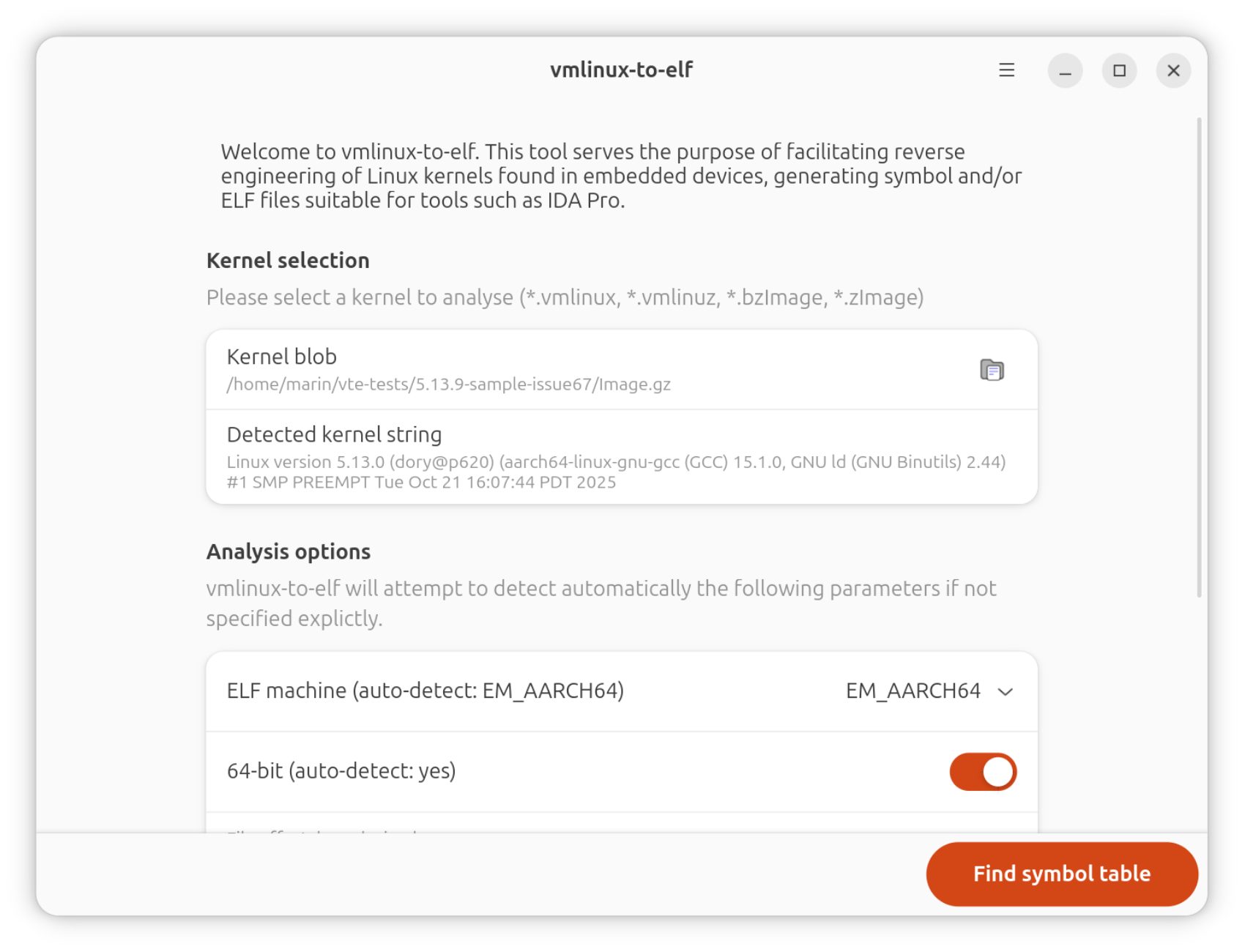
vmlinux-to-elf-gui # If installed with uv
vmlinux-to-elf.gui # If installed with snap
flatpak run re.fossplant.vmlinux-to-elf # If installed with flatpak
Installation:
# Install CLI+GUI with Snap (recommended on Ubuntu)
sudo snap install vmlinux-to-elf

# Install CLI+GUI with yay (recommended on Arch, Manjaro)
yay -S vmlinux-to-elf libadwaita python-gobject

# Install CLI+GUI with uv (example with Fedora)
sudo dnf install -y uv glib2-devel libadwaita-devel gtk4-devel \
    gobject-introspection-devel python3-gobject-devel \
    python3-devel cairo-devel @development-tools
uv tool install vmlinux-to-elf[gui]
vmlinux-to-elf-gui --install-metadata # Install .desktop file

# Install CLI with uv and GUI with Flatpak (recommended on
# distributions with libadwaita < 1.6)
sudo dnf install -y uv flatpak @development-tools
uv tool install vmlinux-to-elf

flatpak remote-add --if-not-exists flathub https://flathub.org/repo/flathub.flatpakrepo
flatpak install re.fossplant.vmlinux-to-elf
Local development environment setup:
sudo snap install --classic astral-uv
sudo apt install git
git clone [email protected]:marin-m/vmlinux-to-elf.git

# Dependencies for the GTK-4 GUI
sudo apt install libgirepository-2.0-dev libadwaita-1-dev \
    gir1.2-adw-1 gir1.2-gtk-4.0 python3-dev blueprint-compiler

cd vmlinux-to-elf
cp -a .github/hooks/* .git/hooks/
# Download Python modules and initialize virtualenv (creates ".venv",
# call "source .venv/bin/activate" to set up)
uv sync --extra gui
# Add vmlinux-to-elf to $PATH, so that the commands are callable
# system-wide (creates a symlink to the source in "~/.local/bin")
uv tool install -e .[gui]
boot.img files, starting with an ANDROID! or UNCOMPRESSED_IMG magic [OK]A brief history of the "kallsyms" symbol table can be found at the top of the "kallsyms.py" file. Briefly, this was introduced circa 2004 in the Linux kernel in its current form and is used to print the "Kernel oops" messages, among other things.
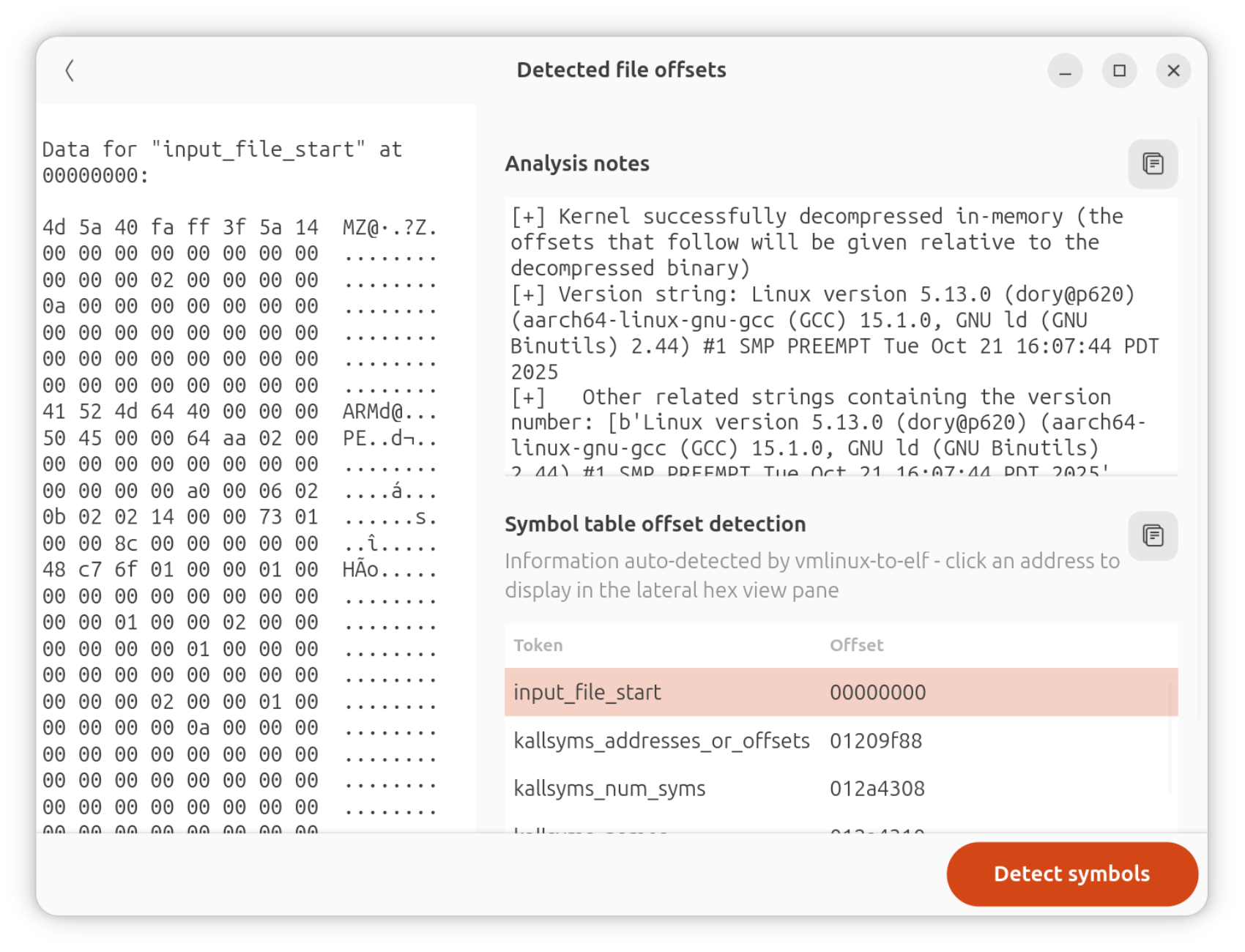
It contains tuples of "symbol name", "symbol address", "symbol type" (symbol types being designated with a single letter in a fashion similar to the nm utility), this information being tightly packed with a simple compression algorithm.
The schema below displays how this information is serialized into the kernel, the offset of each respective structure being detected by vmlinux-to-elf through heuristics:
