Skip to content
KitploitKITPLOIT
ToolsExploitsBlog
Log in
Submit
ToolsExploitsBlog
Submit

Hacking, PenTest, and Cybersecurity Tools for Your Security Arsenal!

Kitploit is a directory of hacking, cybersecurity, and pentesting tools. Discover the latest project updates to find vulnerabilities, analyze systems, automate testing, and strengthen your security.

FeedsContactPrivacy© 2026 Kitploit

Tool Directory

Categories

View all categories
Loading categories
Kraken — All-in-One Toolkit for BruteForce Attacks | Kitploit

Tools/GitHubGitHub/jasonxtn/kraken
Password AttacksInformation GatheringWeb SecurityNetwork SecurityPenetration Testing
GitHubjasonxtn/kraken

Kraken

All-in-One Toolkit for BruteForce Attacks

View Repository
1.2k176652 years agoReviewed by Kitploit
Share

Kraken

A Python-based tool to centralize and streamline BruteForce Attacks
screenshot


About The Project

Kraken is a powerful, Python-based tool designed to centralize and streamline various brute-forcing tasks. Kraken provides a suite of tools for cybersecurity professionals to efficiently perform brute-force attacks across a range of protocols and services.

⚠️ WARNING: LEGAL DISCLAIMER

This tool is intended for educational purposes only. The author is not responsible for any illegal use of this tool. Users aresolely responsible for their actions.
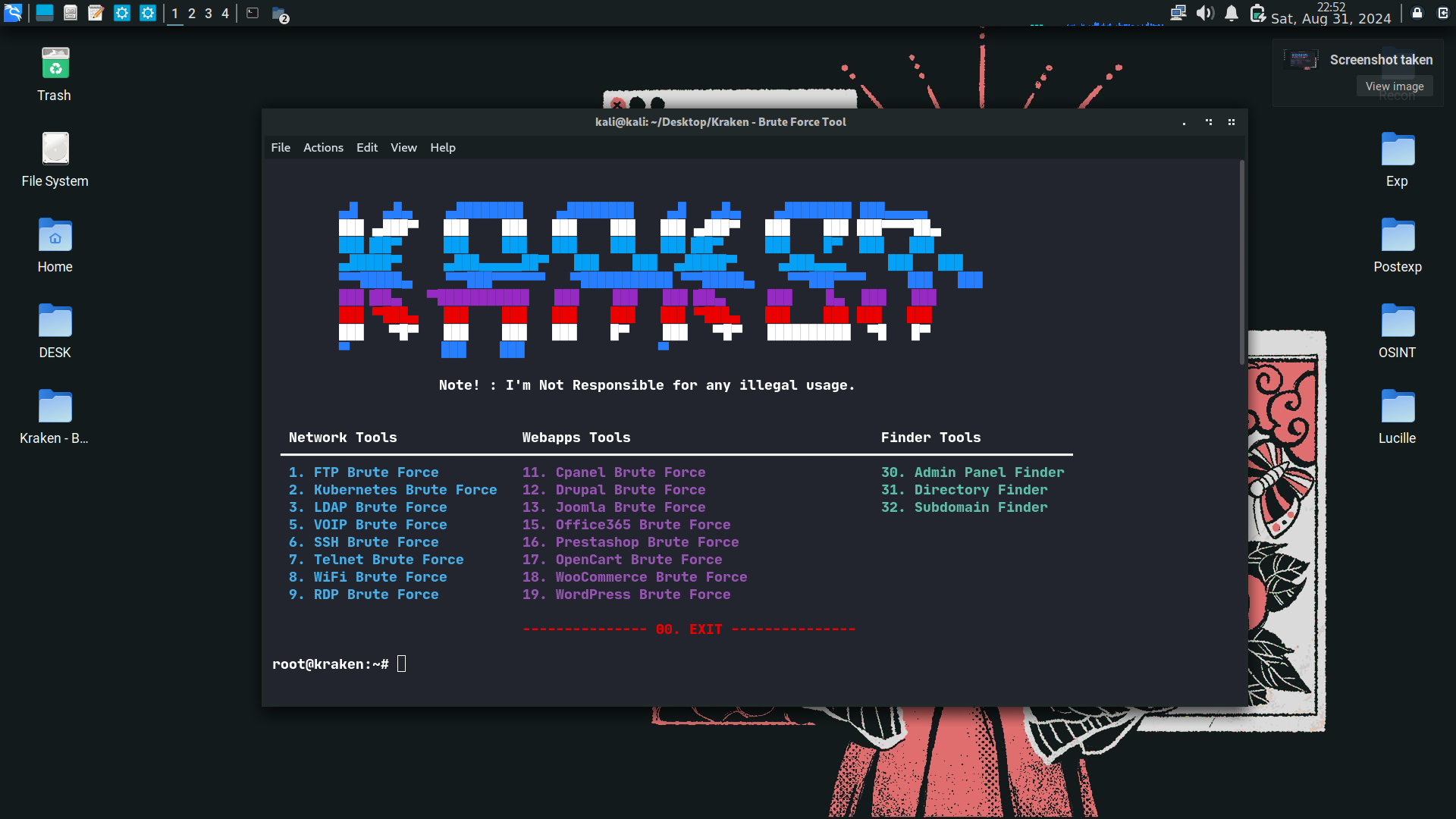
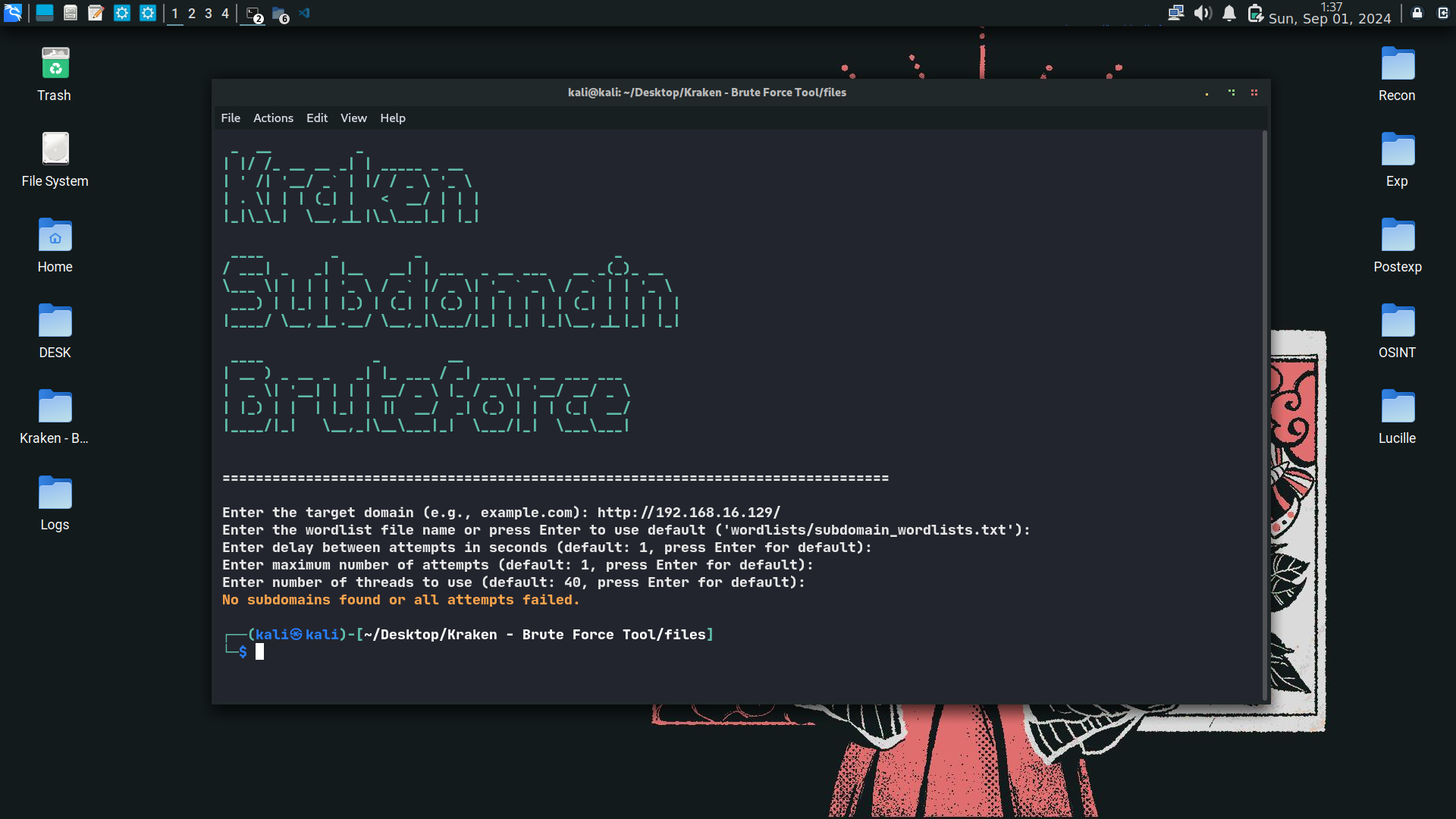
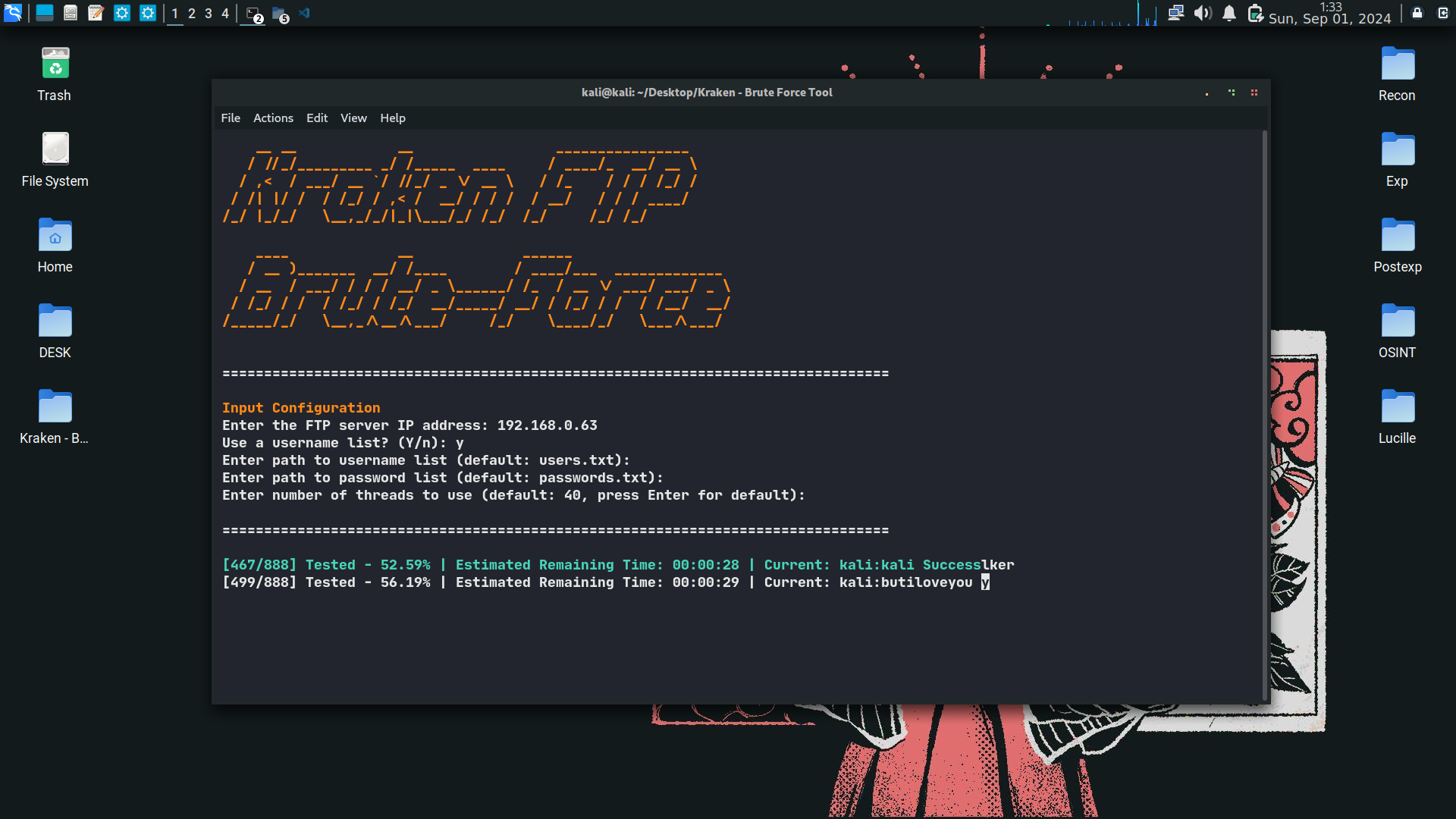
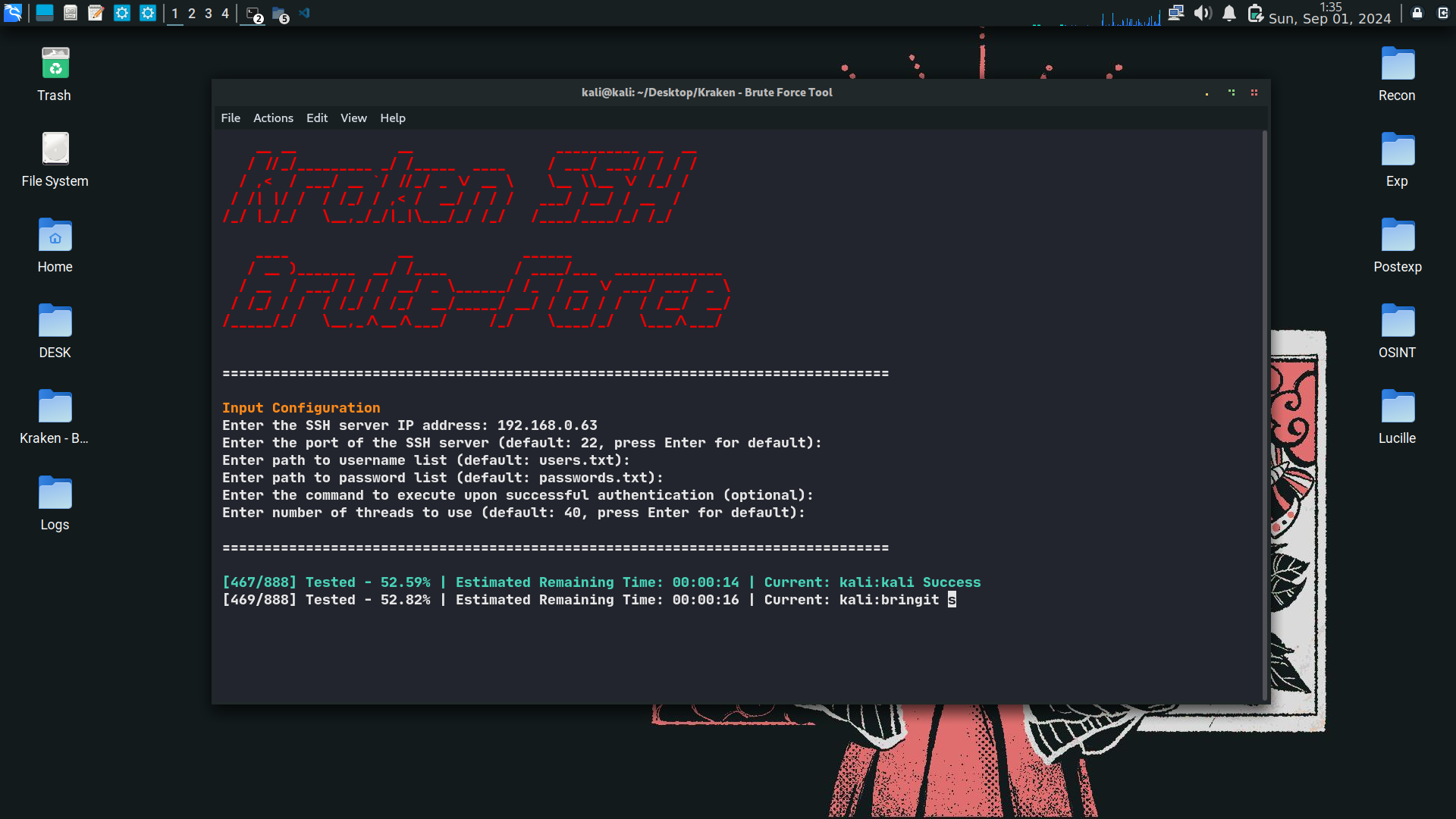
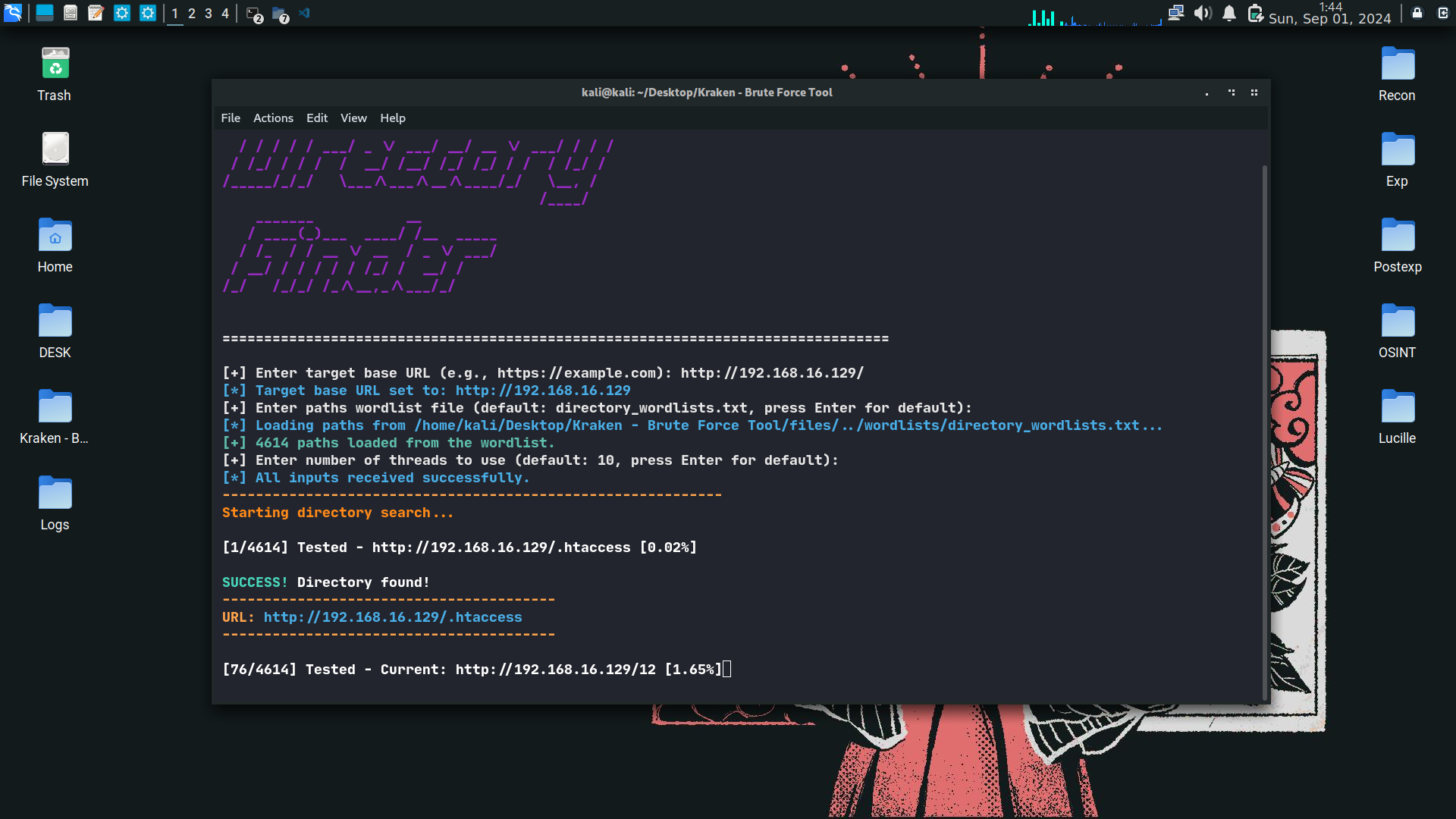
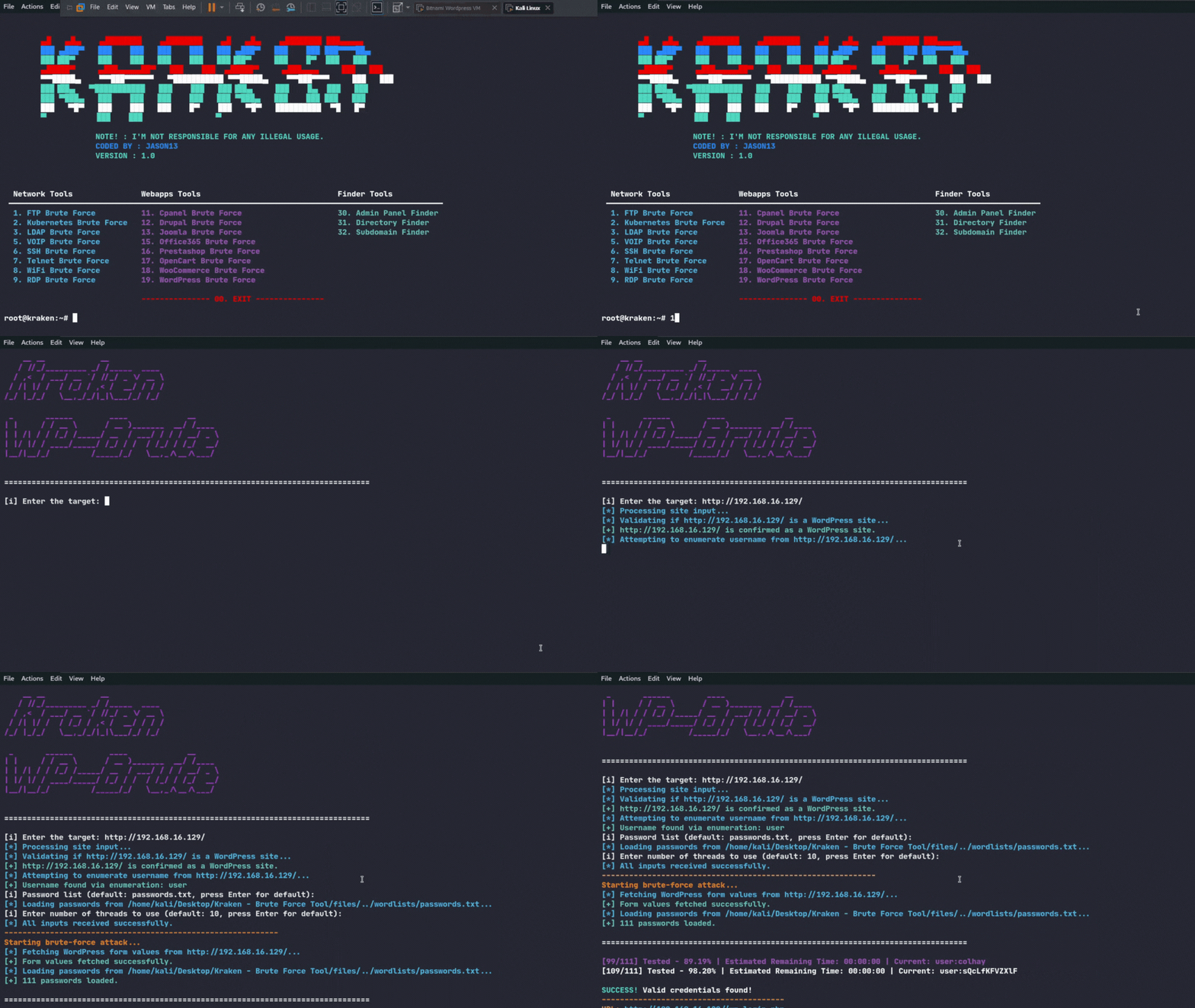
👀 Screenshots


⚙️ Installation

To install Kraken, follow these steps:

git clone https://github.com/jasonxtn/kraken.git
cd Kraken
pip install -r requirements.txt

To launch Kraken:

python kraken.py

📖 Usage

Kraken offers a variety of tools for brute-forcing:

  1. Network Tools:

    • FTP Brute Force
    • Kubernetes Brute Force
    • LDAP Brute Force
    • VOIP Brute Force
    • SSH Brute Force
    • Telnet Brute Force
    • WiFi Brute Force
    • WPA3 Brute Force
  2. Webapps Tools:

    • CPanel Brute Force
    • Drupal Brute Force
    • Joomla Brute Force
    • Magento Brute Force
    • Office365 Brute Force
    • Prestashop Brute Force
    • OpenCart Brute Force
    • WooCommerce Brute Force
    • WordPress Brute Force
  3. Finder Tools:

    • Admin Panel Finder
    • Directory Finder
    • Subdomain Finder

To use a specific tool:

  1. Launch Kraken from the command line.
  2. Select the desired tool from the main menu by typing its corresponding number.
  3. Follow the on-screen prompts to input the required information.
  4. Review the results provided by the tool.

Example:

root@kraken:~# 1

This command would start the FTP Brute Force tool.


⭐️ Show Your Support

If you find Kraken helpful or interesting, please consider giving us a star on GitHub. Your support helps promote the project and lets others know that it's worth checking out.

Thank you for your support! 🌟

Download Tool

Most Popular

View all →

Discover the most used tools by our community.

  • 1

    OsintHunter

    letox4/osinthunter

    🎯 The ultimate OSINT toolkit: investigation graph, confidence scoring, alias families, map, timeline and reports. 49 modules, 400+ sites, no API keys required.

    790
  • 2

    ghostlock-app

    yukonga/ghostlock-app

    GhostLock One-Tap Execution App (CVE-2026-43499)

    508
  • 3

    ARTEX

    baarai/artex

    LLM multi-agent autonomous penetration testing platform with planner/worker agents, asset and exploration graphs, MITM traffic recording, and vulnerability retesting.

    435
  • 4

    redforge

    cybersecurity91/redforge

    Browser-side red team toolkit with 102 offline tools for recon, payload generation, credential attacks, crypto, encoding and engagement reporting.

    346
  • 5

    CyberStrikeAI

    ed1s0nz/cyberstrikeai

    The system of action for AI-native cybersecurity—where intent becomes governed execution, evidence becomes operational memory, and every operation improves the next.

    263
  • 6

    looking-glass

    anonghosty/looking-glass

    CSIRT platform that ingests Shadowserver reports into MongoDB and replays them as interactive maps, analysis, findings, advisories and executive dashboards.

    260

Explore all tools

Browse our collection of tools

View all tools →