
Skip to content
KitploitKITPLOIT
ToolsExploitsBlog
Log in
Submit
ToolsExploitsBlog
Submit

Hacking, PenTest, and Cybersecurity Tools for Your Security Arsenal!

Kitploit is a directory of hacking, cybersecurity, and pentesting tools. Discover the latest project updates to find vulnerabilities, analyze systems, automate testing, and strengthen your security.

FeedsContactPrivacy© 2026 Kitploit

Tool Directory

Categories

View all categories
Loading categories
HaccTheHub — Open source self-hosted cyber security learning platform | Kitploit

Tools/GitHubGitHub/j4fsec/haccthehub
Web SecurityPenetration TestingLearning & EducationLabs & Practice
GitHubj4fsec/haccthehub

HaccTheHub

Open source self-hosted cyber security learning platform
View Repository
524394 years agoReviewed by Kitploit

Most Popular

View all →

Discover the most used tools by our community.

  • 1

    OsintHunter

    letox4/osinthunter

    🎯 The ultimate OSINT toolkit: investigation graph, confidence scoring, alias families, map, timeline and reports. 49 modules, 400+ sites, no API keys required.

    945
  • 2

    ghostlock-app

    yukonga/ghostlock-app

    GhostLock One-Tap Execution App (CVE-2026-43499)

    555
  • 3

    redforge

    cybersecurity91/redforge

    Browser-side red team toolkit with 102 offline tools for recon, payload generation, credential attacks, crypto, encoding and engagement reporting.

    350
  • 4

    ARTEX

    baarai/artex

    LLM multi-agent autonomous penetration testing platform with planner/worker agents, asset and exploration graphs, MITM traffic recording, and vulnerability retesting.

    339
  • 5

    looking-glass

    anonghosty/looking-glass

    CSIRT platform that ingests Shadowserver reports into MongoDB and replays them as interactive maps, analysis, findings, advisories and executive dashboards.

    338
  • 6

    CyberStrikeAI

    ed1s0nz/cyberstrikeai

    The system of action for AI-native cybersecurity—where intent becomes governed execution, evidence becomes operational memory, and every operation improves the next.

    292

Explore all tools

Browse our collection of tools

View all tools →
Share

HaccTheHub

Logo

Open source self-hosted cyber security learning platform
About The Project

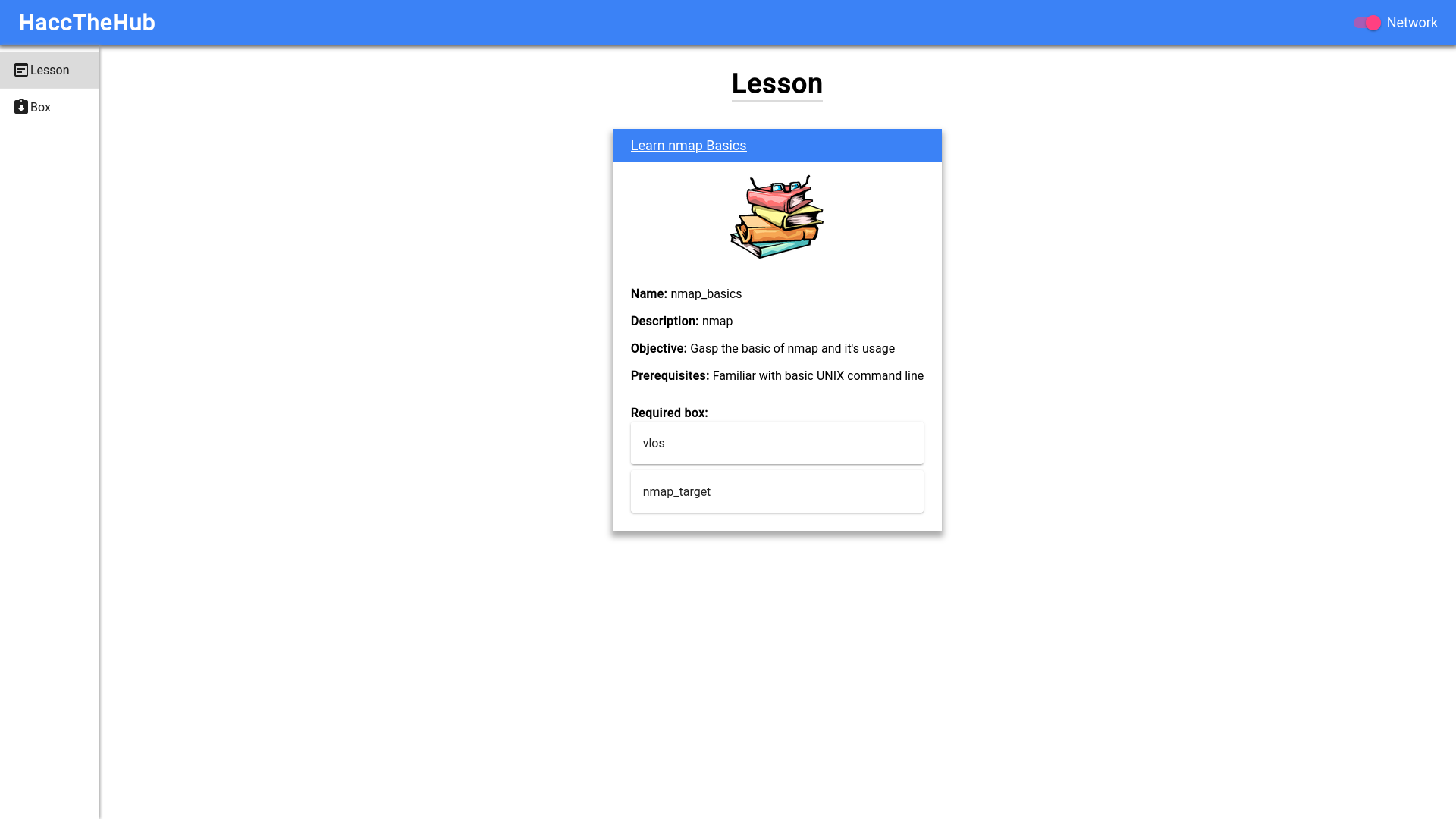
HaccTheHub is an open source project that provides cyber security

The HaccTheHub system consists of 3 main parts:

  • Docker: containing all of the boxes creating the environment in which we'll be learning on.
  • The backend: controlling Docker and responsible for starting/destroying indivisual box in the system and managing the networking that joins them into a unified system.
  • The frontend: GUI for the user to interact with the system via their web browser.

Built With

  • Flask-RESTX
  • Next.js

Getting Started

To get HaccTheHub up and running, you would need to setup the followings

Prerequisites

  • Docker (refer to Docker's Documentation for setup)
  • Python 3 (Download) or just install python3 from your package manager.
  • Node.js 16 (Download) or use your package manager

Installation

  1. Clone the repo
git clone https://github.com/J4FSec/HaccTheHub.git
  1. Install dependencies for the backend
cd HaccTheHub/backend
python3 -m pip install -r requirements.txt
  1. And dependencies for the frontend
cd ../client
npm install

Usage

  1. Start up Docker
  2. Start the backend
cd ../backend
python3 main.py
  1. And the frontend
cd ../client
npm start

The WebUI should now be accessible via http://localhost:8080.

Contributing

Any contributions are much appreciated. If you have a suggestion, please fork the repo and create a pull request. You can also open an issue with the tag enhancement.

  1. Fork the project
  2. Create a new branch for the new feature (git checkout -b feature/EpicFeature)
  3. Commit your changes (git commit -m "Add EpicFeature")
  4. Push to the branch (git push origin feature/EpicFeature)
  5. Open a pull request.

License

Distributed under the GNU Affero General Public License v3.0. See LICENSE for more information.

Authors

  • Dong Duong (@Cu64) - [email protected]
  • watch-dog-man (@watch-dog-man)

Contributors

  • @Nehozun - Completely re-made the frontend. We'd be lost without him.

Acknowledgement

Download Tool





