 infobyte/faraday_addon
A browser extension for faradaysec platform https://faradaysec.com

Faraday Addon is a simple addon for automate reporting vulnerabilities through the browsed to your own Faraday instance. Faraday Addon intercepts every single request from the browser, adding a functionality for accessing each one of them treating them as a vulnerability. In this way, a pentester only has to use the addon to send potential vulnerables requests to Faraday, instead of copy-paste them into the server.
By now, Faraday Addon is only available for Firefox Quantum. We are working for an stable Chrome release.

Download and install the last release from Firefox addons repository:
$ git clone https://github.com/infobyte/faraday_addon.git
On Firefox searchbox, write about:debugging.
Click this button: Load Temporary Add-on
Select the manifest.json file within the directory you cloned Faraday Addon.
At first, you must authenticate to your Faraday server.
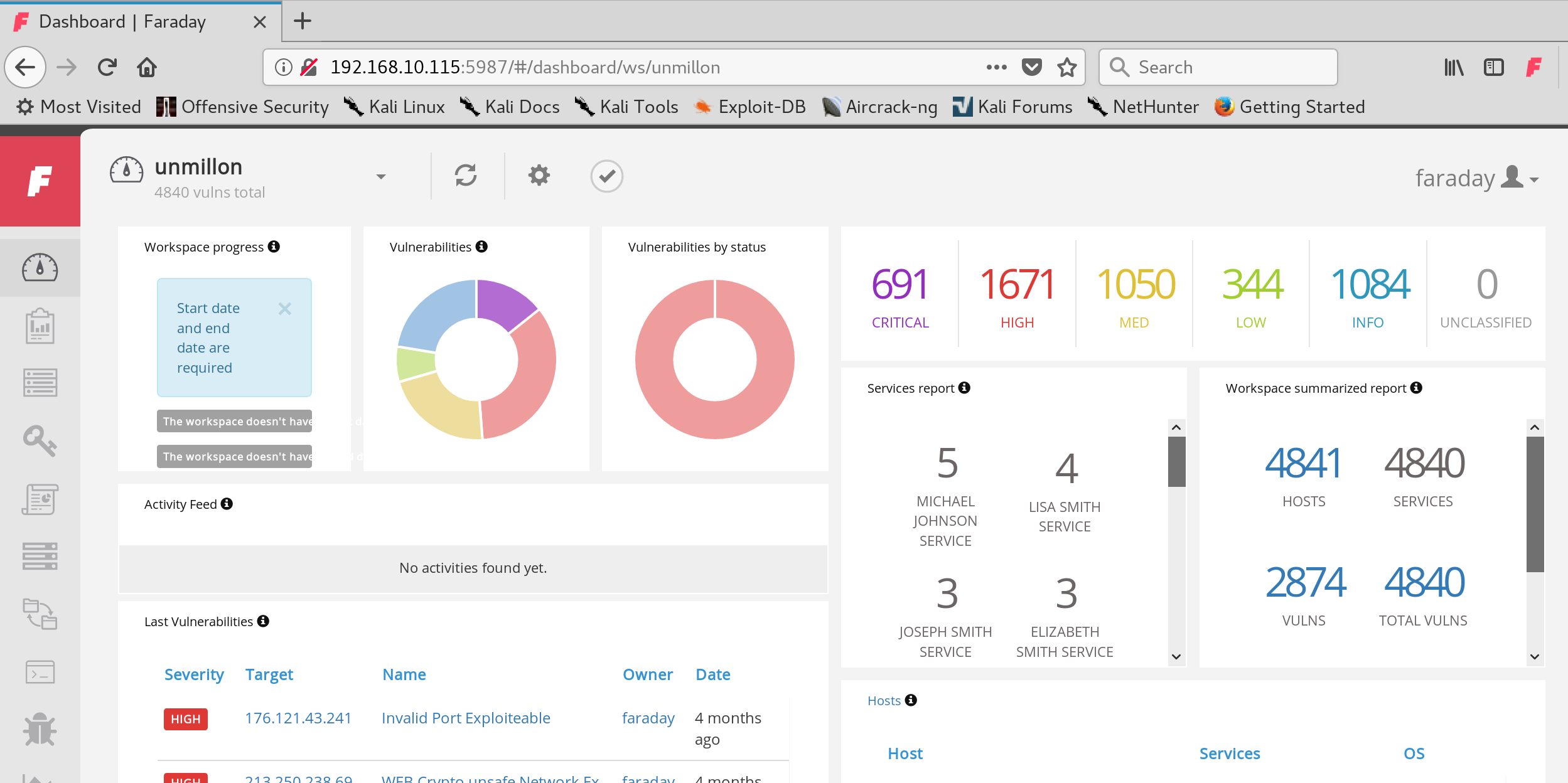
Once logged in, go to settings.
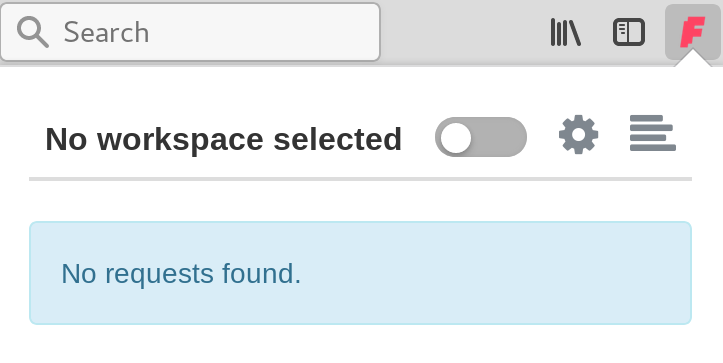
Just add the Faraday server's URL and click on Connect. (The URL must have this format [protocol]://[ip/domain]:[port])
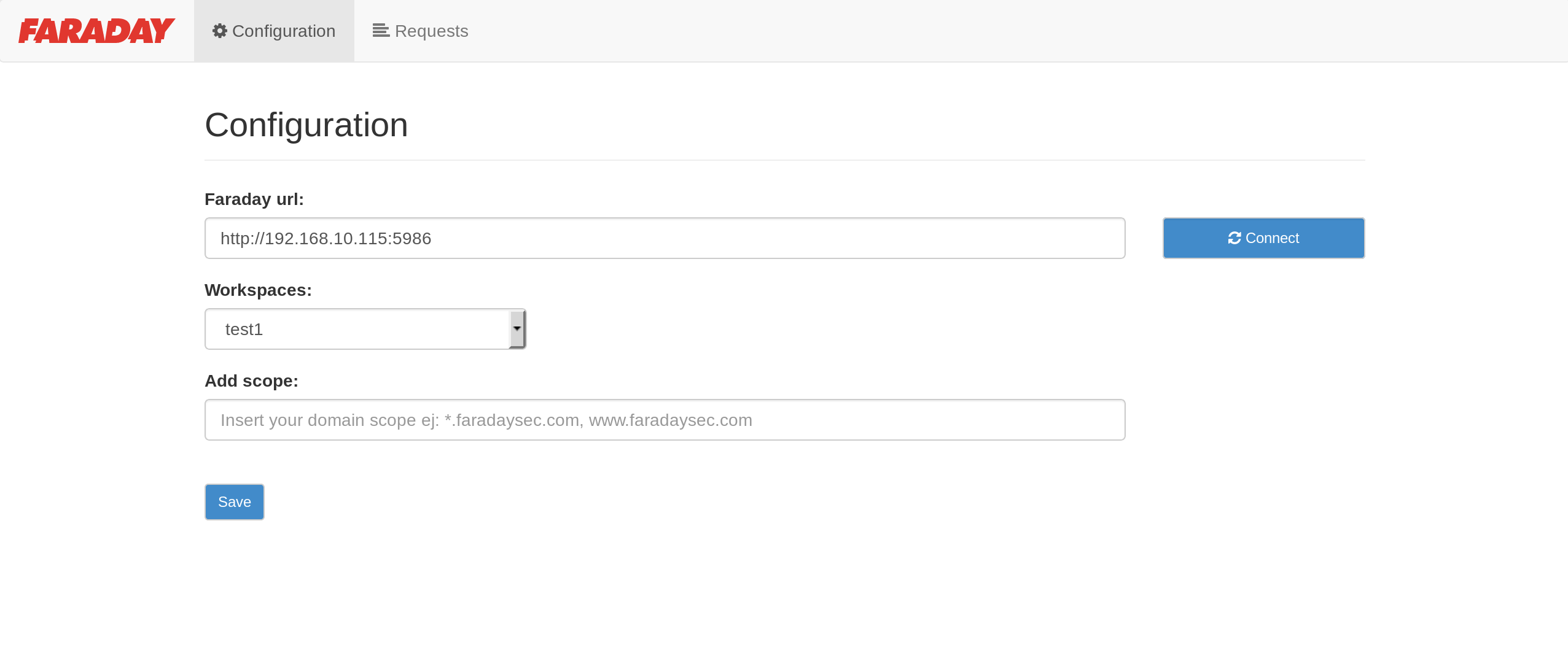
If your settings are right, you should see your workspaces. Click the workspace you want and save your settings.
Faraday Addon also supports setting scopes using regular expressions, just allowing capturing certaing requests. For example, if you only want to capture every faradaysec.com subdomains:
*.faradaysec.com
Now you are ready for capturing requests with Faraday Addon.
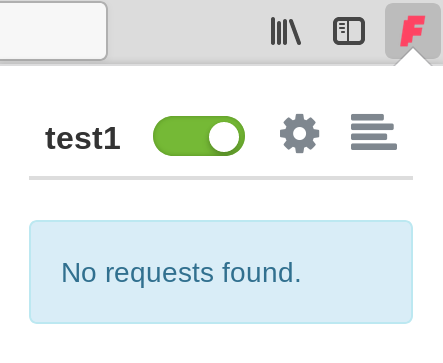
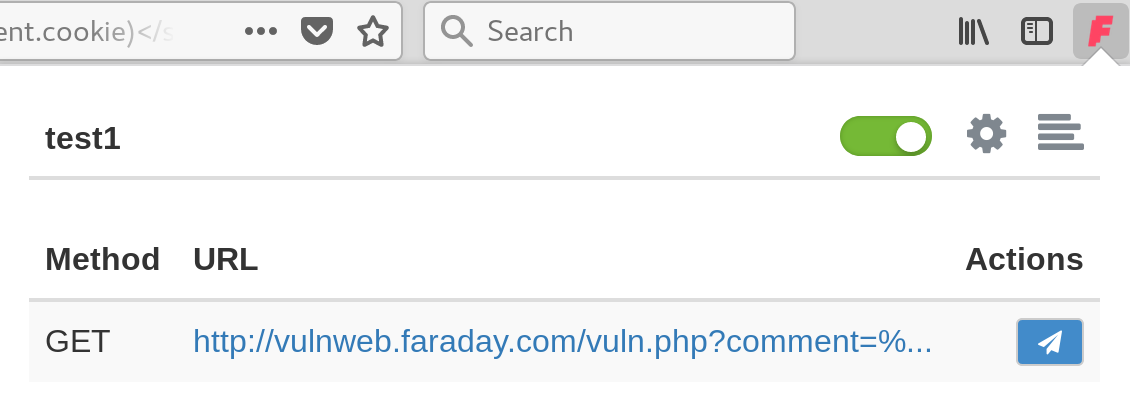
If you had set up everything OK, you will see every request going through Faraday Addon. Imagine that you found a XSS and you want to send it to Faraday. For creating a new issue, click in the icon next to the vulnerable request:
A form will pop up, where you should complete it with all the information about the issue. If you have Vulnerability Templates previously uploaded to Faraday, this process will be faster.
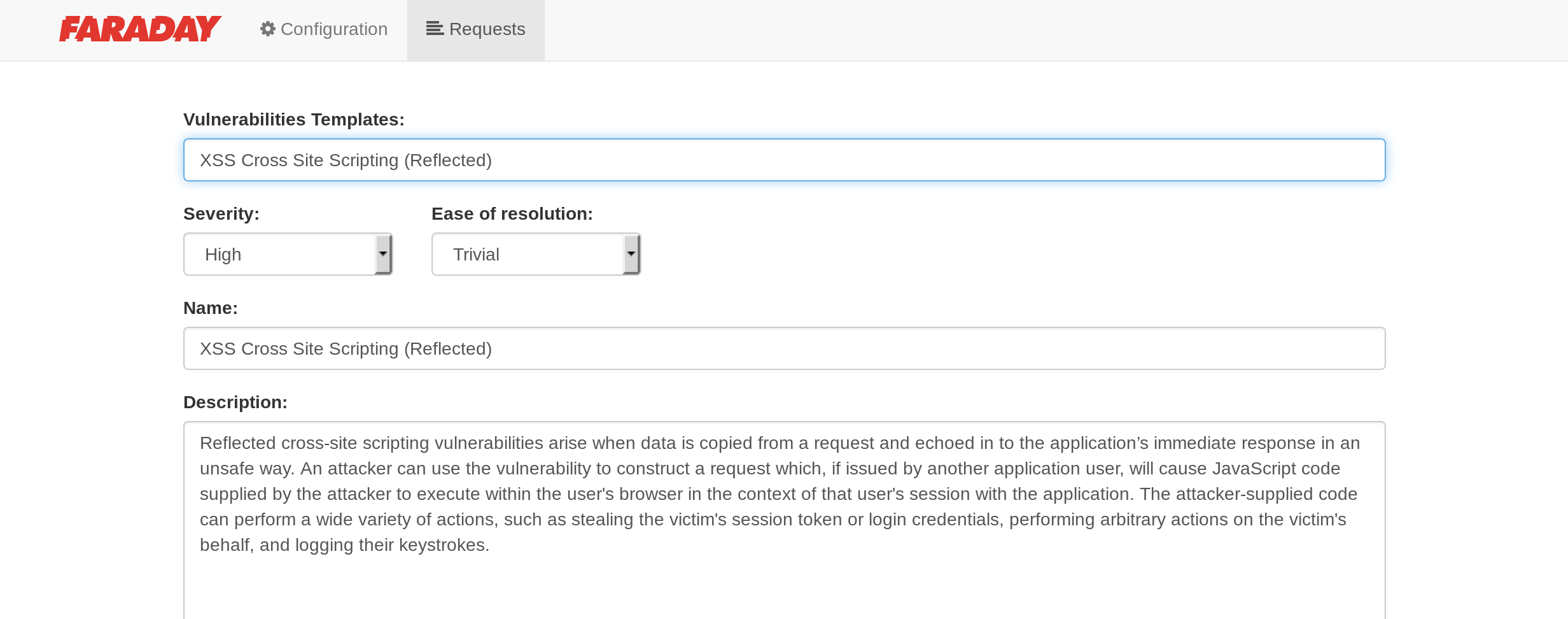
Once completed, send it to Faraday.
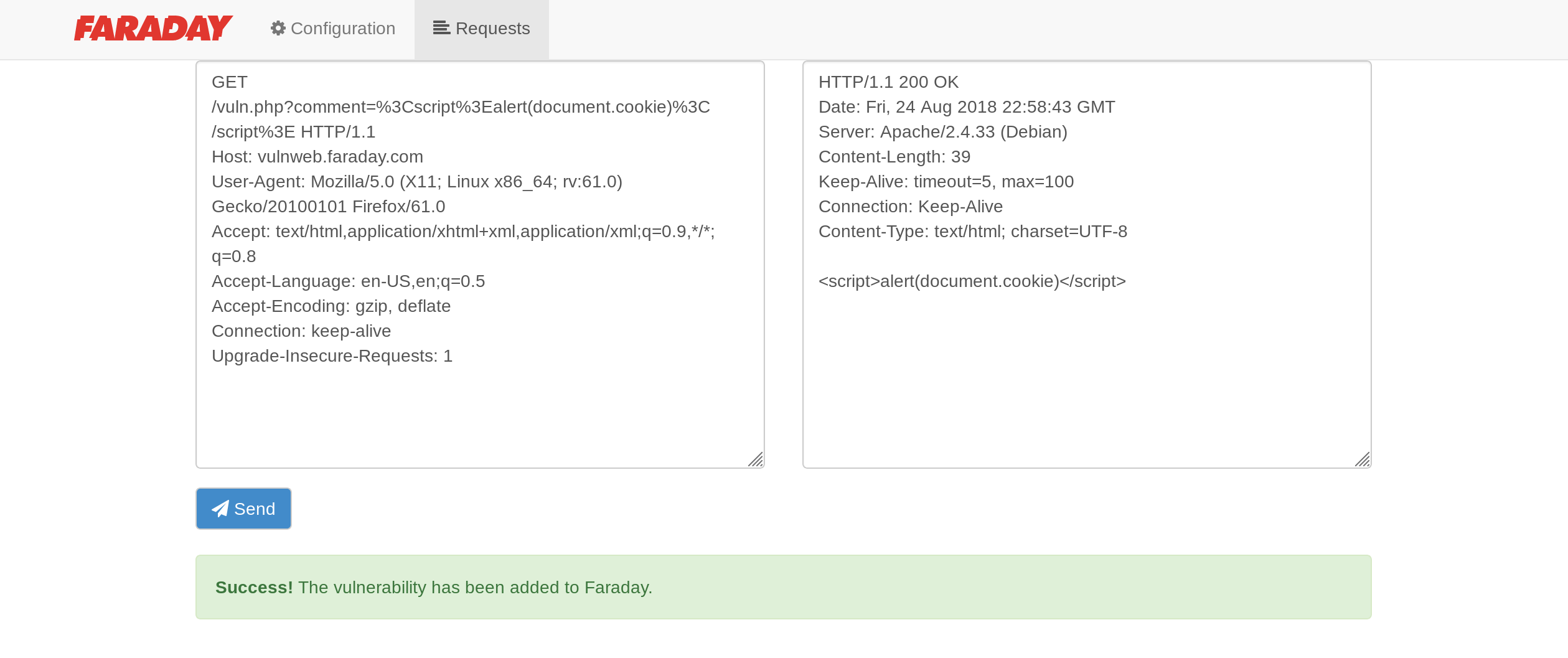
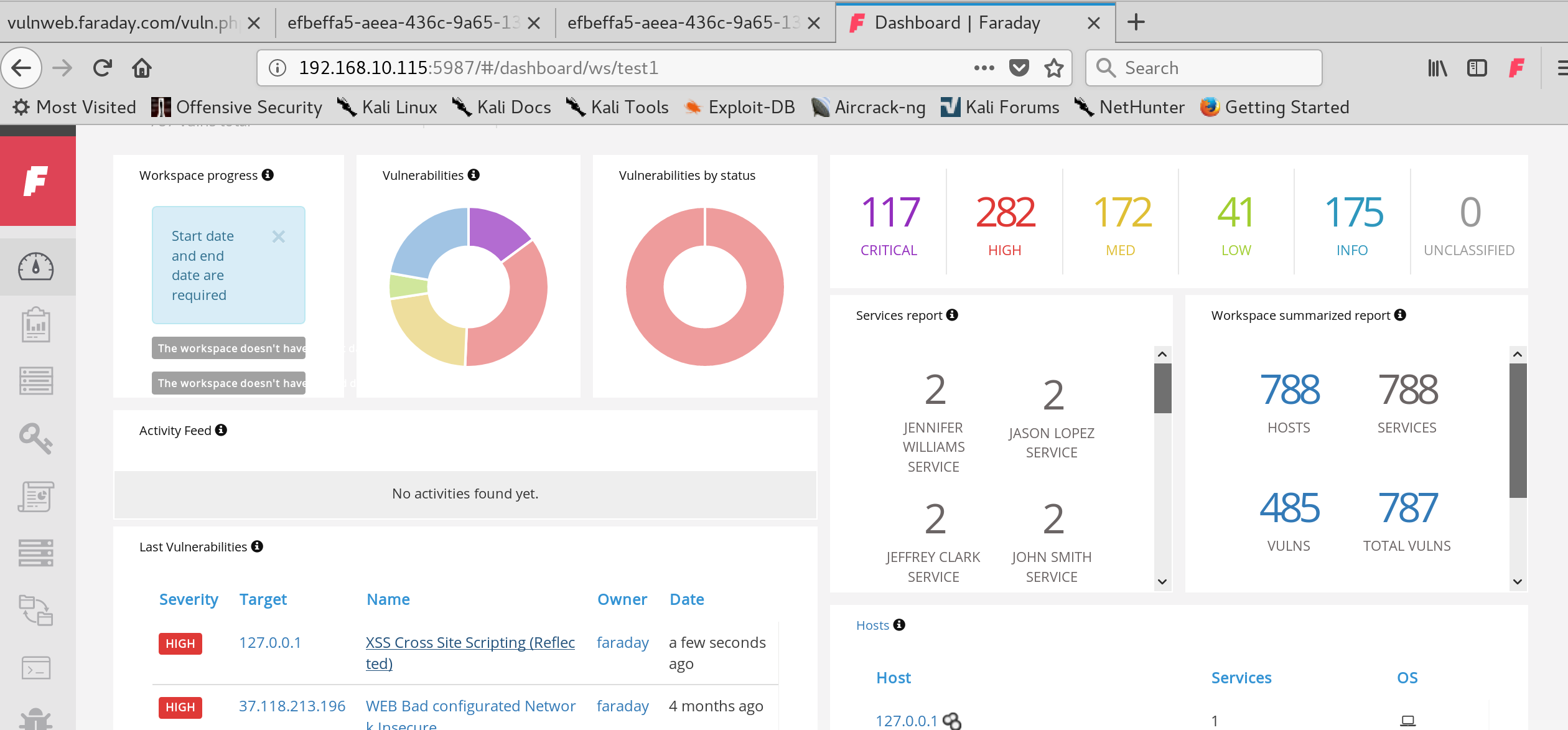
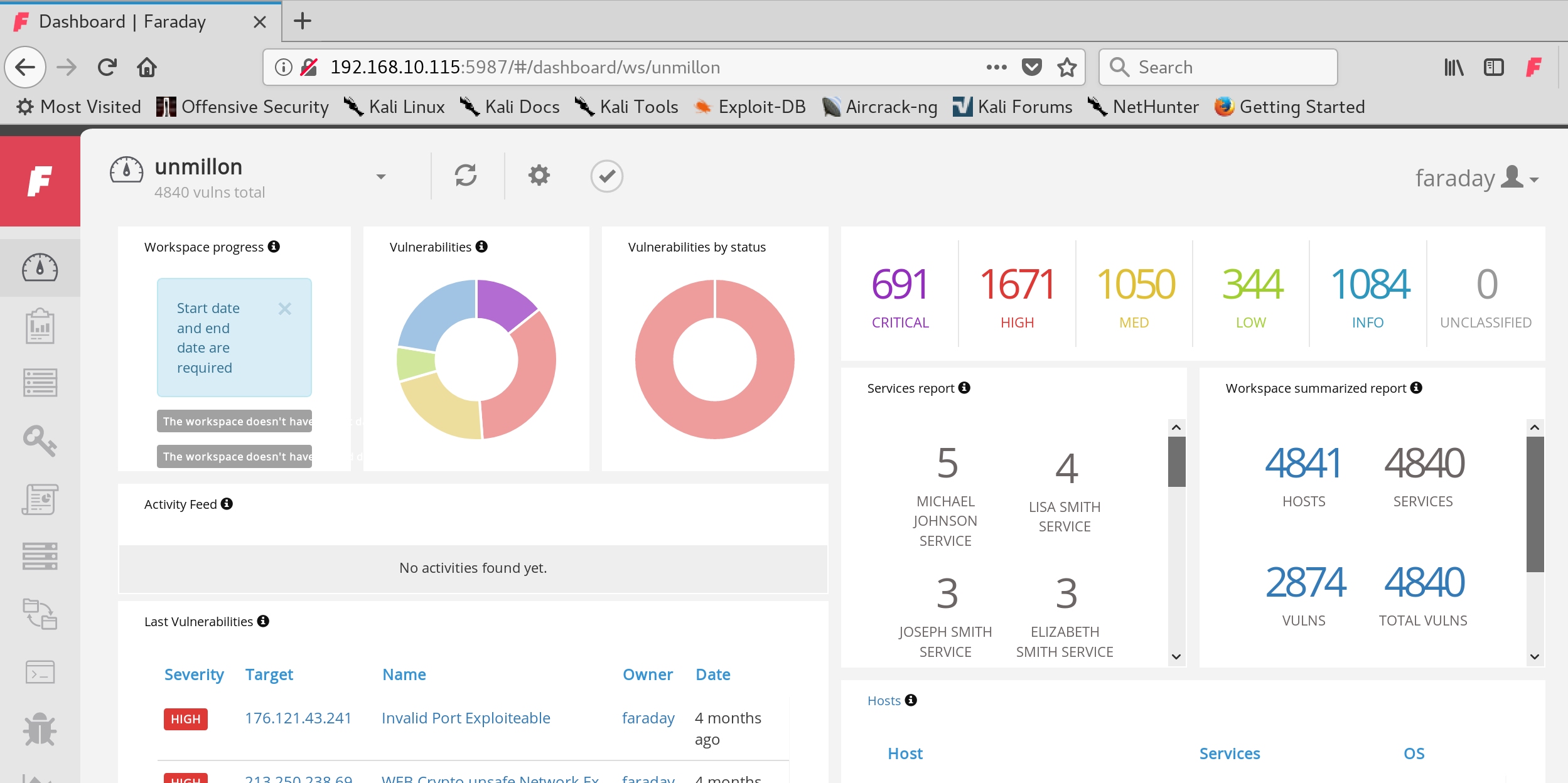
You can check Faraday server for your new vulnerability.