 diprajpatra/selenium-stealth
Stealth layer for Selenium Chrome that alters browser fingerprint and automation signals to evade bot detection and maintain reCAPTCHA v3 scores.


A python package selenium-stealth to prevent detection. This programme is trying to make python selenium more stealthy.
As of now selenium-stealth only support Selenium Chrome/Chromium.
After using selenium-stealth you can prevent almost all selenium detections. There is a lot of guides on stackoverflow on How to prevent selenium detection but I can not find a single python package for it so I am just creating one after all we can't let the cats win. It can be seen as a re-implementation of JavaScript puppeteer-extra-plugin-stealth developed by @berstend.
Features that currently selenium-stealth can offer:
✅️ selenium-stealth with stealth passes all public bot tests.
✅️ With selenium-stealth selenium can do google account login.
✅️ selenium-stealth help with maintaining a normal reCAPTCHA v3 score
If you find this package useful and would like to support its continued development, you can donate here. Thank you for your support.


Selenium-stealth is available on PyPI you can install with pip.
$ pip install selenium-stealth
from selenium import webdriver
from selenium_stealth import stealth
import time

options = webdriver.ChromeOptions()
options.add_argument("start-maximized")

# options.add_argument("--headless")

options.add_experimental_option("excludeSwitches", ["enable-automation"])
options.add_experimental_option('useAutomationExtension', False)
driver = webdriver.Chrome(options=options, executable_path=r"C:\Users\DIPRAJ\Programming\adclick_bot\chromedriver.exe")

stealth(driver,
        languages=["en-US", "en"],
        vendor="Google Inc.",
        platform="Win32",
        webgl_vendor="Intel Inc.",
        renderer="Intel Iris OpenGL Engine",
        fix_hairline=True,
        )

url = "https://bot.sannysoft.com/"
driver.get(url)
time.sleep(5)
driver.quit()
stealth(
    driver: Driver,
    user_agent: str = 'Mozilla/5.0 (Windows NT 10.0; Win64; x64) AppleWebKit/537.36 (KHTML, like Gecko) Chrome/83.0.4103.53 Safari/537.36',
    languages: [str] = ["en-US", "en"],
    vendor: str = "Google Inc.",
    platform: str = "Win32",
    webgl_vendor: str = "Intel Inc.",
    renderer: str = "Intel Iris OpenGL Engine",
    fix_hairline: bool = False,
    run_on_insecure_origins: bool = False,
)
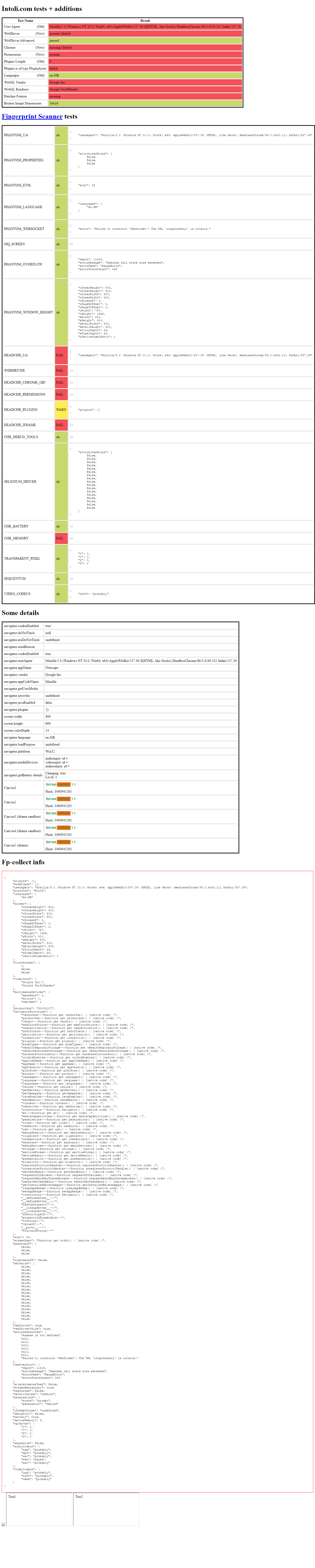 headless headless |
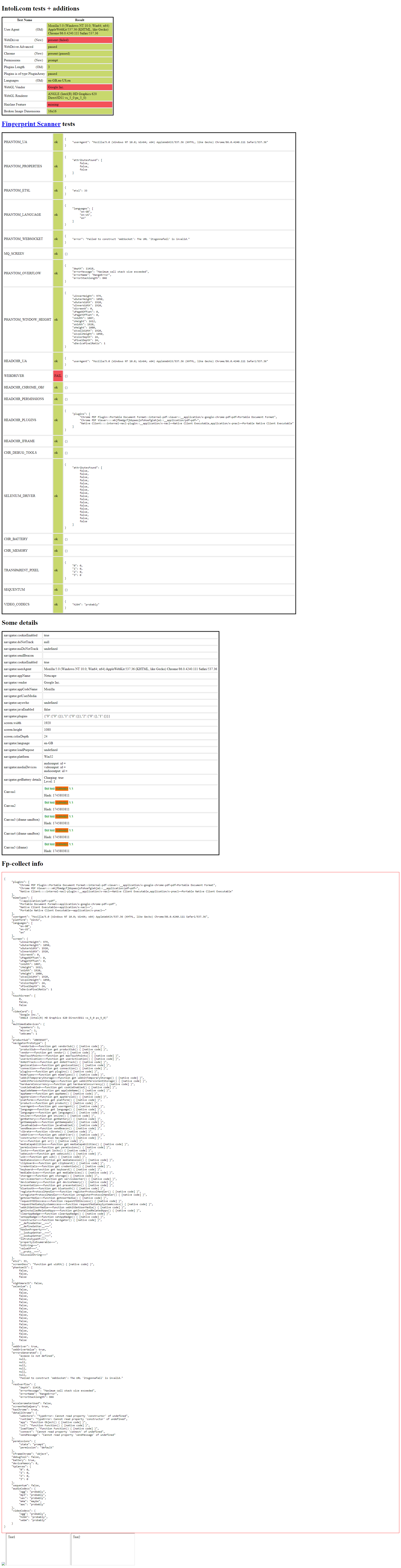 headful headful |
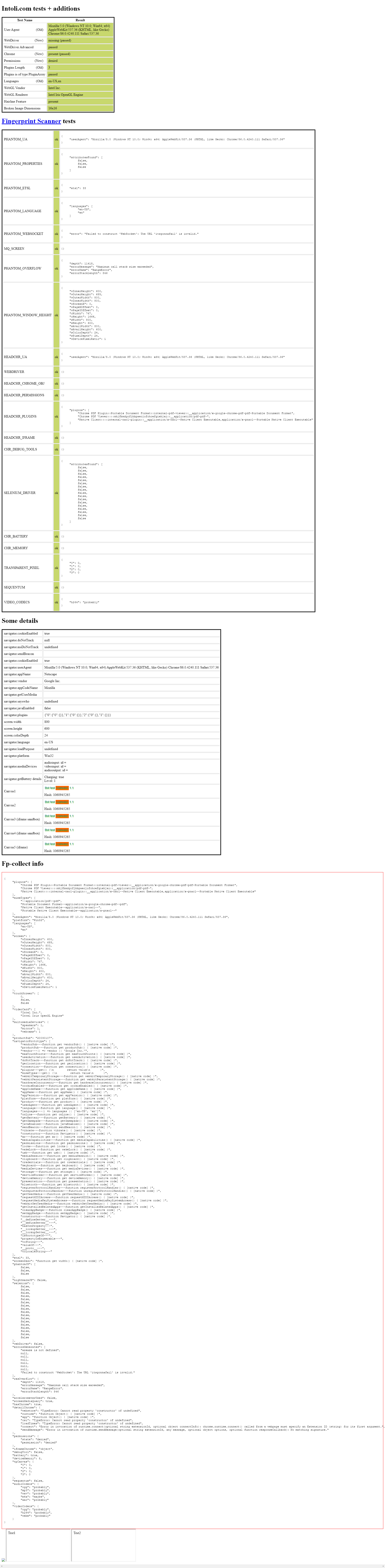 headless headless |
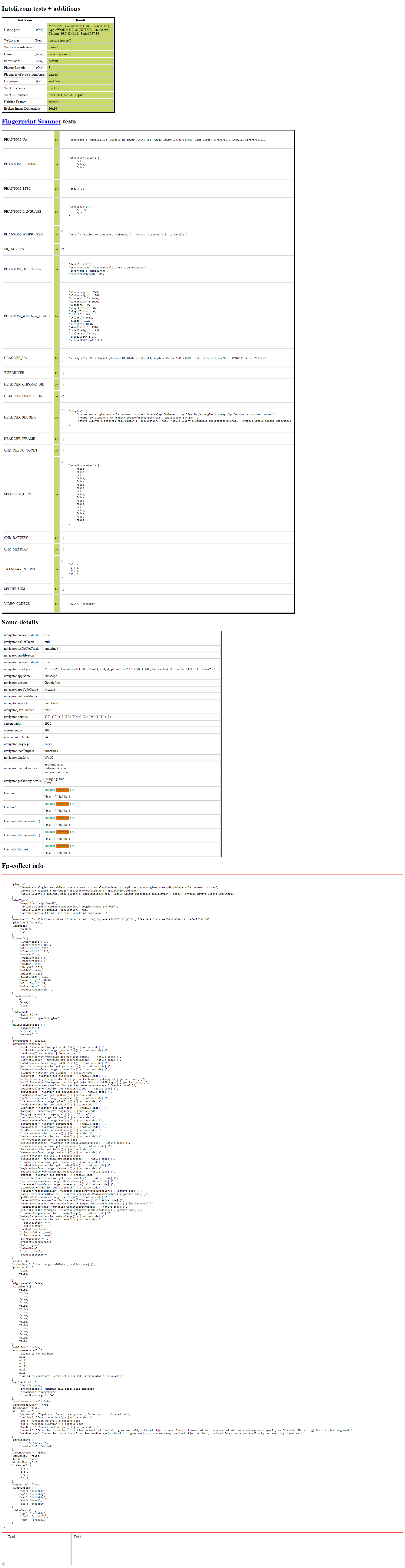 headful headful |
Copyright © 2020, diprajpatra. Released under the MIT License.
