 davidvoitenko/proxy-workbench
Collects, checks and ranks public HTTP/SOCKS proxies against your own targets, then serves them via ranked exports, pools, a rotating gateway and a local API.

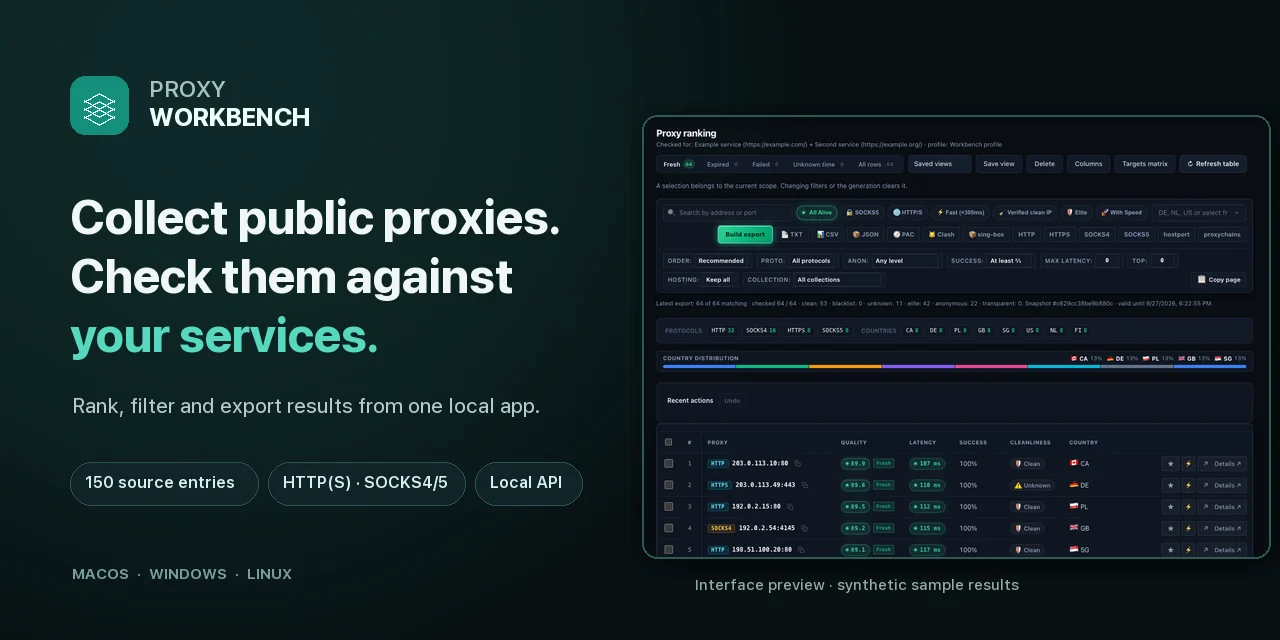
Collect addresses from public lists or your own files, check them against your services, and use the results in apps, exports, or scripts. Proxy Workbench runs locally with a browser interface, CLI, rotating proxy gateway, and API.
Windows · macOS · Linux | HTTP(S) · SOCKS4 · SOCKS5 | 12 interface languages



English · Русский
Download · Website · Quick start · Interface · CLI · API
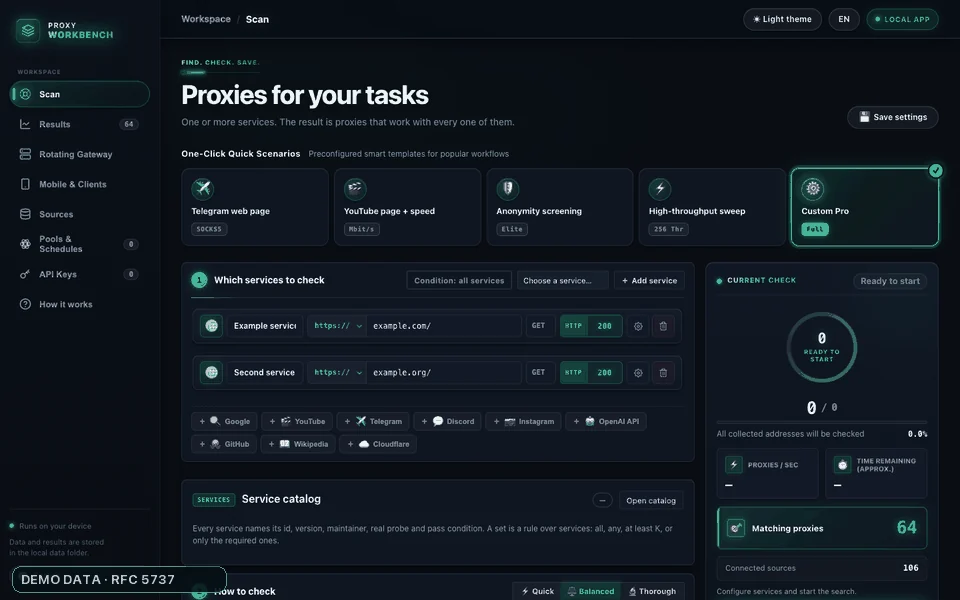
Interface tour with synthetic example data. Actual proxy availability depends on the sources and your checks.
Free proxy lists go stale quickly. Proxy Workbench turns candidates into a list measured against your own success criteria:
127.0.0.1:8899, or read the latest published list from the API. Pools and schedules can refresh it.The interface and its local API bind to loopback by default. The headless service can be exposed deliberately with a separate API token.
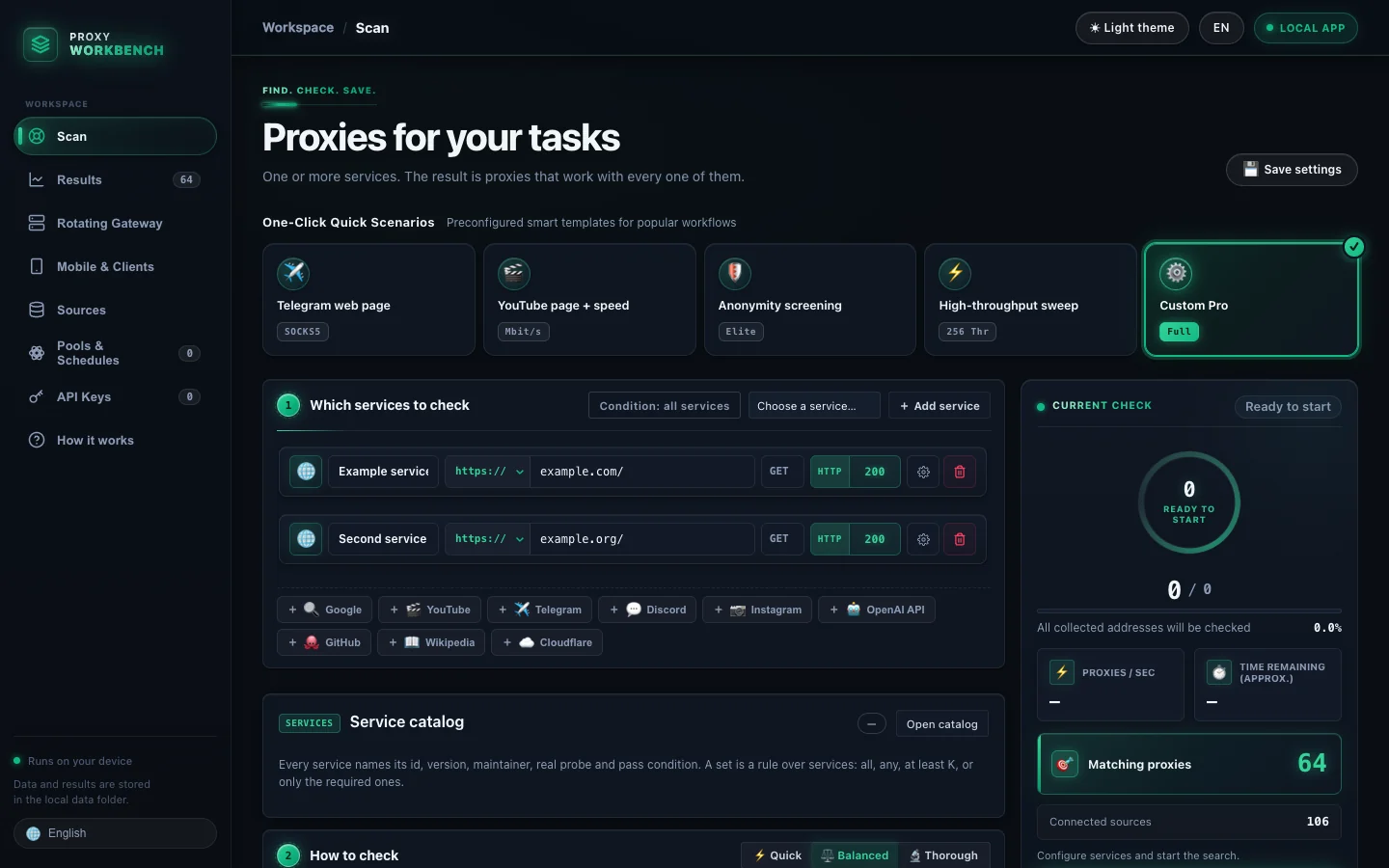 Scan — configure targets and follow progress |
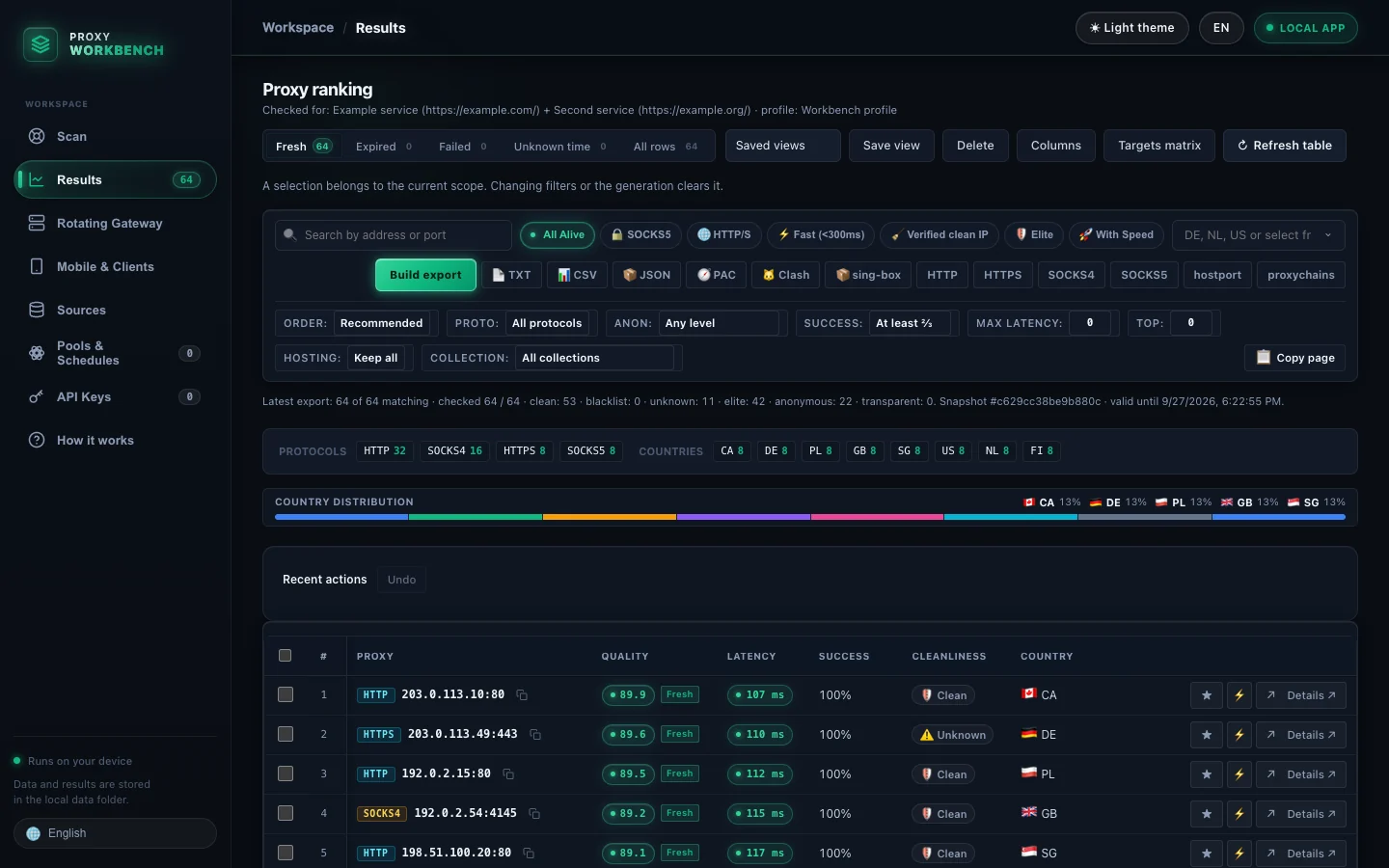 Results — review, filter, rank, and export |
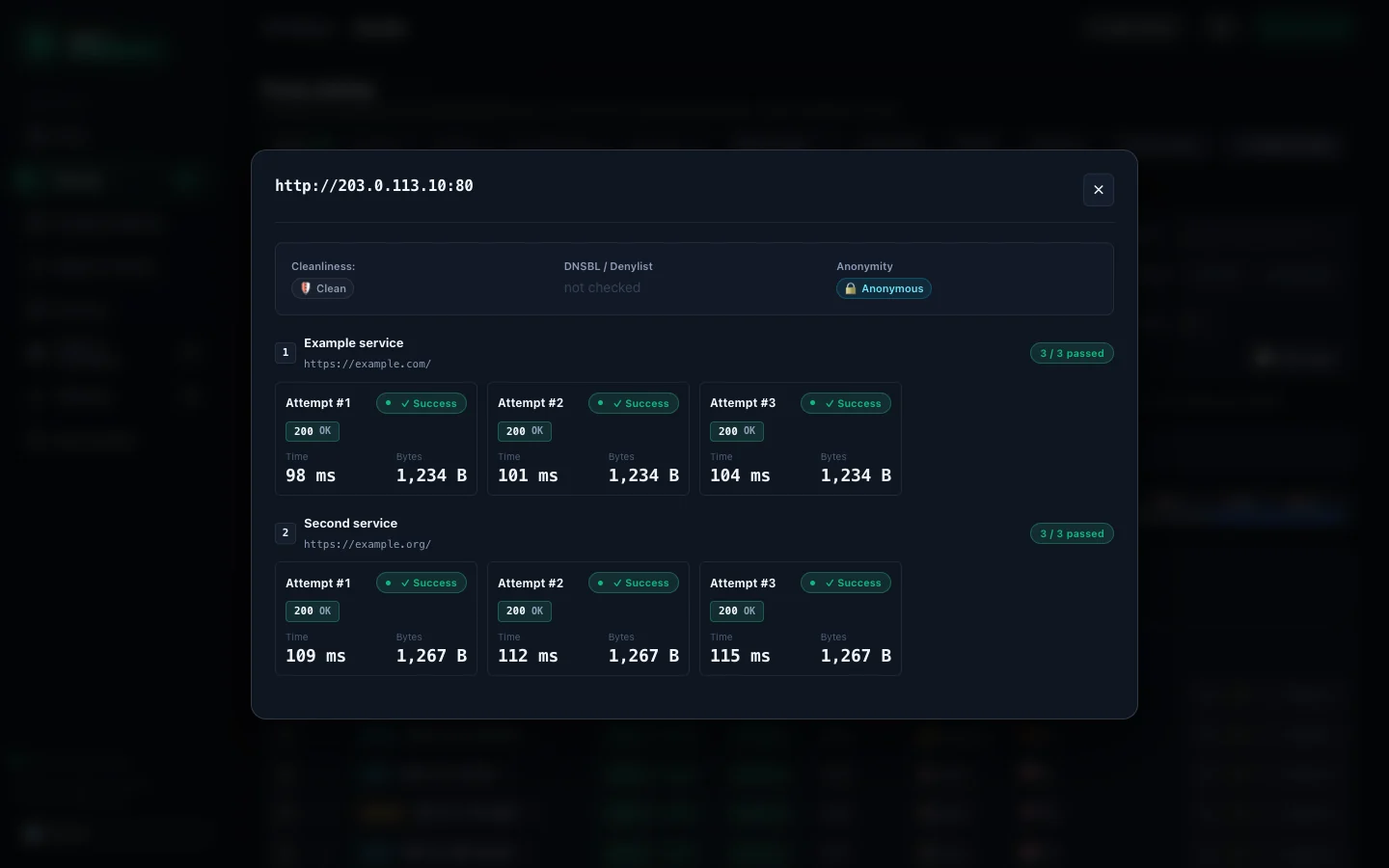
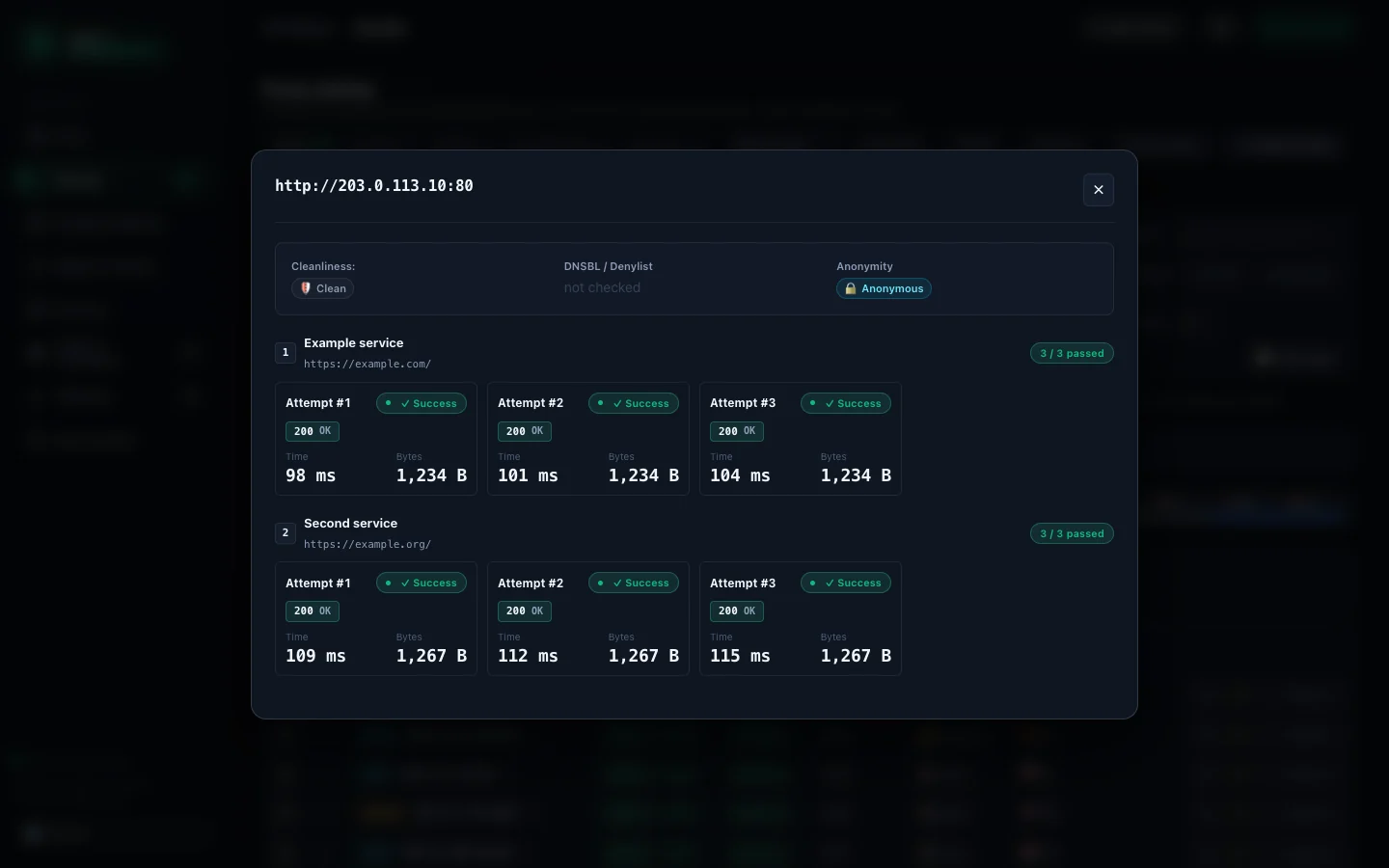 Details — inspect individual attempts and errors |
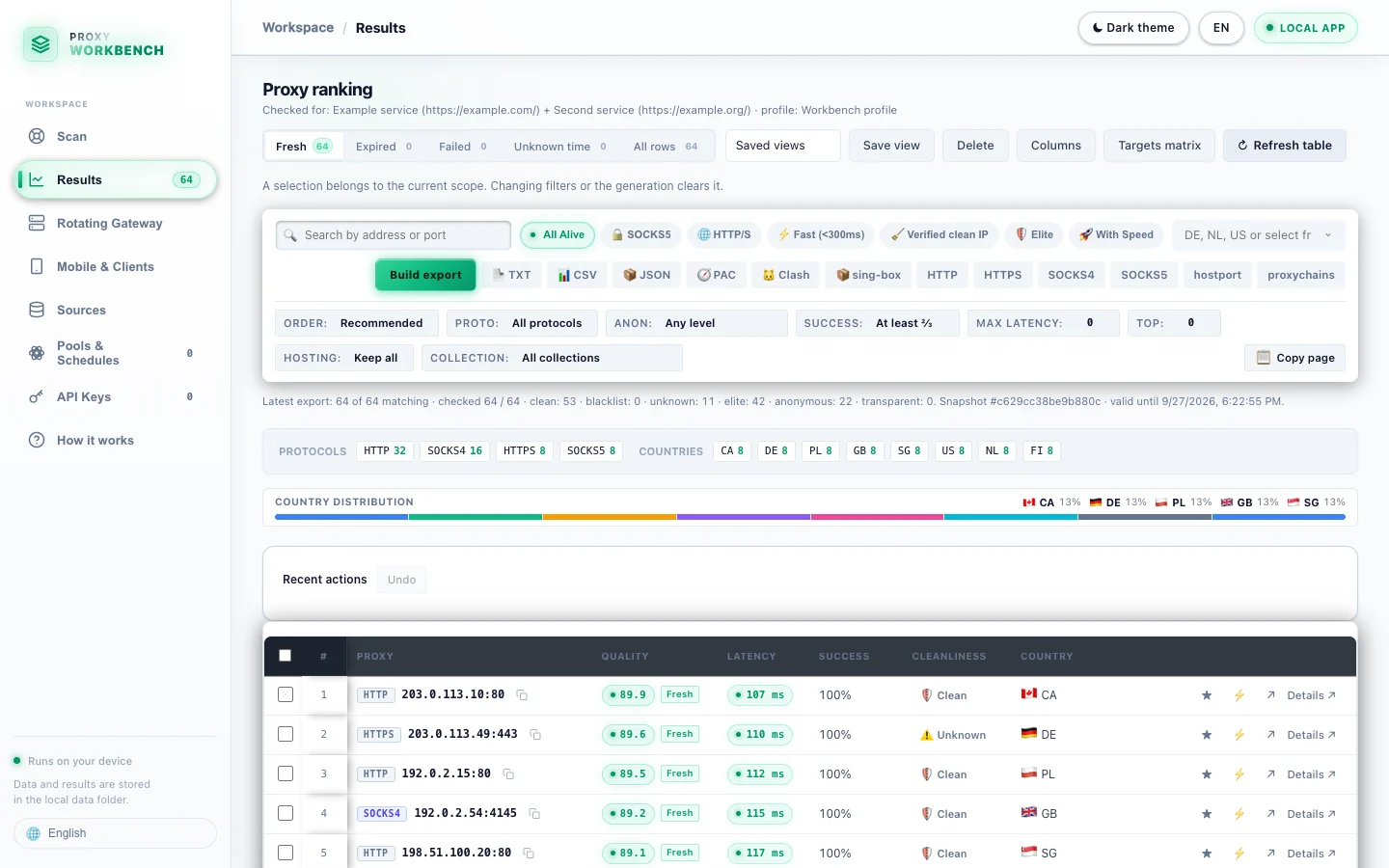 Light theme — switch from the header |
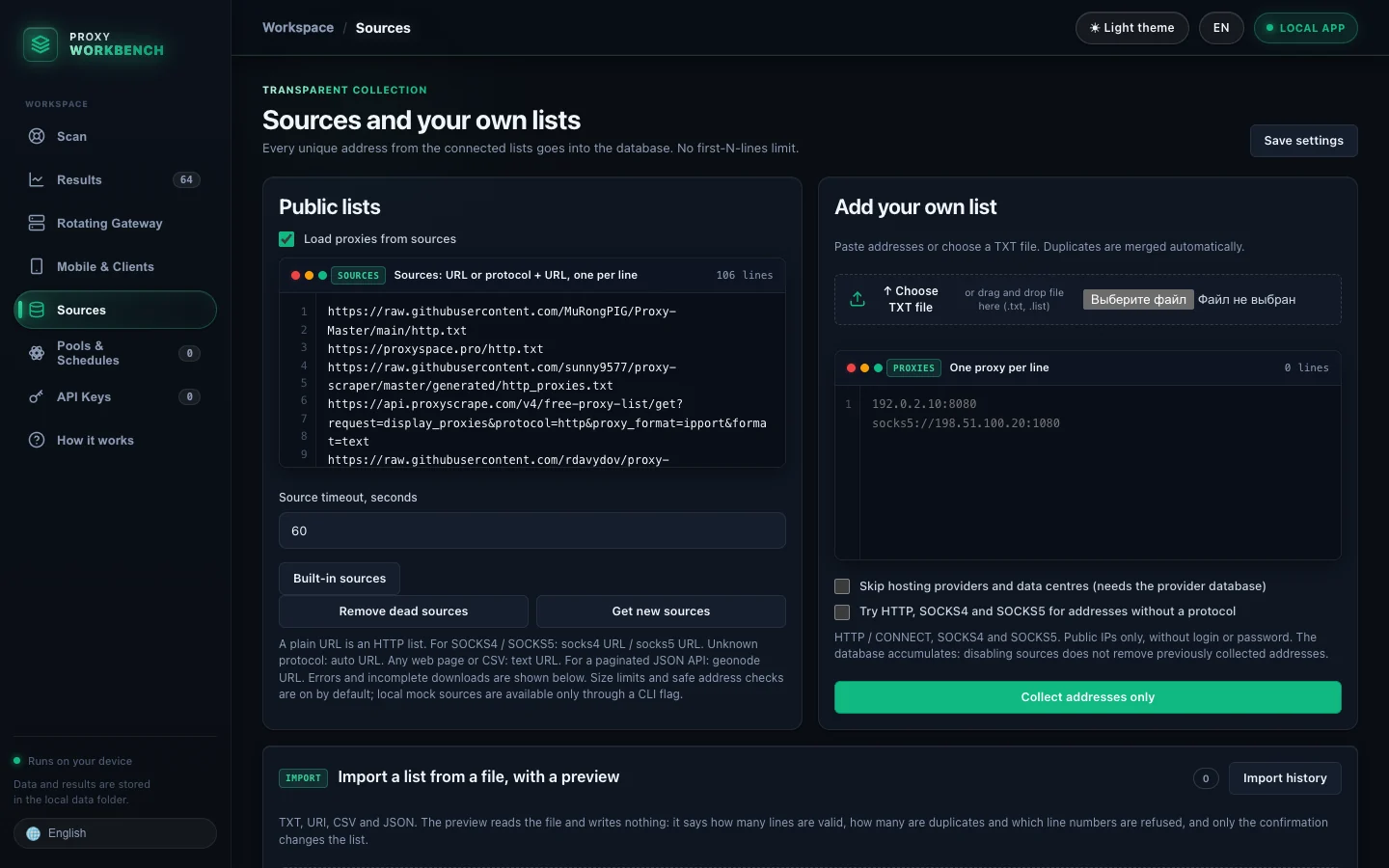 Sources — bundled catalog and your own lists |
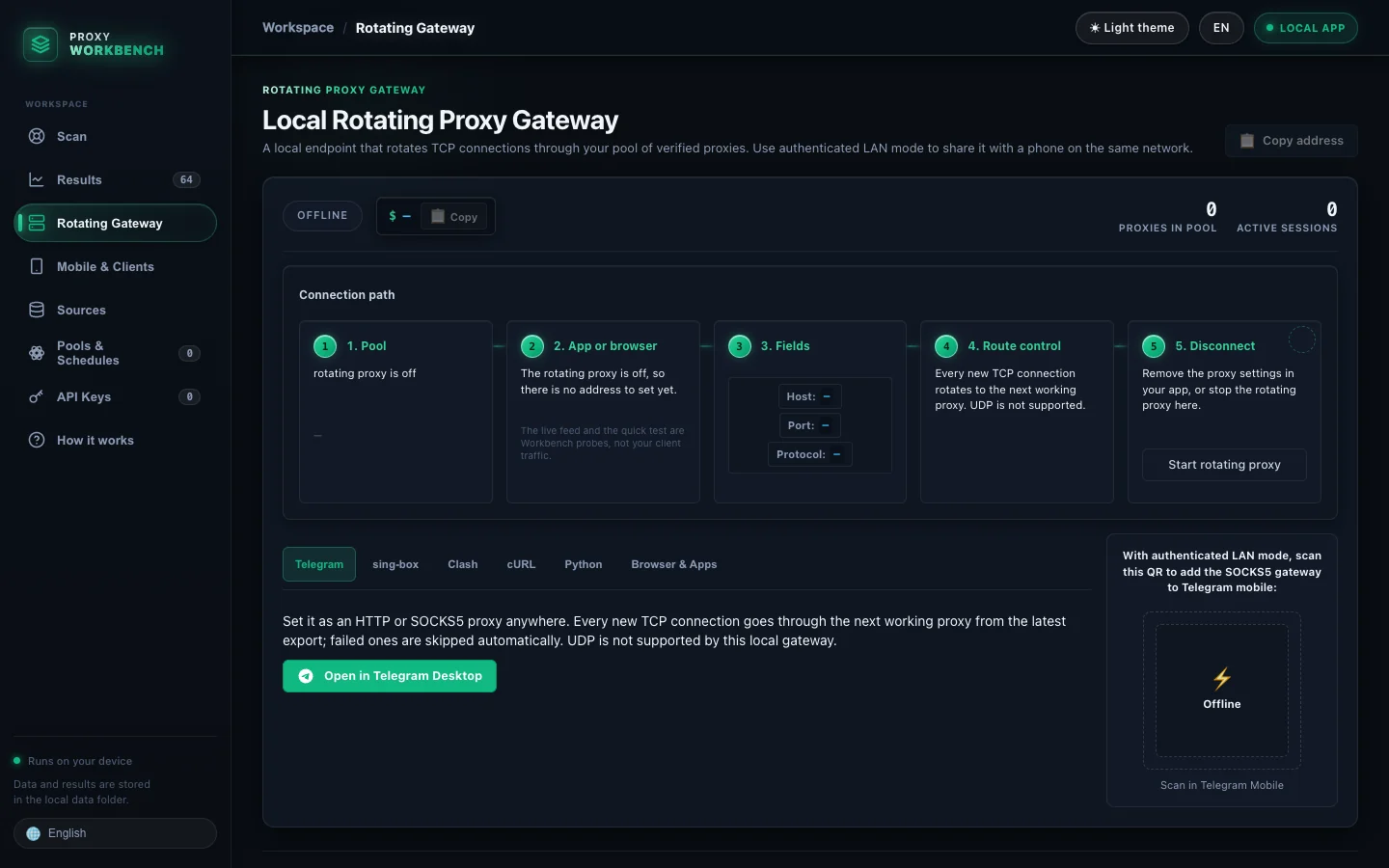 Rotating Gateway — connection setup and route controls; offline until started |
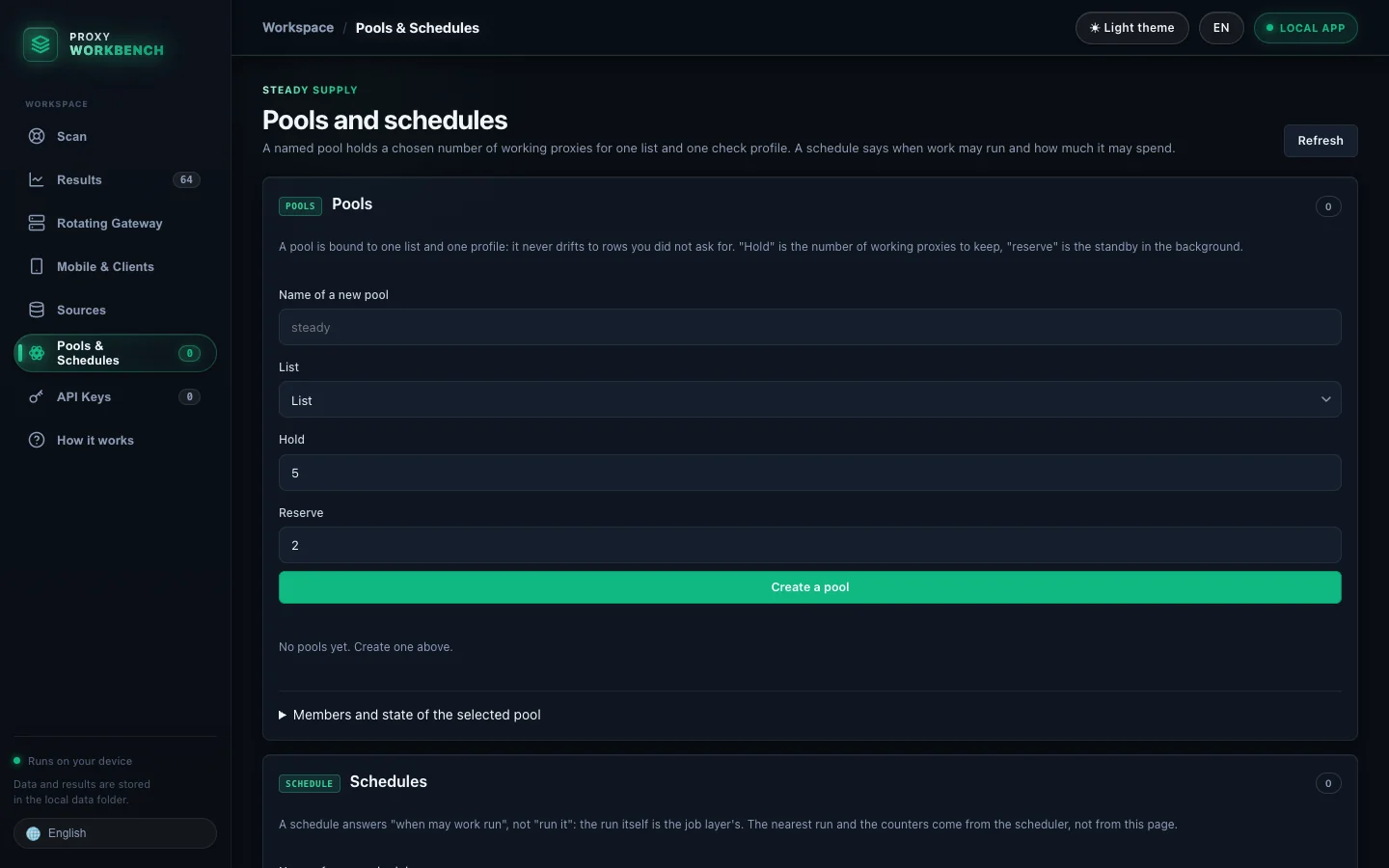 Pools & Schedules — desired size, reserve, and refresh rules |
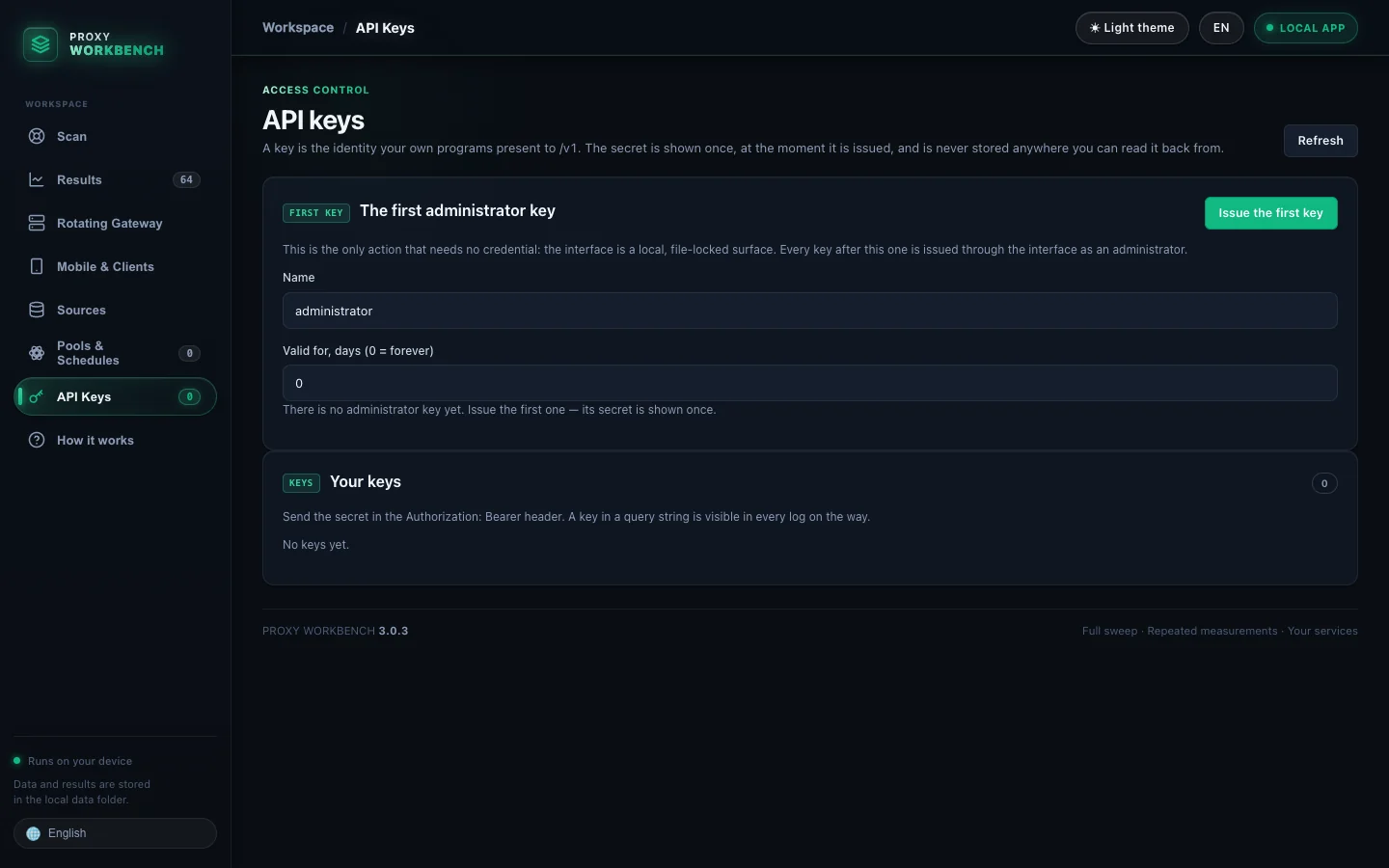 API Keys — permissions and limits; no secrets shown |
Proxy results, metrics, and locations shown here are synthetic; IPs use RFC 5737 documentation ranges. The Sources catalog is the bundled catalog. No working public proxy is implied.
| Tab | What you do there |
|---|---|
| Scan | Choose target sites and success rules, use a preset or tune the check, start and resume a scan, and follow live progress. |
| Results | Inspect fresh, expired, failed, and unknown results; filter and sort proxies; review individual attempts; build TXT, CSV, JSON, PAC, Clash, and sing-box exports. |
| Rotating Gateway | See gateway health and pool size, copy its local HTTP/SOCKS5 endpoint, and get client setup examples. |
| Mobile & Clients | Copy or download sing-box and Clash/Mihomo configs. Set up Telegram through a link, or a QR code after enabling authenticated LAN mode. |
| Sources | Select supported public feeds, import your own lists, inspect source yield and errors, and manage the optional country database. |
| Pools & Schedules | Keep a target number of passing proxies for a list and profile; set refresh intervals, quiet hours, and budgets. |
| API Keys | Issue and manage scoped keys for the authenticated /v1 control API. Secrets are shown once. |
| How it works | Follow the workflow, read setup guidance, investigate empty results, and access diagnostics and maintenance tools. |
The interface has dark and light themes and 12 languages. HTTP(S), SOCKS4, SOCKS5 and IPv6 are supported. Checks can use several target URLs, repeated attempts, status/body/hash conditions, a local denylist, optional DNSBL zones, and an optional anonymity judge. The full options are documented in the CLI, gateway, and API sections below.
Choose the build for your system. The latest release has installers, portable archives, checksums, and a Python wheel.

