 d3mondev/burp-vps-proxy
This Burp Suite extension allows for the automatic creation and deletion of an upstream SOCKS5 proxy on popular cloud services.




Getting Started »
Features
·
Providers
·
Disclaimers
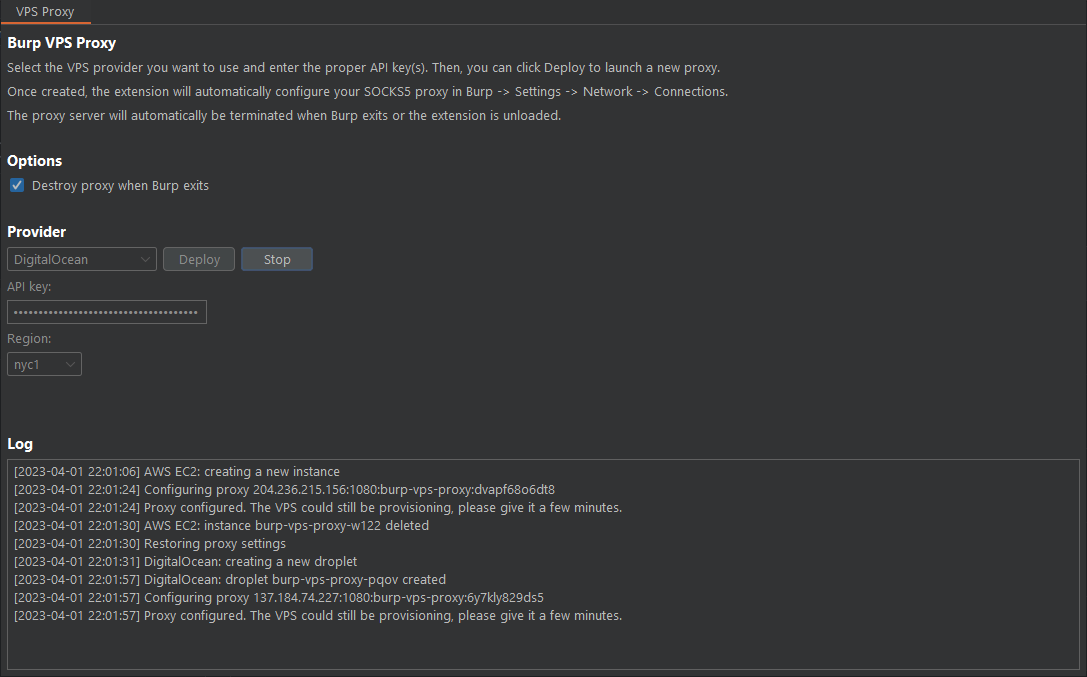
Burp VPS Proxy is a Burp Suite extension that allows for the automatic creation and deletion of upstream SOCKS5 proxies on popular cloud providers from within Burp Suite. It automatically configures Burp to use the created proxy so that all outbound traffic comes from a cloud IP address. This is useful to prevent our main IP address from being blacklisted by popular WAFs while performing penetration testing and bug bounty hunting.
Burp VPS Proxy was inspired by @honoki's awesome DigitalOcean Droplet Proxy for Burp Suite idea.
Think this is useful? ⭐ Star us on GitHub — it helps!
Visit the release page and download the latest burp-vps-proxy.jar file.
In Burp Suite, visit the Extensions tab and click Add. Set the extension type to Java, and select the burp-vps-proxy.jar file.
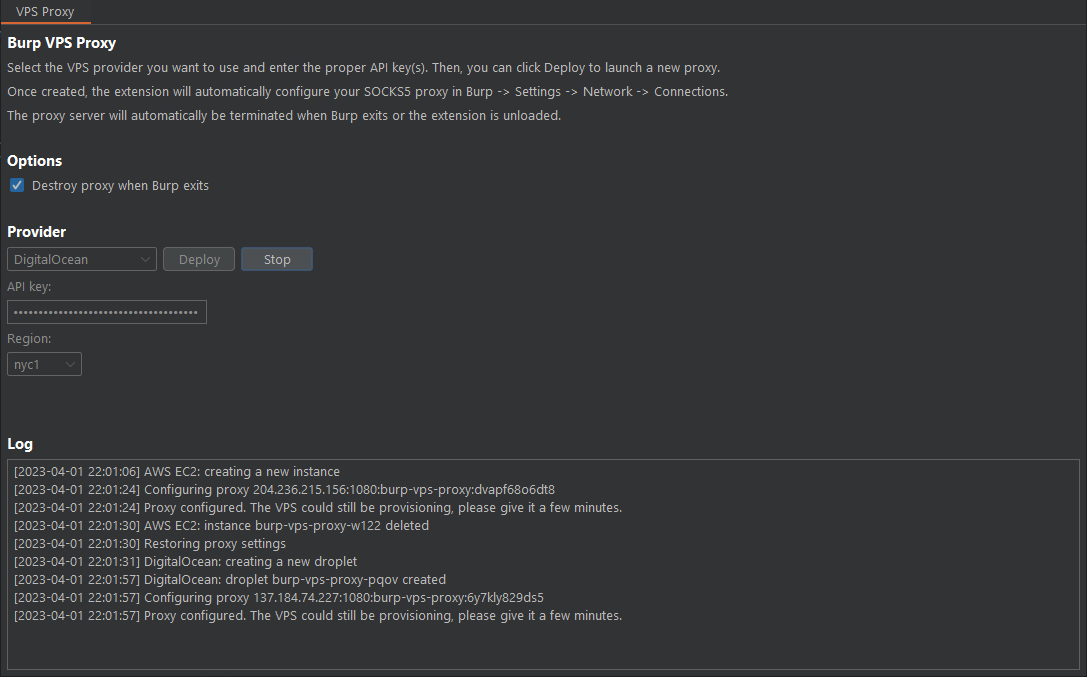
Once loaded, access the extension via the new VPS Proxy tab in Burp. Select your provider, set your API keys and click Deploy.
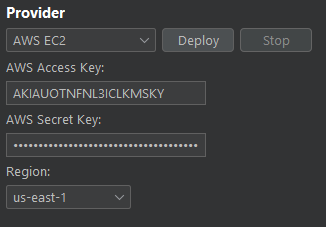
The extension will use the t4g.nano instance type to minimize costs. Note that not all regions support this instance type. The extension will also create a security group named burp-vps-proxy in the region selected to allow connections to port 1080.
You will need an AWS Access Key and AWS Private Key in order to configure the extension. You'll also need to ensure the key pair gives access to at least the following permissions:
{
    "Version": "2012-10-17",
    "Statement": [
        {
            "Sid": "EC2Permissions",
            "Effect": "Allow",
            "Action": [
                "ec2:RunInstances",
                "ec2:TerminateInstances",
                "ec2:DescribeInstances",
                "ec2:DescribeImages",
                "ec2:DescribeRegions",
                "ec2:CreateTags",
                "ec2:CreateSecurityGroup",
                "ec2:DescribeSecurityGroups",
                "ec2:AuthorizeSecurityGroupIngress"
            ],
            "Resource": "*"
        }
    ]
}
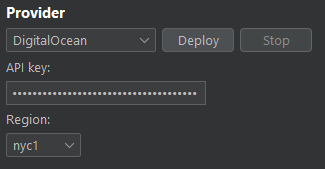
Digital Ocean is a popular VPS provider among security researchers, pentesters and bug bounty hunters. If you don't already have an account, you can get a $200 in free credits by using my referral link to signup:

You will need to create an API key and enter it in the Burp VPS Proxy extension.
Provisioning can take some time after the droplet is created. Wait a few minutes after the instance is up.
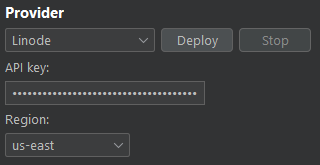
You will need to create an API key and enter it in the Burp VPS Proxy extension. This is done in the "My Settings -> API Tokens" section of your profile in your Linode dashboard. They call it a Personal Access Token.
Ensure the API key has the Read/Write permission for "Linodes".
Provisioning is done via SSH and the proxy is usually available as soon as the extension tells you.
The author and contributors of this extension expressly disclaim any liability for any costs, damages, or consequences resulting from the use of cloud providers in connection with this software.
Using this program for unauthorized or illegal activities, including attacking targets without consent, is strictly prohibited. Users must comply with all applicable laws and regulations. The developer and contributors assume no liability or responsibility for any misuse, damage, or harm caused by this software. It is the user's responsibility to utilize this program in an ethical and lawful manner.
This repository's content is licensed under the GNU General Public License v3.0 (GPLv3).
