 curiotrace/paramtrace
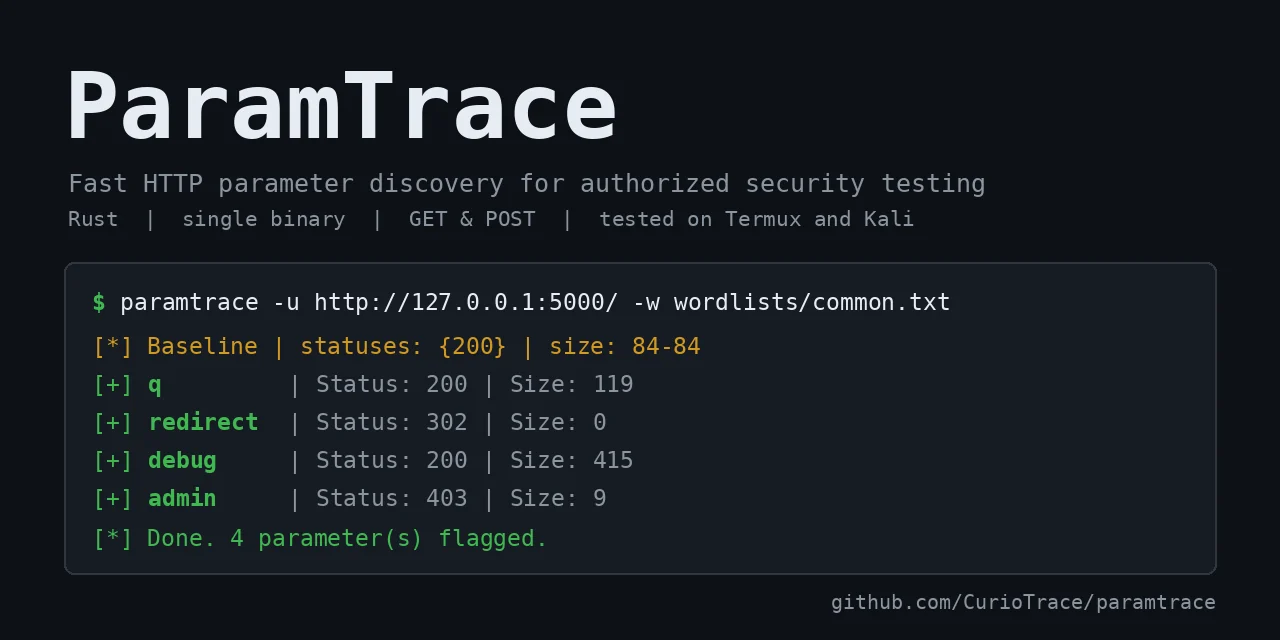
Fast HTTP parameter discovery for authorized security testing

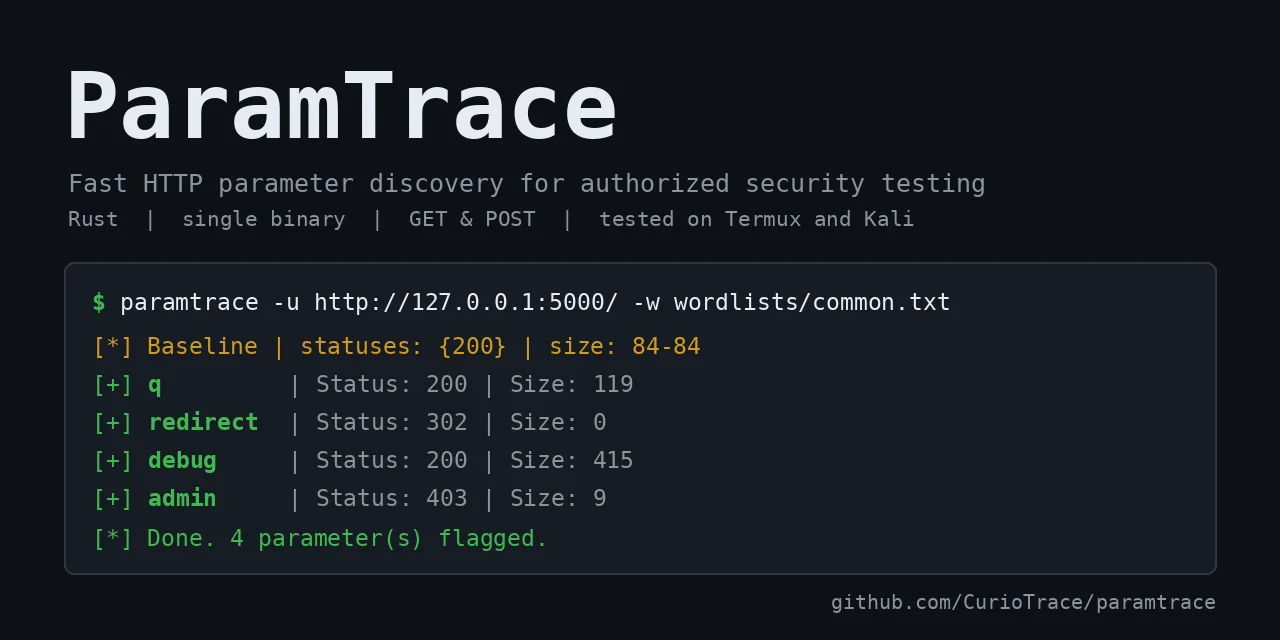
Fast HTTP parameter discovery for bug bounty and authorized penetration testing. ParamTrace sends wordlist entries as parameters and flags the ones that change the response compared to a baseline.
Legal notice: only use ParamTrace on systems you own or have explicit written permission to test (for example, in-scope bug bounty targets). You are responsible for how you use it.
Parameter discovery tools already exist (Arjun, x8, Param Miner for Burp). ParamTrace is a small, focused alternative:
--tolerance handles pages that change on every request.When to use something else: if you already live in Burp, Param Miner is a better fit. For batching many parameters per request, mature tools like Arjun or x8 are faster today. Batching is on the ParamTrace roadmap.
Pre-built binaries (Linux x86_64 and aarch64, macOS Apple Silicon, Windows) are on the Releases page, each with a .sha256 checksum file. For example, on Linux (use the aarch64 file for Kali NetHunter on a phone):
tar -xzf paramtrace-*-linux-x86_64.tar.gz
sudo cp paramtrace-*-linux-x86_64/paramtrace /usr/local/bin/
Termux uses Android's C library, so the Linux binaries won't run there. Install from source instead: cargo install --git https://github.com/CurioTrace/paramtrace
Testing status: the Linux aarch64 binary (Kali NetHunter) and the Termux source build have been tested by the author. The Linux x86_64, macOS and Windows binaries are built automatically on every release but have not been run by the author yet, so please open an issue if one doesn't work. The binaries are unsigned, so Windows or macOS may show a warning on first run; you can verify a download with its .sha256 file.
Or build from source:
git clone https://github.com/CurioTrace/paramtrace
cd paramtrace
cargo build --release
# binary: target/release/paramtrace

# optional: install it so you can just type `paramtrace`
cargo install --path .
Tested on Termux (Android) and Kali NetHunter. It should build anywhere Rust does (uses rustls, no OpenSSL needed).
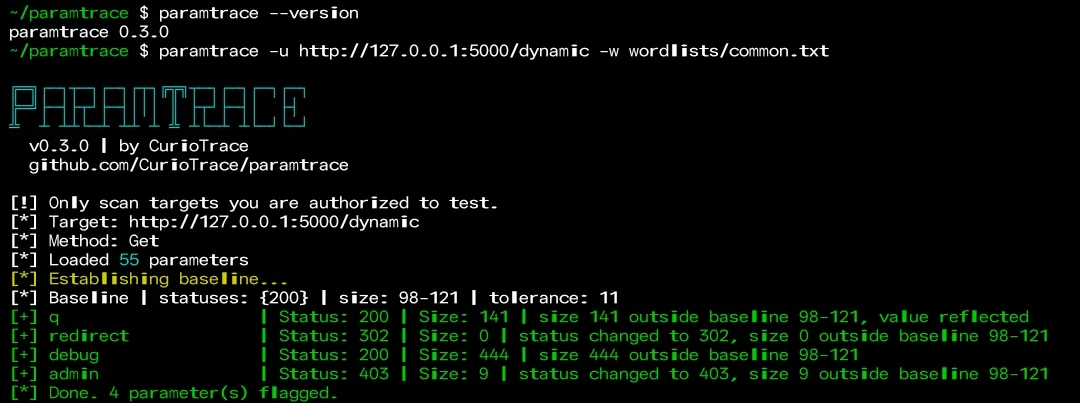
The examples below assume
paramtraceis on your PATH (seecargo install --path .above). If you only rancargo build --release, use./target/release/paramtraceinstead. If the command isn't found after installing, add Cargo's bin folder to your PATH:export PATH="$HOME/.cargo/bin:$PATH"
paramtrace -u https://example.com/search -w wordlists/common.txt
paramtrace -u https://example.com/api -w words.txt -m post -t 20
paramtrace -u https://example.com/ -w words.txt -H "Cookie: session=abc" --proxy http://127.0.0.1:8080
paramtrace -u https://example.com/ -w words.txt -o out.json -f json
| Flag | Description |
|---|---|
-u, --url | Target URL |
-w, --wordlist | Parameter wordlist |
-m, --method | get (default) or post |
-t, --threads | Concurrent requests (default 10) |
-H, --header | Extra header, repeatable |
--timeout | Request timeout in seconds (default 10) |
--delay | Delay per request in ms |
--tolerance | Ignore size differences up to N bytes (useful on dynamic pages) |
--value | Value sent for each parameter (values under 4 characters disable the reflection check) |
--proxy | Proxy URL (Caido, Burp) |
-k, --insecure | Skip TLS verification |
-q, --quiet | Hide the startup banner |
-o, --output / -f, --format | Save results as text or json |
Tested against my own instance of a PortSwigger Web Security Academy lab: with a 6,454-entry wordlist (6,453 wrong names plus the real parameter productId), ParamTrace flagged only productId, with no false positives, in about 3 minutes at 10 threads. The server answered 400 both with and without the parameter, so a status-code-only check would have missed it. ParamTrace caught it by comparing response sizes.
Speed depends heavily on the network, and parameter names are case-sensitive, so the wordlist must contain the exact name the server expects.
--tolerance 0 to compare exactly.A small starter list is in wordlists/common.txt. For larger ones, see
SecLists.
For real targets, download a larger list (about 6,000 names) and scan gently:
curl -L -o wordlists/burp-params.txt https://raw.githubusercontent.com/danielmiessler/SecLists/master/Discovery/Web-Content/burp-parameter-names.txt
paramtrace -u https://example.com/page -w wordlists/burp-params.txt -t 5 --delay 100
Parameter names are case-sensitive. A server that expects productId will not react to productid, so ParamTrace can only find names that are in your wordlist with the exact spelling the target uses. Many lists are all lowercase, so check yours first, for example: grep -c -x productId yourlist.txt.
-t, --threads limits how many requests are in flight at once (default 10).--delay N waits N milliseconds before each request. It applies to every concurrent request, so more threads still means more requests per second overall.--timeout stops a slow request from hanging the scan.429 Too Many Requests, ParamTrace does not report those responses as findings. It counts them and prints a warning at the end, because the results may be incomplete. Lower --threads, add --delay, and check the target's rules on request rates.It does not back off or retry automatically yet. In one of my own lab tests, -t 3 --delay 150 ran at about 6 requests per second and -t 10 --delay 0 at about 30, so speed depends heavily on the target and your connection.
Yes, it is the main planned feature: send many names in one request and narrow down when the response changes, which should need far fewer requests. ParamTrace is a hobby project, so there is no date.
If ParamTrace helped you on an assessment or bug bounty, please consider leaving a ⭐ (the Star button at the top of the repository page) to help others discover it.
