 chrisk44/hijacker
Aircrack, Airodump, Aireplay, MDK3 and Reaver GUI Application for Android

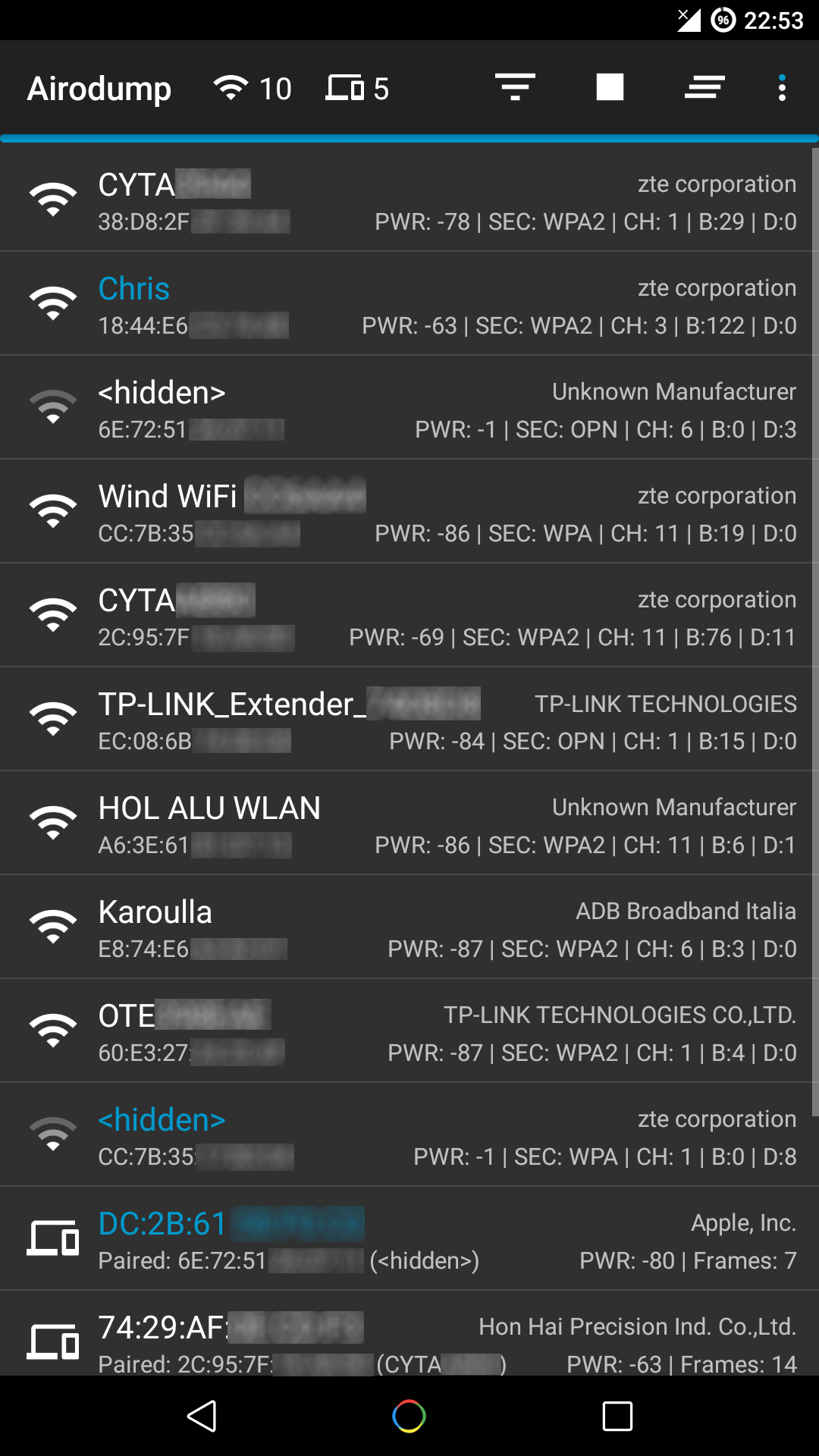
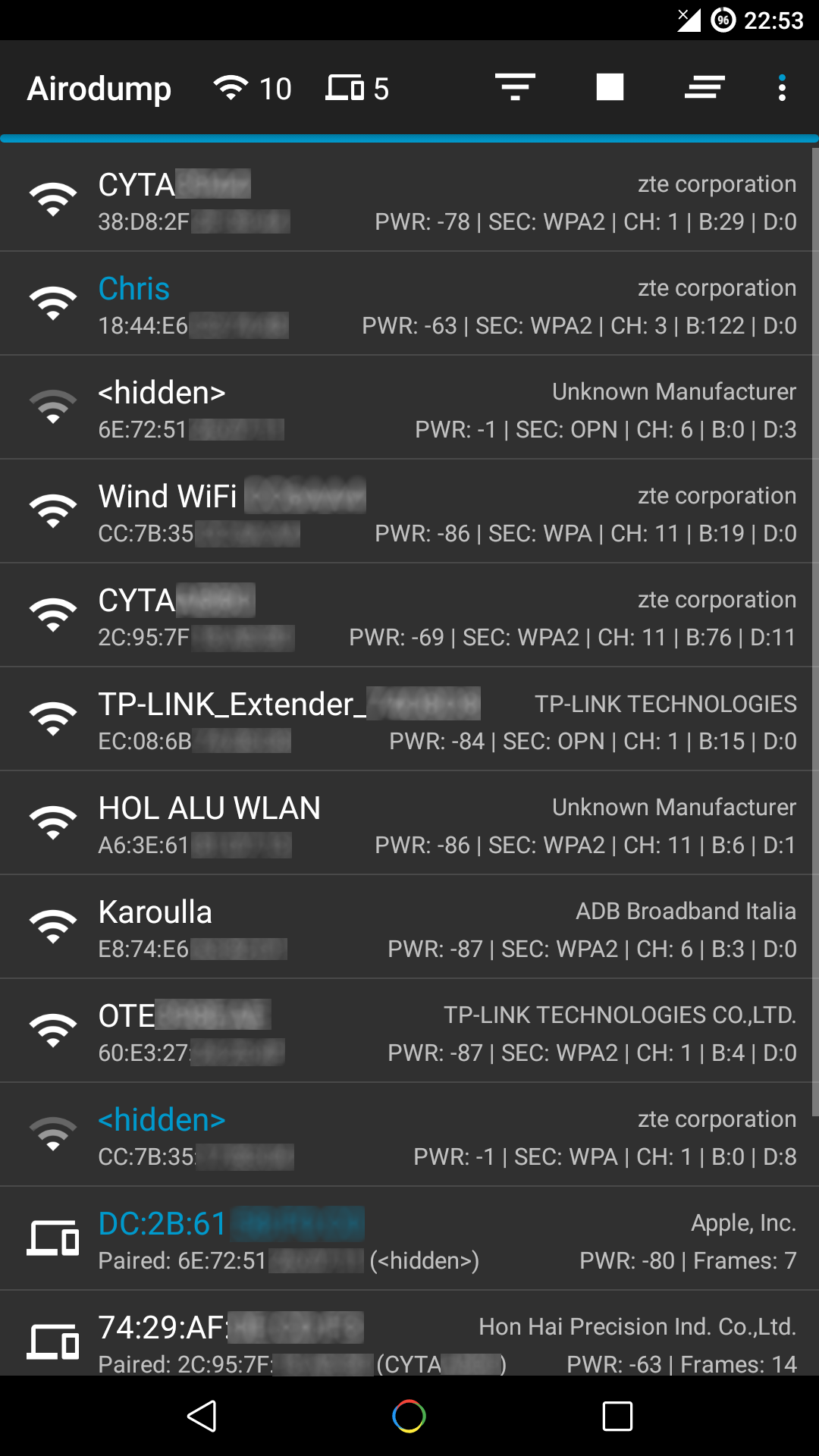
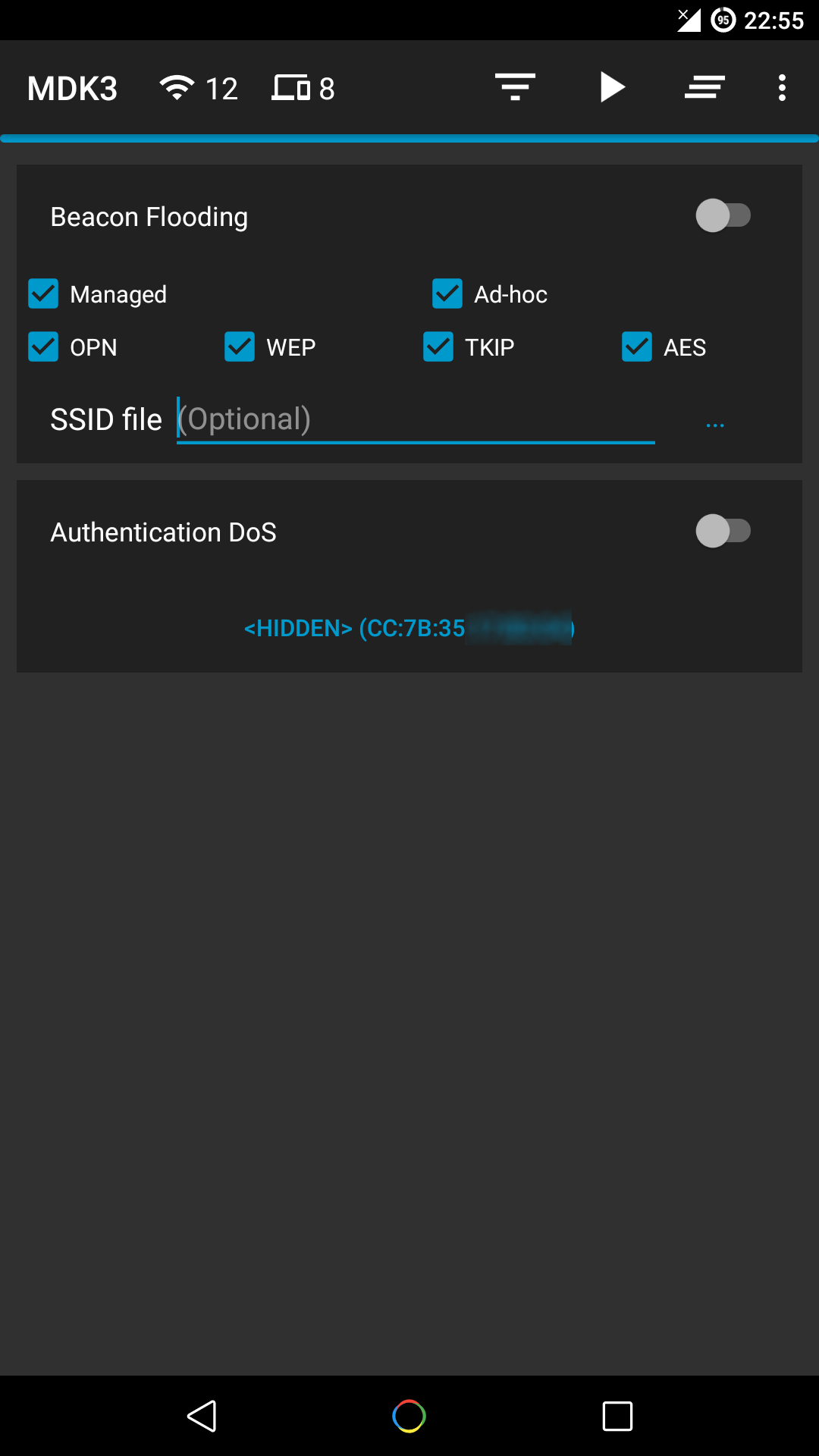
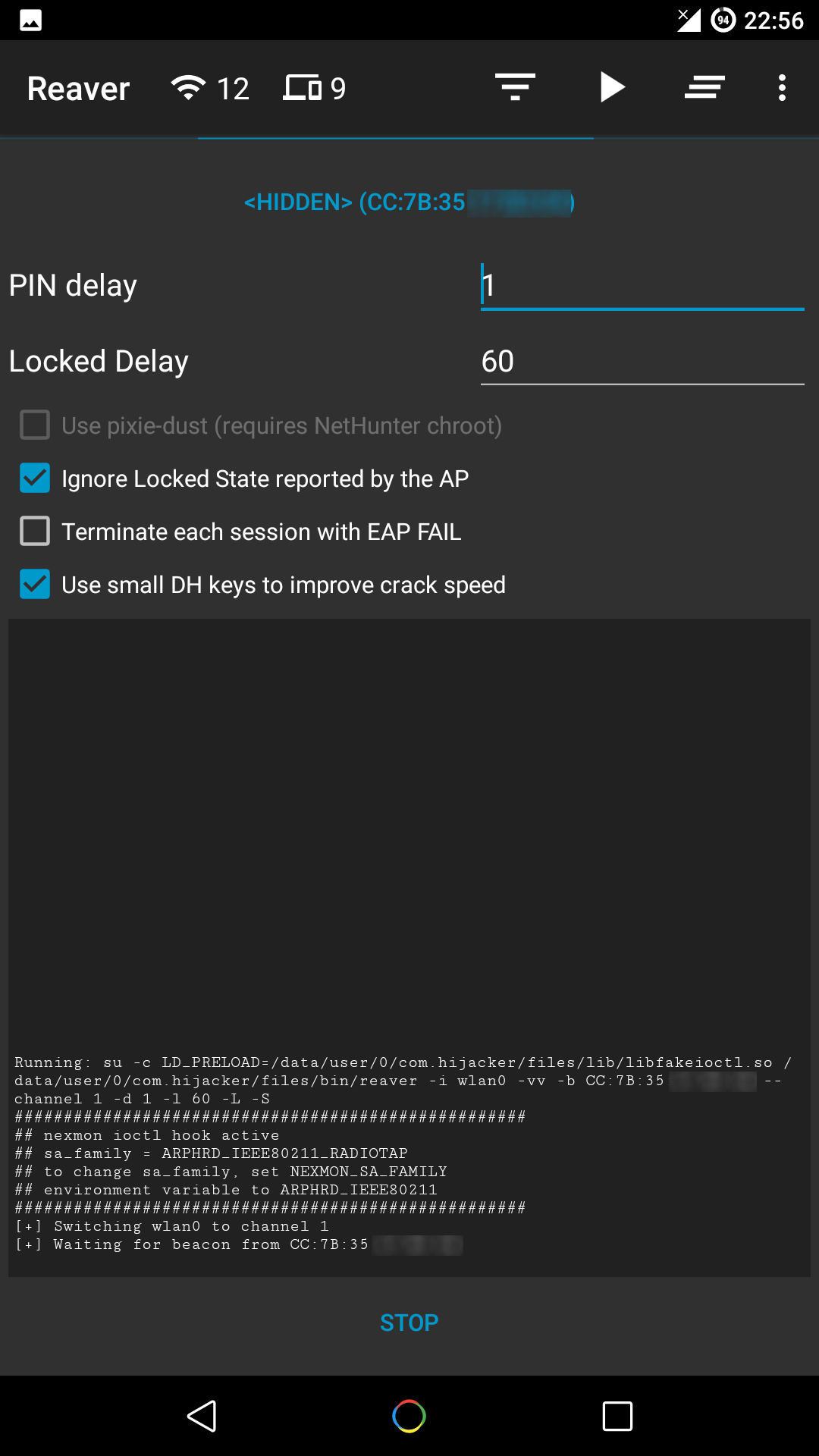
Hijacker is a Graphical User Interface for the penetration testing tools Aircrack-ng, Airodump-ng, MDK3 and Reaver. It offers a simple and easy UI to use these tools without typing commands in a console and copy&pasting MAC addresses.
This application requires an ARM android device with an internal wireless adapter that supports Monitor Mode. A few android devices do, but none of them natively. This means that you will need a custom firmware. Any device that uses the BCM4339 chipset (MSM8974, such as Nexus 5, Xperia Z1/Z2, LG G2, LG G Flex, Samsung Galaxy Note 3) will work with Nexmon (which also supports some other chipsets). Devices that use BCM4330 can use bcmon.
An alternative would be to use an external adapter that supports monitor mode in Android with an OTG cable.
The required tools are included for ARM devices. The Nexmon firmware and management utility for BCM4339 and BCM4358 are also included.
Root access is also necessary, as these tools need root to work.
The app has been discontinued since a completely new iteration is currently under development. Since the new version will not be available for a long time, this repo remains open for recommendations and feature requests which will be implemented in the new version. Critical changes may still be provided, along with help for building, maintaining, and updating the code (though I wouldn't recomment it). Bug reports are also welcome as long as they come from the latest released version, since some of this code might be used in the new project.
Make sure:
When you run Hijacker for the first time, you will be asked whether you want to install the nexmon firmware or go to home screen. If you have installed your firmware or use an external adapter, you can just go to the home screen. Otherwise, and if your device is supported, click 'Install Nexmon' to install the Nexmon firmware. When you're done, you will land on the home screen and airodump will start. Make sure you have enabled your WiFi and it's in monitor mode.
/system might trigger an Android security feature and your system partition will be restored when you reboot.Hijacker needs root access to run. It expects a su binary file, which is a shell executed with root privileges. On startup, the app runs a which su command. If you are getting this message, then this command has failed. Either you are not rooted, or your root solution did not provide a su binary in a PATH accessible directory.
Hijacker needs root access to run. It runs all its commands through su. When su is called, some app on your device (which manages the root access, e.g. SuperSU, Superuser) should ask you if you want to grant root access to Hijacker. If access is denied, you get this message. Make sure that Hijacker is authorized to run root commands.
This means that the app failed to create the 'bin' or 'lib' directories in its own directory within the system. If you see this, something is wrong with your OS, Hijacker can't do anything about this.
This app is designed and tested for ARM devices. All the included binaries and libraries are compiled for that architecture and will not work on anything else. If you get this message, you have to install them manually (busybox, aircrack-ng suite, mdk3, reaver, wireless tools, libfakeioctl.so library) in a PATH accessible directory and set the 'Prefix' option for the tools to preload the library they need: LD_PRELOAD=/path/to/libfakeioctl.so.
Hijacker runs a background service to make sure that the tools that are supposed to be running, are actually running, and the tools that are supposed to be stopped, are stopped. In the event one of these checks fails, you will get a warning.
Something is not running: This could be caused by a tool stopping unexpectedly, which could be a sign of bad parameters, tool working differently that the app expects, other software on the device killing it, wifi turned off or not in monitor mode, or even a broken tool (if you compiled it manually).
Something is still running: This could be caused by a failed 'stop' operation by the app or the tool running on its own (if you have left the app open in the background and you run the tool by yourself). A failed 'stop' operation could be caused by denied root access, or starting the app after it crashed and didn't get a change to run the 'stop' operations (although this shouldn't happen).
The app crashed, a new activity came up, and it says it can't open a shell to generate the bug report. This means exactly what it says. It can't open a root shell; it executed su and failed. No/denied or improperly configured root access.
Hijacker needs root access to generate the bug report because it needs to get the device's logfiles, attempt to run the tools to make sure they are installed correctly, read the WiFi firmware, etc.
Self explanatory.
