
Skip to content
KitploitKITPLOIT
ToolsExploitsBlog
Log in
Submit
ToolsExploitsBlog
Submit

Hacking, PenTest, and Cybersecurity Tools for Your Security Arsenal!

Kitploit is a directory of hacking, cybersecurity, and pentesting tools. Discover the latest project updates to find vulnerabilities, analyze systems, automate testing, and strengthen your security.

FeedsContactPrivacy© 2026 Kitploit

Tool Directory

Categories

View all categories
Loading categories
passgen — Generate passwords from the terminal | Kitploit
Tools/GitHubGitHub/bilalbaraz/passgen
General Purpose UtilitiesPassword CrackingEncryption/Decryption ToolsPrivacyAuthentication
GitHubbilalbaraz/passgen

passgen

Generate passwords from the terminal

View Repository
2469 months agoNot yet reviewed
Website
Share

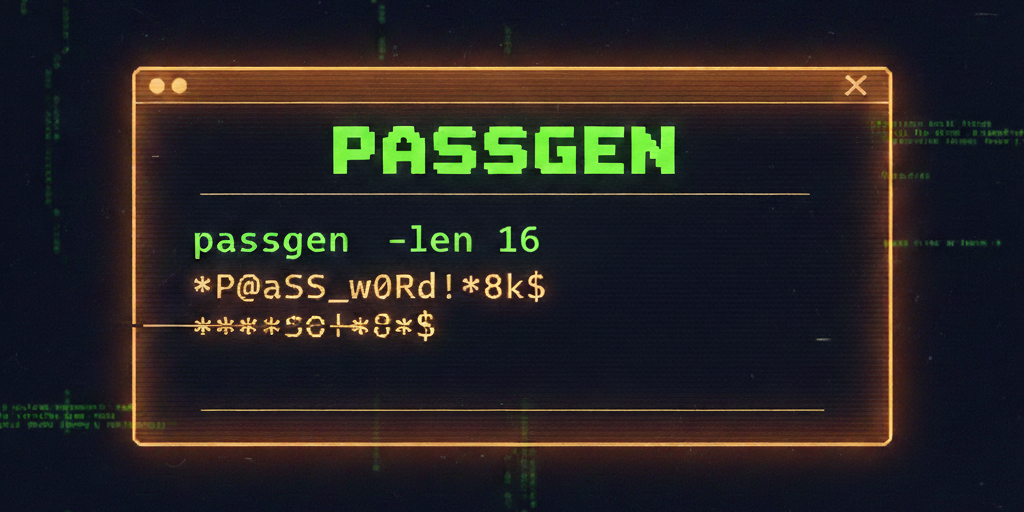
PassGen Banner

🔐 passgen — Generate passwords from the terminal

GitHub Release Codecov OpenSSF Scorecard OpenSSF Best Practices

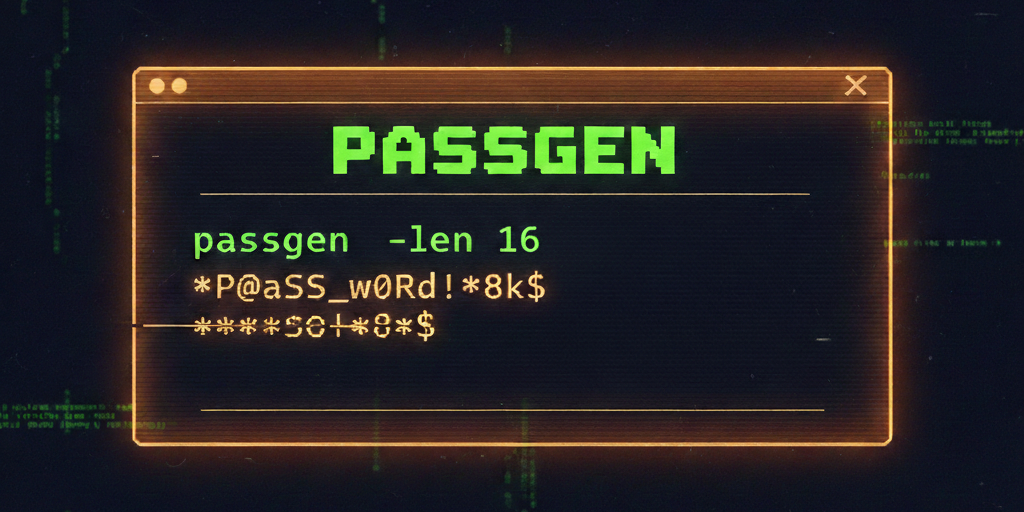
PassGen Demo

A small Go CLI that generates secure random passwords with flexible character sets and exclusions.

Uses crypto/rand for cryptographically secure randomness. If no charset flags are provided, all sets are enabled by default.

Installation

Go

# latest
go install github.com/bilalbaraz/passgen@latest

# specific version
go install github.com/bilalbaraz/passgen@<version>

Homebrew

brew tap bilalbaraz/tap
brew install passgen

Linux amd64

wget -L https://github.com/bilalbaraz/passgen/releases/latest/download/passgen_linux_amd64.zip \
&& unzip passgen_linux_amd64.zip \
&& sudo mv passgen /usr/local/bin/ \
&& rm passgen_linux_amd64.zip

Linux arm64

wget -L https://github.com/bilalbaraz/passgen/releases/latest/download/passgen_linux_arm64.zip \
&& unzip passgen_linux_arm64.zip \
&& sudo mv passgen /usr/local/bin/ \
&& rm passgen_linux_arm64.zip

Quickstart


# basic (defaults to all character sets)
passgen --len 16 --count 3

# lower/upper/digits only
passgen --len 24 --count 5 --lower --upper --digits

# symbols only, excluding "@$"
passgen --len 20 --symbols --exclude "@$"

# exclude ambiguous characters (0 O 1 l I)
passgen --len 16 --no-ambiguous

# copy generated passwords to clipboard
passgen --len 20 --count 3 --copy

# render first password as QR code in terminal (requires -count 1)
passgen --len 20 --qr

Development

go run .
go build .
go run ./cmd/passgen
go build ./cmd/passgen
go test -v ./...

Command Surface

  • Length: --len <n> or -l <n>
  • Char sets: --lower, --upper, --digits, --symbols
  • Count: --count <n> or -c <n>
  • Exclude chars: --exclude "..." or -x "..."
  • No ambiguous: --no-ambiguous
  • Copy to clipboard: --copy or -p
  • QR code: --qr or -q (only when --count 1)
  • Help: -h / --help

Configuration

No config file. All behavior is controlled via CLI flags.

Notes

  • Errors are printed to stderr and exit with code 1 on invalid input.
  • -copy uses pbcopy (macOS), clip (Windows), or wl-copy/xclip (Linux).


Download Tool

Most Popular

View all →

Discover the most used tools by our community.

  • 1

    OsintHunter

    letox4/osinthunter

    🎯 The ultimate OSINT toolkit: investigation graph, confidence scoring, alias families, map, timeline and reports. 49 modules, 400+ sites, no API keys required.

    786
  • 2

    ghostlock-app

    yukonga/ghostlock-app

    GhostLock One-Tap Execution App (CVE-2026-43499)

    506
  • 3

    ARTEX

    baarai/artex

    LLM multi-agent autonomous penetration testing platform with planner/worker agents, asset and exploration graphs, MITM traffic recording, and vulnerability retesting.

    429
  • 4

    redforge

    cybersecurity91/redforge

    Browser-side red team toolkit with 102 offline tools for recon, payload generation, credential attacks, crypto, encoding and engagement reporting.

    345
  • 5

    CyberStrikeAI

    ed1s0nz/cyberstrikeai

    The system of action for AI-native cybersecurity—where intent becomes governed execution, evidence becomes operational memory, and every operation improves the next.

    262
  • 6

    looking-glass

    anonghosty/looking-glass

    CSIRT platform that ingests Shadowserver reports into MongoDB and replays them as interactive maps, analysis, findings, advisories and executive dashboards.

    256

Explore all tools

Browse our collection of tools

View all tools →