
credactor v2.6.0
Static credential scanner that detects and redacts hardcoded secrets in source code, replacing them with safe sentinels or environment variable references for CI/CD pipelines.



Credactor
Find the secret. Fix it. Commit clean.
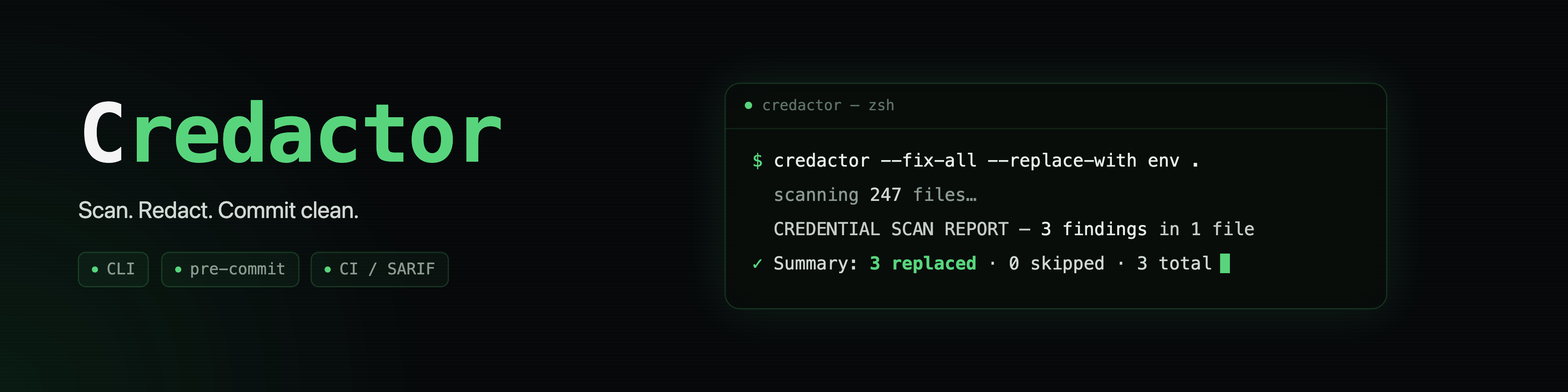
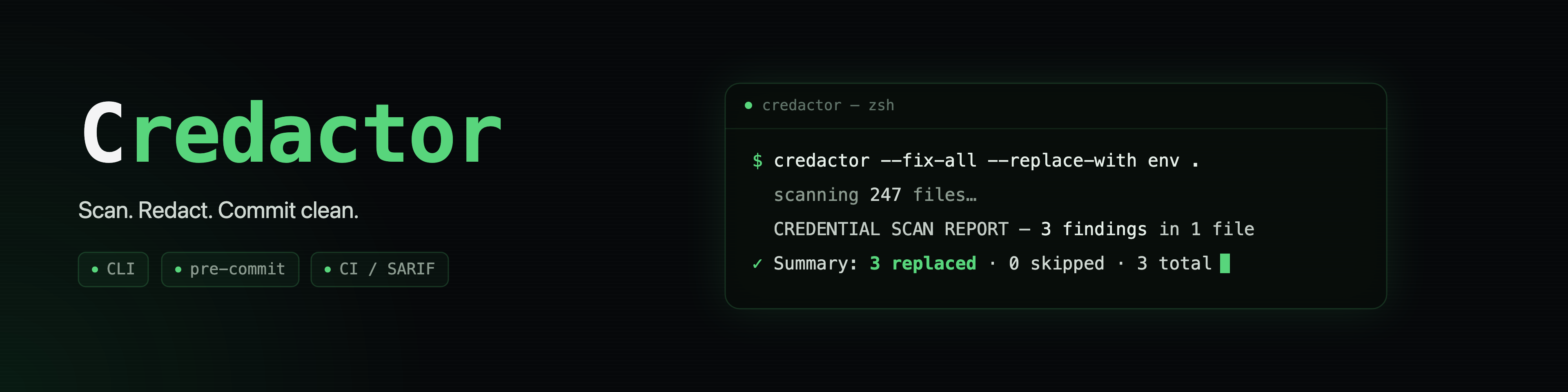
Most secret scanners stop at the alert: you get a list of leaked credentials and the cleanup is yours. Credactor finds hardcoded secrets and rewrites them in place, so a leak in your working tree goes from found to fixed in one command. It runs on your machine, as a pre-commit hook, or as a CI gate, and it can also fix what Gitleaks, TruffleHog or Betterleaks find.
# Before
db_password = "h8Tq2vKp9mRz4Wd"

# credactor --fix-all .   (default: a sentinel that fails loudly at runtime)
db_password = "REDACTED_BY_CREDACTOR"

# credactor --replace-with env --fix-all .   (read it from the environment)
db_password = os.environ["DB_PASSWORD"]
Redaction cleans your working tree. It does not revoke the credential and does not touch git history. If a secret was ever committed or shared, rotate it, and rewrite history if you need it gone from there too (for example with
git filter-repo).
Why Credactor
- It fixes, not just flags. Each finding is replaced in place with a sentinel, your own marker, or an environment-variable lookup in the file's own language.
- Careful writes. Each edit is planned in memory, backed up first (mode
0600), written to a temp file and renamed into place. A file that changed during the run, a path that leaves the scan root, or a private key block is skipped with a warning, and its finding stays reported. - Works with the scanner you already run. Feed it a Gitleaks, TruffleHog or Betterleaks report and it fixes their findings and its own in one deduplicated pass.
- Built for pipelines. A read-only
--cigate with clear exit codes, SARIF 2.1.0 with line and column locations for GitHub Code Scanning, a GitHub Action and a pre-commit hook. Secrets are masked in every report format, and text output is cleaned so a scanned file cannot inject escape sequences or CI workflow commands into your terminal or log. - Releases checked against their source. Pure Python 3.11+ standard
library with no runtime dependencies. Before a release reaches PyPI, every
Credactor file in the wheel and sdist is compared byte for byte with the
tagged source, and the package metadata must match
pyproject.toml(see Supply-chain hardening).
Where it is not the right tool on its own: its built-in rules cover the credential formats that leak most often rather than hundreds of providers, and it does not check whether a secret is live. A clean run means nothing matched its rules, not that the code holds no secrets. Pair it with a dedicated scanner for breadth (see Bring your own scanner).
Install
pip install credactor
With uv, install it as a tool, or run it once without installing:
uv tool install credactor
uvx credactor --dry-run .
Or with Homebrew on macOS and Linux:
brew install rxb06/tap/credactor
Needs Python 3.11 or newer. Tested in CI on Linux and Windows, Python 3.11 to
3.13. For files in encodings other than UTF-8, Latin-1 or simple UTF-16, add
the optional extra: pip install 'credactor[encoding]' or
uv tool install 'credactor[encoding]' (the Homebrew formula includes it).
Quick start
1. See what it finds. Nothing is changed.
credactor --dry-run .
======================================================================
  CREDENTIAL SCAN REPORT  --  2 finding(s) in 1 file(s)
======================================================================

  FILE: config.py
  ────────────────────────────────────────────────────────────
  Line    3  [HIGH]  [variable:db_password]
           db_password = "h8Tq[REDACTED]"
  Line    4  [CRITICAL]  [pattern:AWS access key]
           aws_key = "AKIA[REDACTED]"
Reports show only the first four characters of each secret.
2. Fix them. Review the findings first: --fix-all rewrites every one,
false positives included. To keep one, add # credactor:ignore to its line
(see Suppress false positives) or fix
interactively and answer n. Before each file is changed, a .bak copy is
written beside it so you can undo.
credactor .                          # ask y/N for each finding (needs a terminal)
credactor --fix-all .                # fix all after one confirmation
credactor --fix-all --yes .          # fix all, no prompt (scripts)
credactor --replace-with env --fix-all .   # environment lookups instead of the sentinel
Env mode writes the lookup, not the import: add import os or your language's
equivalent if the file lacks it. On Windows Git Bash, run the interactive mode
as winpty credactor ..
3. Check, then clean up the backups. Each .bak still holds the original
secret, and Credactor never edits your .gitignore, so a plain git add .
would stage it.
diff config.py.bak config.py         # check what changed
cp config.py.bak config.py           # undo
Add *.bak and *.credactor.tmp to .gitignore and delete the backups once
you are happy. To keep backups out of the tree from the start, pass
--secure-backup-dir DIR (a directory outside the repository) on the fix run.
--secure-delete wipes each backup instead, which leaves git as your only
undo.
Commands at a glance
| Command | What it does | Changes files |
|---|---|---|
credactor --dry-run . | Report findings | No |
credactor . | Review and fix one finding at a time | Yes, on y |
credactor --fix-all . | Fix every finding after one confirmation | Yes |
credactor --ci . | Gate: exit 1 on findings | Never |
credactor --staged --ci . | Gate only what is staged for commit | Never |
credactor --scan-history . | Scan the last 100 file-changing commits | Never |
credactor --ci -f sarif . > results.sarif | SARIF 2.1.0 for Code Scanning | Never |
credactor --ci -f json . > findings.json | Machine-readable report | Never |
Every flag and combination is in the Manual.
Use it in pre-commit and CI
Pre-commit hook
# .pre-commit-config.yaml
repos:
  - repo: https://github.com/rxb06/credactor
    rev: v2.7.5
    hooks:
      - id: credactor
pre-commit install
Every git commit then scans the staged content and is blocked if it holds a
credential. The hook never rewrites files. It needs pre-commit 3.2.0 or newer;
without the framework, see the
standalone hook.
GitHub Action
steps:
  - uses: actions/checkout@v7
  - uses: rxb06/[email protected]
The Action always runs with --ci, so it never rewrites the checkout. Findings
fail the step, and so does any error. To report to Code Scanning instead of
failing:
permissions:
  contents: read
  security-events: write

steps:
  - uses: actions/checkout@v7
  - uses: rxb06/[email protected]
    with:
      format: sarif
      upload-sarif: true
      fail-on-findings: false
The CI integration guide lists every Action input and output and covers GitLab CI and plain shell steps.