
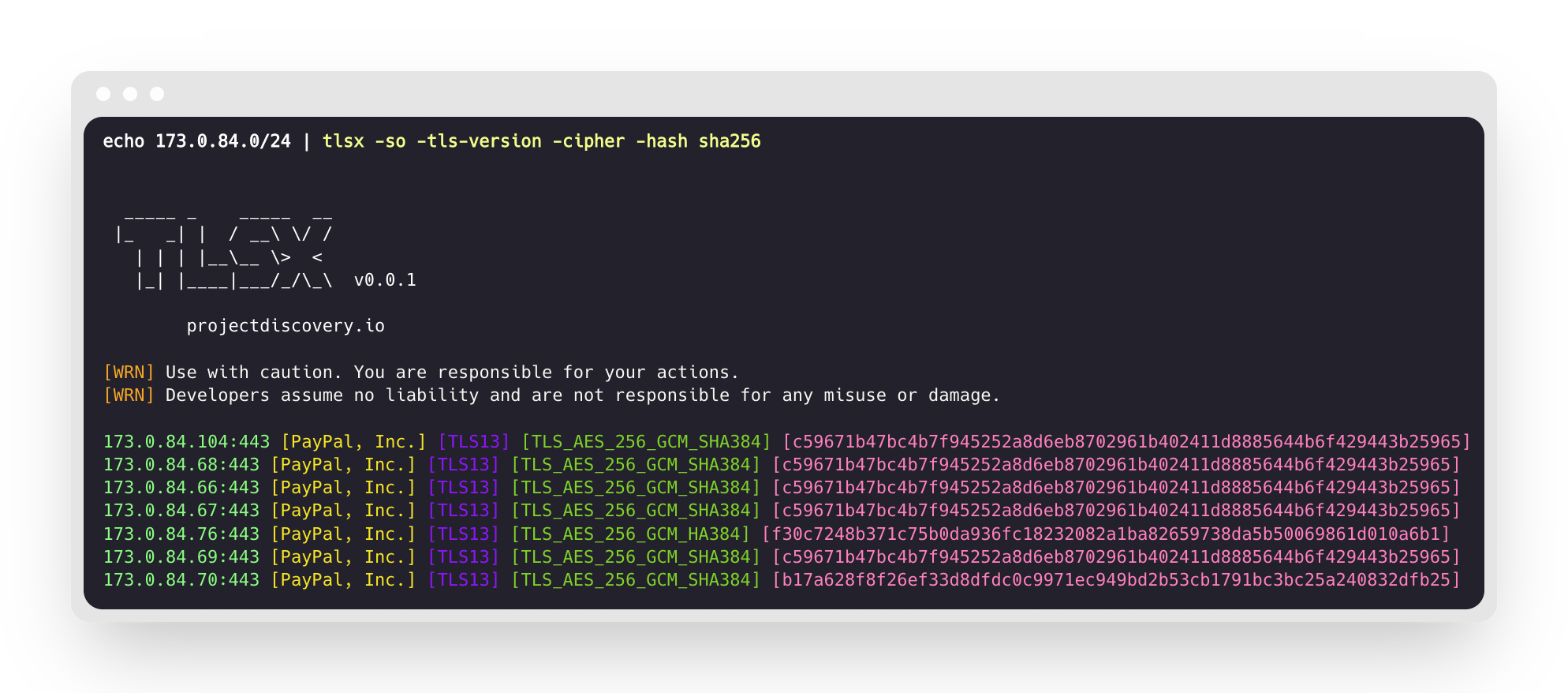
tlsx v1.3.0
Fast and configurable TLS grabber focused on TLS based data collection.





Features • Installation • Usage • Running tlsx • Join Discord
A fast and configurable TLS grabber focused on TLS based data collection and analysis.
Features
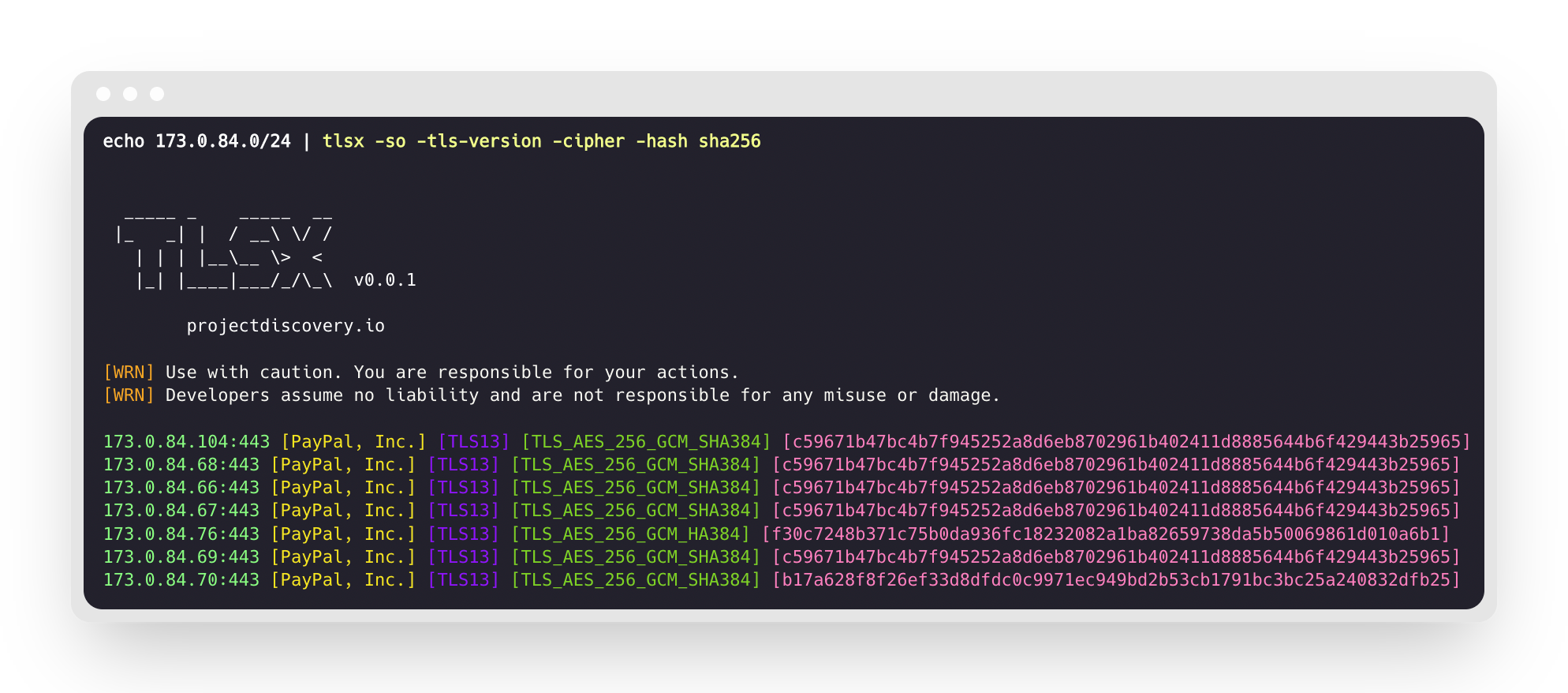
- Fast And fully configurable TLS Connection
- Multiple Modes for TLS Connection
- Multiple TLS probes
- Auto TLS Fallback for older TLS version
- Pre Handshake TLS connection (early termination)
- Customizable Cipher / SNI / TLS selection
- JARM/JA3 TLS Fingerprint
- TLS Misconfigurations
- ASN,CIDR,IP,HOST, and URL input
- STD IN/OUT and TXT/JSON output
Installation
tlsx requires Go 1.24 to install successfully. To install, just run the below command or download pre-compiled binary from release page.
go install github.com/projectdiscovery/tlsx/cmd/tlsx@latest
Usage
tlsx -h
This will display help for the tool. Here are all the switches it supports.
TLSX is a tls data gathering and analysis toolkit.

Usage:
  tlsx [flags]

Flags:
INPUT:
   -u, -host string[]  target host to scan (-u INPUT1,INPUT2)
   -l, -list string    target list to scan (-l INPUT_FILE)
   -p, -port string[]  target port to connect (default 443)

SCAN-MODE:
   -sm, -scan-mode string     tls connection mode to use (ctls, ztls, openssl, auto) (default "auto")
   -ps, -pre-handshake        enable pre-handshake tls connection (early termination) using ztls
   -sa, -scan-all-ips         scan all ips for a host (default false)
   -iv, -ip-version string[]  ip version to use (4, 6) (default 4)

PROBES:
   -san                     display subject alternative names
   -cn                      display subject common names
   -so                      display subject organization name
   -tv, -tls-version        display used tls version
   -cipher                  display used cipher
   -hash string             display certificate fingerprint hashes (md5,sha1,sha256)
   -jarm                    display jarm fingerprint hash
   -ja3                     display ja3 fingerprint hash (using ztls)
   -wc, -wildcard-cert      display host with wildcard ssl certificate
   -tps, -probe-status      display tls probe status
   -ve, -version-enum       enumerate and display supported tls versions
   -ce, -cipher-enum        enumerate and display supported cipher
   -ct, -cipher-type value  ciphers types to enumerate. possible values: all/secure/insecure/weak (comma-separated) (default all)
   -ch, -client-hello       include client hello in json output (ztls mode only)
   -sh, -server-hello       include server hello in json output (ztls mode only)
   -se, -serial             display certificate serial number

MISCONFIGURATIONS:
   -ex, -expired      display host with host expired certificate
   -ss, -self-signed  display host with self-signed certificate
   -mm, -mismatched   display host with mismatched certificate
   -re, -revoked      display host with revoked certificate
   -un, -untrusted    display host with untrusted certificate

CONFIGURATIONS:
   -config string               path to the tlsx configuration file
   -r, -resolvers string[]      list of resolvers to use
   -cc, -cacert string          client certificate authority file
   -ci, -cipher-input string[]  ciphers to use with tls connection
   -sni string[]                tls sni hostname to use
   -rs, -random-sni             use random sni when empty
   -rps, -rev-ptr-sni           perform reverse PTR to retrieve SNI from IP
   -min-version string          minimum tls version to accept (ssl30,tls10,tls11,tls12,tls13)
   -max-version string          maximum tls version to accept (ssl30,tls10,tls11,tls12,tls13)
   -cert, -certificate          include certificates in json output (PEM format)
   -tc, -tls-chain              include certificates chain in json output
   -vc, -verify-cert            enable verification of server certificate
   -ob, -openssl-binary string  OpenSSL Binary Path
   -hf, -hardfail               strategy to use if encountered errors while checking revocation status
   -proxy string                socks5 proxy to use for tlsx

OPTIMIZATIONS:
   -c, -concurrency int  number of concurrent threads to process (default 300)
   -cec, -cipher-concurrency int  cipher enum concurrency for each target (default 10)
   -timeout int          tls connection timeout in seconds (default 5)
   -retry int            number of retries to perform for failures (default 3)
   -delay string         duration to wait between each connection per thread (eg: 200ms, 1s)

UPDATE:
   -up, -update                 update tlsx to latest version
   -duc, -disable-update-check  disable automatic tlsx update check

OUTPUT:
   -o, -output string  file to write output to
   -j, -json           display output in jsonline format
   -dns                display unique hostname from SSL certificate response
   -ro, -resp-only     display tls response only
   -silent             display silent output
   -nc, -no-color      disable colors in cli output
   -v, -verbose        display verbose output
   -version            display project version

PDCP:
   -pd, -dashboard              upload or view output in the PDCP UI dashboard
   -pdu, -dashboard-upload string  upload tlsx output file (JSONL format) to the PDCP UI dashboard
   -auth string                  PDCP API key for authentication
   -tid, -team-id string         upload asset results to a specified team ID
   -aid, -asset-id string        upload new assets to an existing asset ID
   -aname, -asset-name string    asset group name

DEBUG:
   -health-check, -hc  run diagnostic check up
Using tlsx as library
Examples of using tlsx as library are provided in the examples folder.
Running tlsx
Input for tlsx
tlsx requires ip to make TLS connection and accept multiple format as listed below:
AS1449 # ASN input
173.0.84.0/24 # CIDR input
93.184.216.34 # IP input
example.com # DNS input
example.com:443 # DNS input with port
https://example.com:443 # URL input port
Input host can be provided using -host / -u flag, and multiple values can be provided using comma-separated input, similarly file input is supported using -list / -l flag.
Example of comma-separated host input:
$ tlsx -u 93.184.216.34,example.com,example.com:443,https://example.com:443 -silent
Example of file based host input:
$ tlsx -list host_list.txt
Port Input: