
ship-safe v9.7.5
CLI security scanner built for the agentic era. Detects CI/CD misconfigs, agent permission risks, MCP tool injection, hardcoded secrets, and DMCA-flagged AI dependencies.
The independent security agent for AI-written software. It finds issues, investigates whether they are real, and shows you the evidence.
Website · Docs · Security & Data Flow · Benchmark · Pricing · Blog · Contribute




Ship Safe CLI
Ship Safe runs locally in your repo and works in two layers.
A deterministic engine finds issues across application code, AI agents, MCP configs, prompts, dependencies, CI/CD, secrets, and cloud-adjacent configuration. Fast, repeatable, and benchmarked — this is the sensor layer.
An investigation layer then decides what the findings are worth. It traces the value that reaches a sink, searches the project for controls a rule says are missing, builds attack chains across configuration no single file contains, and — when you ask it to — probes a leaked key against its provider. Every conclusion carries the pass that reached it and the lines it read:
CONFIRMED — traced end to end (10)

    NoSQL Injection via $where [high]
    app/data/allocations-dao.js:78  NOSQL_INJECTION_WHERE
    why: threshold is assigned from the HTTP request and reaches the sink without validation on that path.
    decided by: dataflow
      1. value reaches NOSQL_INJECTION_WHERE here  app/data/allocations-dao.js:78
      2. getByUserIdAndThreshold is called here with threshold  app/routes/allocations.js:23
      3. threshold is assigned here  app/routes/allocations.js:20
    fix: Replace $where with standard MongoDB operators ($eq, $gt, $regex, etc.)
Real output from ship-safe investigate against OWASP NodeGoat. The tainted value is destructured in a route file and passed into a DAO three directories away.
Start with one command:
npx ship-safe
No signup. No API key required for scanning. Works offline for core checks. AI-backed red-team modes use your configured provider when available.
Use --no-ai to guarantee a fully local scan. Provider-backed classification, deep analysis, and GPT-Red send bounded context directly to your selected provider after best-effort credential masking. See Security & Data Flow for exact boundaries and context limits.
Quick Start
Requires Node.js 22.13+ on the 22.x line, or Node.js 24+. Node 18 and 20 are no longer supported by the current development version.
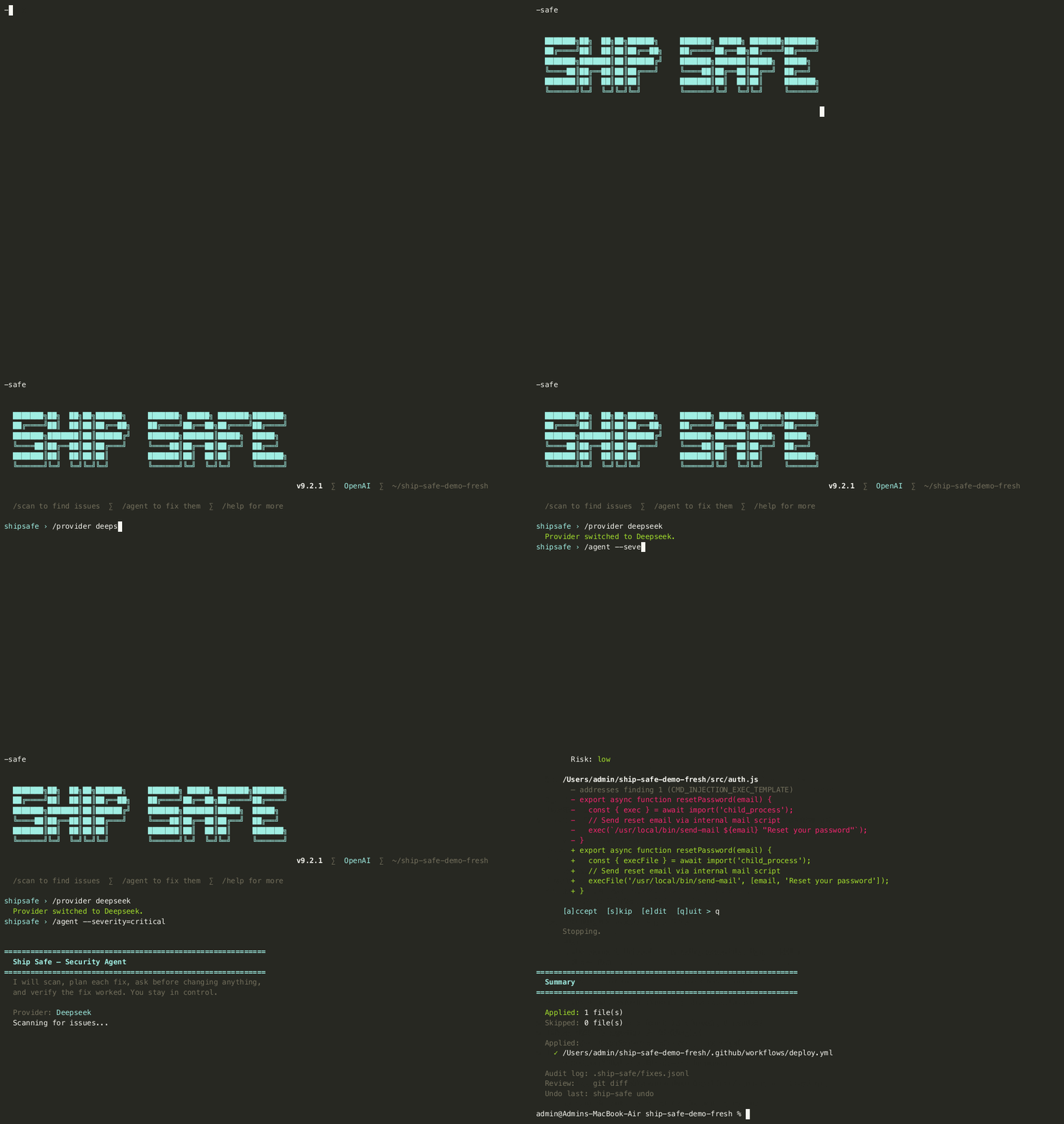
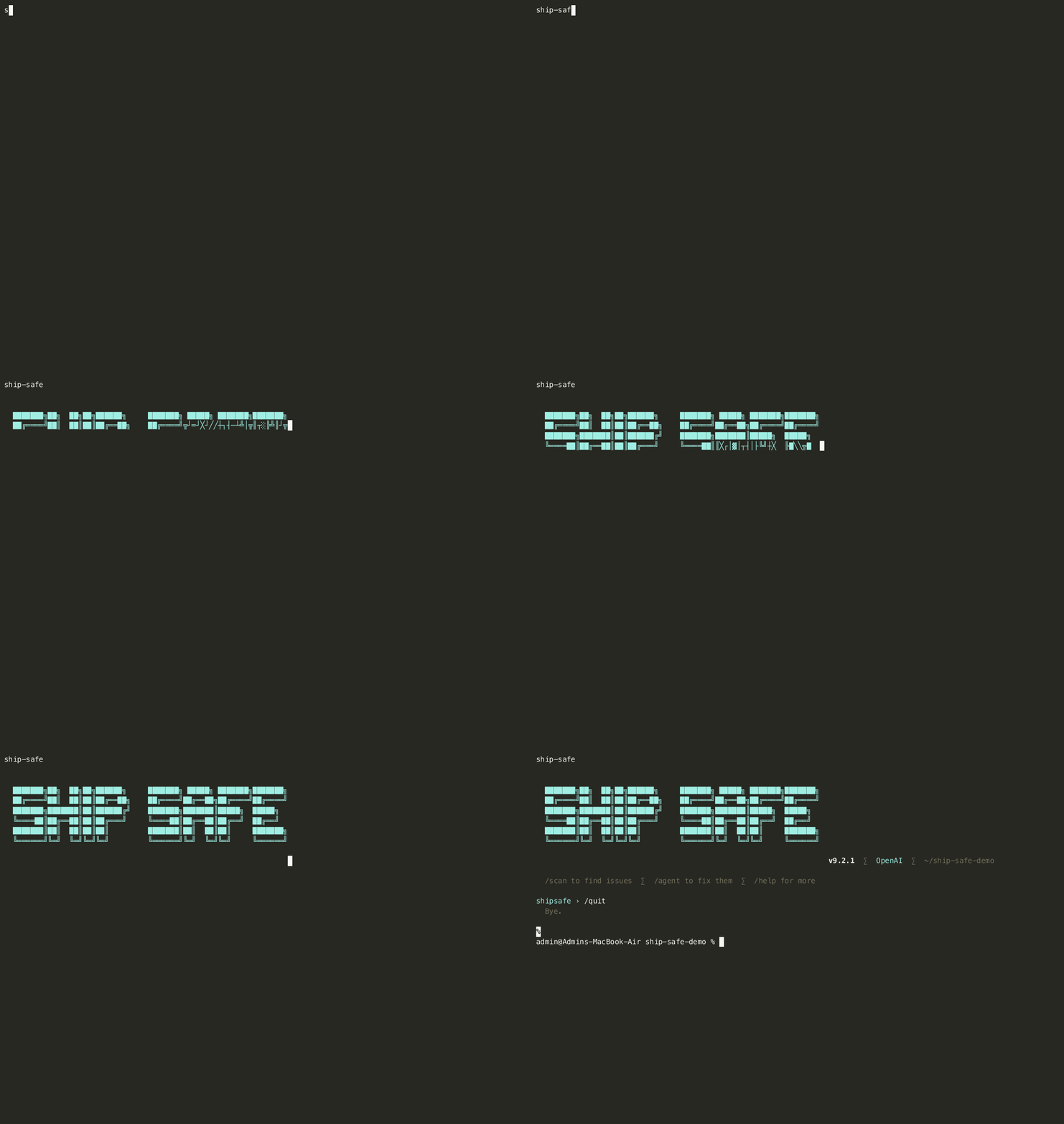
# Interactive REPL: scan, fix, and ask questions in one session
npx ship-safe

# Full audit: secrets + 31 agents + deps + remediation plan
npx ship-safe audit .

# Investigate: confirmed / likely / unresolved / refuted, with the evidence
npx ship-safe investigate .
npx ship-safe investigate . --all       # also detail unresolved and refuted
npx ship-safe investigate . --verify    # probe leaked keys against their providers

# Before you open an unfamiliar folder with an agent: what runs on open?
npx ship-safe trust ~/Downloads/take-home
npx ship-safe trust . --json

# What can an AI agent working in this repo actually reach?
npx ship-safe capabilities .

# AI agent red-team scenarios for agent-readable content
npx ship-safe red-team . --gpt-red

# Interactive fix agent: plan, diff, approve, inspect the static rescan
npx ship-safe agent .
npx ship-safe agent . --severity critical   # critical findings only
npx ship-safe agent . --branch --pr         # fix on a branch + open a PR

# Undo the last fix
npx ship-safe undo

# CI/CD mode — fails on any critical finding
npx ship-safe ci . --sarif results.sarif
npx ship-safe ci . --fail-on high              # stricter: critical or high

# Gate on evidence instead of severity: block only what was established
npx ship-safe ci . --fail-on-verdict confirmed
npx ship-safe ci . --ignore-refuted            # do not block on what was argued away
For pull requests, compare a trusted base scan with the head scan so existing repository debt remains visible without blocking unrelated changes:
# On the trusted base revision
npx ship-safe ci . --fail-on none --no-deps \
  --write-baseline-report /tmp/ship-safe-base.json

# On the pull request head
npx ship-safe ci . --base-report /tmp/ship-safe-base.json --fail-on high
The base artifact contains hashed finding identities, relative paths, and rule metadata. It does not store raw matched secrets. PR results classify findings as introduced, resolved, unchanged, or uncertain; ambiguous matches are shown but do not block the pull request.
Machine-readable report contract
scan --json, audit --json, and ci --json include schemaVersion: 1, the
Ship Safe version, and a UTC generatedAt timestamp. Finding paths are
project-relative by default so reports can move between workstations and CI
without leaking local directory names. Use --absolute-paths only when a
consumer explicitly needs host paths. SARIF reports carry the same package
version in their tool metadata.
What Ship Safe Finds
| Area | Examples |
|---|---|
| AI and LLM security | Prompt injection, agent hijacking, excessive agency, memory poisoning, RAG poisoning, unsafe tool calls |
| MCP and agent configs | Over-broad tool permissions, poisoned registries, untrusted transports, dangerous allowlists |
| Application security | SQL/NoSQL injection, XSS, SSRF, auth bypass, path traversal, insecure API routes |
| Secrets and compliance | API keys, tokens, credentials, PII, leaked secrets in git history |
| Supply chain | Typosquatting, dependency confusion, risky install scripts, unpinned AI actions |
| CI/CD | Pipeline poisoning, unpinned GitHub Actions, secret logging, unsafe workflow triggers |