
Skip to content
KitploitKITPLOIT
ToolsExploitsBlog
Log in
Submit
ToolsExploitsBlog
Submit

Hacking, PenTest, and Cybersecurity Tools for Your Security Arsenal!

Kitploit is a directory of hacking, cybersecurity, and pentesting tools. Discover the latest project updates to find vulnerabilities, analyze systems, automate testing, and strengthen your security.

FeedsContactPrivacy© 2026 Kitploit

Tool Directory

Categories

View all categories
Loading categories
DOGE — Darknet Osint Graph Explorer | Kitploit
Tools/GitHubGitHub/pielco11/doge
OSINT (Open Source Intelligence)ReconnaissanceInformation GatheringThreat IntelligenceArchived
GitHubpielco11/doge

DOGE

Darknet Osint Graph Explorer

View Repository
12727556 years agoReviewed by Kitploit
Share

splash

DOGE

Darknet Osint Graph Explorer

Still in dev, works right.

You should use this in addtion to Darknet OSINT Transform

Pay attention here

Query prototype: SELECT DISTINCT custom_column_name AS input, another_custom_name AS output FROM some_table, obviously you can add other options as WHERE, ORDER BY, etc.

How-To

Database file: the filename of the database (sqlite3), ex: db.sqlite3

Graph file: useless (now as now)

Icon From: the type of the "from" entity (email -> domain, email is "from", domain is "to"), so the same as Icon To

Center to node: put node id here, then click on Center Graph to center the graph to that specific node id

Query: write here the query that you'll use to retrieve data from the database, follow the prototype above

Load Data: add data but don't draw, you could use this to import stuff from various databases and when everyting is imported, draw

Draw Graph: draws nodes with edges

Import Graph: useless (now as now)

Export Graph: useless (now as now)

Prerender: does not display the graph until the "pre-rendering" process is done, this should be used when you have to graph 100s of nodes, feel free to change parameters:

  • 1st argument, precomputeGraph(), in pages/graph_1.html;
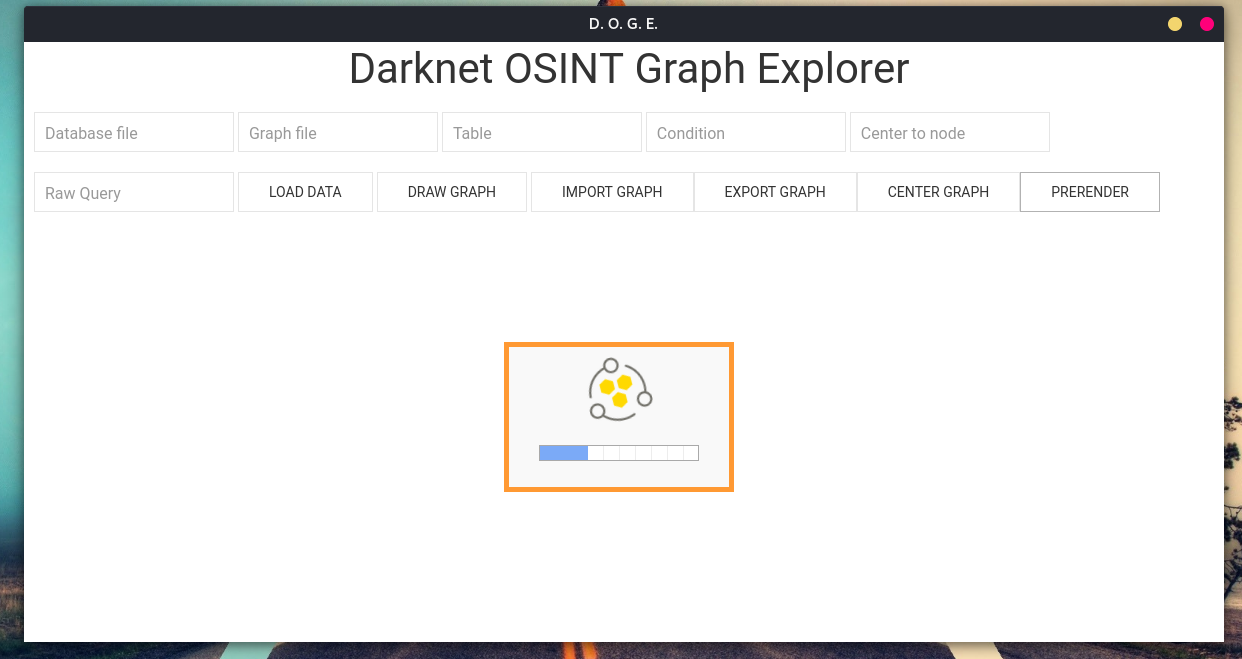
  • in the same file, lines 246 and 247.

rendering-process

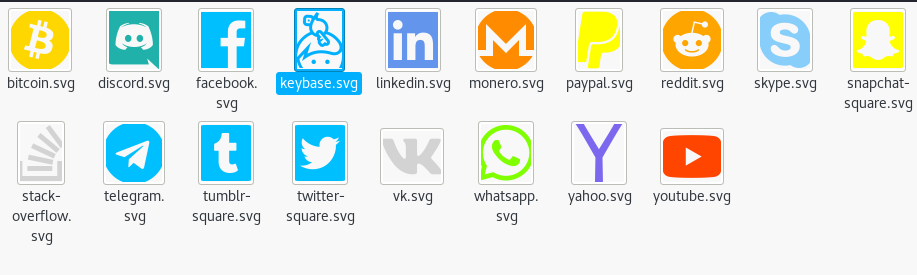
Custom icons

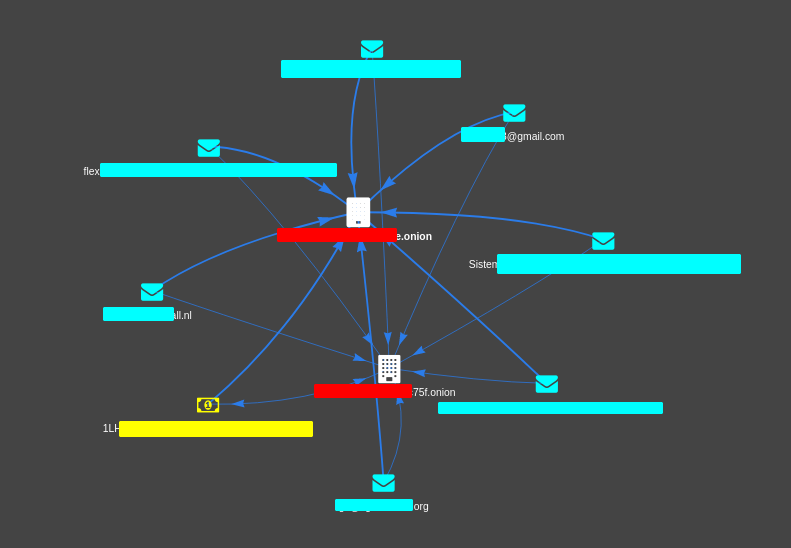
Every icon comes from Font Awesome, I just changed colors. icons icons2
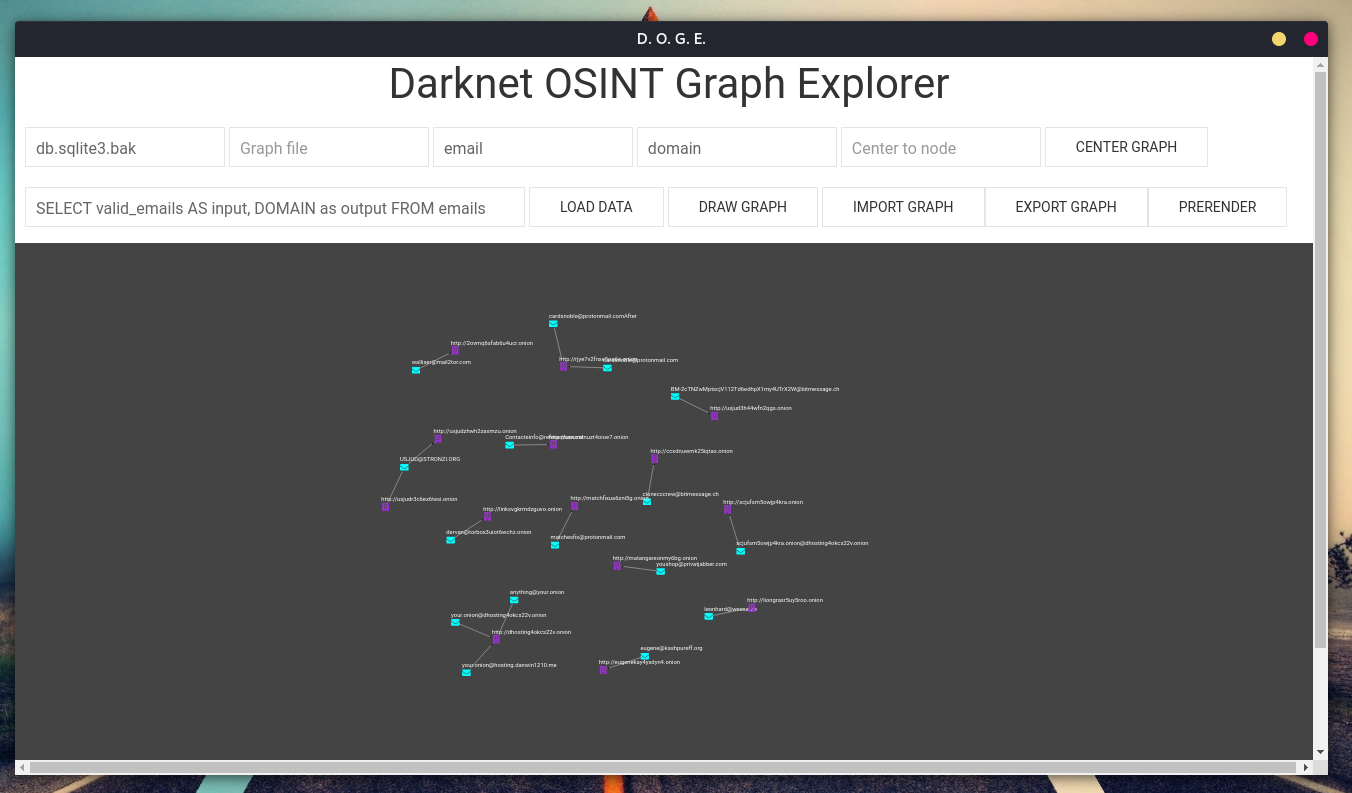
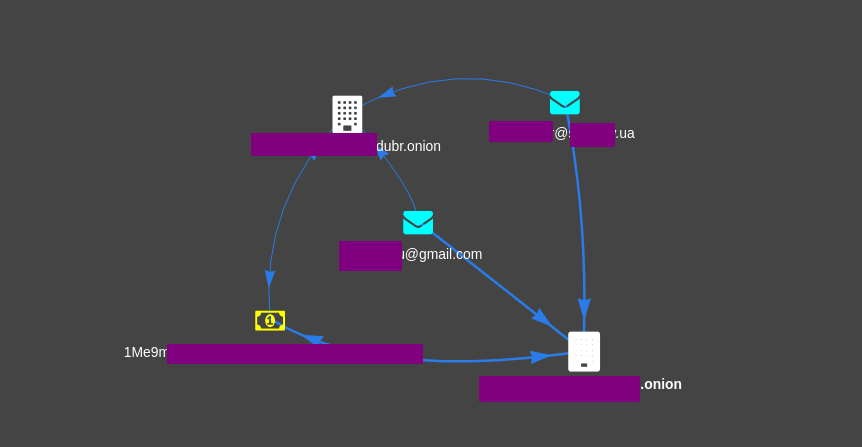
Screenshots

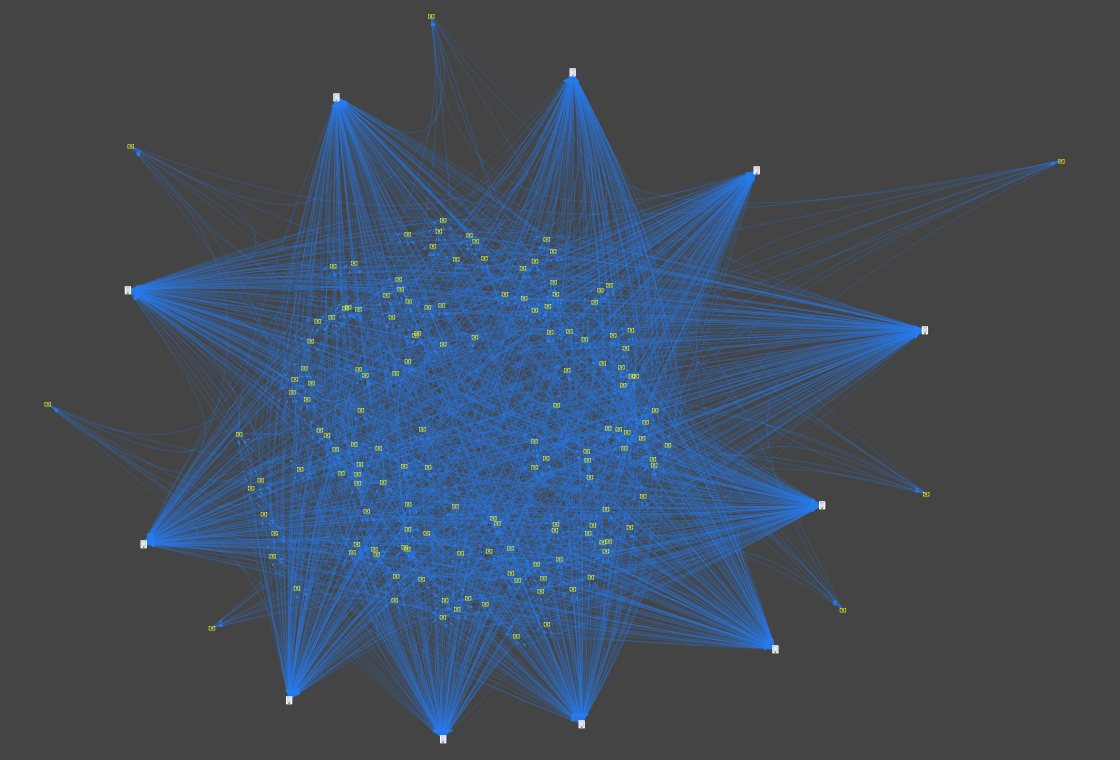
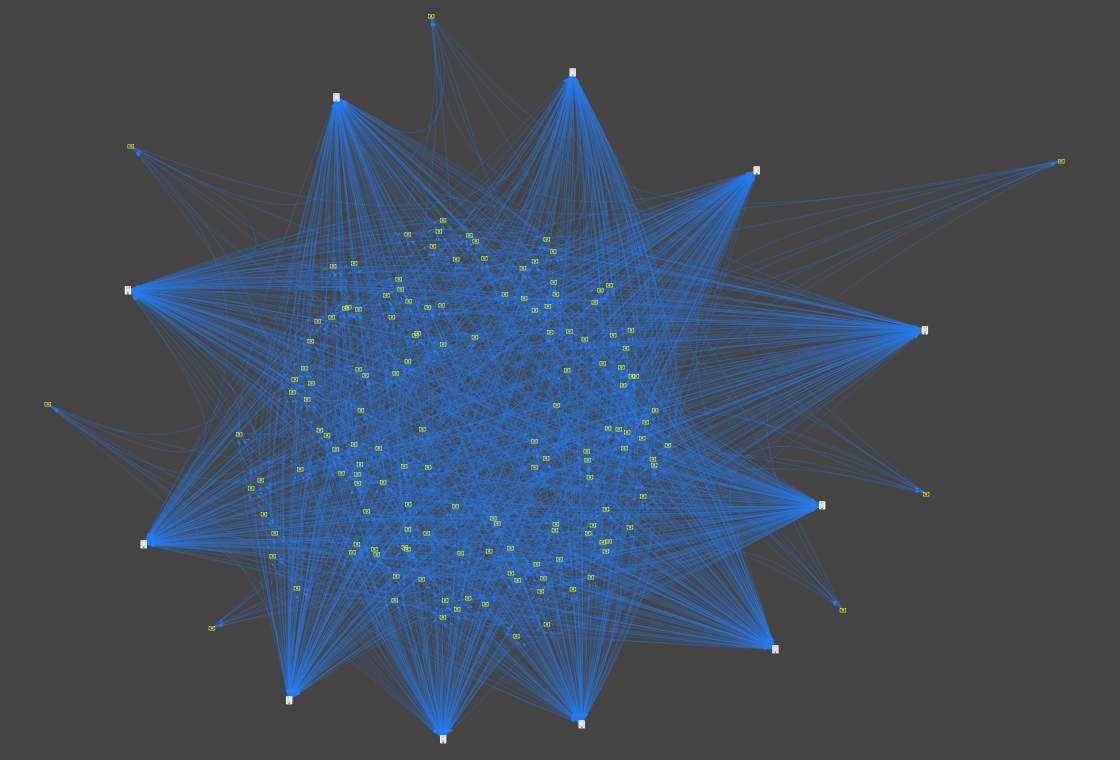
example dashboard dashboard1 dashboard2

Stay tuned.

Download Tool

Most Popular

View all →

Discover the most used tools by our community.

  • 1

    OsintHunter

    letox4/osinthunter

    🎯 The ultimate OSINT toolkit: investigation graph, confidence scoring, alias families, map, timeline and reports. 49 modules, 400+ sites, no API keys required.

    871
  • 2

    ghostlock-app

    yukonga/ghostlock-app

    GhostLock One-Tap Execution App (CVE-2026-43499)

    548
  • 3

    ARTEX

    baarai/artex

    LLM multi-agent autonomous penetration testing platform with planner/worker agents, asset and exploration graphs, MITM traffic recording, and vulnerability retesting.

    383
  • 4

    redforge

    cybersecurity91/redforge

    Browser-side red team toolkit with 102 offline tools for recon, payload generation, credential attacks, crypto, encoding and engagement reporting.

    361
  • 5

    looking-glass

    anonghosty/looking-glass

    CSIRT platform that ingests Shadowserver reports into MongoDB and replays them as interactive maps, analysis, findings, advisories and executive dashboards.

    305
  • 6

    CyberStrikeAI

    ed1s0nz/cyberstrikeai

    The system of action for AI-native cybersecurity—where intent becomes governed execution, evidence becomes operational memory, and every operation improves the next.

    280

Explore all tools

Browse our collection of tools

View all tools →