
Skip to content
KitploitKITPLOIT
工具漏洞利用博客
Log in
提交
工具漏洞利用博客
提交

黑客、渗透测试和网络安全工具,武装您的安全武器库!

Kitploit 是一个黑客、网络安全和渗透测试工具的目录。发现最新的项目更新,查找漏洞、分析系统、自动化测试并加强你的安全。

订阅源联系隐私© 2026 Kitploit

工具目录

分类

查看所有分类
Loading categories
AperiSolve — Automated steganalysis platform that detects hidden data in images using 16 parallel analyzers, bit-layer visualization, and an in-app wiki for CTF and forensic investigations. | Kitploit
工具/GitHubGitHub/zeecka/aperisolve
ForensicsSteganographyCryptographyCTFLearning & Education
GitHubzeecka/aperisolve

AperiSolve

Automated steganalysis platform that detects hidden data in images using 16 parallel analyzers, bit-layer visualization, and an in-app wiki for CTF and forensic investigations.

查看仓库
8341012041天前Kitploit 审核通过
分享
网站
内容在请求的语言中不可用。显示英文版本。

Aperi'Solve

Website CI Lint Docker Python Version Ruff uv ty License GitHub Issues GitHub Pull Requests Last Commit Contributors Rawsec's CyberSecurity Inventory

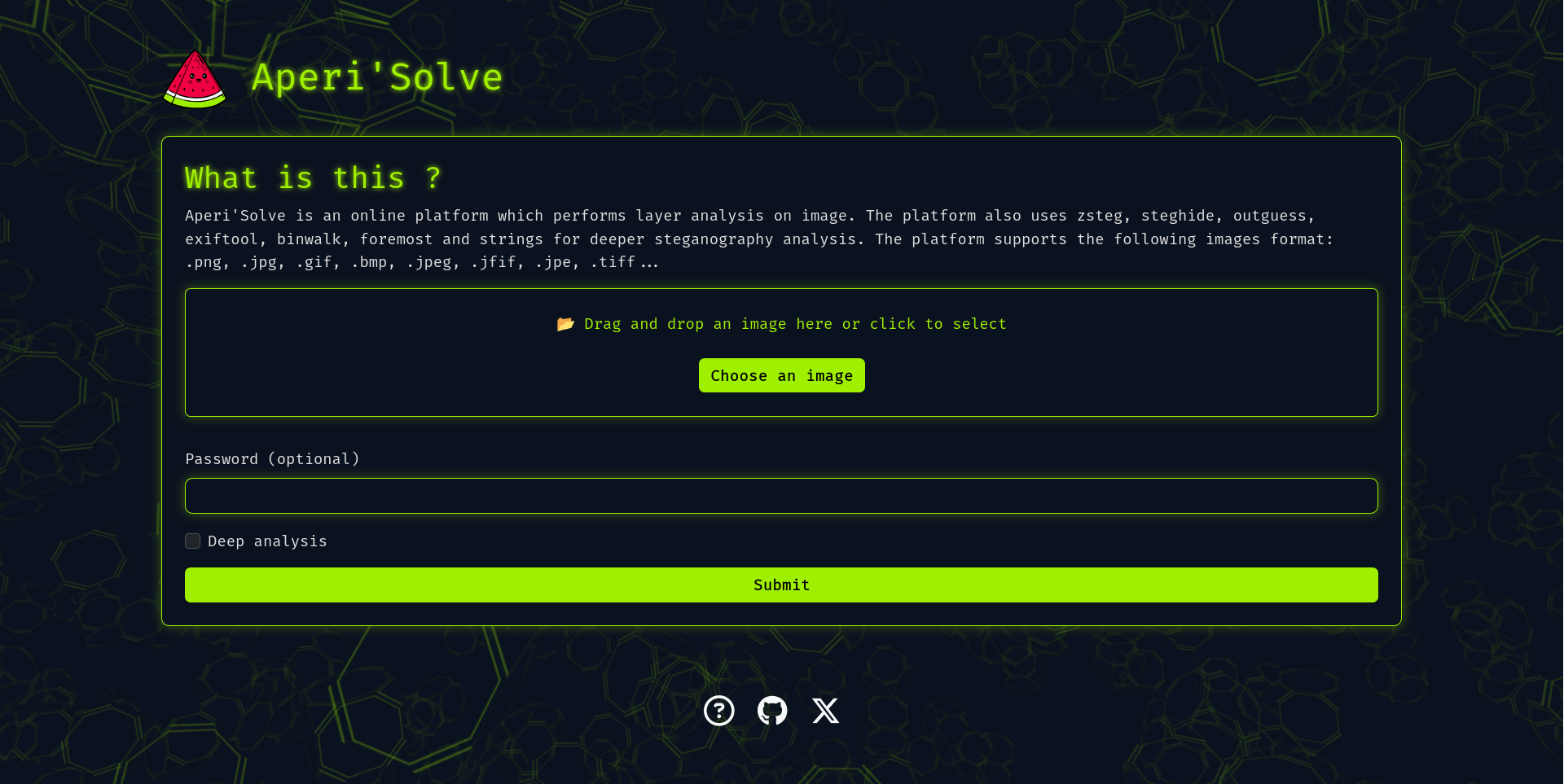
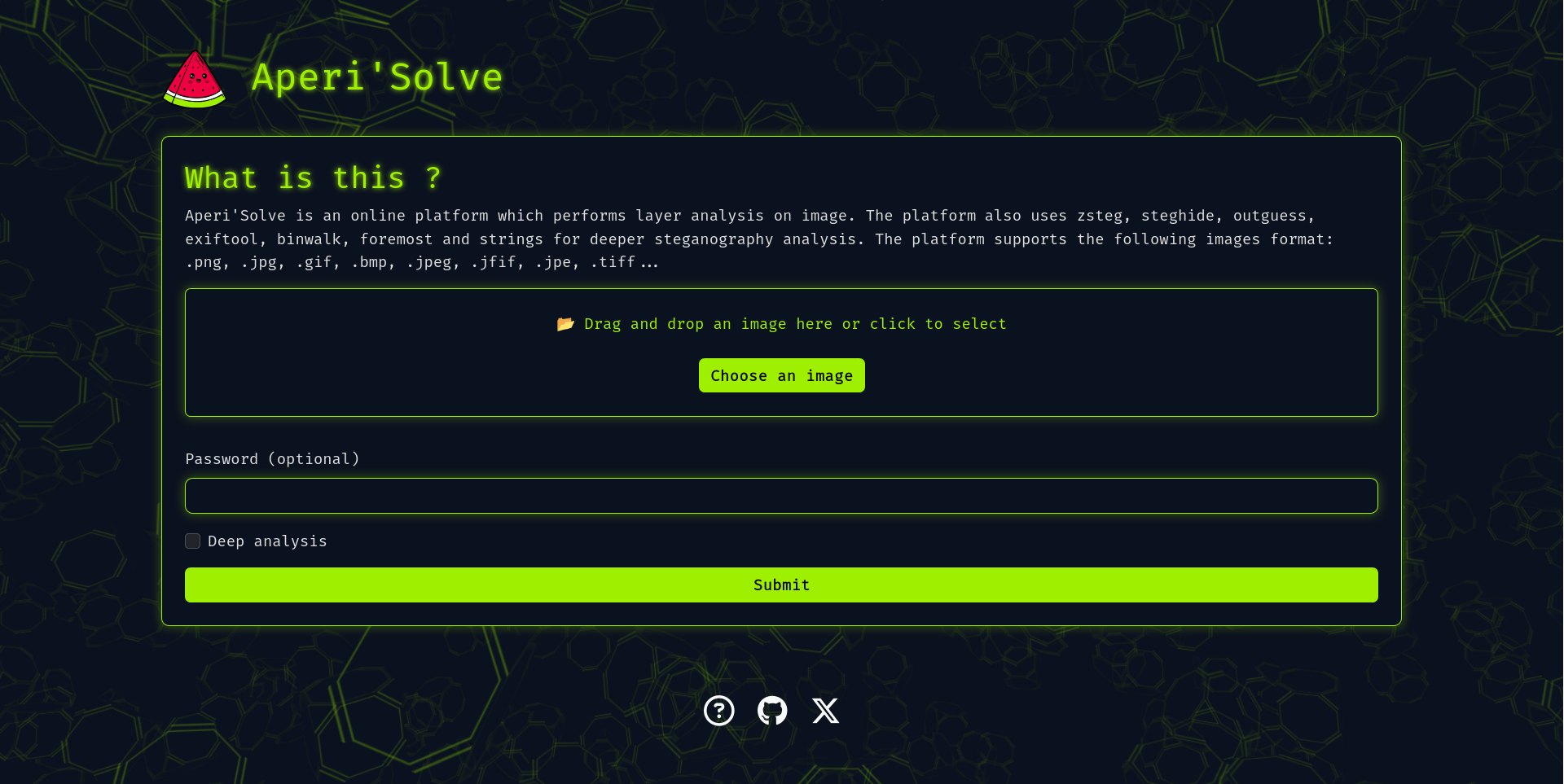
Aperi'Solve screenshot

Try it now: https://www.aperisolve.com

Support Aperi'Solve:

Sponsor Aperi'Solve on GitHub

Aperi'Solve is an open-source steganalysis web platform that performs automated analysis on images to detect and extract hidden data using common steganography tools and techniques.

Key features

  • Visualize each bit layer (LSB and other layers) per image channel (R/G/B/Alpha).
  • Color remapping (random palette remaps with 8 generated variants)
  • Runs 16 analyzers in parallel and displays their output, with per-tool success/no-result badges and one-click download of extracted files:
    • binwalk (embedded archives)
    • exiftool (metadata and geolocation)
    • file (MIME type and format detection)
    • GraphicsMagick identify (image info & properties)
    • foremost (carved files)
    • jsteg (JPEG LSB extraction)
    • jpseek / jphide (JPEG steganography extraction, with password)
    • openstego (extraction with password)
    • outguess (extraction with password, deep analysis)
    • pcrt (PNG check & repair)
    • pngcheck
    • steghide (extraction with password)
    • stegoveritas (image transforms on deep analysis, frames of animated GIF/APNG)
    • strings
    • zsteg (LSB text/data extraction)
  • In-app wiki (/wiki): a HackTricks-style steganography handbook — a triage methodology, a decision-tree cheatsheet, technique pages per medium (image, audio, text, files), and a guide per analyzer, all authored as Markdown.
  • Internationalization: UI available in English, French, Spanish, German, Russian, Chinese and Portuguese under language-prefixed URLs (/fr/, /es/, …).
  • "Ask AI" panel on the result page: send the analysis results and images straight from your browser to your own LLM provider (bring your own key) for a verdict on what is hidden and what to try next. Two checkboxes pick what the model gets: the images (on by default) and a text matrix of every image's pixel values (off by default; native resolution, so text-only models can read LSB data too). The matrix comes from the browser's image decoder: it is exact for opaque pixels of a PNG/BMP/GIF, but a semi-transparent pixel can be off by one in a colour channel (the canvas stores premultiplied alpha), the RGB under a fully transparent pixel reads 0, and JPEG depends on the decoder.
  • MCP server at https://www.aperisolve.com/mcp (docs/mcp.md): lets Claude, Cursor or any MCP client upload a file and read its analysis.
  • Worker queue architecture for offloading heavy/slow analyzers (Redis + background workers).
  • Content-addressed result cache, HTTP caching, and per-endpoint rate limiting.
  • Results stored temporarily for later browsing and download, then cleaned up automatically by a scheduled job.

Adding an analyzer

Adding an analyzer is a single file: subclass SubprocessAnalyzer, set a few class attributes (name, has_archive, needs_password, deep_only, display_order), and install the tool in the Dockerfile. The worker run list, download allow-list, and frontend order are all derived automatically. See docs/adding-analyzer.md.

Quick start (Docker)

In case you want to host your own version of https://www.aperisolve.com/.

Required: Docker + Docker Compose.

git clone https://github.com/Zeecka/AperiSolve.git
cd AperiSolve
cp .env.example .env
docker compose up -d

Then browse url: http://localhost:5000/

Ads and analytics are disabled by default; every integration (CUSTOM_EXTERNAL_SCRIPT, GOOGLE_ADS_TXT, SITE_BASE_URL, Sentry) is opt-in via environment variables documented in .env.example. The app never injects ad markup itself: CUSTOM_EXTERNAL_SCRIPT loads the AdSense script and placement is left to Auto ads.

Architecture

The stack runs as Docker Compose services:

  • web — Flask app served by gunicorn (Jinja templates + vanilla JS frontend).
  • worker — an RQ worker that runs the analyzers for each submission, fanning out to one thread per tool.
  • cron — an RQ cron scheduler that runs the retention cleanup off the request path.
  • initdb — a one-shot service that creates the tables and pre-fills the IHDR CRC recovery database.
  • postgres — stores image metadata and submission status.
  • redis — RQ broker (DB 0) and rate-limiter storage (DB 1).
  • rqdashboard — queue monitoring, bound to localhost:9181.

This separation keeps heavy tools (binwalk, foremost, zsteg, etc.) isolated and avoids blocking the web worker. Identical submissions are deduplicated by a content hash, and derived images are cached with long-lived immutable HTTP headers, so repeat traffic is cheap.

Documentation

  • docs/adding-analyzer.md — add a new analyzer.
  • docs/deploy.md — the tag-driven production deploy flow.
  • docs/mcp.md — the MCP endpoint: client setup, tool reference, quotas.
  • CONTRIBUTING.md — dev setup, tests, wiki pages, and translations.

Testing

uv sync --extra dev
uv run pytest -q            # unit tests (no services needed)

# end-to-end analyzer tests through the running app:
docker compose -f compose.dev.yml up -d
uv run pytest tests/test_webapp_analyzers.py -v

Roadmap

See Issues.

Contributing

See CONTRIBUTING.md.

Security

下载工具

最受欢迎

查看全部 →

发现我们社区最常用的工具。

  • 1

    OsintHunter

    letox4/osinthunter

    🎯 终极 OSINT 工具包:调查图谱、置信度评分、别名家族、地图、时间线和报告。49 个模块、400+ 个站点,无需 API 密钥。

    911
  • 2

    ghostlock-app

    yukonga/ghostlock-app

    GhostLock 一键执行应用(CVE-2026-43499)

    548
  • 3

    redforge

    cybersecurity91/redforge

    浏览器端红队工具包,包含 102 个离线工具,用于侦察、载荷生成、凭据攻击、加密、编码和交战报告。

    366
  • 4

    ARTEX

    baarai/artex

    基于LLM的多智能体自主渗透测试平台,具备规划器/执行器智能体、资产与探索图谱、MITM流量记录以及漏洞复测功能。

    362
  • 5

    looking-glass

    anonghosty/looking-glass

    CSIRT 平台,可将 Shadowserver 报告导入 MongoDB,并将其重放为交互式地图、分析、发现、公告和高管仪表板。

    311
  • 6

    CyberStrikeAI

    ed1s0nz/cyberstrikeai

    AI原生网络安全的行动系统——在这里,意图转化为受治理的执行,证据沉淀为运营记忆,每一次操作都让下一次更出色。

    287

探索所有工具

浏览我们的工具集合

查看所有工具 →