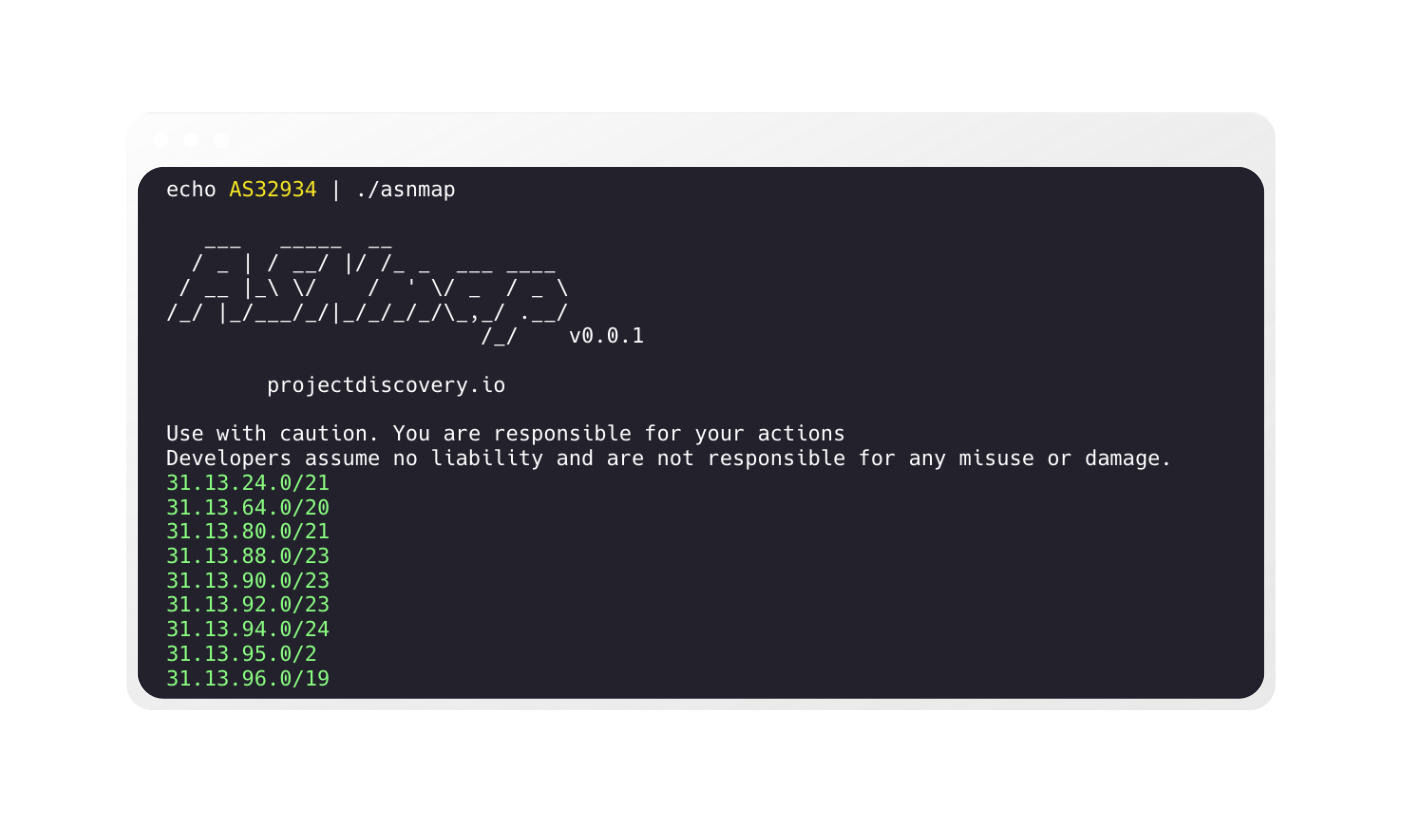
功能特性 • 安装 • 用法 • 运行 asnmap • 加入 Discord
asnmap 需要 Go 1.26.10 才能成功安装。安装时,只需运行以下命令,或从 release 页面 下载预编译的二进制文件。
go install github.com/projectdiscovery/asnmap/cmd/asnmap@latest
asnmap -h
这将显示该工具的帮助信息。以下是它支持的所有标志。
Usage:
  ./asnmap [flags]

Flags:
INPUT:
   -a, -asn string[]     target asn to lookup, example: -a AS5650, -a 5650
   -i, -ip string[]      target ip to lookup, example: -i 100.19.12.21, -i 2a10:ad40::
   -d, -domain string[]  target domain to lookup, example: -d google.com, -d facebook.com
   -org string[]         target organization to lookup, example: -org GOOGLE
   -f, -file string[]    targets to lookup from file

CONFIGURATIONS:
   -auth                    configure ProjectDiscovery Cloud Platform (PDCP) api key (default true)
   -config string           path to the asnmap configuration file
   -r, -resolvers string[]  list of resolvers to use
   -p, -proxy string[]      list of proxy to use (comma separated or file input)
   -t, -threads int         number of concurrent lookups (default 10)

UPDATE:
   -up, -update                 update asnmap to latest version
   -duc, -disable-update-check  disable automatic asnmap update check

OUTPUT:
   -o, -output string  file to write output to
   -j, -json           display json format output
   -c, -csv            display csv format output
   -v6                 display ipv6 cidr ranges in cli output
   -v, -verbose        display verbose output
   -silent             display silent output
   -version            show version of the project
ASNMap CLI 构建于 ASNMap API 之上,该 API 需要来自 ProjectDiscovery Cloud Platform 的 API Token,可通过环境变量或如下所示的交互式 -auth 选项进行配置。
export PDCP_API_KEY=*************
asnmap -auth


   ___   _____  __
  / _ | / __/ |/ /_ _  ___ ____
 / __ |_\ \/    /  ' \/ _  / _ \
/_/ |_/___/_/|_/_/_/_/\_,_/ .__/
                         /_/

    projectdiscovery.io

[INF] Get your free api key by signing up at https://cloud.projectdiscovery.io
[*] Enter PDCP API Key (exit to abort): *************
[INF] Successfully logged in as (@user)
asnmap 支持多种输入,包括 ASN、IP、DNS 和 ORG 名称,用于查询 ASN/CIDR 信息。
| 输入 | ASN | DNS | IP | ORG |
|---|---|---|---|---|
| 示例 | AS14421 | example.com | 93.184.216.34 | GOOGLE |
输入可以通过特定选项提供,也可以通过 STDIN 提供,STDIN 接受所有支持的格式。所有选项均支持单个、多个(逗号分隔)和文件输入。
echo GOOGLE | ./asnmap -silent
asnmap 的示例输入:
asnmap -a AS45596 -silent
asnmap -i 100.19.12.21 -silent
asnmap -d hackerone.com -silent
asnmap -org GOOGLE -silent
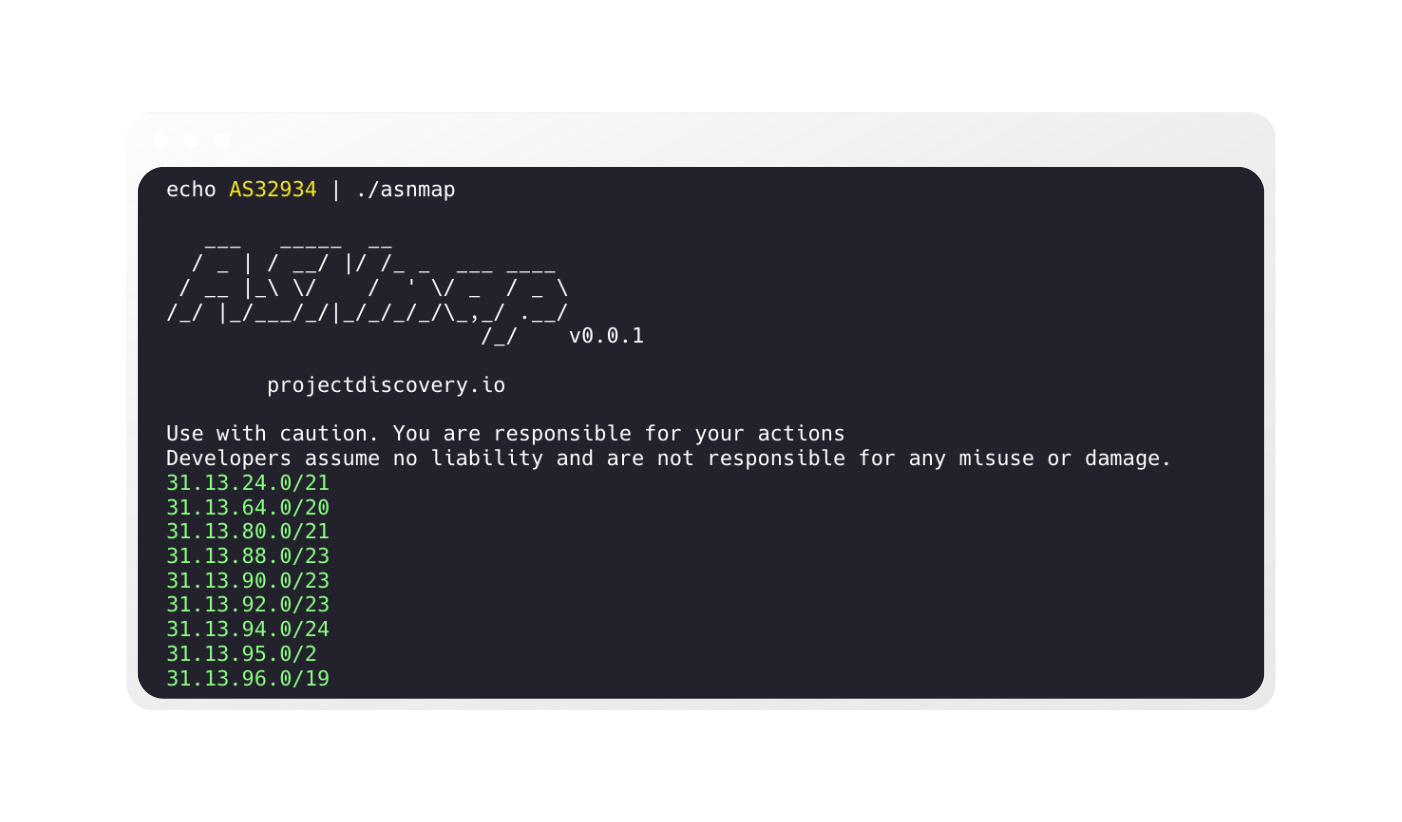
asnmap 默认返回给定输入的 CIDR 范围。
echo GOOGLE | ./asnmap

   ___   _____  __
  / _ | / __/ |/ /_ _  ___ ____
 / __ |_\ \/    /  ' \/ _  / _ \
/_/ |_/___/_/|_/_/_/_/\_,_/ .__/
                         /_/    v0.0.1
		projectdiscovery.io

Use with caution. You are responsible for your actions
Developers assume no liability and are not responsible for any misuse or damage.

8.8.4.0/24
8.8.8.0/24
8.35.200.0/21
34.3.3.0/24
34.4.4.0/24
34.96.0.0/20
34.96.32.0/19
34.96.64.0/18
34.98.64.0/18
34.98.136.0/21
34.98.144.0/21
asnmap 默认显示 CIDR 范围,并且所有信息始终以 JSON 格式提供,对于自动化和后处理,使用 -json 输出是最方便的选择。
echo hackerone.com | ./asnmap -json -silent | jq
{
  "timestamp": "2022-09-19 12:14:33.267339314 +0530 IST",
  "input": "hackerone.com",
  "as_number": "AS13335",
  "as_name": "CLOUDFLARENET",
  "as_country": "US",
  "as_range": [
    "104.16.0.0/14",
    "104.20.0.0/16",
    "104.21.0.0/17"
  ]
}
{
  "timestamp": "2022-09-19 12:14:33.457401266 +0530 IST",
  "input": "hackerone.com",
  "as_number": "AS13335",
  "as_name": "CLOUDFLARENET",
  "as_country": "US",
  "as_range": [
    "2606:4700:8390::/44"
  ]
}
asnmap 还支持 csv 格式输出,其包含的信息与 JSON 输出相同
echo hackerone.com | ./asnmap -csv -silent
timestamp|input|as_number|as_name|as_country|as_range
2022-09-19 12:15:04.906664007 +0530 IST|hackerone.com|AS13335|CLOUDFLARENET|US|104.16.0.0/14,104.20.0.0/16,104.21.0.0/17
2022-09-19 12:15:05.201328136 +0530 IST|hackerone.com|AS13335|CLOUDFLARENET|US|2606:4700:9760::/44
asnmap 的输出可以直接通过管道传递给其他接受 stdin 作为输入的工作流项目,例如:
echo AS54115 | asnmap | tlsxecho AS54115 | asnmap | dnsx -ptrecho AS54115 | asnmap | naabu -p 443echo AS54115 | asnmap | naabu -p 443 | httpxecho AS54115 | asnmap | naabu -p 443 | httpx | nuclei -id tech-detect在 Go 代码中使用 asnmap 的示例位于 examples 文件夹中。
asnmap 由 projectdiscovery 团队用 ❤️ 打造,并在 MIT License 下分发。